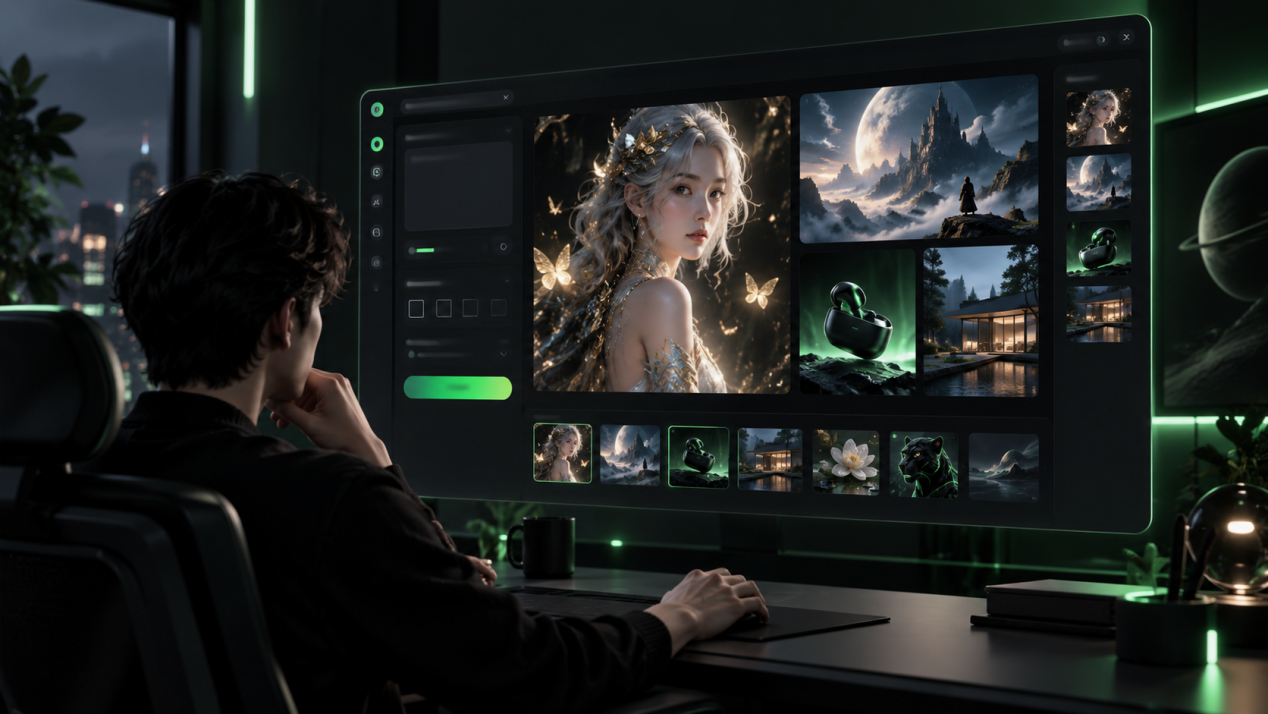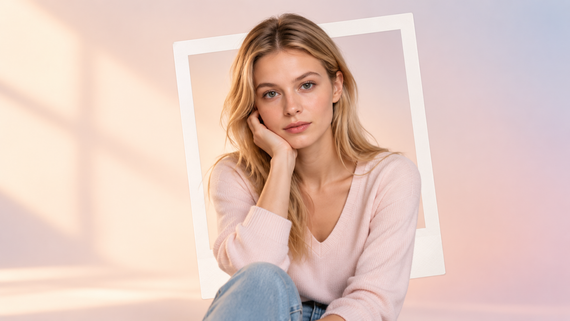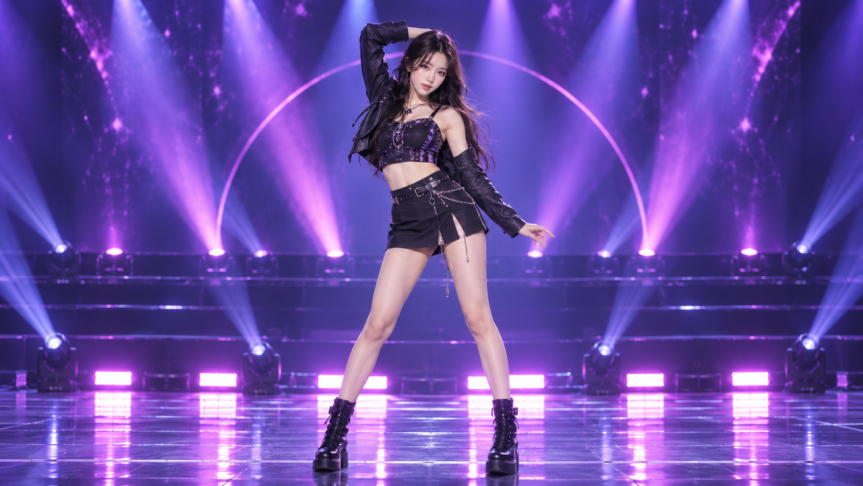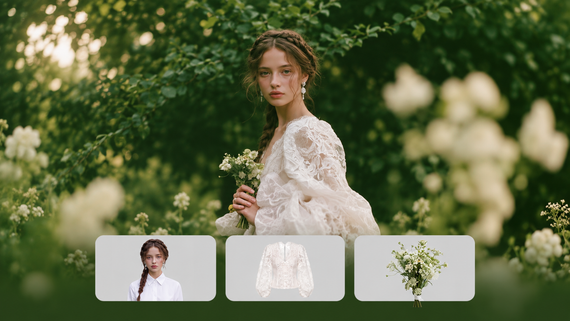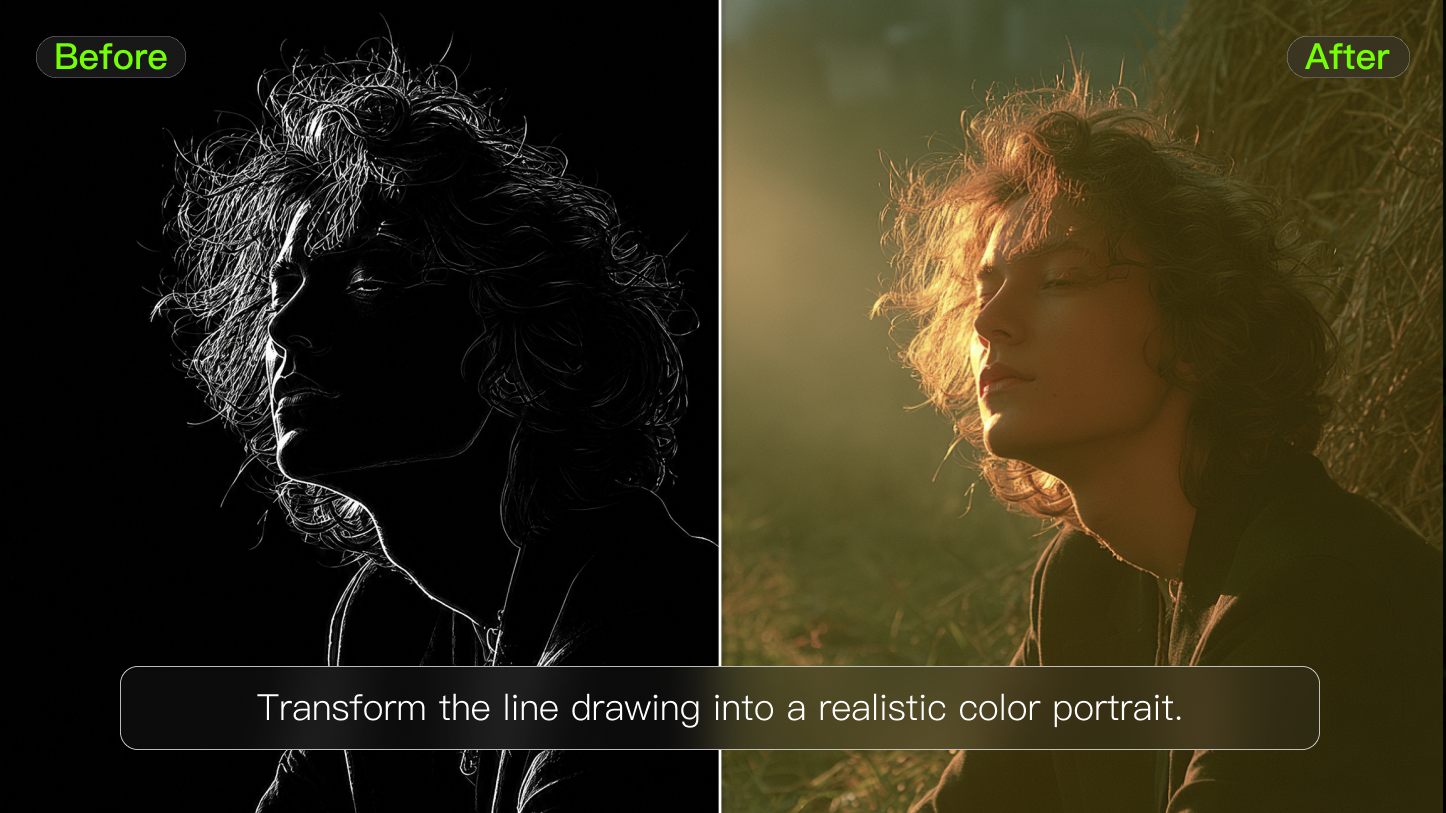
AI art usually means more than typing a sentence and getting a picture. It includes directing visual ideas, using references, editing details, choosing styles, and judging whether the final image actually fits the purpose. The creative decision still belongs to the person using the tool.
What Is AI Art?
AI art refers to images created, transformed, or edited using artificial intelligence. Depending on the tool and workflow, the image may be generated from a written prompt, guided by one or more reference images, or modified through instructions such as changing the background, replacing an object, adjusting the lighting, or extending the composition.
AI art can include:
● Illustrations generated from text prompts
● Images animated or transformed from references
● Product backgrounds and advertising concepts
● Character and environment designs
● Posters, thumbnails, and social graphics
● Edited images with changed colors, objects, or settings
● Connected image series with shared subjects or visual direction
AI art is broader than entering one sentence and accepting the first result. Most useful workflows involve several rounds of direction, generation, selection, and editing.
AI-Generated Art and AI-Assisted Art
AI-generated art is created largely from a prompt or reference. The system produces a new image based on the visual request.
AI-assisted art begins with an existing image or design and uses AI to modify part of it. This may include removing an object, replacing a background, extending the canvas, changing clothing, adjusting materials, or creating controlled variations.
In practice, many projects combine both approaches. A creator may generate an initial concept, edit individual details, and then finish the asset in a traditional design or photo-editing tool.
How Does AI Art Generation Work?
AI image models are trained on large collections of images and related visual information. During training, they learn patterns associated with subjects, objects, environments, compositions, lighting, colors, materials, and artistic techniques.
When a user enters a prompt, the system interprets the visual concepts described in the text. It identifies elements such as the subject, setting, medium, camera angle, lighting, color palette, mood, and composition. The model then generates one or more images that attempt to match those instructions.
The workflow usually includes five stages:
1. The prompt defines the idea. The creator describes what should appear and how the image should look.
2. The model interprets the visual direction. It identifies the subject, setting, style, composition, lighting, and other requested details.
3. The system generates image options. The model creates one or more visual interpretations of the request.
4. References or edits guide the next result. The creator may upload images, adjust the prompt, or request changes to specific areas.
5. The creator selects and refines the final image. The strongest result may be edited, resized, color-corrected, or combined with other design work.
The first generated image is usually a starting point rather than a finished asset. Better results often come from refining one or two important variables at a time.
For AI art, Kling AI is a must-have when the prompt, reference, and edit intent are specific. Kling IMAGE 3.0 supports natural-language image creation, reference images, local re-editing, and up to 10 reference images. Use Kling IMAGE 3.0 Omni’s Image Series Mode for connected image sets where consistency matters.
Image | Prompt | Output |
|---|---|---|
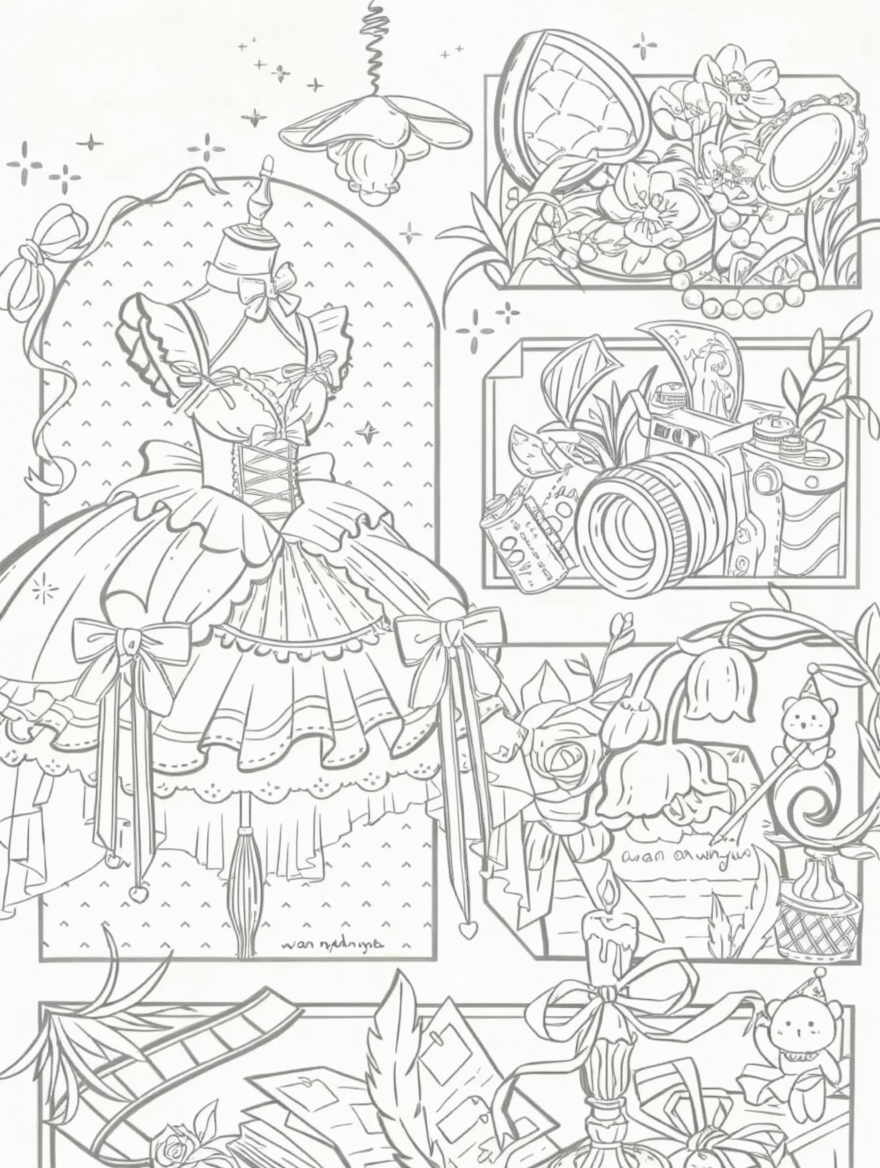 | Coloring the line art. | 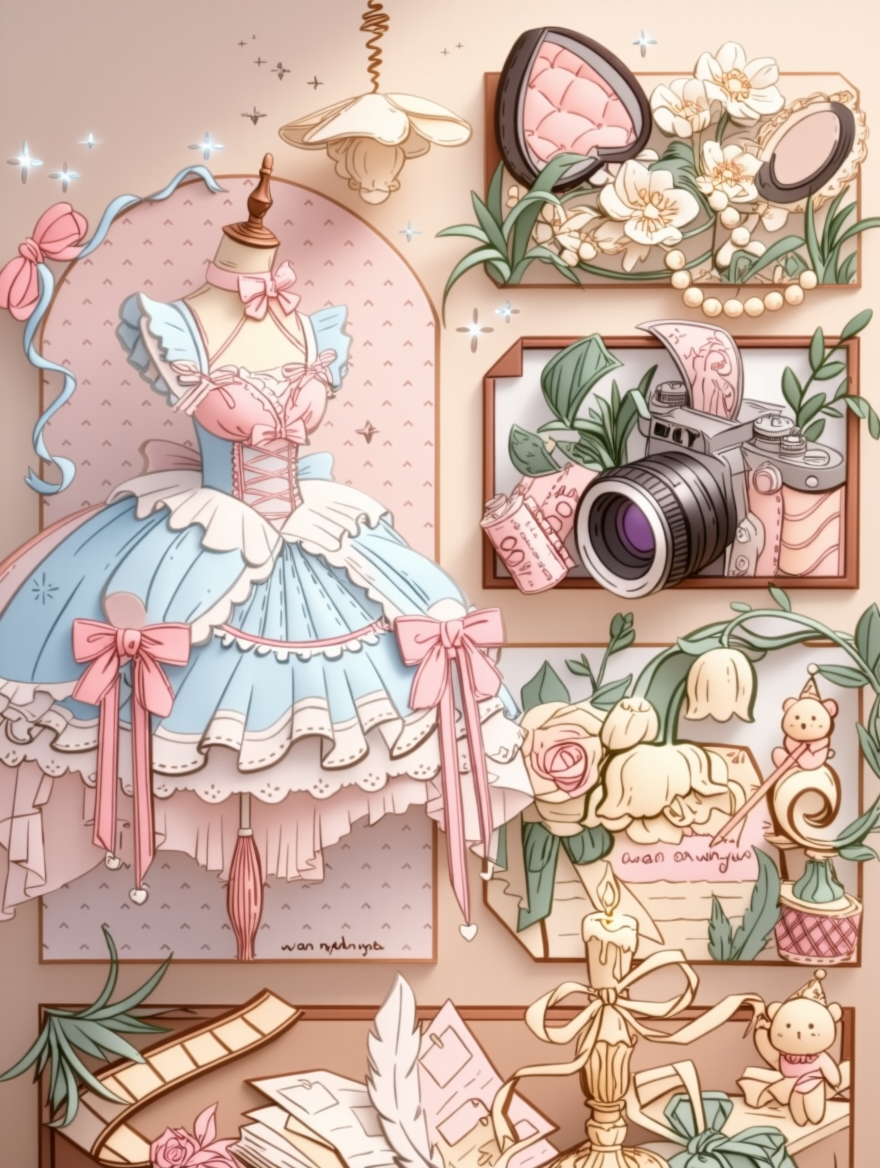 |
How to Write an AI Art Prompt
A useful AI art prompt gives the model clear visual direction. It does not need to be extremely long, but it should include the details that materially affect the image.
A practical prompt can include:
● Subject
● Action or pose
● Setting
● Medium or visual style
● Composition
● Camera angle
● Lighting
● Color palette
● Mood
● Intended use
● Constraints
Not every prompt needs every element. The goal is clarity, not maximum length.
A Simple AI Art Prompt Structure
A helpful structure is:
Subject + Action + Setting + Medium or Style + Composition + Lighting + Mood + Intended Use + Constraints
For example: A red ceramic coffee cup on a wooden café table, photographed from a three-quarter angle, soft morning window light, warm neutral colors, shallow depth of field, lifestyle advertising image, clean background, no text.
This prompt includes:
● Subject: A red ceramic coffee cup
● Setting: A wooden café table
● Composition: Three-quarter angle
● Lighting: Soft morning window light
● Color direction: Warm neutral colors
● Visual treatment: Shallow depth of field
● Use case: Lifestyle advertising
● Constraint: No text
Start With the Main Visual Decision
Begin with the subject and the image’s purpose. A product advertisement, children’s illustration, editorial graphic, game concept, and mood board require different levels of realism, detail, and composition.
Compare these two prompts:
● A modern chair in a room.
● A sculptural lounge chair in a minimalist living room, side view, soft afternoon light, warm beige palette, premium furniture campaign, realistic materials, clean composition.
The second prompt gives the model more useful direction because it explains the product, environment, lighting, visual tone, and final purpose.
Describe Visual Qualities Directly
Instead of relying only on broad words such as beautiful, cinematic, or professional, describe the qualities you want to see.
Useful details include:
● Soft diffused light
● High contrast shadows
● Muted earth tones
● Fine ink outlines
● Visible watercolor texture
● Symmetrical composition
● Low camera angle
● Clean studio background
● Minimal visual clutter
● Playful rounded shapes
Specific visual language is usually more controllable than a long list of decorative adjectives.
Add Constraints When Accuracy Matters
Constraints help explain what should remain unchanged or what should not appear.
Examples include:
● Keep the product shape unchanged
● Preserve the original background
● No text
● No extra objects
● Keep the character’s clothing consistent
● Use a centered composition
● Maintain the same color palette
● Do not change the camera angle
Constraints are especially useful in editing and reference-based workflows.
How Reference Images Guide AI Art
Reference images provide visual information that may be difficult to describe in words alone. They can help guide the appearance of a character, product, pose, material, color palette, composition, or overall art direction.
References are useful when a project needs:
● More consistent character features
● Recognizable product details
● A specific pose or camera angle
● A shared color palette
● Similar composition across several images
● Connected scenes or campaign visuals
● Controlled style variations
Reference images do not guarantee perfect consistency. The creator should still review details such as facial features, clothing, product proportions, text, logos, shadows, and materials.
Use References With a Clear Purpose
Each reference should have a defined role. One image might guide the subject, while another guides the lighting or composition.
For example:
● Reference 1: Character appearance
● Reference 2: Clothing
● Reference 3: Environment
● Reference 4: Lighting and color
● Reference 5: Camera composition
Using references without explaining their purpose may create conflicting visual signals. When possible, make clear which part of each image should influence the result.
Check the Rights to Reference Images
Use references that are appropriate for the project. For client or commercial work, confirm that you have permission to use private photos, branded materials, product images, copyrighted characters, or recognizable likenesses.
Reference images guide the generation process, but they do not automatically give the user permission to reproduce protected material.
Image | Prompt | Output |
|---|---|---|
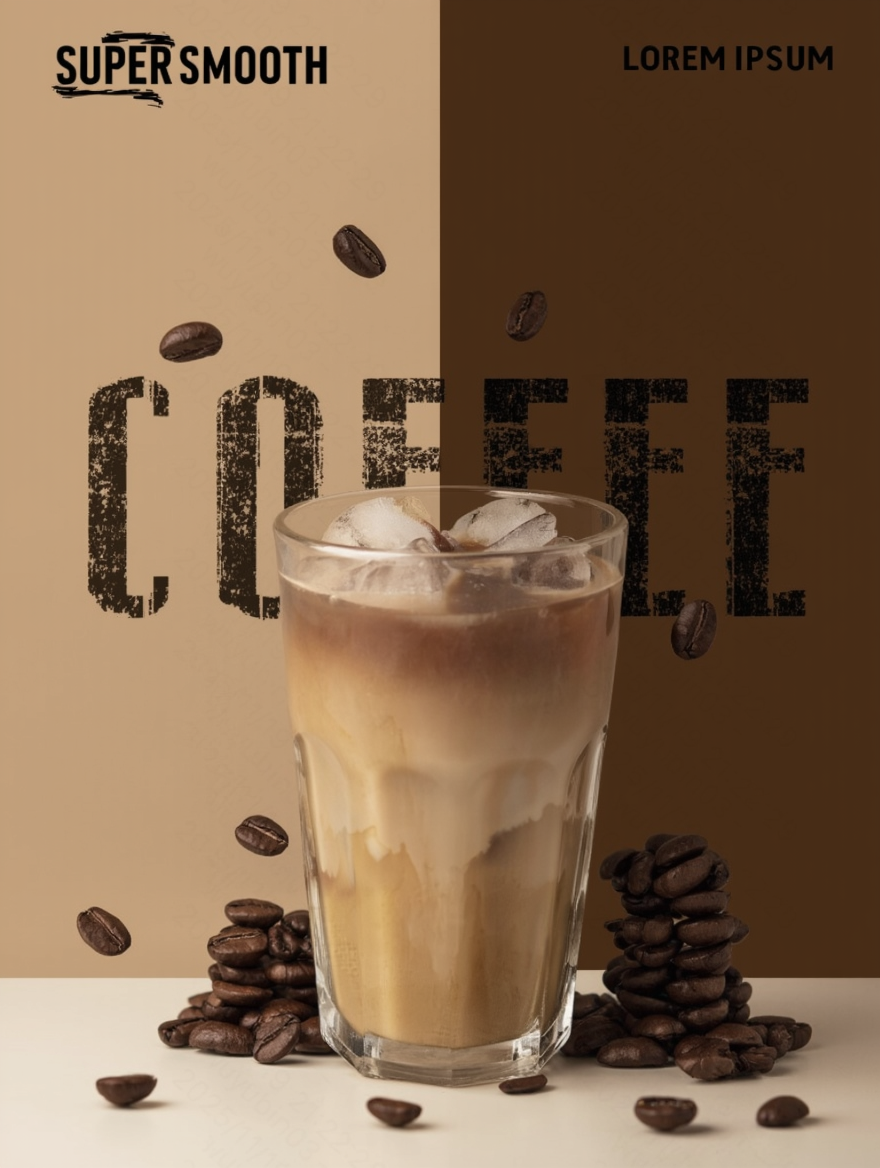
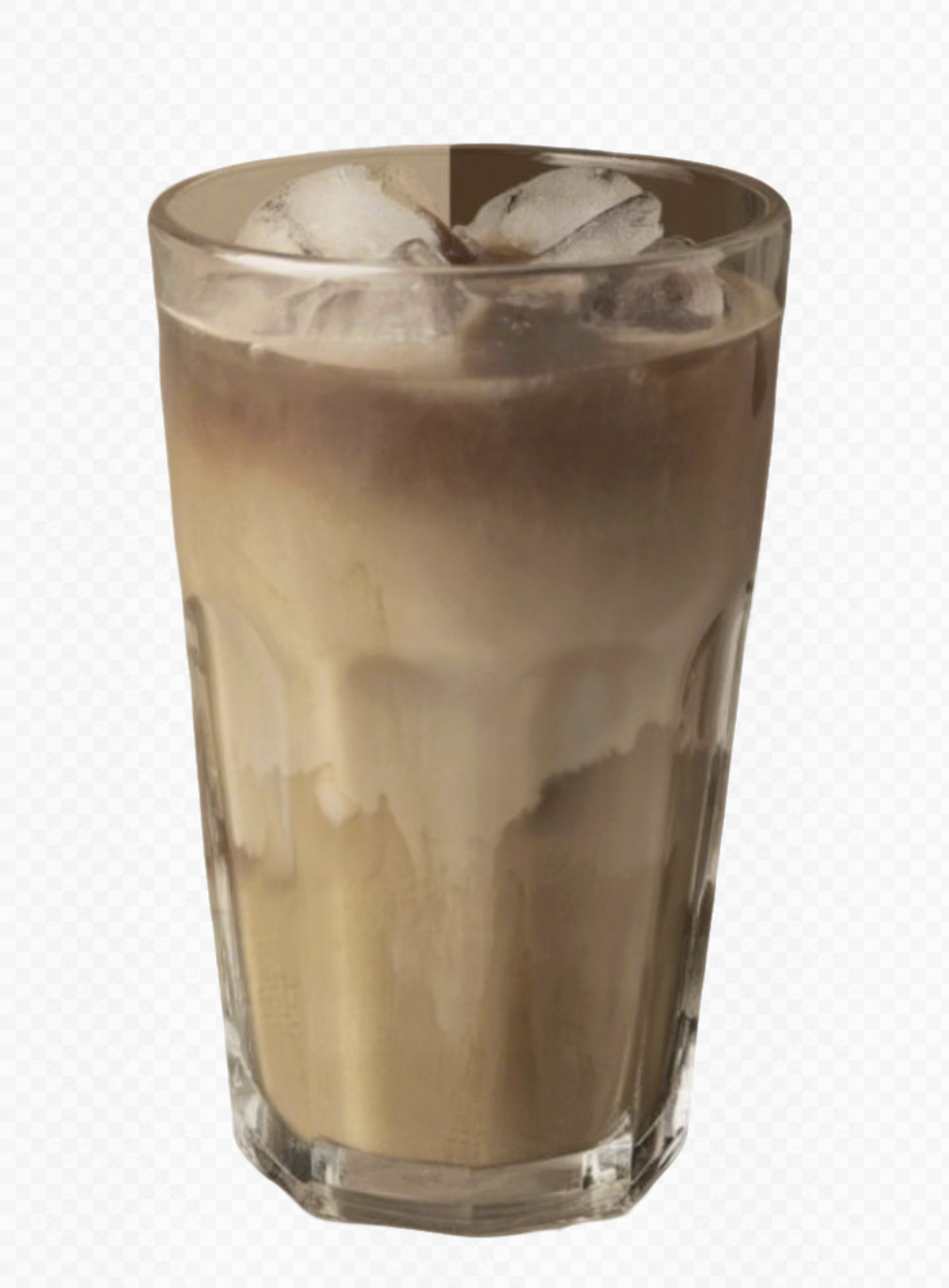 | Use the coffee in the image as the main subject, restoring the details and texture. Generate a coffee promotional poster in a high-quality commercial advertising style. The background features a left-right split gradient of light brown and dark brown. The composition focuses on the center, with a flat perspective to highlight the main beverage.
|  |
How to Choose a Visual Style
Style should support the image’s purpose rather than act as decoration.
A soft watercolor illustration may make a community poster feel approachable. A realistic studio render may communicate product materials and positioning more clearly. A bold flat illustration may work well for an educational graphic, while a rough concept sketch may be more useful during early creative development.
Before choosing a style, consider:
● Who will see the image
● Where the image will appear
● What the viewer should understand
● How realistic the image needs to be
● Whether it must match an existing brand system
● How much detail will remain visible at the final size
● What emotional tone the image should create
Match the Style to the Audience
Images designed for children, shoppers, students, business audiences, or hobbyists often require different levels of detail, realism, color, and visual complexity.
For example:
● A children’s learning image may need simple shapes and clear expressions.
● A business presentation may need restrained color and structured composition.
● A social thumbnail may need a strong focal point that remains visible on a small screen.
● A product image may need realistic materials and accurate proportions.
● A concept-art image may prioritize atmosphere and direction over final polish.
Change One Style Variable at a Time
Beginners often improve results faster by testing one variable at a time.
For example:
1. Keep the subject and composition unchanged.
2. Compare soft light with high-contrast light.
3. Compare watercolor with 3D rendering.
4. Compare a centered composition with an off-center composition.
5. Compare warm colors with cool colors.
This makes it easier to understand which instruction changed the result.
What Is AI Art Used For?
AI art is most useful when fast visual exploration helps a person or team make a decision. It can support early concepts, creative testing, communication, and production.
Use Case | Where It Fits | Quality Check |
Concept art | Characters, environments, props, and mood boards | Whether the image communicates the intended design direction |
Marketing | Campaign concepts, product backgrounds, and ad variations | Brand style, product accuracy, text, logos, and claims |
Education | Illustrations, diagrams, and handouts | Factual accuracy, labels, readability, and age suitability |
Social media | Posts, banners, covers, and thumbnails | Mobile readability, focal point, cropping, and platform format |
Image editing | Background replacement, object removal, and color changes | Lighting, perspective, edges, shadows, and scene consistency |
Pre-production | Storyboards, visual tests, and campaign directions | Whether the image helps the next creative decision |
Internal communication | Pitch visuals, prototypes, and presentation concepts | Whether the image makes the idea easier to discuss |
Start by defining what the image needs to communicate and where it will appear. That decision should guide the style, composition, format, references, and review process.
Create AI Art With Kling AI
Kling IMAGE 3.0 supports natural-language image generation, reference-based creation, local re-editing, style changes, and workflows using multiple reference images.
Creators can use references to guide subjects, products, composition, colors, and visual tone, then adjust specific parts of the image through written instructions.
For projects that require connected images, Kling IMAGE 3.0 Omni’s Image Series Mode can support image sets with shared characters, scenes, or art direction.
A practical workflow is:
1. Describe the subject and purpose.
2. Add references when visual consistency matters.
3. Generate several focused variations.
4. Review the strongest result.
5. Refine individual details instead of changing everything at once.
6. Prepare the final image for its platform or production context.
Turn a clear visual idea into an image with Kling AI, then refine the strongest result for your project.
FAQs
Is AI Art Real Art?
AI art can be part of real creative work when a person uses it with intention, taste, and responsibility. The debate often depends on how much direction, editing, and originality the creator contributes. A generated image is not automatically meaningful, but it can support design, storytelling, planning, and visual exploration.
What Can Beginners Make With AI Art?
Beginners can make mood boards, posters, concept art, social graphics, product backgrounds, character studies, classroom visuals, and personal creative experiments. Start with low-risk projects where iteration is useful. For commercial work, check rights, brand rules, disclosure expectations, and whether the image accurately represents the product or claim. That prevents AI art from turning into vague advice.
How Do Reference Images Help?
Reference images help guide identity, pose, color, product shape, style, or composition. They reduce guesswork because the system has visual material to follow. References are especially useful for consistent characters, product sets, and campaign visuals. Use images you have the right to use and review the output carefully. That makes the recommendation easier to test in practice.
What Should AI Art Prompts Include?
AI art prompts should include subject, setting, medium, lighting, composition, mood, color palette, and final use. Add constraints when accuracy matters, such as no extra text, clear product label, or consistent face. The goal is not longer wording. The goal is clearer visual direction. That keeps the result useful instead of merely polished.