You don’t need a huge following to become a UGC creator. Brands also need clear, useful content that they can share on their own channels, whether that's un boxing, a product demonstration, or a review. The real work is showing the product accurately and telling a story that fits the audience. Here’s how the role works, how you can get started, and where AI fits into the process.
What Is a UGC Creator?
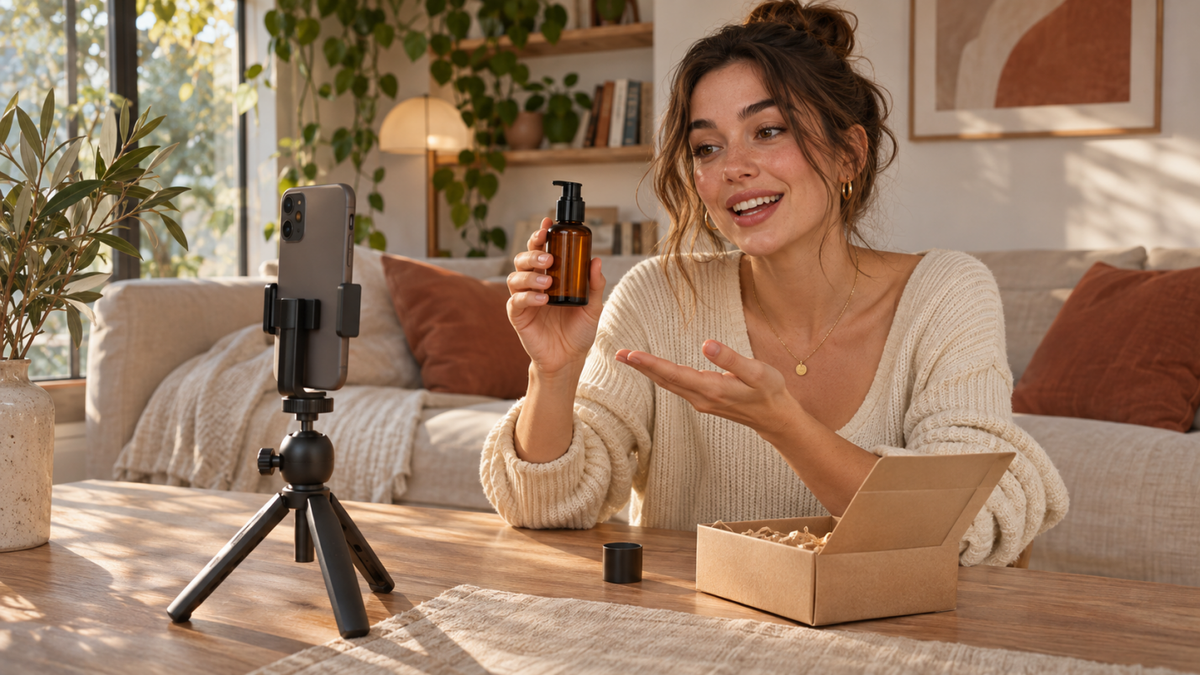
A UGC creator makes photos, videos, and other content for brands in the familiar style of everyday social posts. Think unboxings, product demos, tutorials, and lifestyle clips. Brands may use that content on their social channels, product pages, websites, or in paid ads.
User-generated content (UGC) first described posts people shared on their own. A professional UGC content creator may be commissioned to make content with a similar feel. Influencers are often hired partly for their reach, while UGC creators typically get paid for the content itself. One person can, of course, do both.
What Does a UGC Creator Do?
UGC creators handle everything from planning video concepts and filming products to editing content for different platforms. They turn brand briefs into relatable content by choosing engaging opening hooks, showing products in everyday situations, and highlighting their key benefits. They may also adapt videos for different social platforms, respond to brand feedback, and create multiple versions for a campaign.
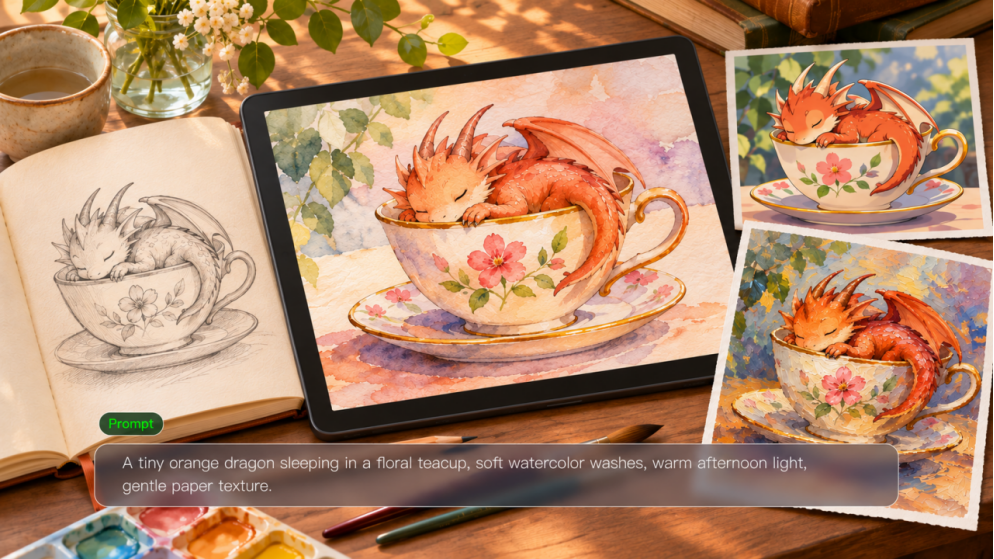
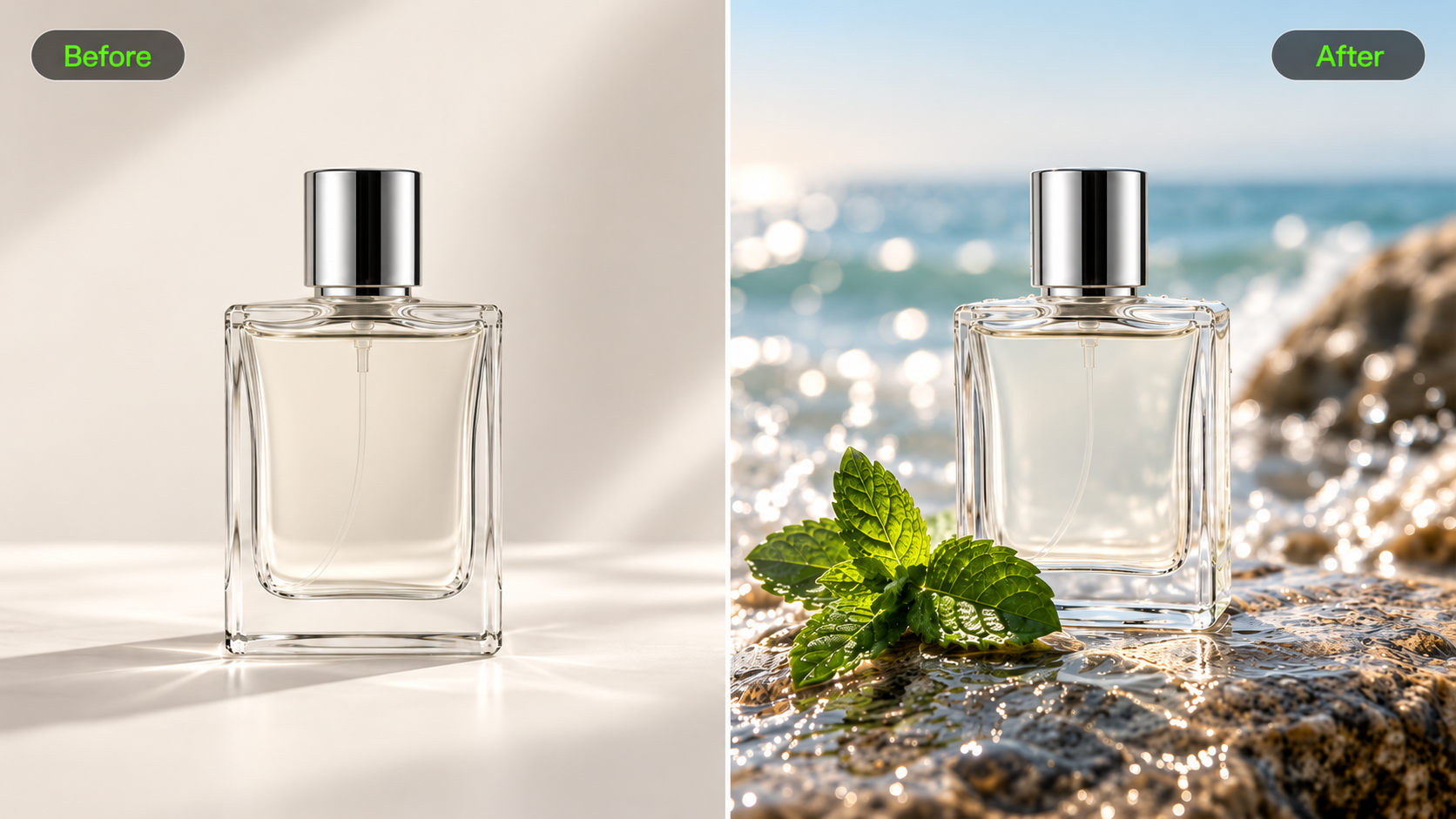
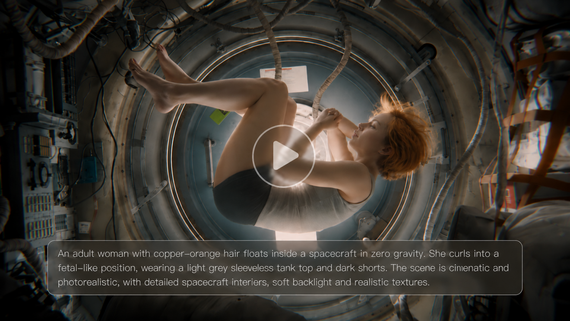
Nowadays, AI tools are also helping UGC creators generate additional visual assets and explore new ways to showcase products. At Kling AI, we offer AI-powered tools for image and video creation and editing. With Kling IMAGE 3.0 Omni, creators can generate and refine the images they need, while Kling 4.0, our latest video generation and editing model, makes video production and editing more efficient, flexible, and controllable.
Common Types of UGC Content
The content format follows the job the video needs to do. For example, explainer videos can introduce product benefits, while tutorial videos show how to use a product step by step.
Content Type | What It Includes | Example |
Unboxing | Showing a product’s packaging and contents | Unboxing wireless earbuds |
Product Demonstration | Showing how a product works | Demonstrating a coffee machine |
Tutorial | Explaining how to use a product | Showing a skincare routine |
Problem-Solution | Introducing a common problem and showing how a product addresses it | Demonstrating a desk organizer |
Lifestyle Content | Featuring a product in an everyday setting | Packing a travel bag for a weekend trip |
Skills UGC Creators Need
You can start without a filmmaking background. These are the skills that matter most when a brand is counting on your work:
- Storytelling: Explain a product’s benefits without losing the point of the story.
- Filming: Use good light and framing so viewers can see the product clearly.
- Editing: Give clips a natural pace and add captions when they’re useful.
- Communication: Read the brief closely and make changes based on feedback.
- Accuracy: Double-check product details, appearance, and claims before delivery.
You’ll use the same judgment whether you’re behind the camera or working with generated footage.
How Can AI Video Tools Support UGC Creators?
A good UGC video needs more than an interesting product. The way you frame a shot, introduce a feature, and move between scenes can change how the story comes across. When a campaign calls for several versions, creators may need additional footage, different settings, or new approaches to the same idea. AI video tools can help them explore creative concepts, generate supporting shots, and develop campaign variations without filming every scene from scratch.
The creative decisions still belong to the UGC creator: which product details to highlight, how a presenter should interact with the product, and how the story should unfold. AI can help translate these decisions into visual content using prompts and reference materials. Below, we explore how Kling 4.0 supports this process, from guiding product scenes to developing longer stories and recreating creative concepts.
Maintain Product Consistency and Creative Control with Omni Reference
A product might appear in a close-up, a presenter-led demonstration, or a wider lifestyle shot. Keeping its appearance consistent and recognizable across these scenes matters, especially when design details are part of the message. With Kling 4.0's Omni Reference, you can combine up to 15 reference assets, including images, videos, Elements, and voice references. Element binding helps maintain product and character consistency, while reference videos can guide character performances, actions, camera movements, and narrative pacing, giving you greater control over how your UGC videos look and unfold.
Even if you only have one or two images, Kling 4.0 supports image-to-video AI. Simply start with a product photo and describe how you want the scene and camera to move to create an engaging product video.

Build Longer UGC Stories with Greater Narrative Control
A UGC product video often follows a clear sequence: an opening hook, a product demonstration, and a final reveal. Kling 4.0 supports up to 30 seconds of video generation, giving creators more room to develop a complete product story instead of rushing through individual moments.
For greater narrative control, you can set up to 10 keyframe images to guide key moments, such as a product close-up, an everyday-use scene, and a final reveal. With enhanced prompt understanding, Kling 4.0 can interpret detailed instructions for character actions, scene transitions, and timing with greater precision, empowering you to think like a director and shape how the story unfolds from beginning to end.

Explore Multilingual Video Concepts
A UGC video that works in one market may need different wording, delivery, or cultural references in another. Kling 4.0 supports multilingual video generation, allowing you to guide character dialogue in different languages, accents, and dialects in supported workflows. For example, you could develop a presenter-led product video in English, then explore a Spanish-language version for another audience. Specify the language and speaking style in your prompt, and have the final dialogue checked for pronunciation, timing, and natural phrasing before publishing.
Recreate Creative Concepts for Different Products
You don’t always need to develop a new camera sequence for every product. With Kling 4.0, fashion creators can use an existing video to guide shot composition, camera movement, and pacing while introducing another product or setting to recreate creative concepts. For example, you could reference the close-ups and camera movement from a blue garment video, then use images of a different black dress to develop another showcase.
The key is to tell the model which parts of the reference video to follow and which details to replace. Use reference footage you have permission to work with, and check the finished product details before publishing.
Reference Video | Reference Image | Generated Result |
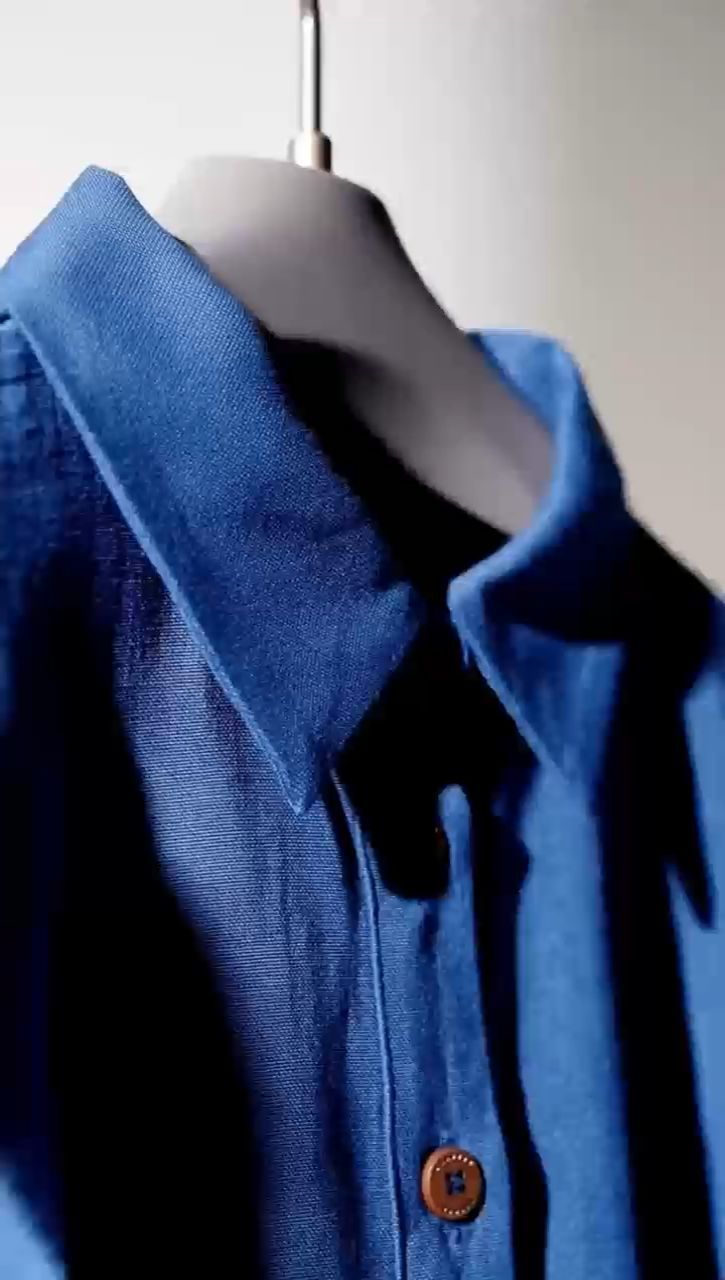 | 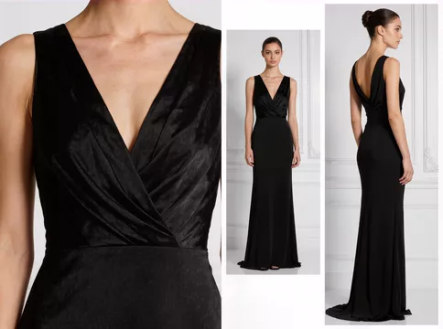 | 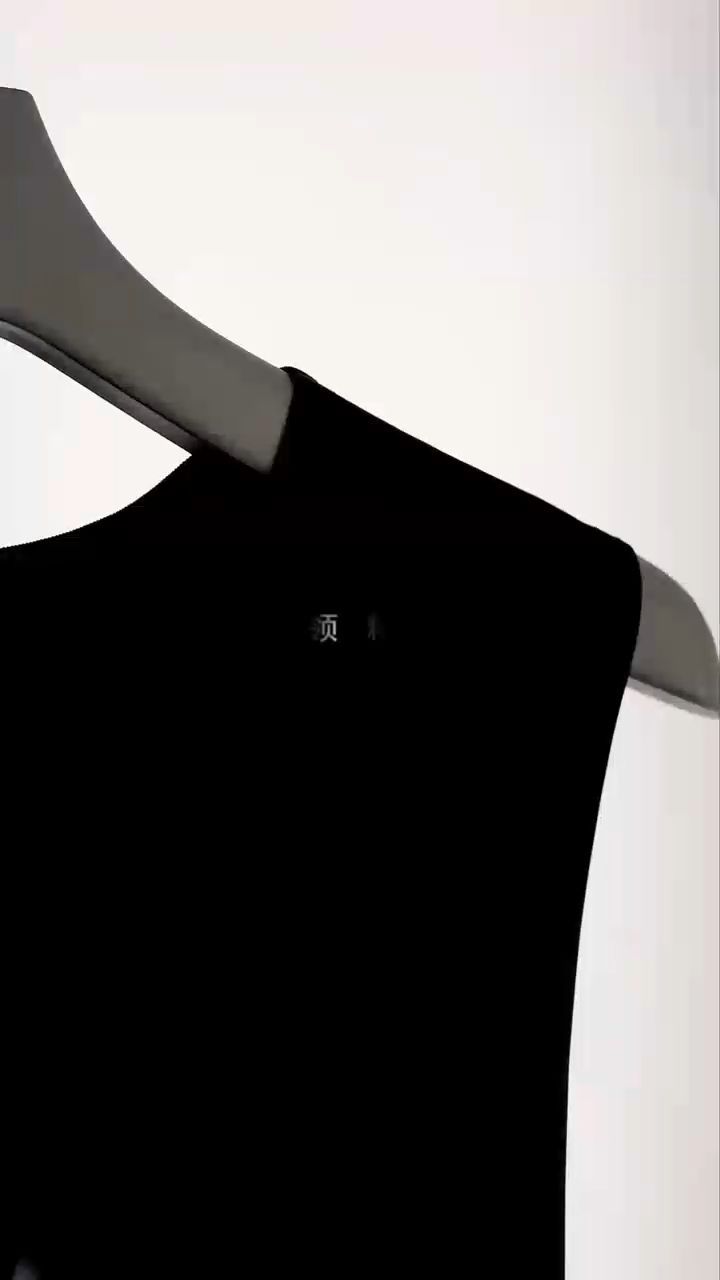 |
Prompt: Use @Video1 as the reference for camera movement, framing, pacing, and the sequence of product shots. Replace the blue garment with the black dress shown in @Image1. Preserve the black dress’s original silhouette, fabric texture, neckline, and design details. Recreate the clothing showcase with similar close-ups and smooth camera movements, keeping the black dress as the main focus throughout the video. | ||
How to Become a UGC Creator: A Step-by-Step Guide
You can get started before anyone hires you. Film products you know, save your strongest examples, and look for brands whose work suits your interests.
Step 1. Choose a Niche
Choose one or two categories you know well enough to talk about comfortably. That gives your first videos a clear direction and shows brands where you could fit. Popular options include:
- Beauty and skincare
- Fashion and accessories
- Home and kitchen products
- Consumer electronics and technology
- Food, beverages, and fitness products
- Travel and lifestyle services
There’s room to branch out later. Early on, a handful of related examples usually says more than a random mix of clips.
Step 2. Create Sample Videos
Start with products you own and make a few examples of what you can do. These unpaid portfolio pieces are often called spec videos; they aren’t commissioned brand work. Aim for three to five different formats, such as:
- A short product demonstration
- An unboxing video with close-up shots
- A talking-head introduction based on your genuine product experience
- A voiceover video featuring product footage
- A problem-solution video showing a practical use case
Don’t worry about making every sample look like a commercial. Show the product clearly, keep the message tight, and let the format suit the idea. Label unpaid videos as samples so they're not mistaken for sponsored work.
Step 3. Build a UGC Portfolio
Your UGC creator portfolio should give brands a quick and clear picture of the work you offer. You don’t need a custom website. A simple page, a presentation, or an organized collection of video links works well, as long as it includes:
- A short introduction and your preferred content categories
- Three to five representative video samples
- Different formats, such as unboxing, tutorials, and product demonstrations
- A brief description of the services you offer
- Your contact information and preferred collaboration method
Put your strongest clips first, and make it clear which ones are personal samples and which were commissioned by a brand.
Step 4. Find Brands, Platforms, and UGC Opportunities
With a portfolio ready, start looking for brands that fit your niche. Here are a few useful places to check:
- Brand websites: Look for creator applications, ambassador programs, or partnership contacts.
- UGC platforms: Explore marketplaces where brands post creator projects. Check application rules, project terms, and payment details first.
- Social media: Follow brands in your niche on Instagram and other channels. Watch for collaboration calls and gaps in their current content.
- UGC jobs and communities: Check relevant job boards, agency sites, and creator communities for new opportunities.
Direct outreach works, too. Browse a brand’s recent ads and product pages, then come up with one specific video idea that would fit what they're doing.
A good pitch answers three questions:
- What type of content can you produce?
- Why would that content suit the brand's product or audience?
- Where can the brand review your previous work?
Avoid a generic introduction sent to dozens of brands. A short message about the kitchen product you noticed and the demonstration you'd make for it gives the recipient something concrete to consider.
Step 5. Pitch Your Services and Agree on Deliverables
Before starting a project, make sure you and the brand agree on the scope. It may be that your brief includes delivering two finished videos, multiple intros, some raw footage and the right to use them in paid ads.
Make sure you’ve agreed on:
- The number and format of videos
- Video length and required scenes
- Editing and revision expectations
- Delivery dates and file formats
- Whether raw footage is included
- Where and how the brand can use the content
- Payment terms and any exclusivity requirements
Producing a video and licensing it aren’t the same thing. A clip on a brand’s social account may need different terms from one used in paid advertising. Spell out the usage rights early; don’t assume the production fee covers unlimited use.
Step 6. Deliver Content and Improve Your Work
Review the finished video against the brand’s brief before delivery. Check the opening, product shots, captions, pacing, and any other requirements specified in the brand brief. Ask specific questions to get constructive feedback, such as: “Was the product easy to understand?” “Were the close-ups clear?” “Would a different ending have matched the brief better?”
If a client shares performance data, review watch time, completion rate, click-through rate, and conversions. Look for what worked, and carry that insight into the next project.
The End
To become a UGC creator, get to know what brands need, build a portfolio that shows your range, and start making connections. Storytelling and production skills still count. Kling 4.0 can help you explore new concepts, add supporting footage, and create short videos for social media or promo videos for brand campaigns. Keep product demonstrations honest and the brand's goal in view.
FAQs
Is UGC Still a Thing in 2026?
Yes. Brands still use creator-style videos, product demos, testimonials, and lifestyle videos produced for their social media, website, and advertising. The platforms may differ, but clear product storytelling can be beneficial. As a creator, it's important to understand your audience and create content that fits the campaign rather than chasing every trend.
Does a UGC Creator Get Paid?
Yes. Brands often pay UGC creators to produce videos, photos, and other marketing assets. Rates depend on the type of content, production requirements, number of revisions, and intended usage. You may be paid per video, through project packages, or on an ongoing basis. Agree on payment terms and clarify how the content may be used before starting a project.
Can You Be a UGC Creator Without Showing Your Face?
Yes. You can film hands-only demonstrations, unboxings, voiceovers, and point-of-view clips without being on camera. For a scripted presentation, an AI avatar can serve as a digital presenter, too. Just ensure you aren’t making it appear like it is from a real customer. Be clear about what format you are creating in and follow applicable disclosure rules.
What Equipment Do You Need to Start Creating UGC?
You can start with just a smartphone with a decent camera. A tripod or phone stand, good lighting, and a quiet recording space help. You can use basic editing software to add captions, adjust timing, and export your videos. You can invest in additional equipment as your projects require.
How Long Should a UGC Video Be?
There’s no one-size-fits-all length. You could create a short demo that lasts a few seconds or a tutorial that takes longer. Check what the platform requires and what the brand brief says. Ensure all of your shots provide value for the viewer.
Can UGC Creators Work With Brands Remotely?
Yes. Many UGC projects can be done remotely. The brand can provide you with a brief or product and you can film, edit and send the files. Some projects will require you to use approved assets. Ensure you know what the deadlines are, what footage is required, what product will be provided and what you can use the content for.