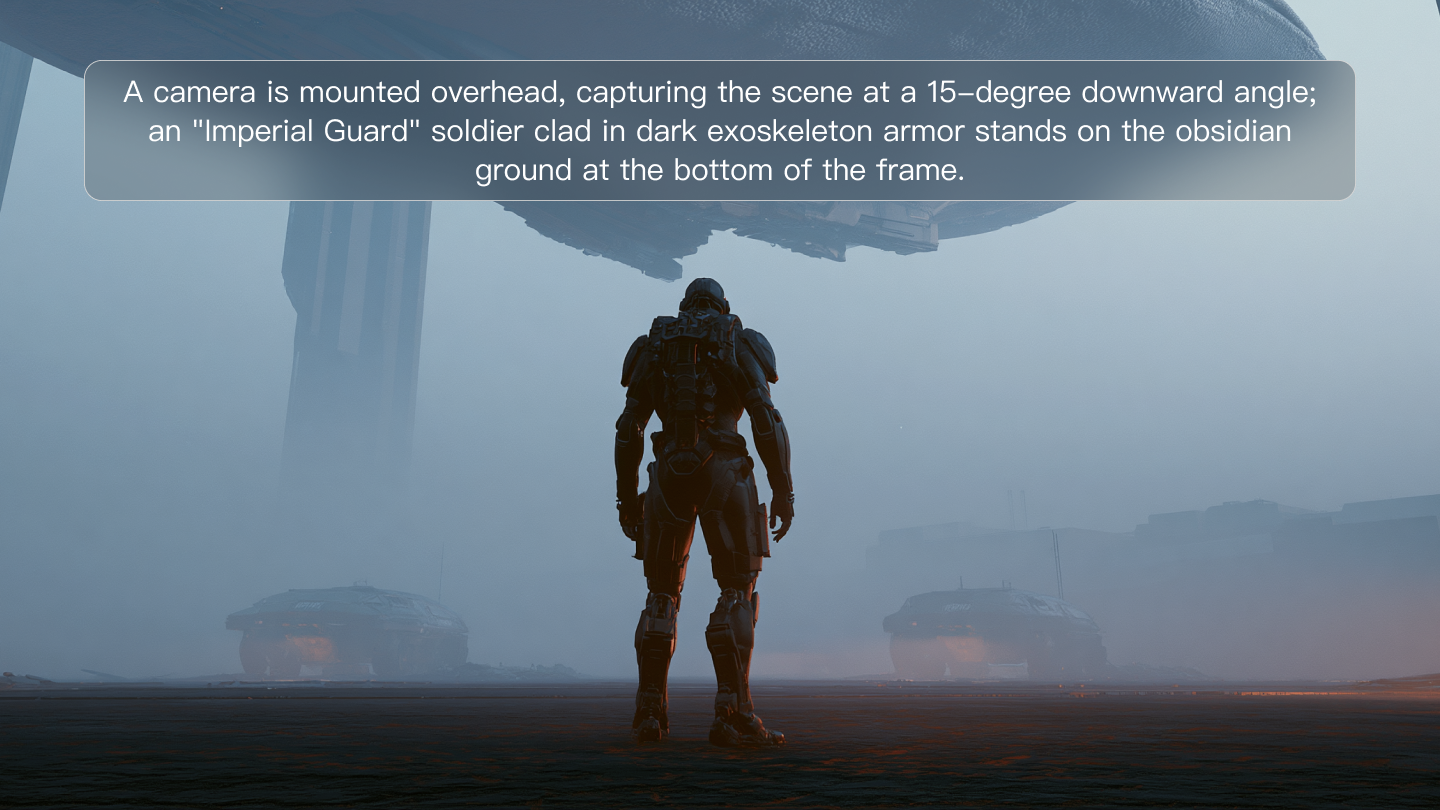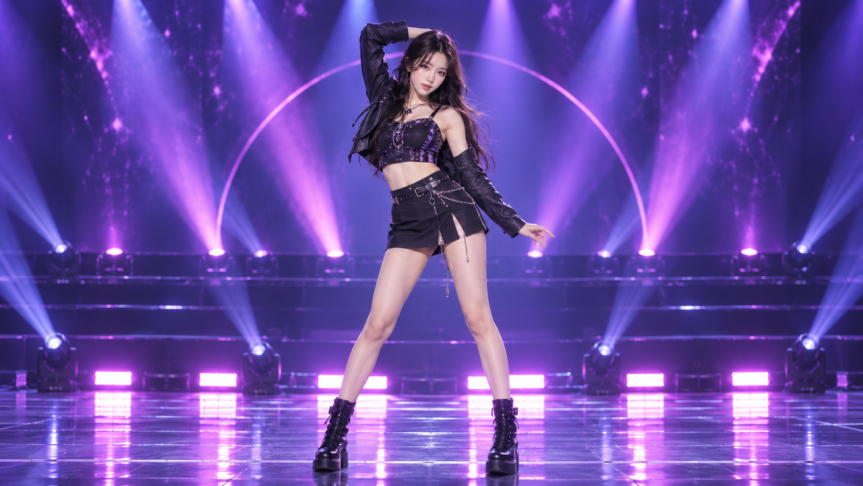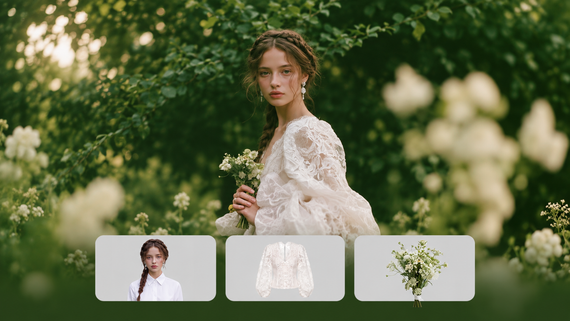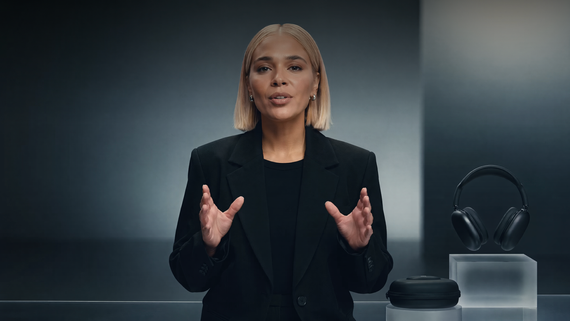
AI advertising uses machine learning, data analysis, and generative AI to help create, target, and optimize campaigns. Kling AI supports the creative side: turning ideas into ad images, reworking product photos, and producing videos with motion and sound. This guide shows you how to use it to develop image or video ads that fit your brief, with practical steps for refining the results.
What Can AI Advertising Help You Do?
AI for advertising covers several parts of a campaign, from finding relevant audiences and managing bids to testing ad variations. It also helps with the content itself, whether that means drafting copy, exploring a visual idea, or producing images and videos for different placements.
For the person seeing the ad, the image or video is often the first thing they notice. A product shot should make it easy to understand what’s on offer. A video might show the product in use or open with a scene that draws viewers in. Testing a new message can therefore mean changing the creative, too: a different setting, a closer view of the product, or a new opening shot.
Kling AI can help you make those changes or develop an ad from scratch. You might rework a product photo for an image ad, create a video from a written concept, or use an existing image to guide the footage. Below, we’ll look at how to approach image and video ads based on what you want to make and the materials you already have.
How Kling AI Fits into Creative Production
Before generating, decide which details are open to change and which need to stay accurate. You might experiment with the setting or camera angle while keeping the product’s shape, color, and packaging consistent with your references.
Creating Image Ads with Kling AI
An existing product photo gives you something concrete to work with. In Kling IMAGE 3.0 Omni, use image to image editing to try a different background or lighting setup. Describe what you want to change and which details should stay the same, such as the product’s shape, color, or packaging. If you’re still exploring the look of the ad, use Kling AI as an AI advertising generator to create image concepts from text prompts. Describe the product, setting, composition, lighting, and visual direction you have in mind.
.png?x-oss-process=image/resize,w_1872)
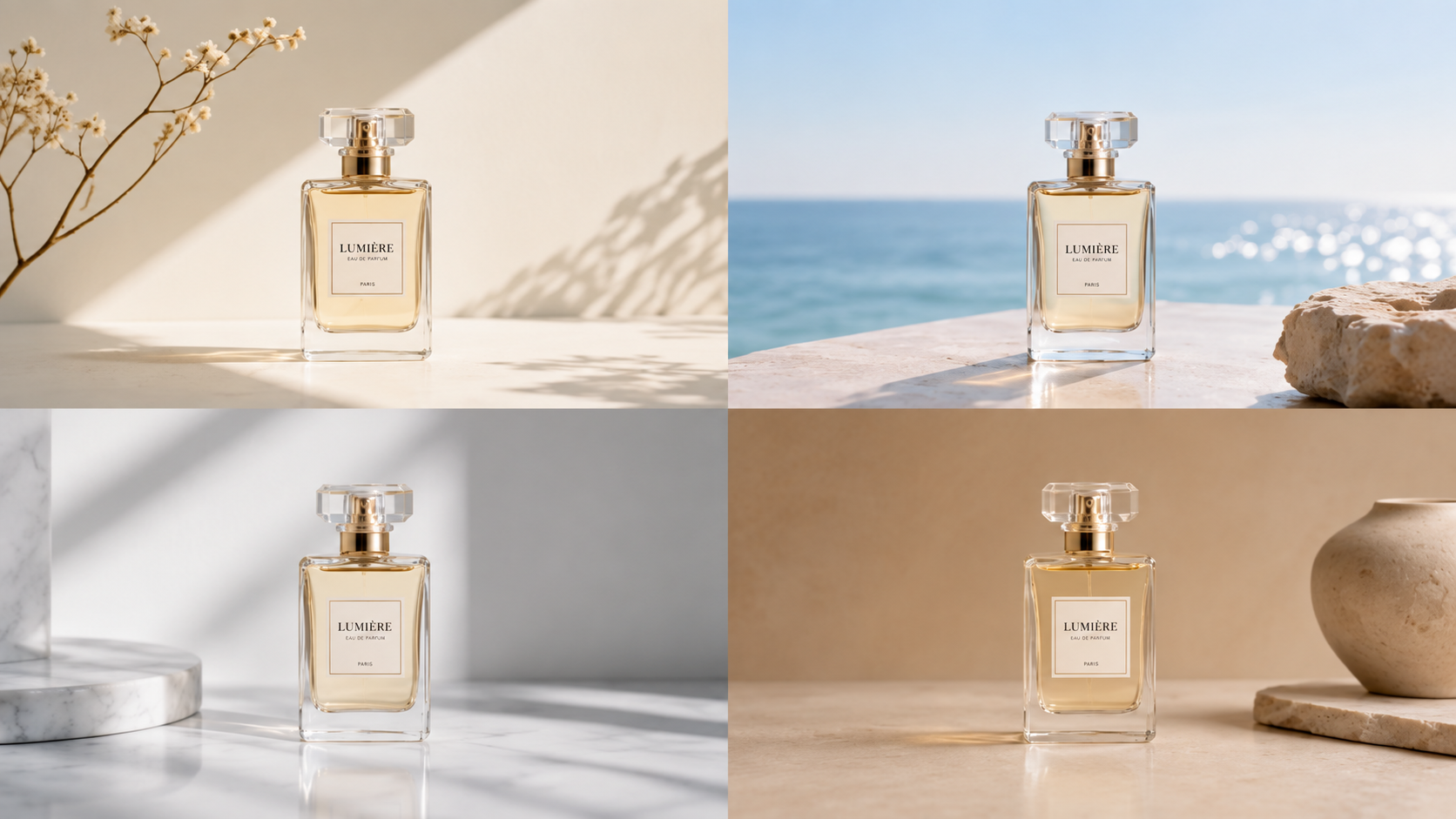
Building a cohesive campaign? IMAGE 3.0 Omni’s Image Series Mode lets you roll out a coordinated set of visuals centered around a single product or concept. You can easily switch up backgrounds, framing, and compositions while keeping the series tightly connected. Fashion ads are another practical use case: just pair a model photo with garment or accessory references to test out different outfits, though you'll still want to double-check the fabric details against the originals.
IMAGE 3.0 Omni supports direct 2K and 4K output. Choose the resolution before generating and leave room in the composition for any headline or offer you plan to add later. Compare the result with your product reference, paying attention to colors, proportions, and packaging text. Add final copy in your design workflow, then check that it remains readable at the intended ad size.
Reference Image | .png?x-oss-process=image/resize,w_1872) | |||
Image Series | Shot 1 | Shot 2 | Shot 3 | Shot 4 |
.png?x-oss-process=image/resize,w_1872) | .png?x-oss-process=image/resize,w_1872) | .png?x-oss-process=image/resize,w_1872) | .png?x-oss-process=image/resize,w_1872) | |
| Prompt: Fig & Mint perfume. Summer fresh, organic, zero-additives. Consistent bottle shape. Ad series. | ||||
Making Video Ads with Motion and Sound
You can use Kling AI as an AI advertising video generator, starting with a written scene or an image you already have. Kling VIDEO 3.0 Omni offers both options: use text to video AI to develop a scene from a written description, or image to video AI to animate an existing product photo. Choose whichever fits the material you have.
In the AI video generator, describe what happens on screen and what the viewer should hear. Mention the main action, how the camera moves, and any dialogue, ambient noise, or sound effects you want. With Native Audio enabled, the model can generate audio alongside the visuals. When characters speak, just label who’s talking and drop in their lines.
For an ad with several shots, Custom Multi-Shot lets you specify framing, camera movement, and timing within a generation of up to 15 seconds. Give each shot a clear purpose, such as introducing the product or showing it in use, and make sure the shot durations fit the overall length.
Element Reference can help maintain a product or spokesperson’s appearance across shots, while voice binding lets you reuse a character’s voice. Watch the result all the way through: a product may look right in the opening frame but change as it moves. Check that speech matches the intended lines and works with the action. When something needs fixing, adjust the relevant description or shot before changing the rest.
Reference Image |
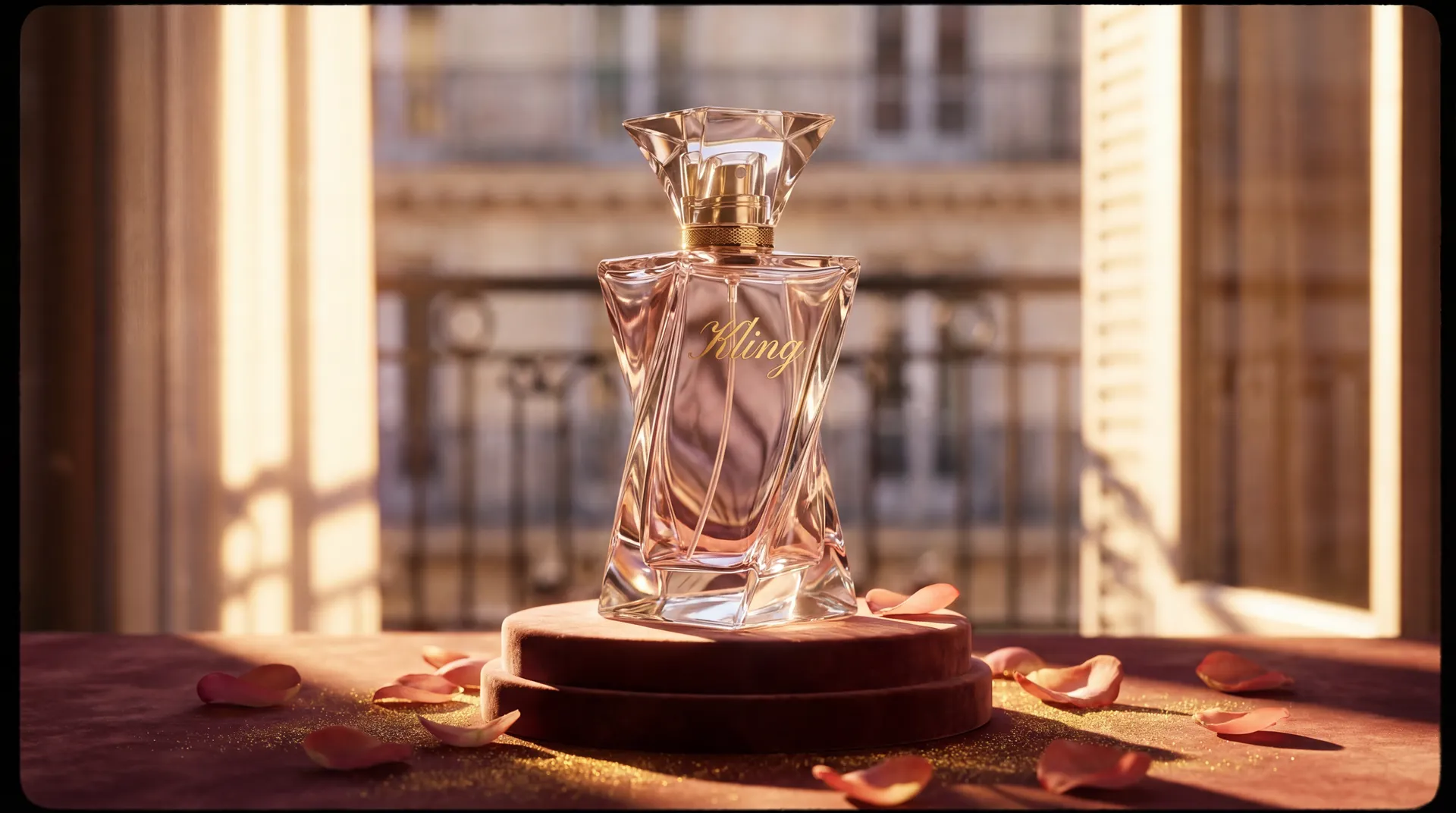 |
Video |
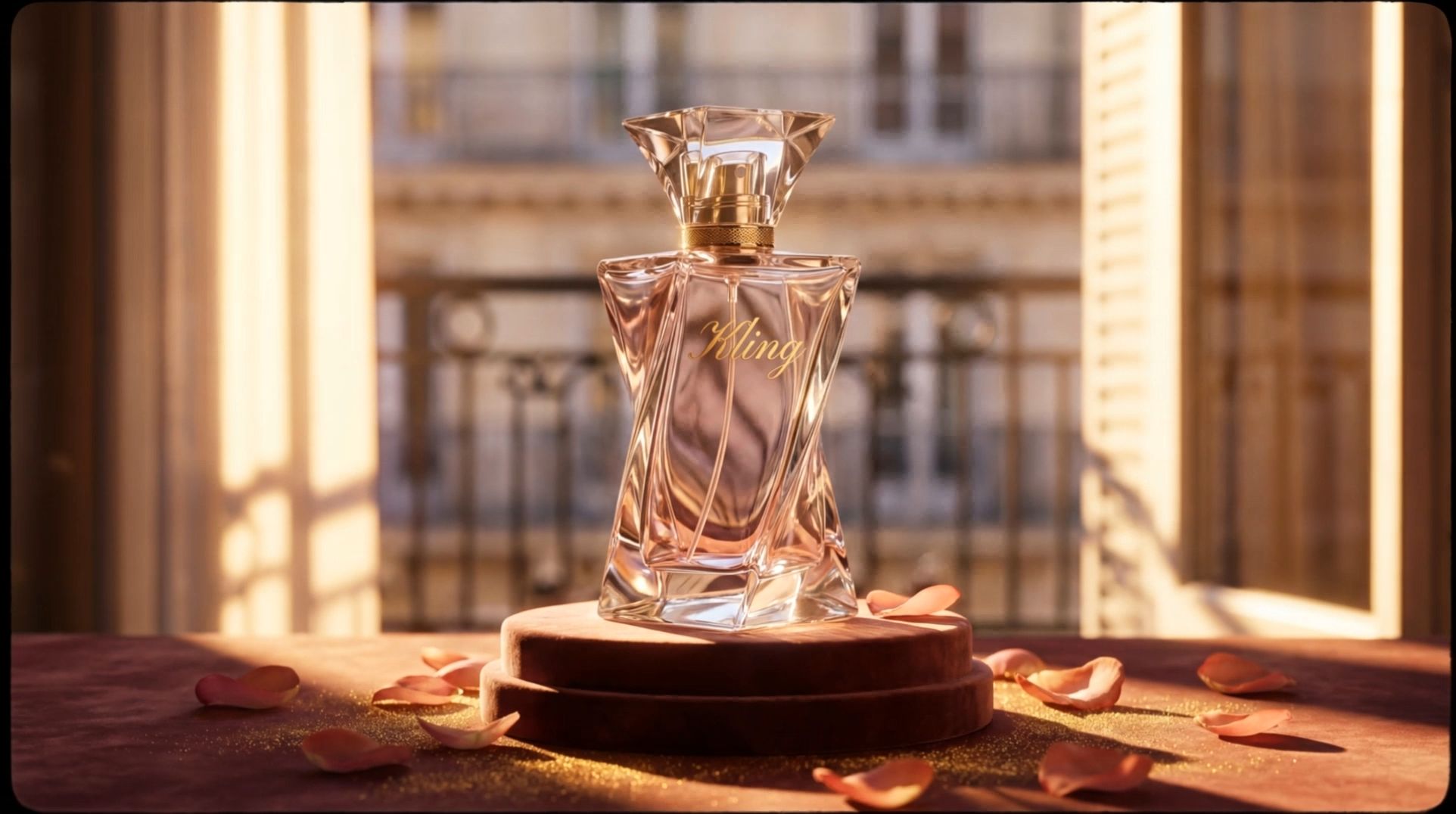  |
| Prompt: By the window of a Parisian apartment, with soft French piano BGM in the background, the gilded afternoon sunlight filters through the shutters onto the perfume bottle, casting dappled light and shadow. The camera pans slowly in from the scattered rose petals, shifting focus to the faceted cut of the Kling perfume bottle. Voiceover (lazy French female voice, British accent, slow pace): Bathe in the golden hour. The camera orbits the perfume bottle in slow motion, capturing the play of light and shadow on the golden lettering and bottle body. Voiceover: Kling, a whisper of Parisian elegance. The camera pulls back and freezes on the complete scene—the Kling perfume bottle standing on a velvet pedestal, with Parisian buildings faintly visible outside the window. Voiceover: Wrap yourself in luxury with every breath. |
AI in Advertising Examples Across Channels
Give your next campaign a different look: place a familiar product in an unexpected setting, try a new opening shot, or build a seasonal mood around it. These AI in advertising examples offer a few starting points to make your own.
Social ads. Use the same product reference to develop two opening shots, such as a close-up and a wider scene. Keep the offer and audience consistent when testing, so the opening is the main creative variable. Compare results before producing more versions.
E-commerce ads. Use a product photo to explore a new background or a short demonstration concept. For clothing try-on, provide both a person image and garment references. Check garment details and product proportions before approving the image or animating it.
Seasonal campaigns. Explore a few seasonal settings for the same product, using your references to guide the colors and overall look. These can become a set of image ads with coordinated settings and colors. If the campaign also needs video, develop a short scene from a written concept or use a selected image as a reference. Adapt the copy and composition for each placement, checking every version before publishing.
What to Check Before Publishing AI Ads
Before an ad goes live, review what it tells viewers about the product and the people shown. Check the final image or video alongside the copy and landing page.
Support the claims you show. A generated demonstration can imply that a product does something it cannot. Check that visuals match the actual product and that performance claims have supporting evidence. Do not present a fictional customer or an AI spokesperson as someone who has personally used it.
Use materials you have permission to use. Check the commercial-use terms for reference photos, footage, and music. Obtain appropriate permission before using someone’s likeness or cloning their voice for an ad. Keep records of licenses and consent, including any limits on editing or reuse.
Check disclosure requirements. Review the current rules for your platform, ad category, and target market. Where AI labels or other disclosures are required, use the specified tools or wording and check that viewers can see them. A disclosure does not make a misleading claim acceptable.
Review the version people will see. Confirm prices, offer dates, and conditions against the landing page. Check packaging text and subtitles, listen to the full audio, and preview every crop. A disclaimer or product detail that is readable in the original may disappear in a smaller placement.
The End
AI advertising gives you room to try the ideas you’ve been saving for your next campaign. With Kling AI, give a product a new setting, explore a different look, or tell its story through motion and sound. Start with one concept, see what comes back, and shape it into an ad that feels like your brand.
FAQs
What Is AI Advertising?
AI helps advertisers find relevant audiences, create content, test ad variations, and adjust campaign spending. For creative teams, it can help turn a brief into visuals or adapt existing assets. With Kling AI, you can generate product images, edit photos, or create video ads from text or image references, then review and refine the results.
Can AI Make an Advertisement for Me?
Yes. AI can help you create image and video ads from a written idea or existing product photo. With Kling AI, you can explore different settings, edit product visuals, or create AI video ads with motion and sound. You’ll still need to check product accuracy, add or refine the ad copy, and prepare the final version for its placement.
Is AI-Generated Advertising Good Enough for Real Campaigns?
AI-generated advertising can be suitable for real campaigns when the output meets the brief and passes review. IMAGE 3.0 Omni supports direct 2K and 4K image output, but resolution alone does not establish readiness. Check product accuracy, text, visual consistency, and placement requirements, and complete any necessary editing before publishing.
How Do I Make an AI Ad from a Product Photo?
To use Kling AI as an AI Ad Generator for an image ad, upload your product photo to IMAGE 3.0 Omni and describe the background, lighting, or composition changes you want. For a video ad, use the photo as a reference in VIDEO 3.0 Omni and describe the action and sound. Review product details in either format, then finish the copy and layout for the intended placement.
What Are Common AI in Advertising Examples?
Common examples include product images with alternative backgrounds, short product demonstration videos, different opening shots for social ads, and seasonal campaign visuals. Fashion try-on concepts need a person image and clothing references. Define the intended output for each example, review its accuracy, and test creative variations without assuming that more versions automatically improve performance.
Does AI Advertising Replace Creative Teams?
No. AI tools can assist with image generation, video drafts, and creative variations, but teams still need to decide the message, audience, and quality standard. People also review product accuracy, edit the final asset, and interpret campaign results. The practical benefit depends on how well generation fits into the existing production and approval process.
Is AI Advertising Illegal?
Using AI in advertising isn't illegal, but the rules vary a lot depending on where you're running the ads, what you're selling, and the platform's own policies. In the US, for instance, your claims still need to be honest and backed up by facts. Before you launch an AI-generated campaign, it's always smart to double-check your product claims, rights for reference materials or likenesses, and any local disclosure rules.