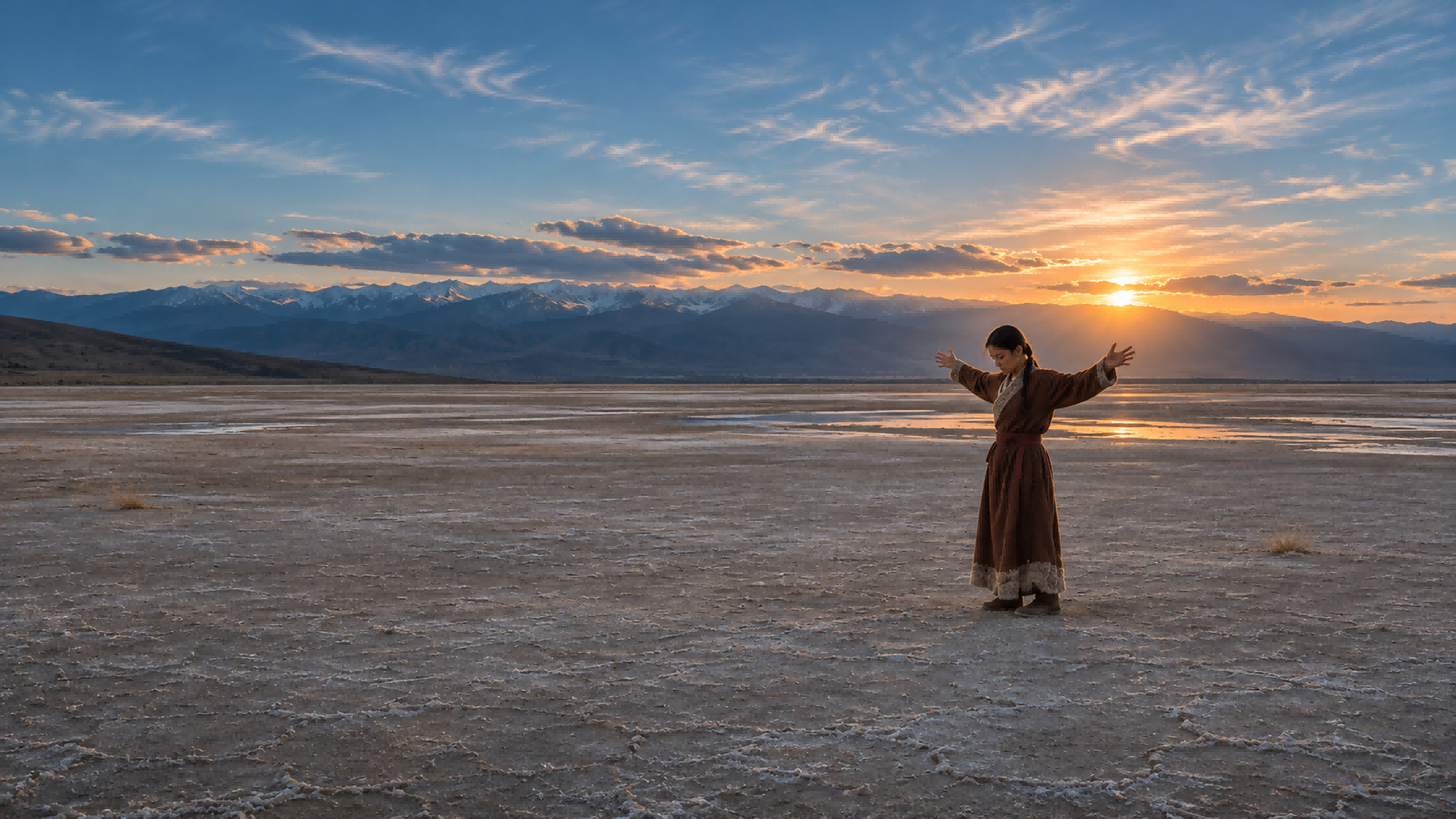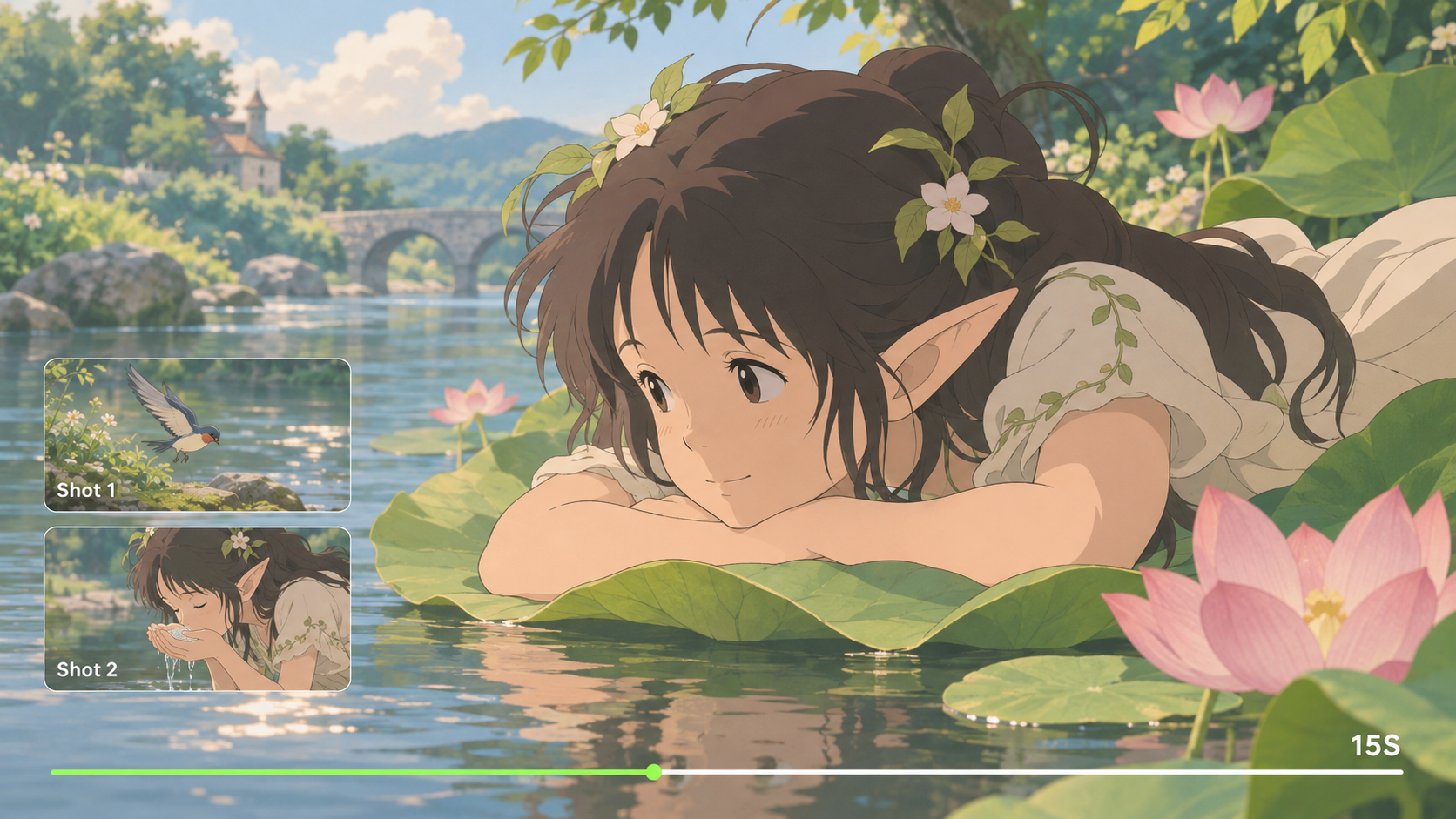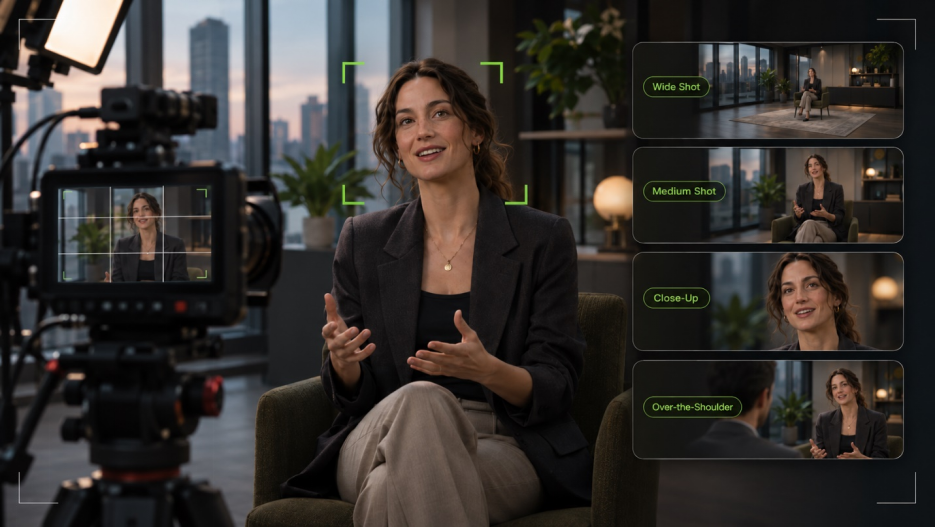
In filmmaking, camera framing determines what viewers see and how they experience a scene. A wide shot establishes the setting, while a close-up brings attention to a character's reaction. As subjects move or the camera changes position, the composition changes with them. With advances in AI, more creators can use AI video generators to explore different shot ideas and generate video scenes based on their intended framing and camera movements.
What Is Camera Framing?
Camera framing describes what appears within the edges of a shot and how people or objects relate to the surrounding space. Headroom controls the space above a subject, lead room concerns the space in the direction of a gaze or movement, and the background provides visual context. Shot size determines how much of the subject you see, and camera angle changes the perspective. Together, these choices guide attention, establish relationships, and shape how viewers experience a scene.
Shot Types and Composition Techniques
Shot framing establishes who's visible and whose perspective matters; composition directs attention inside the image.
7 Common Types of Framing in Film
These seven framing shots guide attention and perspective:
Framing Shot Type | Typical Use |
Single Shot | One subject, often for a reaction |
Two-Shot | Two people sharing the frame |
Three-Shot | Three characters interacting together |
Over-the-Shoulder Shot | One person seen past another during dialogue |
Over-the-Hip Shot | One character framed past another's torso |
Point-of-View Shot (POV) | What a character sees |
Insert Shot | A telling detail, such as a hand turning a key |
A two-shot establishes the relationship. Cut to over-the-shoulder shots to follow individual reactions.
7 Composition Techniques for Camera Framing
Composition changes what the viewer notices in any shot type.
- Center Framing: Put the main subject at the center to command attention.
- Rule of Thirds: Place a subject off-center to leave room for a gesture.
- Symmetrical Framing: Balance the frame to suggest order or unease.
- Leading Lines: Use roads or corridors to draw attention to a subject.
- Frame Within a Frame: Use a doorway or window to suggest separation.
- Negative Space: Let open space express isolation or scale.
- Layered Framing: Place details before and behind the subject for depth.
How AI Helps Create Videos with Planned Camera Framing
Camera framing matters throughout a video, not just in its opening shot. As subjects move and camera angles change, composition and visual emphasis can shift. AI video generators allow creators to describe their intended framing, camera movements, and scene details through prompts, then generate videos based on those directions. Reference images or video clips can also provide additional guidance for more specific visual results.
At Kling AI, we offer an AI-powered platform for creating and editing visual content. Kling 4.0 is our video generation and editing model, helping creators turn shot ideas into videos. You can guide framing and camera movement through prompts alone or combine them with visual references through Omni Reference. Improved stability during complex camera movements and precise video editing capabilities provide more flexibility to create and refine your shots. Here's how these capabilities can support your creative process.
Guide Framing and Subject Consistency with Omni Reference
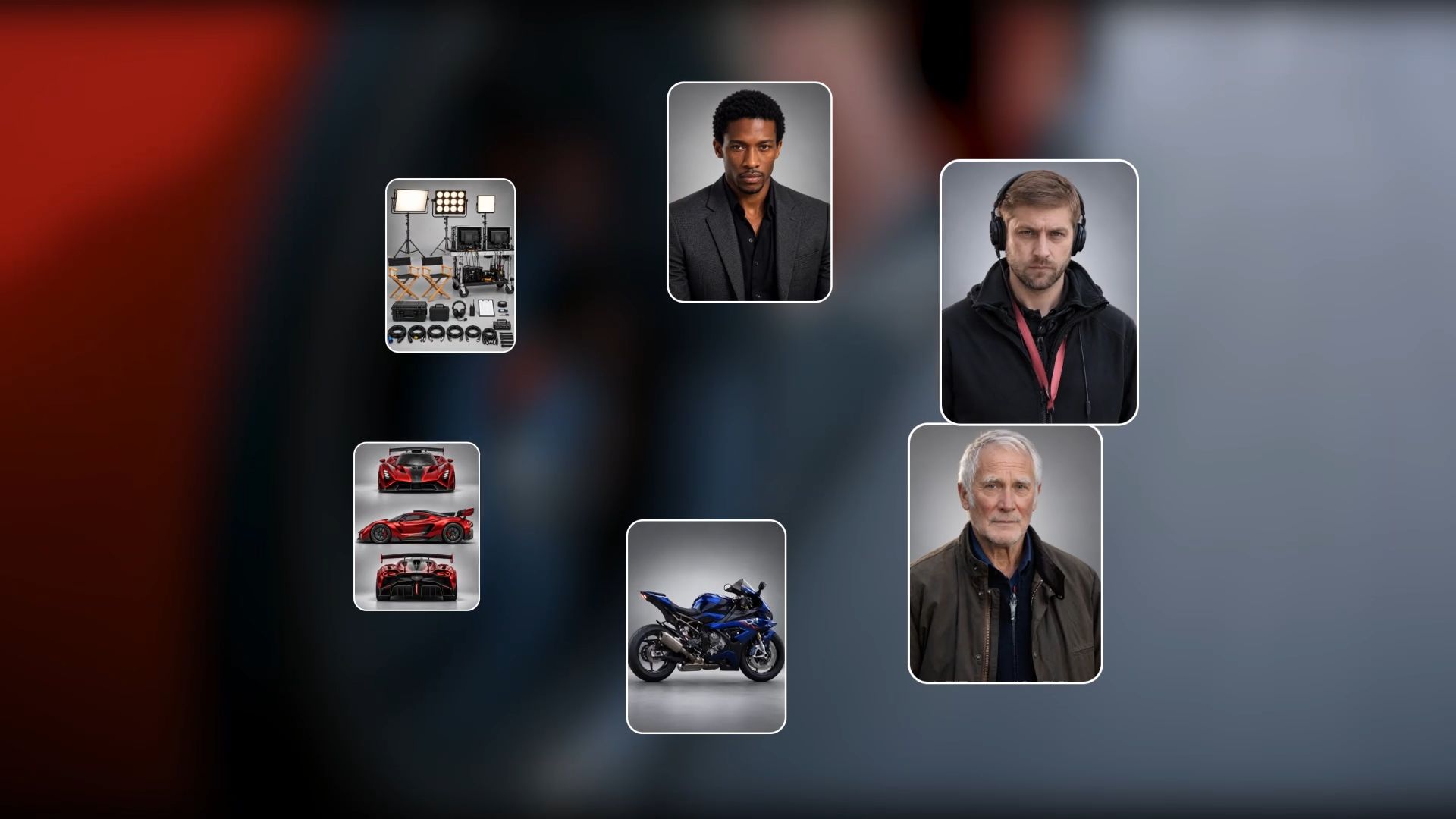
A dialogue scene may shift from a two-shot to individual close-ups, but the characters and setting should remain recognizable. With Kling 4.0's Omni Reference, you can combine up to 15 reference assets, including images, videos, and Elements, to guide character appearance, scene details, shot composition, and camera movement across different framing choices.
You can also use reference videos to guide shot framing, camera movements, and pacing, then adapt these creative ideas with your own characters, products, or settings. This makes it easier to recreate effective shot concepts without planning every camera move from scratch, while maintaining greater control over the visual direction of your video.

Maintain Clear Framing During Complex Camera Moves
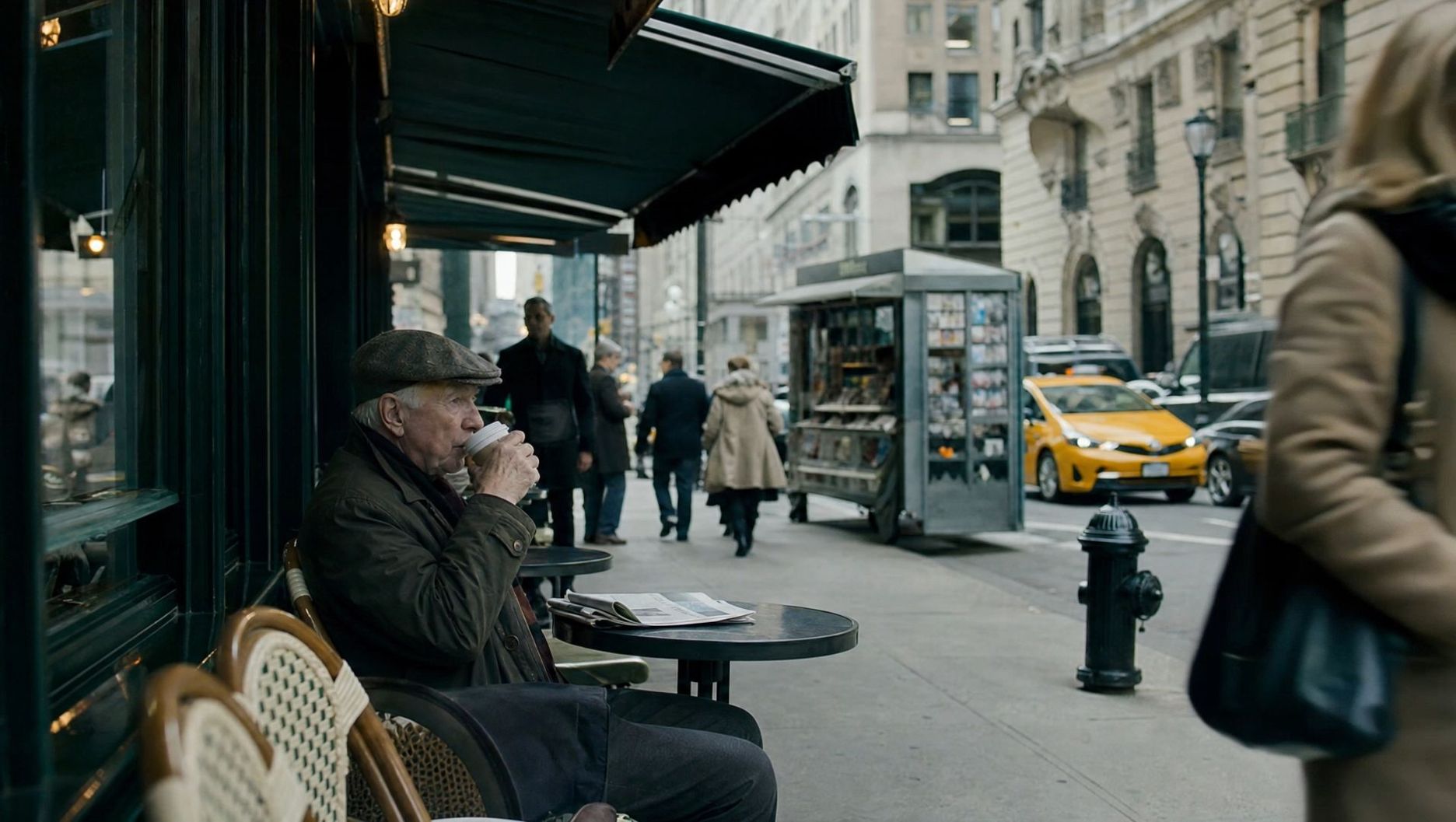
A runner can cross the frame in seconds, while a rapid camera orbit changes the background with every movement. Kling 4.0 improves stability during large-scale motion and complex camera movements, helping subjects remain visually readable as camera angles, distances, and surrounding details change.
Consider a tracking shot of a runner approaching the finish line. The camera needs to follow the athlete's changing speed and direction as the background shifts. Kling 4.0's stronger motion handling gives creators more flexibility to explore demanding camera movements while maintaining a coherent sense of space throughout the shot.
Direct Camera Framing and Storytelling with Prompts and Keyframes
Camera framing does more than establish a balanced composition. It can also guide attention and reveal important story moments. Kling 4.0's enhanced prompt understanding lets you describe shot sizes, subject placement, camera angles, movements, and transitions in detail. You can approach the prompt like a director's shot plan, explaining how each composition should evolve as the story unfolds.
Kling 4.0 supports video generation up to 30 seconds, giving longer camera movements and narrative sequences room to develop. You can also use up to 10 images as keyframe references to guide important visual moments, such as moving from a wide establishing shot to a close-up that reveals a character's emotions. Together, prompts and keyframes help create a more deliberate visual narrative.

Change the Viewpoint in Existing Footage
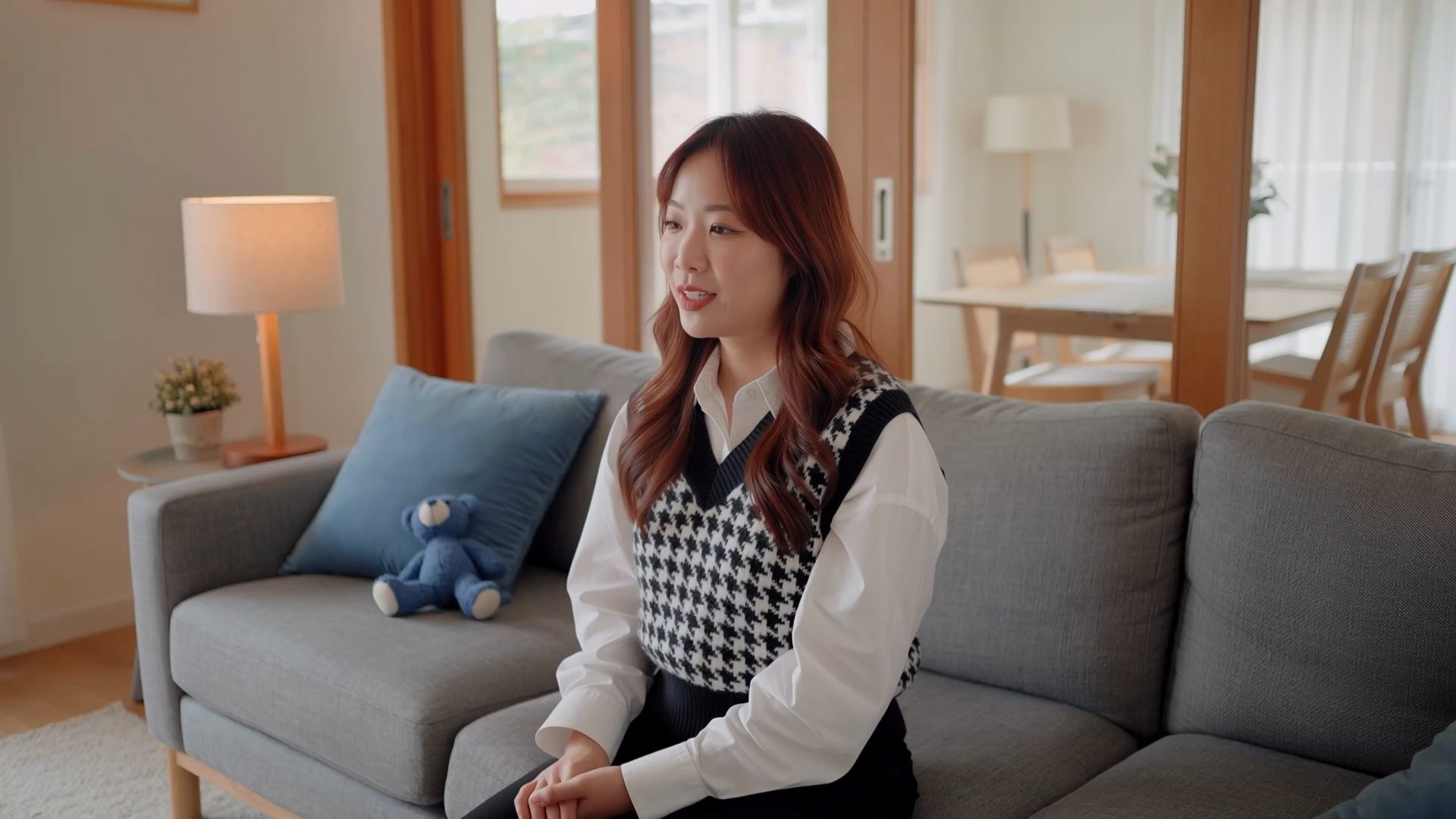
A finished take may capture the right performance but present it from a less effective viewpoint. Kling 4.0's precise video editing lets creators make targeted changes to camera positions, camera movements, and other visual details in existing footage. This provides another way to explore different framing choices without recreating the entire scene.
You might adjust how a character's reaction is framed, explore a different camera angle for a product reveal, or refine the surrounding background to reduce distractions. Describe which elements should change and which should remain consistent, then review the edited result for visual continuity before using it alongside other shots.
How to Create Videos with Planned Camera Framing in Kling AI
A short moving preview can show how your planned framing changes through a shot. Kling 4.0 offers one way to test that idea: establish the composition, guide the camera movement, and check what remains visible from the first moment to the last.
Step 1: Start with a Shot Idea and References
Open Video Generation in Kling AI, select Kling 4.0, and use Omni Reference. Start with the scene and framing you want to create. You can add reference images, video clips, or Elements to guide character appearance, composition, and camera movement. If you don't have reference materials, you can start with a written idea.
Step 2: Describe the Framing and Camera Movement
Write a prompt describing the shot size, subject placement, camera angle, and composition. Explain how the characters or objects move, how the camera should follow the action, and how the framing should change throughout the scene. If you've added references, use labels such as @Image1 or @Video1 to specify what each asset should guide.
Step 3: Generate, Review, and Download
Choose your preferred video duration, aspect ratio, and quality settings, then generate your video. Review the result to check subject placement, headroom, lead room, shot transitions, and camera movements. If the framing differs from your plan, refine the prompt or references and generate another version. Once you're satisfied with the result, download your video.
Reference Image 1 | Reference Image 2 | Results |
|
|  |
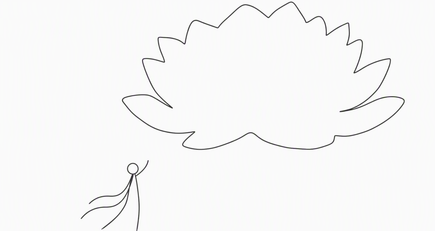
Prompt: Shot 1 (5s): Use Reference Image 1 for composition. A moonlit night with sparse stars. A colossal white lotus glowing with moonlight blooms in the sky, radiating tiny white sparkles and golden flecks of light. The lotus dominates most of the frame, appearing like an enormous luminous moon, yet remains visibly distant from the character. In the foreground, a breathtakingly beautiful woman in white traditional Chinese attire with a flowing golden gauze outer robe gazes toward the distant lotus with one hand gently raised. Her figure is much smaller than the lotus but closer to the camera, creating a pronounced sense of depth and spatial separation. Her long, waterfall-like black hair, two slender white hair ribbons, and flowing garments sway naturally in the breeze. Moonlight illuminates her silhouette, tracing her body with a delicate silver-white rim light, giving her an ethereal, celestial presence. The enormous lotus gently pulses with light as if breathing. Each petal subtly rises and falls, while delicate streams of water carrying tiny starlike glimmers trickle continuously from the petals. Golden particles drift slowly back and forth around the flower. The camera slowly pans to the right. The woman remains stationary in her position, while her hair, ribbons, and clothing move organically in the wind. Subtle parallax and perspective shifts reveal the lotus's changing appearance as the camera moves. Motion is fluid, natural, and physically believable, with cinematic depth and an enchanting celestial atmosphere. Shot 2 (5s): Use Reference Image 2 for the lotus design and the character's pose and composition. Under a starry, moonlit sky, an enormous ink-black lotus blooms on the surface of a flowing river. Its magnificent dark petals fill almost the entire frame, forming the dominant visual subject. The lotus emits a soft, otherworldly glow that illuminates the surrounding scene. Its hollow center is large enough to cradle a beautiful woman dressed in pale, muted celadon-blue traditional Chinese clothing. She reclines comfortably in the center of the lotus, legs crossed, both hands interlaced behind her head, as if peacefully dozing. Her pose is relaxed and carefree. The lotus's center has an almost translucent luminous quality, delicately edged in white and touched with subtle golden radiance. The woman occupies a relatively small portion of the frame. Use a strictly vertical top-down overhead shot. Tiny fireflies sparkle throughout the composition. The woman gently shifts and moves her hands in a relaxed, unhurried manner. A soft breeze causes her hair and flowing skirt to sway naturally, with subtle, lifelike movements. The massive black lotus slowly pulses between brighter and dimmer states, like a calm, steady breath. Golden fireflies drift gradually in the same direction. Water flows continuously beneath the flower, carrying the lotus slowly toward the left side of the frame. The camera gradually pulls back, revealing more of the flowing water and the surrounding field of fireflies while preserving the lotus as the central visual focus. All motion remains smooth, graceful, and dreamlike. Background Music: elegant, classical Chinese instrumental music evoking a celestial fairyland. A delicate guzheng and Chinese flute duet, with graceful melodies, spacious ambience, and a serene, otherworldly atmosphere. Preserve the beauty and refinement of traditional Chinese aesthetics. | ||

How to Review and Improve Camera Framing
Good framing in filmmaking has to work throughout a take. When framing camera shots or reviewing an AI-generated preview, check where attention falls as someone moves, which details remain visible, and whether the next shot continues the action clearly.
Match the Frame to the Scene
Different scenes call for different framing priorities. In filmmaking, framing helps establish character relationships, direct attention, and build tension. In commercial video production, it helps keep products clearly visible as the camera moves. Consider these examples:
Scene Type | Useful Framing Approach |
Dialogue | Maintain consistent eye lines, suitable lead room, and balanced character spacing |
Product Shot | Keep products clearly visible with clean backgrounds and minimal distractions |
Action | Leave enough space to show movement and maintain clear screen direction |
Portrait | Adjust headroom carefully and separate subjects from distracting background elements |
Suspense | Use negative space or partial obstruction to suggest uncertainty and tension |
Establishing Scene | Include foreground and background details to establish location and visual depth |
For dialogue, a two-shot can establish a relationship before cutting to singles. Framing in movies can change the mood of the same moment: a centered subject may feel assured, and a person seen through a doorway may seem isolated.
Catch Common Framing Mistakes
Watch a complete shot at normal speed and scan the edges, background, and direction of movement. The most common problems often become obvious when a person starts walking or the editor cuts to another angle:
Common Mistake | How to Avoid It |
Too Much Headroom | Reduce unnecessary space above the subject's head for better visual balance |
Subject Too Close to Frame Edge | Leave suitable breathing room based on subject placement and movement |
Distracting Background | Remove unnecessary objects or adjust the camera position to reduce distractions |
Always Centering the Subject | Choose subject placement based on the scene's mood and visual purpose |
Ignoring Movement Direction | Leave enough space for moving subjects to maintain clear visual direction |
Unnecessary Framing Changes | Maintain visual continuity unless composition changes serve a storytelling purpose |
Awkward Crops at Joints | Check whether cropping at elbows, knees, or ankles creates an unintended cutoff |
Before using a shot, identify the first point of attention, check whether headroom and lead room suit the action, and note where the camera move finishes. Compare nearby shots for eyelines, subject height, prop positions, and movement direction.
The End
Good camera framing gives each shot a clear point of view. Start with who needs attention, then consider how subject placement, surrounding space, and camera movement support the scene. Use familiar shot types and composition techniques to make deliberate choices. When a composition needs to work in motion, Kling 4.0 can help you preview shot ideas, generate videos guided by planned framing, and refine the results as your creative vision develops.
FAQs
How Do You Frame Two People in a Dialogue Scene?
Start with a two-shot when you want the audience to read both characters together. Use over-the-shoulder singles to follow reactions and preserve the eyeline relationship. Check which side of the action axis the camera occupies, and keep screen direction consistent unless you have a clear reason to change it.
What Is Lead Room in Camera Framing?
Lead room is the space in front of a person who looks or moves toward one side of the frame. Leaving room in that direction gives the gaze or action somewhere to go. Deliberately reducing it can make a subject feel constrained, but an accidental tight crop may be harder to follow.
Can You Change Framing After Filming?
You can often reframe recorded footage by cropping or repositioning it when the source leaves enough space around the subject. An AI video editor can help explore a larger change in viewpoint through generative editing. Check faces, backgrounds, and screen direction before using the revised shot beside other footage.
How Do You Keep Framing Consistent Between Shots?
Track eye lines, screen direction, and subject size as you cut between shots. Keep landmarks such as doors and windows in recognizable positions. A deliberate perspective change can work, but the cut should not confuse viewers about where characters stand.
Can AI Help Preview Camera Framing Before Filming?
Yes. A short AI video preview can show whether the subject stays visible as the camera moves. In Kling 4.0, visual references can guide composition and motion. Review the result for headroom, lead room, and spatial continuity.