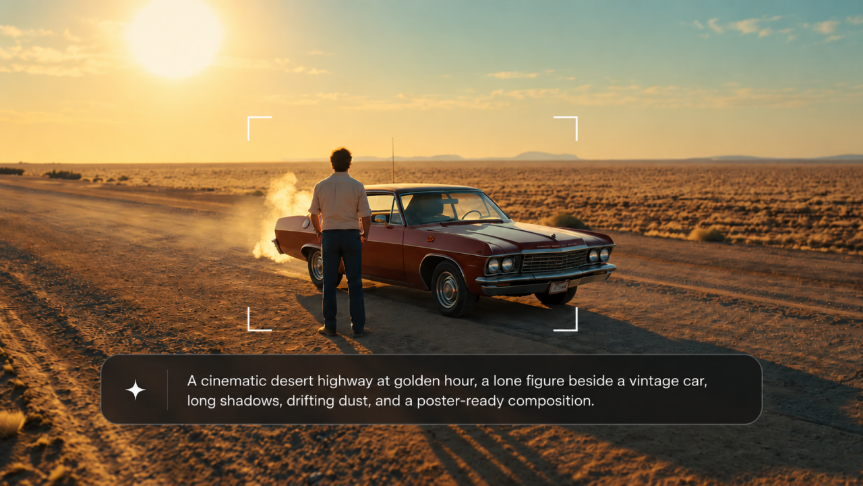
Your film has a story, but finding the right image to sell it can take a few attempts. A crowded composition, the wrong mood, or a title that disappears into the background can weaken a promising concept. This guide shows you how to create a movie poster with Kling AI image generator, from choosing references and writing a useful prompt to refining your artwork, adding text, and developing a matching poster series.
Key Elements Every Movie Poster Needs
Decide where your poster will appear before you use a movie poster generator powered by AI. A festival listing, a social post, and a printed display place different demands on the layout. Then settle on the visual idea that connects the design to your film.
Subject and Character Focus
Start with the part of the story that creates curiosity. A tense face might suggest an internal struggle. An empty room with a light still on might hint at something that just happened. Choose a subject that gives viewers a reason to look closer.
For a character poster, note the details that make the person recognizable: hairstyle, clothing, expression, and a distinctive prop. A scene-based poster needs a similarly clear point of interest. Decide whether viewers should notice the person, a distant building, or an object in the foreground first.
Composition and Visual Hierarchy
Sketch a rough layout before you generate. Mark the main subject, the title, and any supporting information. This takes only a few simple shapes and helps you see whether the image will leave enough room for the text.
Your choice of image size and aspect ratio affects how you arrange those elements. A portrait frame offers a different balance from a square or landscape layout. Keep faces and important props away from areas you may need to crop, and give the title a background that makes it easy to read.
Mood, Lighting, and Typography
Color and lighting suggest how the film should feel. Soft daylight might suit an intimate drama; a small pool of light in a dark room might support a mystery. Treat these as creative choices and consider the particular story you want to tell.
Typography contributes to that impression too. Choose a title style that fits the artwork, then use a simpler treatment for supporting information. A teaser may need only a title and a short line. A release poster may also need cast names, a date, and credits.
How to Create a Movie Poster With Kling AI Image Generator
With your subject and layout in mind, use Kling IMAGE 3.0 Omni to turn your references into poster artwork. Start by uploading your materials, then describe the scene, generate your image, and explore related visuals for the same film.
Step 1: Upload Your Reference Materials
Open Kling AI, switch to Image Generation, and select IMAGE 3.0 Omni. You can start from a text description alone, or upload reference images when you want to guide a character, setting, composition, or visual style.
- Character references: Photos that show the lead character’s face, hairstyle, clothing, or other recognizable details.
- Location references: Images of the setting, such as a rain-soaked street, mountain landscape, or abandoned theater.
- Style references: Visuals that guide the color palette, lighting, composition, or overall atmosphere.
Choose clear references that each serve a specific purpose in the poster. If you do not need to preserve a particular character, location, or look, you can skip references and build the poster directly from your prompt.
Step 2: Write a Prompt That Defines Your Poster
Describe the poster you want to create. A useful AI prompt for a movie poster connects the story, subject, and layout through concrete visual details.
Build your description around these elements from the AI image prompt formula:
- Genre and mood: A tense crime thriller, quiet romantic drama, or expansive sci-fi adventure.
- Subject and action: Who appears, what they wear, how they pose, and what their expression conveys.
- Setting: The location, time of day, weather, and important background details.
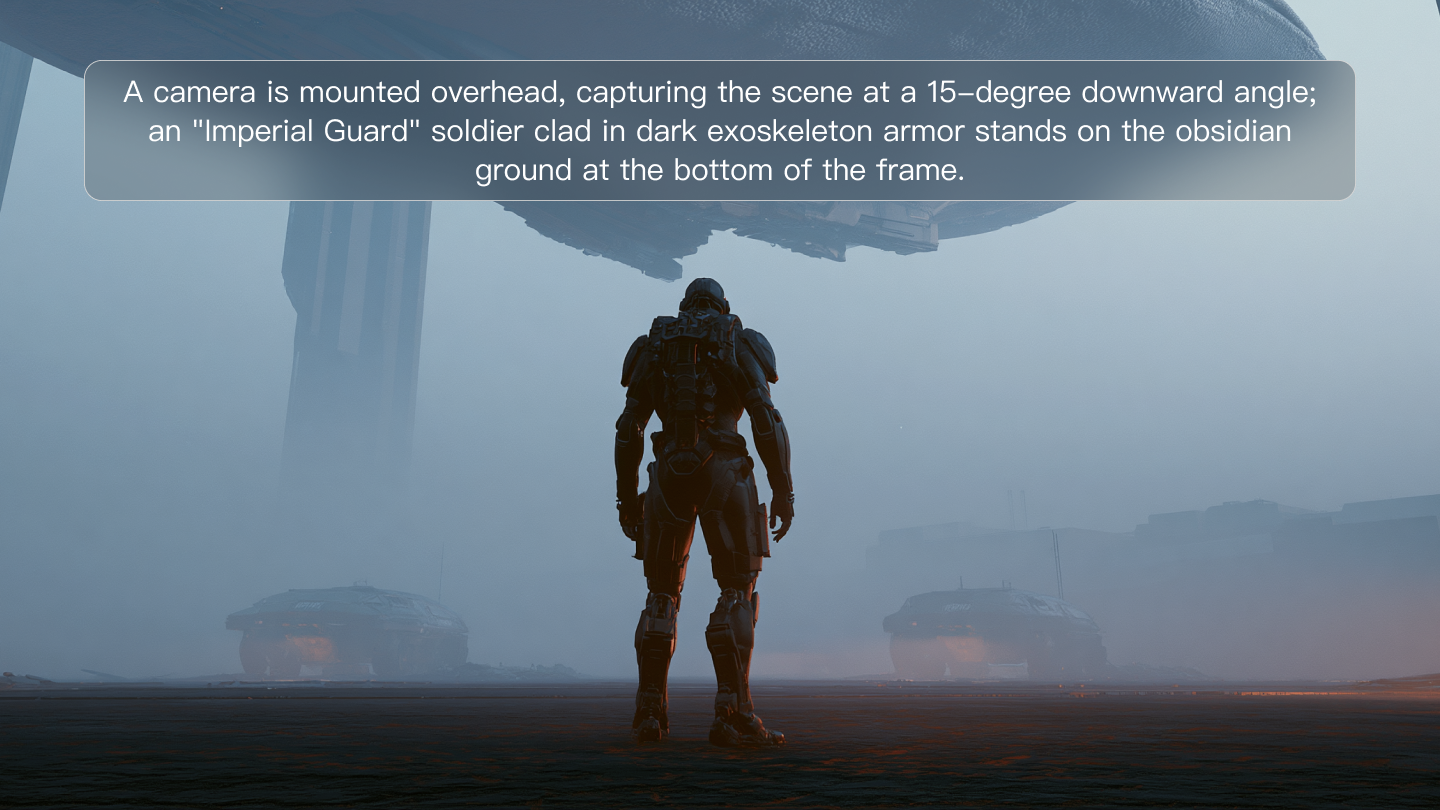
- Camera angle and framing: An eye-level portrait, low-angle view, close-up, or wide composition.
- Lighting and color: Cool shadows, warm streetlights, soft daylight, or a limited color palette.
- Title space: Where the artwork should leave room for the movie title and supporting text.
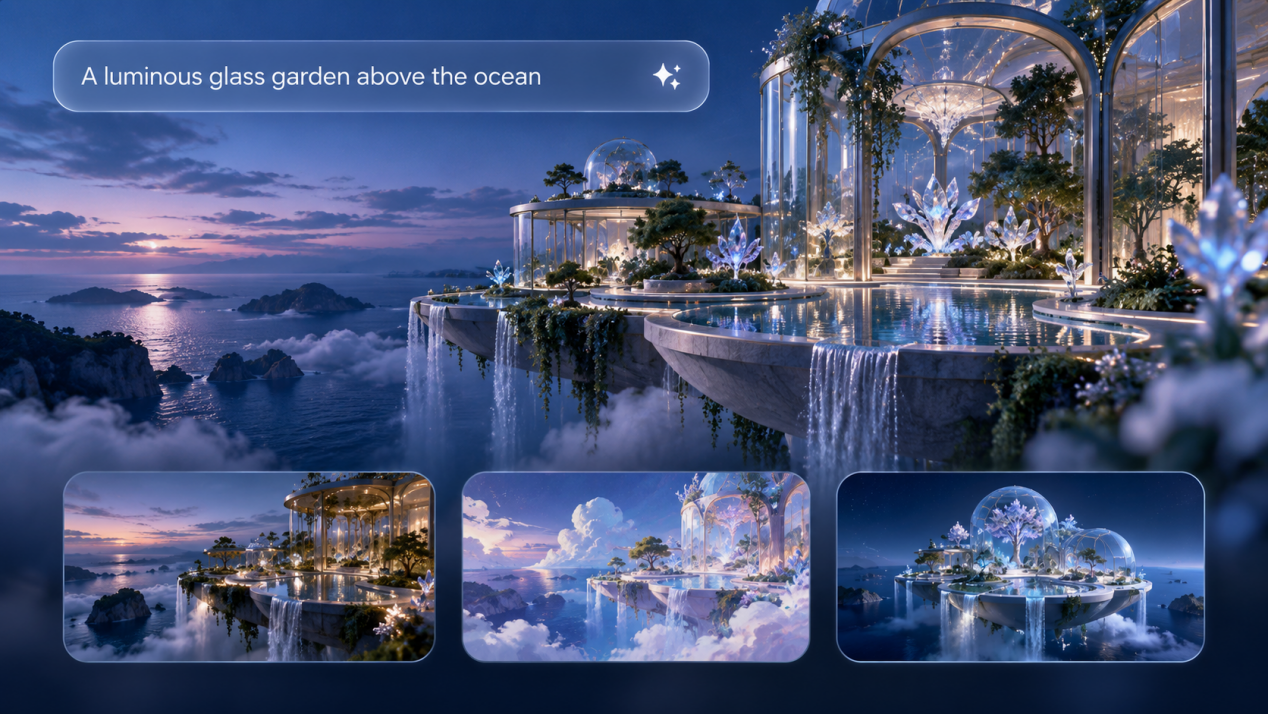
If you want several connected poster concepts or promotional visuals, describe the variations you want in the same prompt. For example, you might request a character-focused poster, a wider environmental composition, and a dramatic two-character scene while keeping the same characters and visual direction across the series.
Step 3: Choose Your Settings and Generate Your Movie Poster
Choose your output settings in Kling’s AI image generator:
- Aspect ratio: Select a format that matches where the poster will appear.
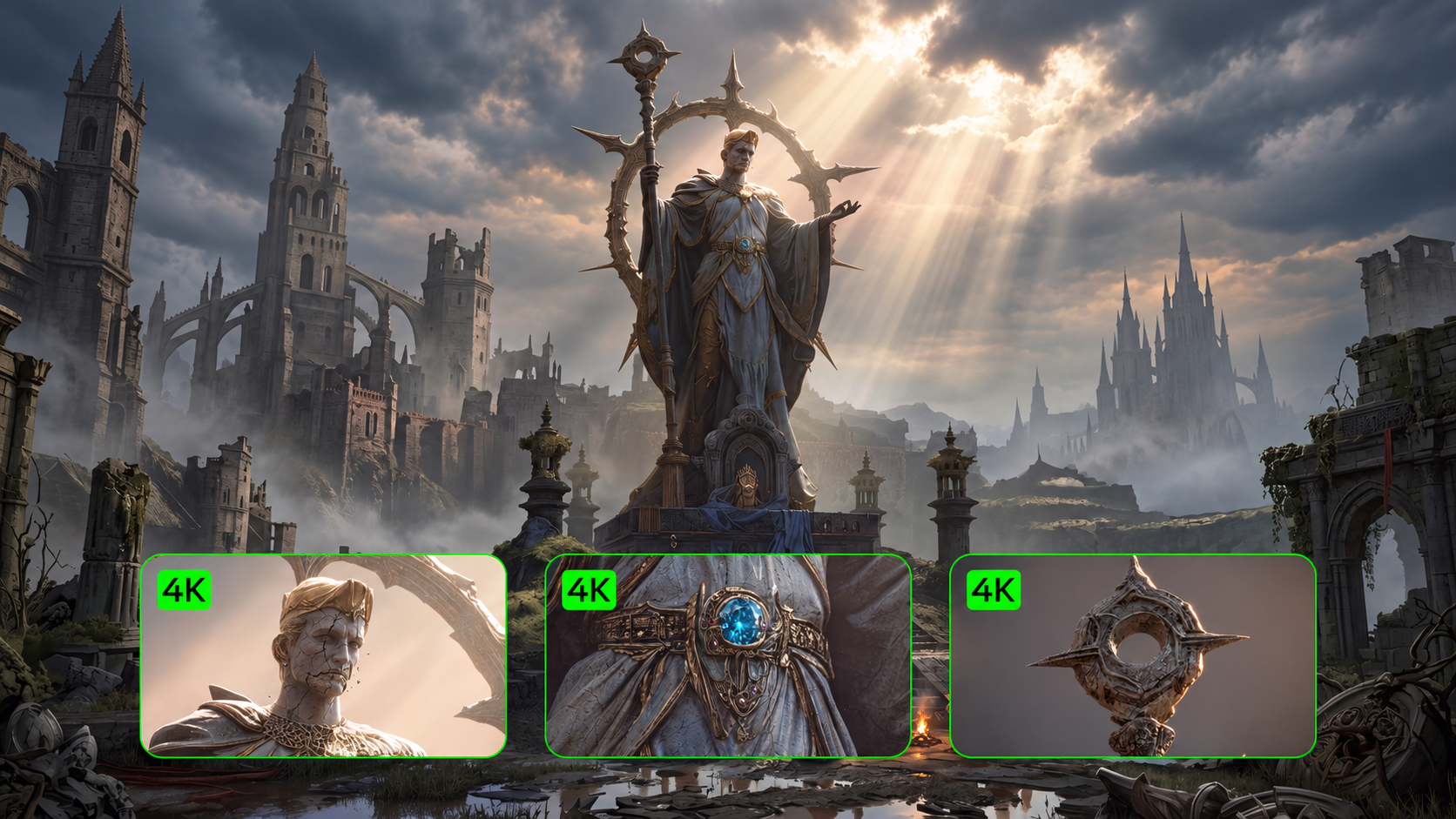
- Resolution: Choose native 2K or 4K output. Select 4K before generation when you need the higher-resolution option.
- Image Series Mode: For a single poster, generate one image. If you want multiple connected poster concepts or campaign visuals, enable Image Series Mode. Choose a fixed number of images, or select Auto to let the model recommend an appropriate count based on the content.
Click Generate to create your poster or series of related visuals. Compare the results and choose the composition that best matches your film concept. If the lighting, framing, or other details need adjustment, use Kling’s image-to-image workflow to refine the selected image. Download your preferred version, then add the title, tagline, and credits in your design editor.
Original Image | ||
.png?x-oss-process=image/resize,w_1872) | ||
Prompt: Create a 3-image vertical movie poster series based on the reference images. Preserve the same two adult male characters, the same red vintage convertible, and the same desert road environment. The full series should feel like one unified film campaign with strong consistency in characters, wardrobe, car, location, lighting, and cinematic color grading. Use a realistic neo-western road-thriller style with golden-hour sunlight, dusty air, long shadows, dramatic sky, subtle teal-and-orange tones, and premium theatrical poster quality. Poster 1: the two men confront each other across the red convertible on a desert road, with strong tension and a large cinematic landscape. Poster 2: a tighter composition focused on the men’s faces and body language as they argue beside the car. Poster 3: a more atmospheric teaser poster, with the red convertible as the anchor, one man close to the car and the other farther away, emphasizing distance, loneliness, and suspense. All three posters need to be vertical (2:3 aspect ratio), visually cohesive yet compositionally varied. No text, no logos, no watermark, no extra people, and no duplicated limbs. | ||
Output | ||
.png?x-oss-process=image/resize,w_1872) | .png?x-oss-process=image/resize,w_1872) | .png?x-oss-process=image/resize,w_1872) |
Final Checks Before You Share Your Movie Poster
Before publishing, review your AI-generated movie poster in the format your audience will see. Image detail, text accuracy, and the destination’s requirements all affect the finished result.
Check the Title at Thumbnail Size
Shrink the poster until it resembles a mobile preview. Read the title, then check the main subject. If either gets lost, adjust the title’s weight, its position, or the contrast behind it.
Zoom back in to check spelling, punctuation, and supporting text. Confirm every name and date, and include only credits, logos, and festival marks that your project has the right to use.
Choose the Version That Fits the Story
Compare your strongest designs side by side. Ask someone who has not read the prompt what genre they expect and what catches their attention first. Their response can reveal a mismatch between your intention and the image.
The AI movie poster generator gallery offers further visual ideas. Study how different compositions direct attention, then assess your own poster against the story it needs to communicate.
Prepare the File for Its Destination
For digital use, check the required dimensions, file format, and crop. If a wider layout needs more background, use an AI image extender to expand the artwork. Review the added areas, then reposition the title and supporting text for the new format.
For print, ask the printer about the final dimensions, resolution, bleed, and color requirements. Review the file at its intended size and request a proof when appropriate. Increasing pixel dimensions alone does not guarantee sufficient detail.
The End
Choose the moment, character, or detail that makes your film memorable. Use Kling IMAGE 3.0 Omni to explore that idea, then finish the title and layout for your audience. Once you know how to create a movie poster that fits the story, you have a starting point for the rest of the campaign.
FAQs
How long does it take to make a movie poster with AI?
Creating a movie poster with AI usually takes around 10 to 20 minutes for the first draft, depending on how much detail you want to refine. Most of the time goes into choosing the right reference images, adjusting the prompt, and reviewing different visual directions. Once you have a clear style and workflow, creating new poster concepts becomes much faster.
Do I need a real photo of the actor to start?
No. A text-to-image workflow lets you start with a written description. For a specific actor or established character, a clear reference image helps guide recognizable details. Check the face, hair, and clothing in each result, since a reference does not guarantee an exact match.
What size should an AI movie poster be?
Choose the movie poster size for its destination. For example, a 27 × 40-inch print at 300 ppi needs 8,100 × 12,000 pixels before any bleed allowance. A 4K image does not automatically meet that requirement. Confirm the printer’s specifications and your file’s image resolution, or follow the digital platform’s dimensions.
How Do I Adapt a Movie Poster for Social Media?
Start with each platform’s current image dimensions and create a separate layout for that format. Adjust the crop, title position, and supporting text to suit the available space. An AI-generated movie poster may need a different composition for a square post or a horizontal banner. Preview each version on a phone to check readability.
Can AI generate movie posters in different styles?
Yes. Try cinematic realism, illustration, sci-fi, or retro poster styles. Describe the colors, lighting, textures, and composition you want, and use references to guide the look. Review each result for character details and room for the title.