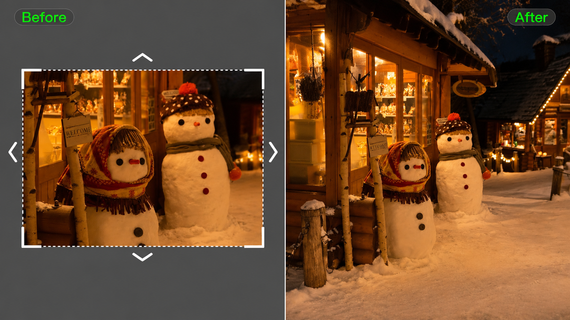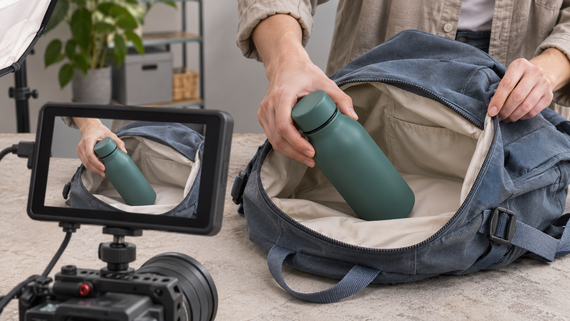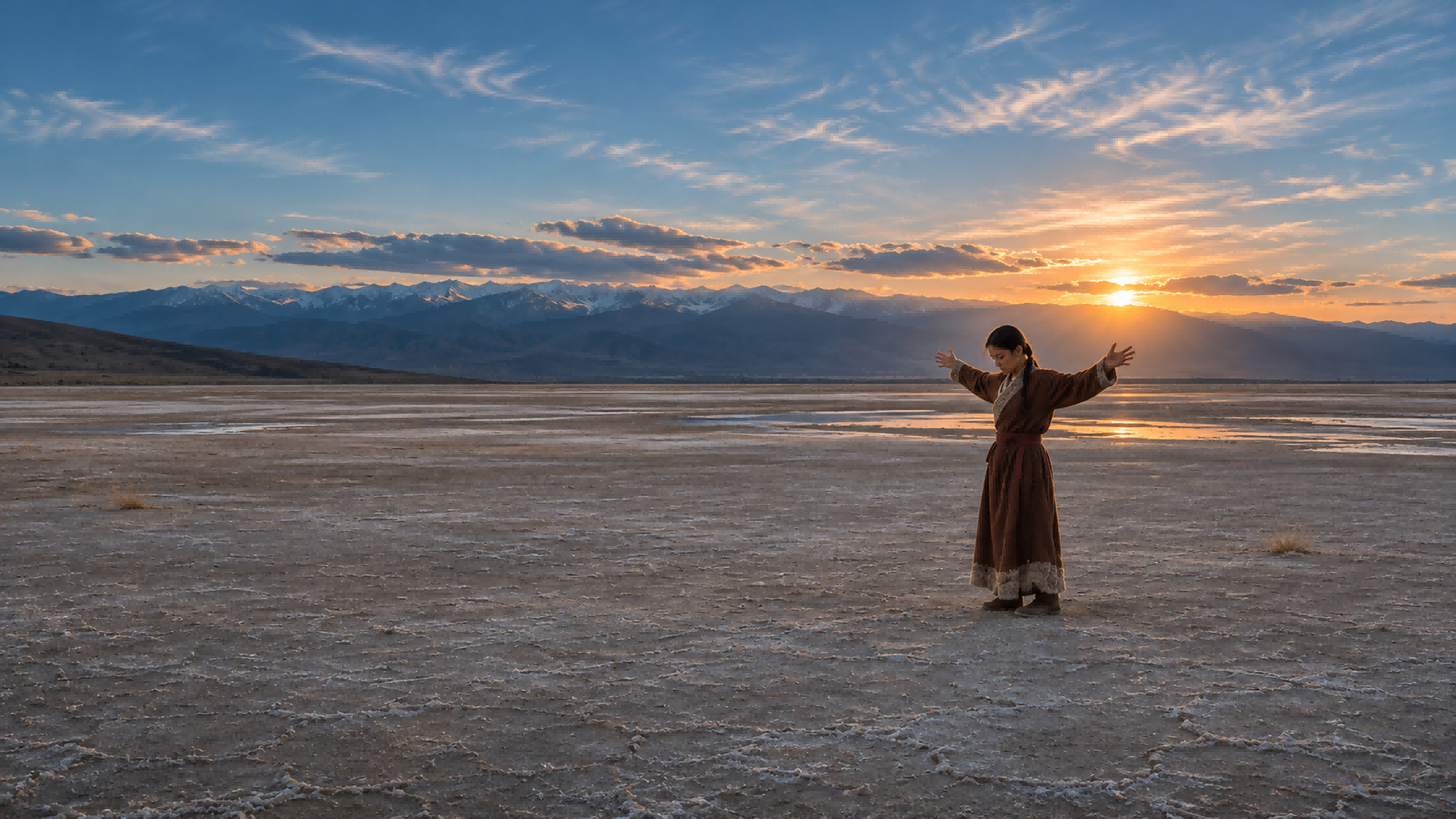
A cutaway shot briefly shifts attention from the main action to a related detail, reaction, or event, often before returning to the original scene. It can add context, build tension, or make a transition smoother. This guide explains how cutaway shots work and how Kling AI can help bring these moments to life.
What Is a Cutaway Shot?
A practical cutaway shot definition focuses on the relationship between shots: the sequence leaves its main subject to show something that adds context.
A cutaway does not have to be a close-up. It might show a crowd, a room, or a person’s reaction. A closer view of the same action is usually a cut-in; an insert emphasizes a specific detail. These labels can overlap, so judge the shot in context.
Cutaway Shot Examples
Each cutaway shot example below begins with the main action, then identifies the related image and its purpose. The same setting can produce several useful cutaways, but each should contribute something viewers have not already seen.
Main scene | Cutaway | What it adds |
| A mechanic discusses a restoration | Separate footage of the damaged bicycle frame | Shows the condition being described |
| A character hears a noise | A door handle turning elsewhere in the room | Reveals a possible threat |
| A chef stirs a pan | A timer counting down on another counter | Introduces time pressure |
| Players compete on the court | Spectators reacting in the stands | Shows the emotional impact |
| A founder explains production | Workers assembling the product in a factory | Illustrates the process |
When Should You Use Cutaway Shots?
A cutaway in film or short videos is most useful when the audience needs more information or the edit needs a visual bridge. Four common reasons are:
- Explain a spoken detail. Show the place, object, or activity being discussed so viewers can connect the words to something visible.
- Cover an edit. Place relevant footage over a visual jump after trimming an interview, while keeping the speaker’s meaning intact.
- Reveal a response or clue. A listener’s expression or a change elsewhere in the room can add tension without interrupting the main event.
- Adjust the rhythm. Leave a static shot briefly when another image adds atmosphere or emphasis. A cutaway should earn its screen time rather than fill it.
The return matters as much as the departure. Hold the supporting image until its point is clear, then return when the main subject has something new to contribute. A complicated diagram needs more time than a recognizable object; there is no universal duration for every cutaway.
Create Cutaway Shots That Fit Your Scene
A cutaway shot should reveal useful information, support the story, and fit naturally with the surrounding footage. Whether you need an additional shot for an existing video or want to build a complete sequence with cutaways, AI video generation offers a more flexible way to bring your ideas to life.
At Kling AI, we bring AI video generation and editing together in one platform. Our Kling 4.0 model lets you create individual cutaway shots or generate complete videos with multiple shots and transitions. With Omni Reference, improved motion stability, and more precise video editing, you can guide visual consistency, camera movements, and storytelling to better match your creative vision.
Generate and Refine Cutaway Shots for Existing Footage
When an existing video is missing an important detail, reaction, or secondary action, you can generate a separate cutaway shot without arranging another shoot. The key is making the new footage feel connected to the original scene.
With Kling 4.0's Omni Reference, you can upload images, videos, or Elements to guide the appearance of characters, objects, environments, and lighting. These references help maintain visual consistency between the main footage and the new cutaway. You can also use our AI video editing capabilities to refine the generated shot, adjusting subjects, backgrounds, framing, camera angles, and other visual details while keeping the elements you want to preserve.

Generate Multi-Shot Videos with Cutaways
You can also plan cutaway shots as part of a complete video rather than creating and inserting them separately. Describe the main action, the supporting details or reactions you want to reveal, and how the sequence should return to its original subject.
Kling 4.0 supports video generation of up to 30 seconds, with improved understanding of multi-shot direction and narrative pacing. Through Omni Reference, you can also use reference videos to guide character actions, shot composition, camera movements, and storytelling rhythm. This lets you recreate effective visual approaches with your own characters, products, and settings, without planning every shot from scratch.
Whether you're developing a dynamic scene for movie production or creating a product-focused sequence for commercial video production, Kling 4.0's improved stability during large-scale movement and complex camera work helps keep fast action, tracking shots, and camera transitions more coherent.
How to Make Cutaway Shots with Kling AI
With Kling 4.0, you can create a separate cutaway shot for an existing video or generate a complete sequence that includes cutaways. The following steps explain how to prepare references, guide the shots, and refine the results.
Step 1. Choose Your Approach and Add References
Open Video Generation in Kling AI and select Kling 4.0. In Omni Reference, you can upload images, videos, or Elements to guide the subject, setting, and camera movement.
For a separate cutaway, use references from your original scene to help maintain visual consistency. For a complete multi-shot video, you can also add reference videos to guide camera movements and pacing.
Step 2. Describe the Cutaway or Multi-Shot Sequence
For an individual cutaway, describe the detail, reaction, or secondary action you want to show, including its framing, lighting, and camera movement.
For a complete video, describe the main action, when the cutaway should appear, and how the sequence should return to its original subject. You can also reference uploaded assets using @ to specify their roles in shaping the appearance, actions, or camera movements.
Prompt example for an individual cutaway:
Generate a medium close-up of an analog clock mounted on the station wall. Its second hand advances steadily. Use the uploaded station image as the reference for the setting, cool blue evening light, and warm background highlights. Keep the camera static, with the clock clearly in focus and the background softly blurred.
Step 3. Generate, Review, and Refine Your Video
Choose the video duration, aspect ratio, and output quality, then generate your video. Review the subject details, lighting, camera movements, and overall continuity. If needed, refine the prompt or references and generate again.
Common Cutaway Shot Mistakes
Review the cutaway together with the shots immediately before and after it. A clip can look convincing on its own yet interrupt the sequence for one of these reasons:
Mistake | Better approach |
Unrelated imagery | Choose an image that explains, reveals, or bridges something specific. |
Too many cutaways | Keep a shot only when it adds information, emotion, or editing flexibility. |
A shot that lasts too long | Return once the supporting detail is understood. |
Continuity inconsistencies | Check lighting, props, gaze, and screen direction against nearby footage. |
Repeated information | Show something the main image does not already make clear. |
Distracting camera movement | Use movement to direct attention toward the detail that matters. |
The End
A cutaway shot works when it gives viewers a useful image at the right moment. Start with the information or emotion the sequence needs, choose a related shot, and check the transition into and out of it. Kling AI can help create or adapt supporting footage, but the final choice belongs in the edit: keep the shot that strengthens the scene and trim away the rest.
FAQs
What Is an Example of a Cutaway Shot?
During a basketball game, the video might cut from a player scoring to spectators cheering, then return to the court. The crowd shot is the cutaway: it leaves the main action to show its emotional impact. The same principle applies to a listener’s reaction during an interview.
What Is the Difference Between a Cutaway and an Insert Shot?
An insert emphasizes a detail within the main action, such as a message on a phone a character is reading. A cutaway shifts attention to a related subject outside that action, such as someone reacting nearby. The terms can overlap, so consider the surrounding footage when identifying the shot.
What Is the Difference Between a Cutaway and B-Roll?
B-roll is supplementary footage; a cutaway describes how a shot is used in an edit. A workshop clip can function as a cutaway within an interview. The same clip could instead establish the location at the start of the video or appear in a montage.
Can AI Generate Cutaway Shots for a Video?
Yes. You can use an AI video generator to create supporting footage from descriptions or visual references. If you have a suitable still, image-to-video generation can help turn it into a moving shot. Check its details, lighting, and movement against your existing footage before using it.
What Are the Best Practices for Cutaway Filmmaking?
Start by identifying what the main shot cannot show clearly, such as a reaction, object, or event elsewhere in the scene. Capture or generate a related shot with consistent lighting, perspective, and screen direction. During editing, place the cutaway where it adds useful context or improves the transition, then return to the main action once its purpose is clear.