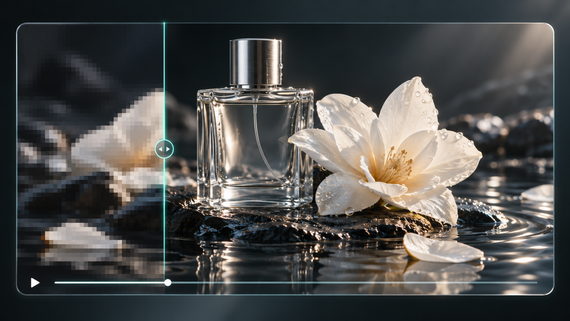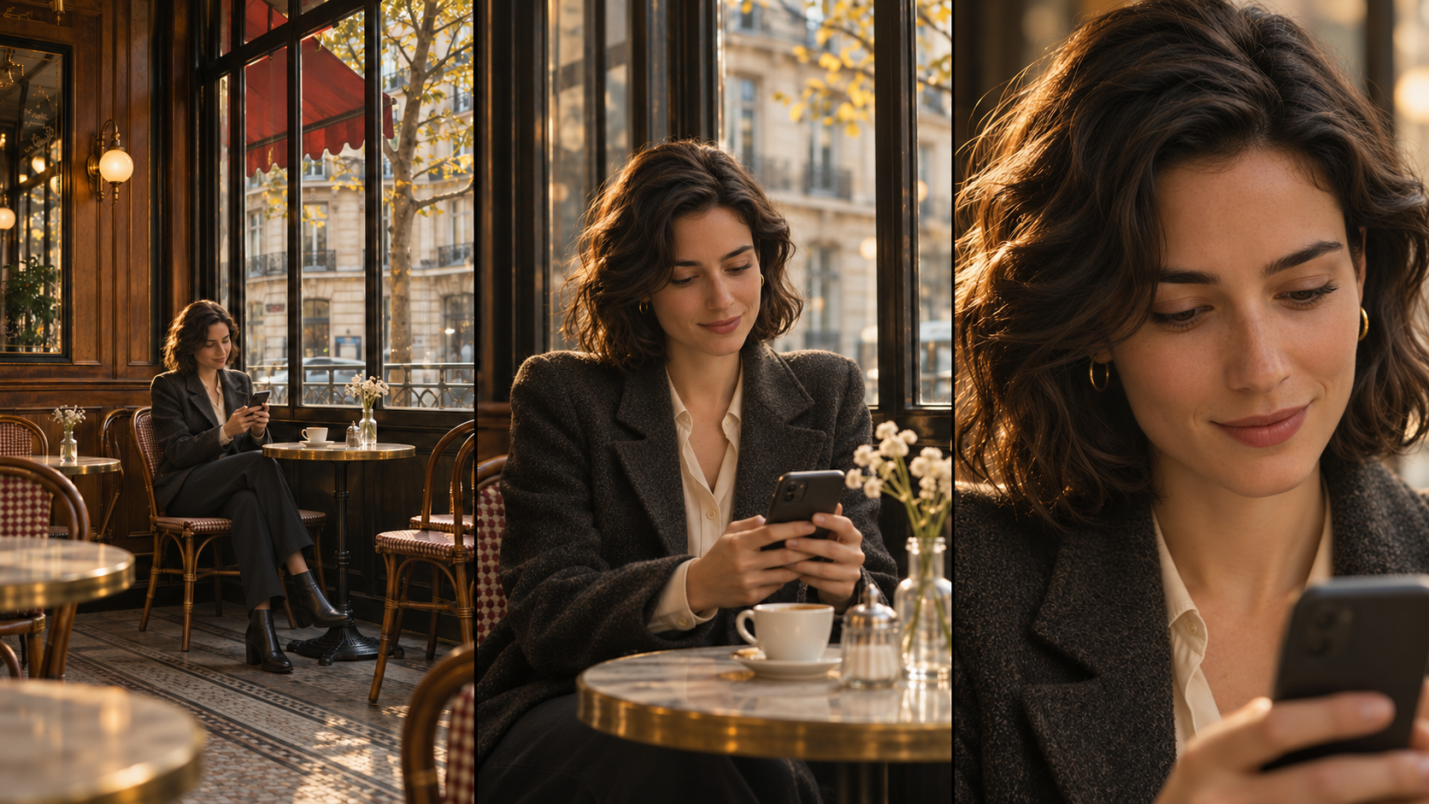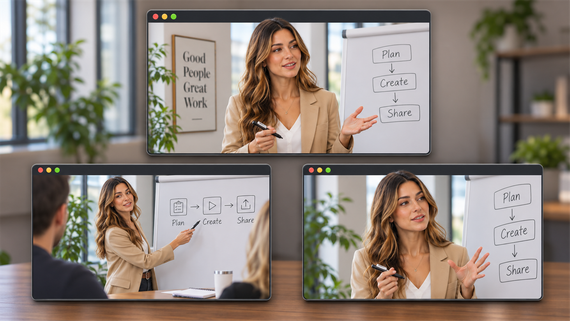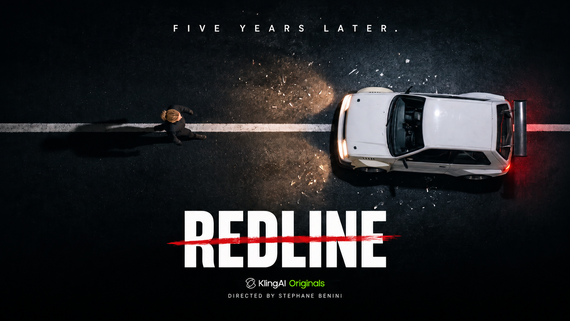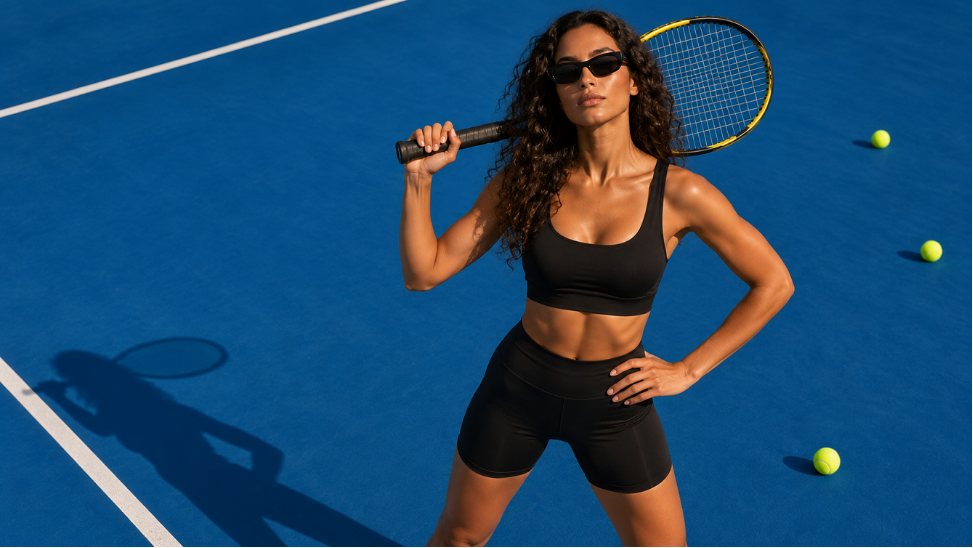
You might have a homepage banner that looks sharp on a laptop, only to find the product barely visible on a phone. A film scene can face a similar problem when a character's entrance lacks impact. The right hero shot depends on the subject, camera angle, and what viewers need to notice first. This guide explains common types, practical examples, and framing tips, then shows how Kling AI can help you develop still images or moving scenes.
What Is a Hero Shot?
A hero shot is a carefully composed photograph or video shot designed to make a product, person, or key story moment the primary visual focus. On a website, it often anchors the top section of a page; in an ad, it helps communicate the campaign message at a glance. Camera position, lighting, background, and negative space guide viewers toward the detail that matters most.
In film, a hero shot can introduce the protagonist, emphasize an important object, or mark a pivotal moment. A lower camera position might convey power, but the scene may need a different angle to show emotion or context. The visual purpose matters more than any single camera setup.
Hero Shot Examples and Common Types
Hero shots can make a product feel premium, show what a service delivers, or give a character a memorable entrance. The subject and the placement shape the approach. These hero shot examples show how one visual can serve different goals.
Approach | Hero Shot Example | Main Purpose |
Product-focused | A watch photographed alone with controlled reflections | Emphasize design and materials |
Process or in-use | A runner checks a wearable on a trail | Show the product in action |
Lifestyle | A bicycle beside a sunlit coastal road | Suggest an experience or mood |
Outcome-focused | A finished patio shown as the focus of a renovation campaign | Show the value of a service |
Cinematic character | A protagonist enters a wide frame against the skyline | Establish a story moment |
How AI Can Help You Create Hero Shots
Whether you're planning a product launch or a character reveal, a hero shot often takes several rounds of visual testing. The angle may hide a detail, the lighting may change the mood, or the camera movement may draw attention away from the subject. Rebuilding a set or arranging another take takes time. If you already have footage, an AI video editor can help you replace subjects, change backgrounds, or refine visual elements without reshooting the entire scene. AI can help you preview and explore different hero-shot directions, compare how the moment reads across formats, and decide which version deserves further development.
At Kling AI, we bring image and video generation together to help you create hero shots for campaigns, websites, and films. Our image model, Kling Image 4.0, combines realistic lighting and textures with native 8K output, precise composition control, and consistent image sets of up to 10 images.
Our video model, Kling 4.0, uses Omni Reference to combine up to 15 assets, helping you maintain subject consistency and guide camera movement. Improved motion stability and narrative control help you build cinematic reveals, while reference videos let you adapt proven creative concepts to showcase your own products or characters. Let's explore how our image and video capabilities can help you create and refine compelling hero shots with greater creative control and efficiency.
Create Detailed, Consistent Hero Images
Realistic Hero Images with Native 8K Detail
Camera angle, lighting, and subject placement all influence the impact of a hero shot. With Kling Image 4.0, our AI image generator supports prompts of up to 15,000 tokens, giving you precise control over composition, perspective, spatial relationships, and lighting. Enhanced realism brings natural shadows, lifelike skin, and authentic material textures, while native 8K output preserves fine details for large displays and close crops. You can also generate up to 10 coordinated images from a single prompt to explore different angles, lighting, and settings while maintaining subject consistency.
Input Image | Result | Prompt |
|
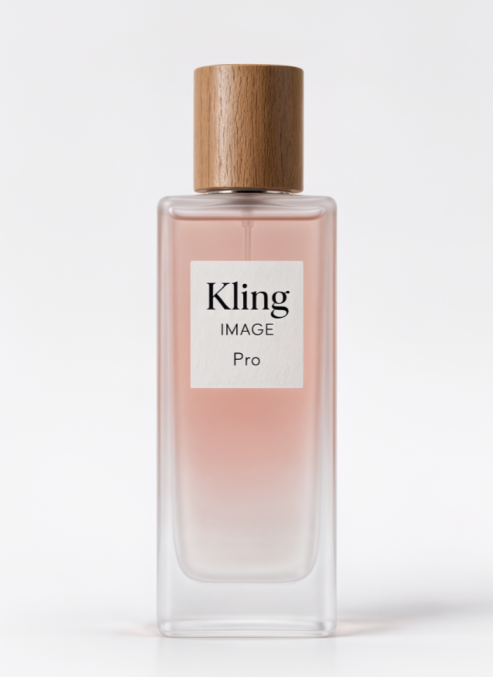
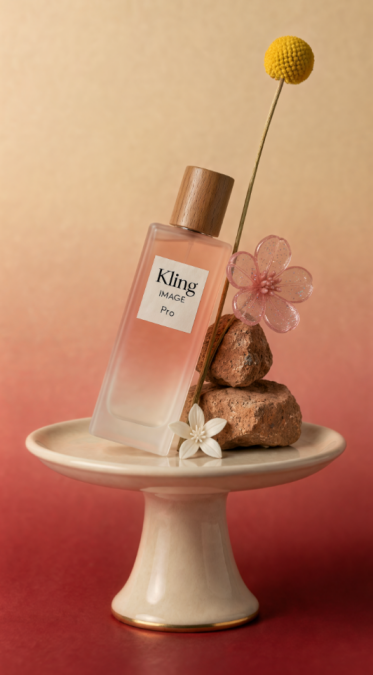
| A still-life arrangement sits on a cream-white ceramic pedestal tray. The tray has a smooth surface, a rolled downward-curving rim, and a delicate gold accent along the base. A slender rectangular frosted-glass perfume bottle lies diagonally at the center of the tray. Its color transitions from pale pink at the top to transparent glass at the bottom. A cylindrical brown wooden cap sits on top. The white square label on the front of the bottle is tilted approximately 15 degrees counterclockwise. The label features the word “Kling” in a large, elegant serif font, followed by the smaller words “IMAGE” and “Pro” in a clean sans-serif font. Two irregular brown stones with rough, textured surfaces rest against the right side of the perfume bottle. Above the stones, a long, slender dried plant stem leans diagonally, ending in a spherical yellow flower cluster. Between the perfume bottle and the plant stem is a translucent pink plastic flower covered with tiny reflective glitter particles. Its petals and central structure are clearly visible. A small white flower with star-shaped petals blooms where the perfume bottle meets the stones. The background is a solid gradient transitioning from deep red at the bottom to pale beige at the top. Use warm, diffused frontal studio lighting to create a low-contrast, high-key look. A centered close-up composition with generous negative space emphasizes the textures and shapes of the still-life objects. The final image should be polished, balanced, and visually refined. |
Refine Existing Photos into High-Impact Hero Shots
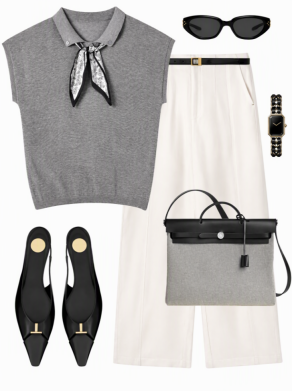
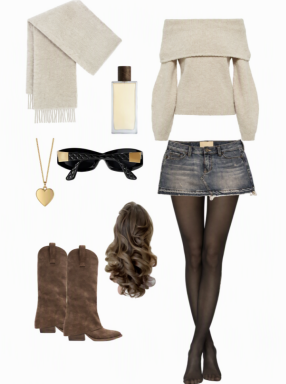
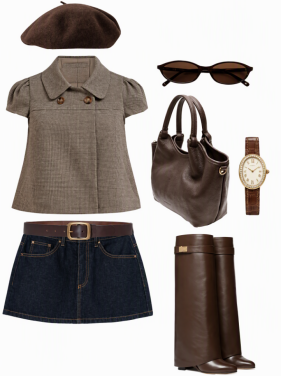
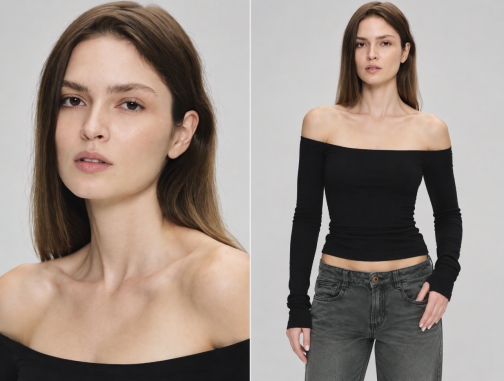
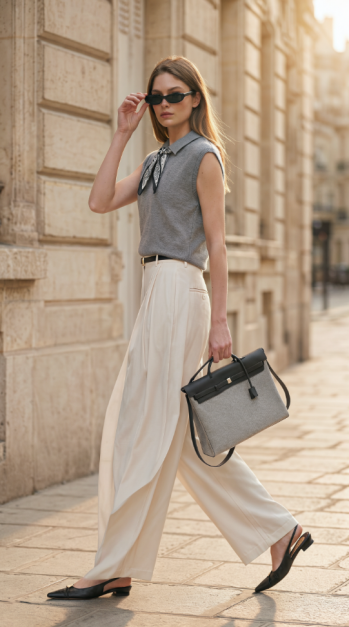
An existing product photo or portrait may capture the subject accurately but lack the visual impact needed for a hero shot. With Kling Image 4.0's precise AI image editing capabilities, you can replace backgrounds, refine lighting, adjust composition, modify selected elements, and enhance material details while preserving the subject's defining features. Transform existing photographs into compelling hero images for website banners, product launches, and advertising campaigns without arranging an entirely new photoshoot.
Input Images | |||
| |||
Result | |||
|
|
|
|
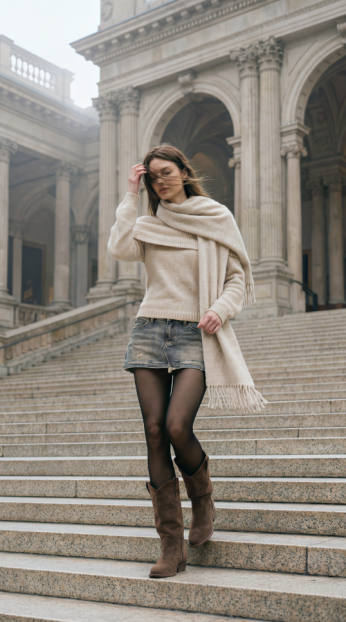
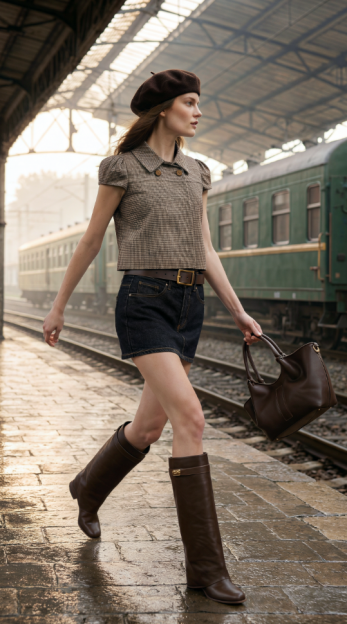
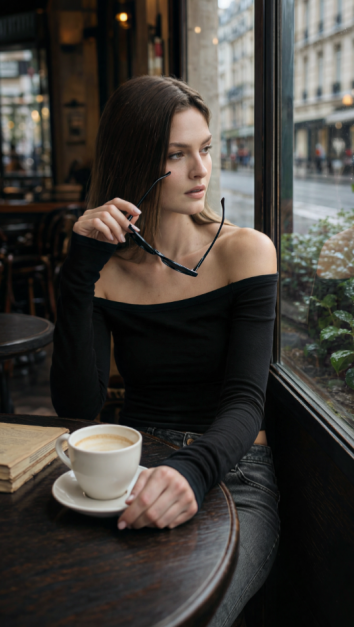
Combine Hero Images with Clear Marketing Copy
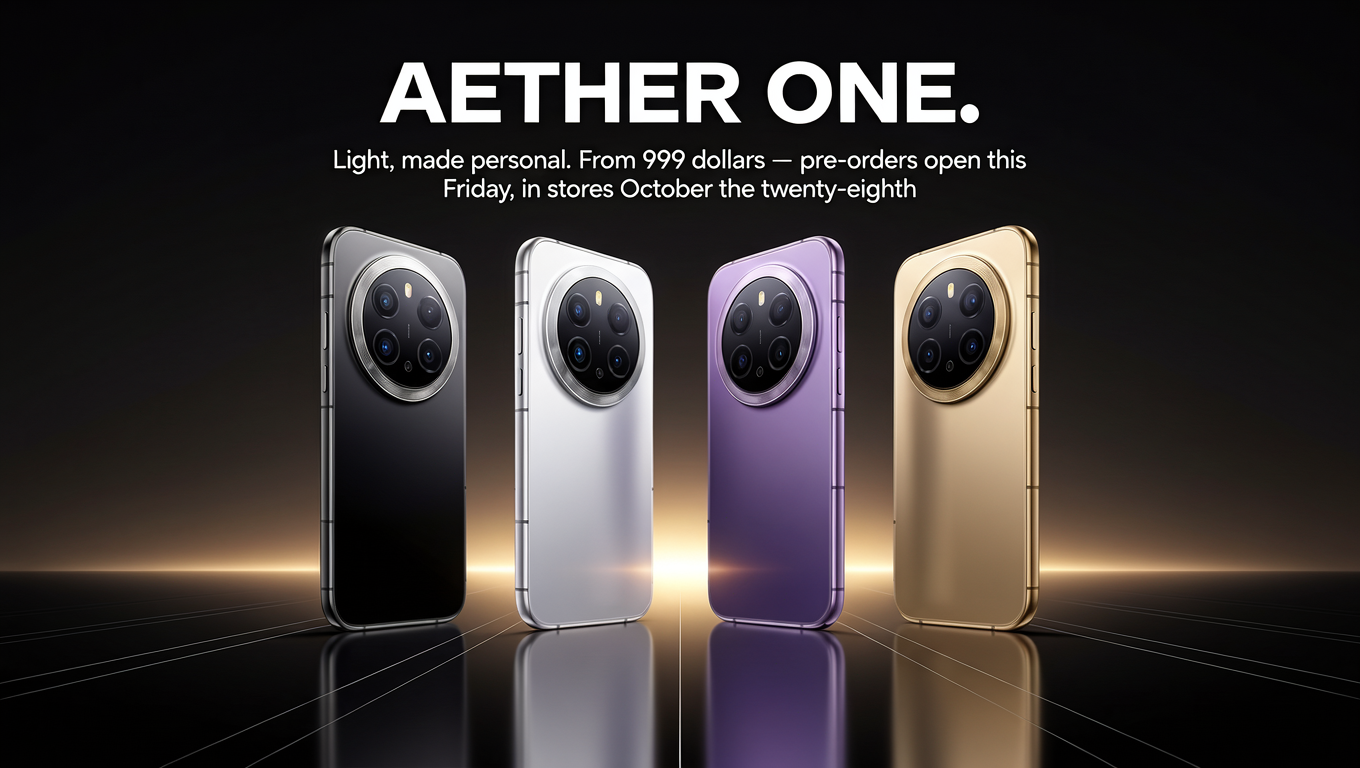
A hero shot for marketing often needs to work alongside a headline, product name, promotional message, or call to action. Kling Image 4.0 supports up to 2,000 characters of text in a single image and offers over 70 commercially licensed fonts, along with font reference support. You can specify text placement, visual hierarchy, and typography to create cohesive hero banners, advertising visuals, and promotional graphics while keeping the main subject in focus.
Develop Cinematic Hero Videos with Greater Creative Control
Consistent Subjects and Directed Motion
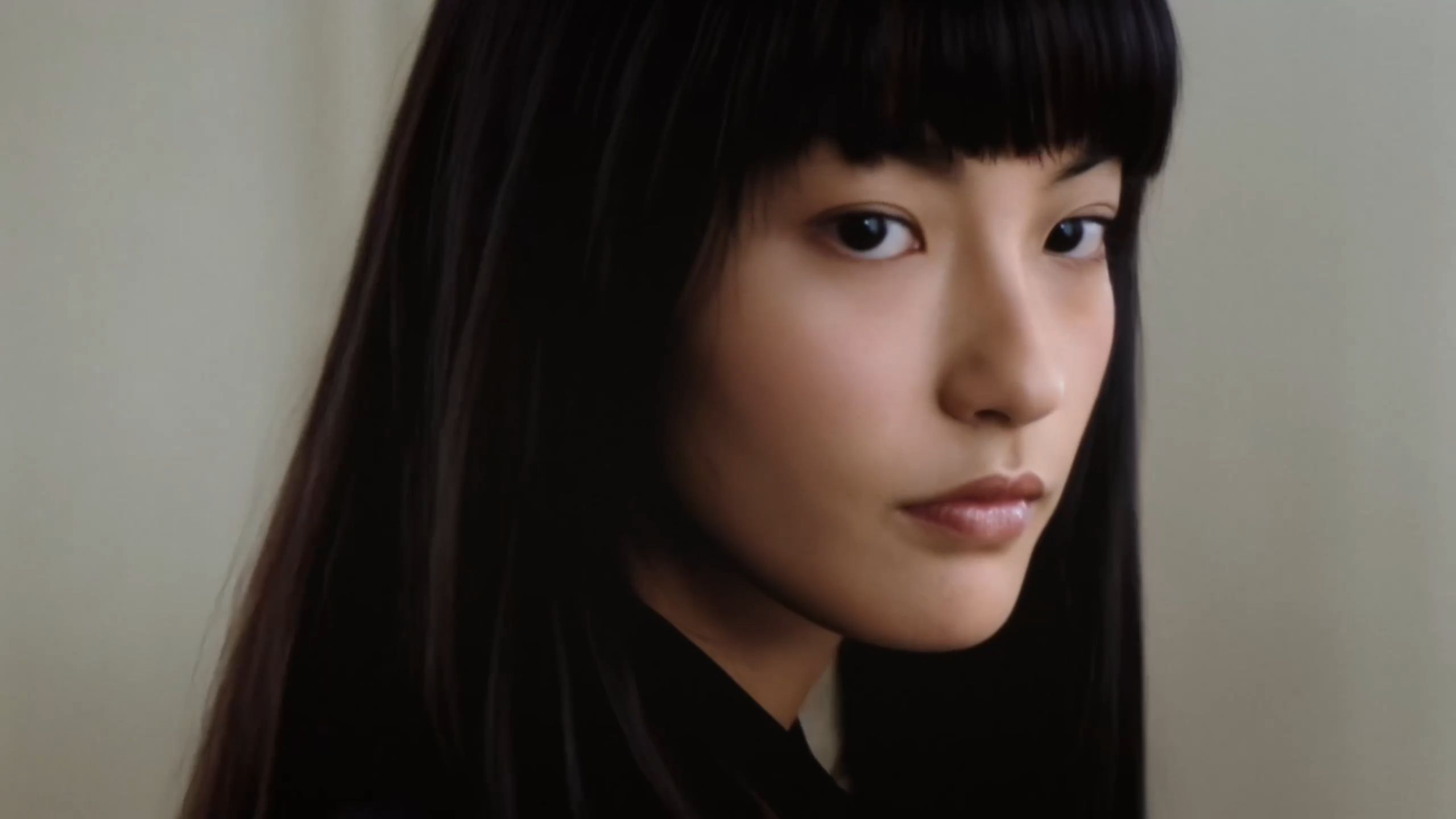
A moving hero shot can lose impact if a product changes shape or a character's appearance drifts during camera movement. Kling 4.0's Omni Reference combines up to 15 reference assets, including images, videos, and Elements, to guide subject appearance, scene composition, actions, and camera movement. Improved stability during large-scale motion and complex camera moves helps keep products and characters recognizable throughout dramatic reveals. White-model and depth-map videos can provide additional spatial and motion guidance.

Shape Hero Reveals with Cinematic Storytelling
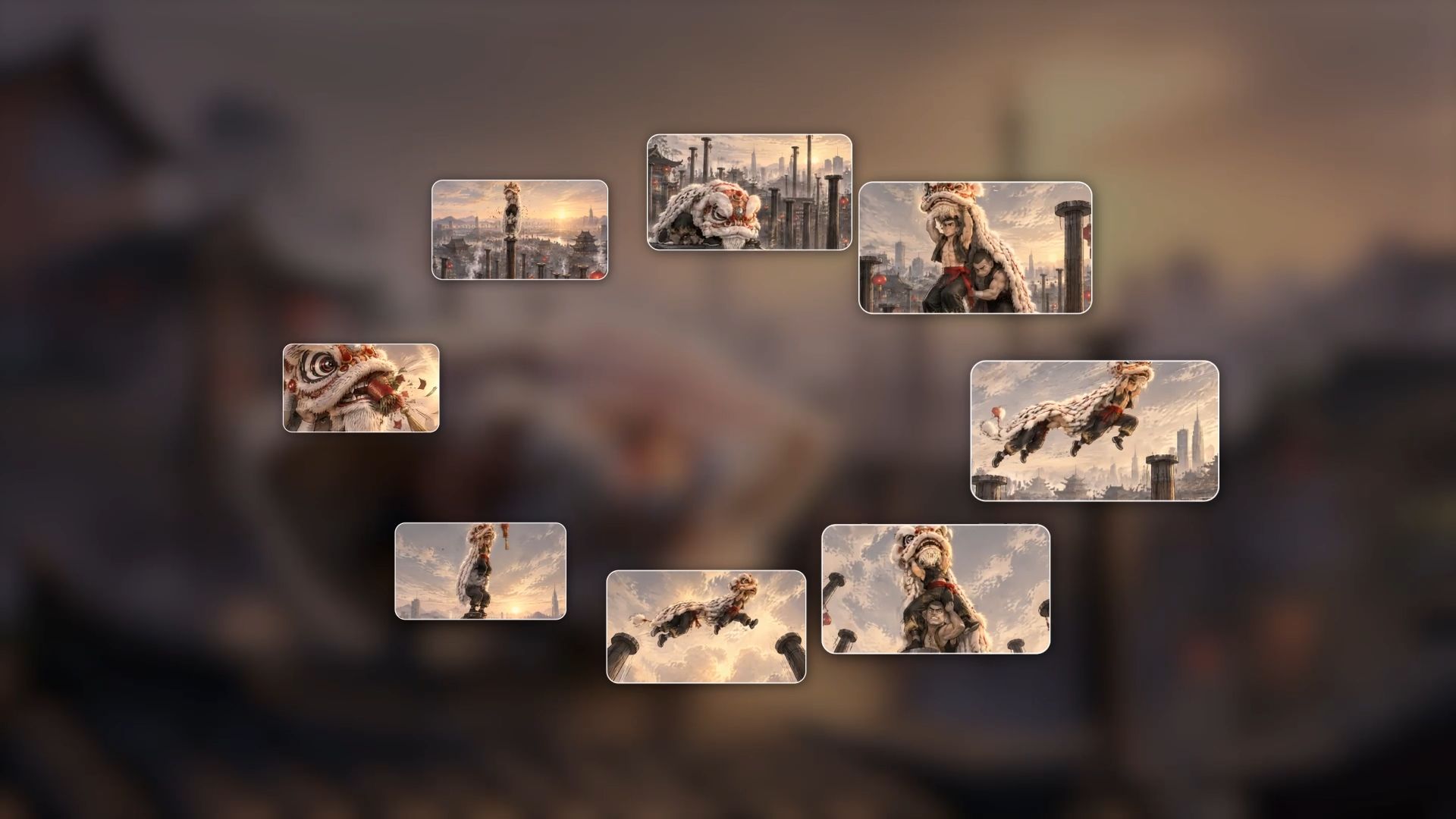
A memorable hero shot is not just about the final composition, but also how the audience arrives at that moment. Kling 4.0 supports native video generation from 3 to 30 seconds and up to 10 keyframe images, allowing you to plan character entrances, product reveals, and changes in framing. With support for prompts of up to 8,000 tokens and enhanced instruction understanding, the model can help develop your creative directions with a director-like approach to camera movement, pacing, transitions, and narrative progression.
Adapting Shot Concepts for New Scenes
When a product reveal or cinematic hero shot already has a compelling visual structure, you don't need to plan every camera move from scratch. With Kling 4.0's Omni Reference, you can use a reference video to guide shot composition, camera movement, action, and narrative pacing while introducing your own products or characters. For example, you can adapt the creative structure of an existing commercial to showcase your own product. This helps streamline
commercial video production for product launches, social media campaigns, and branded advertising. Use reference footage you own or have permission to use.
| Input Image | Input video | Output video |
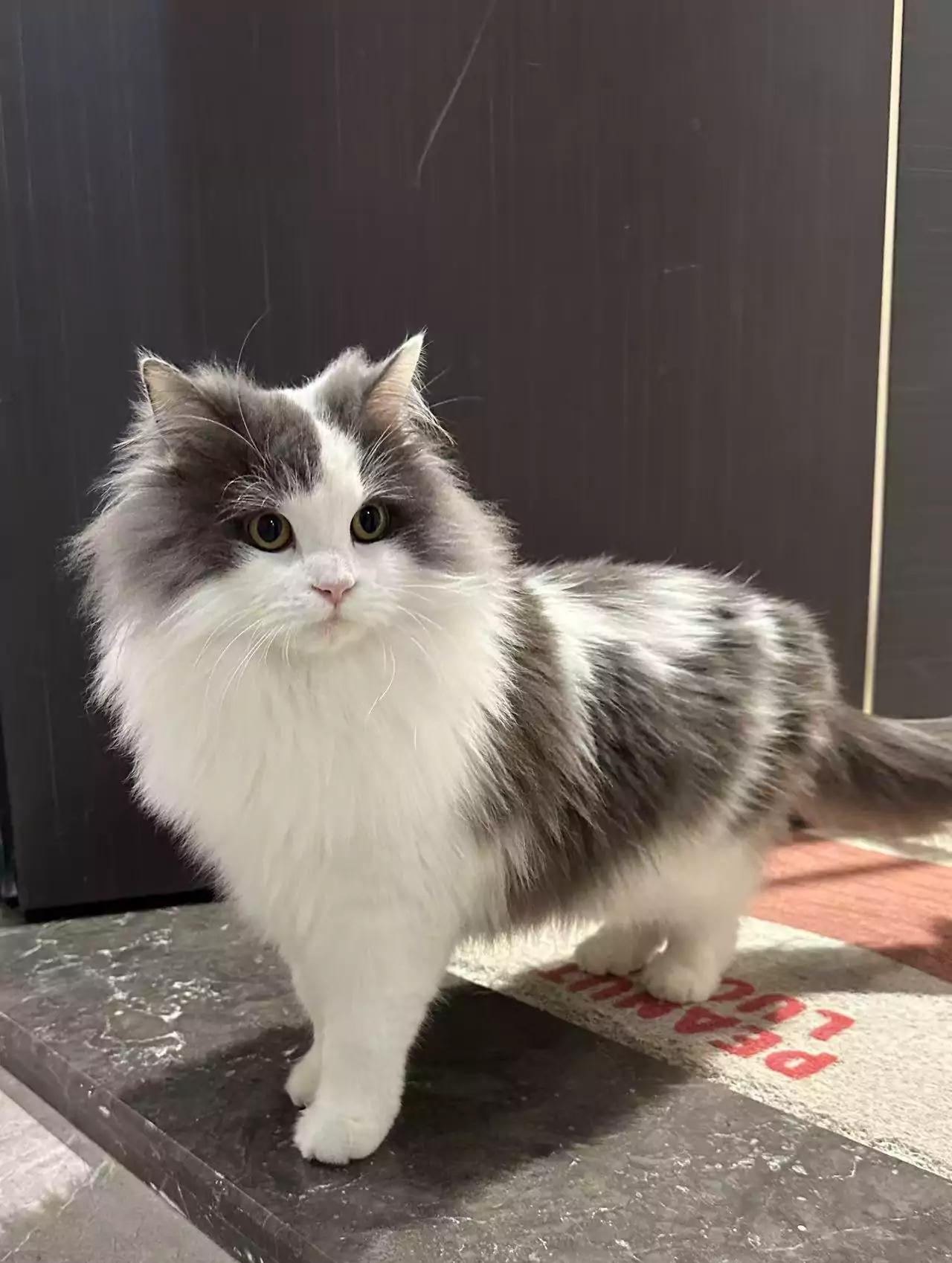 |  |  |
Prompt: Replace the Element in @Video 1 with the Element from @Image 1. Keep everything else unchanged, including the background composition, camera movements, lighting, shadows, audio, and video duration. Ensure the replacement Element integrates naturally into the original footage, matching the original Element's position, scale, movements, and trajectory. | ||
How to Create Hero Shots with Kling AI
You can make a hero shot from a written concept or from approved visual references. A still image gives you room to explore composition and lighting; a video lets you build movement and timing into the same kind of visual focus. Choose the method that fits your goal, and use the other when it adds value.
Create a Still Hero Shot
Step 1: Start with a Concept or References
Open Image Generation and select Kling Image 4.0. If you have product photos, character images, or visual references, upload up to 10 images to guide the subject's appearance and composition. Otherwise, start directly with a text prompt.
Step 2: Write a Specific Image Prompt
Describe the subject and intended placement first, then specify the camera perspective, the subject's position within the frame, lighting direction, background, material textures, and details that should stay clear. When you add references, tell the model which features they should guide.
Example prompt: Create a photorealistic hero photograph of a brushed-steel analog wristwatch with a matte black dial and tan leather strap, resting upright on a dark slate pedestal. Three-quarter camera view from slightly below eye level. Place the watch on the right third of a 16:9 frame, with clean negative space on the left for a headline. A large softbox at upper left reveals the metal texture; a narrow rim light separates the case from the charcoal studio background. Show fine leather grain, clear hour markers, realistic glass reflections, and a natural shadow beneath the watch. The setting contains only the watch and pedestal. |
Step 3: Choose Settings and Review the Image
Use 16:9 for a website banner, 9:16 for a vertical social creative, or 1:1 for a square placement; 21:9 can suit a very wide cinematic layout. Choose 2K for concept exploration, 4K for detailed campaign assets, or 8K when a large display or close crop calls for more source detail. Generate the result and compare proportions, labels, and reflections against approved materials. Refine any inaccuracies before the image goes live.
Create a Moving Hero Shot
You can begin with a written scene or use an existing still to guide the subject and opening composition. A moving hero shot can reveal a product, introduce a character, or give an important moment a more deliberate pace.
Step 1: Begin with an Idea or Visual Assets
Open Video Generation, select Kling 4.0, and enter Omni Reference. Upload product images, character references, Elements, or reference videos to guide subject appearance, actions, and camera movement, or start directly with a text prompt.
Step 2: Describe the Visual Sequence
Use one video prompt to describe the setting, subject, camera path, action, and timing. Assign specific roles to references such as @Image1 and describe the sequence as clear visual beats. If you're starting from an idea alone, describe the subject directly and leave out asset references.
Example prompt: @Image1 defines the brushed-steel watch, black dial, and tan strap. Preserve its design. Scene: dark charcoal studio, softbox lighting, and natural reflections. 0-3s: medium three-quarter view, watch slightly right of center. 3-7s: slow push-in and subtle clockwise orbit, with rim light across the case. 7-10s: hold on a crisp dial close-up. Keep the lighting and color consistent. No subtitles or background music. |
Step 3: Set the Format and Review the Video
Choose your preferred aspect ratio, video duration, and resolution. For the watch reveal above, set the duration to 10 seconds. Generate your hero shot, review subject consistency, camera movement, and visual details, then refine or download the result.
Key Elements of an Effective Hero Shot
Good hero shots guide the eye quickly, whether the subject is a person, a product, a place, or a moment in motion. Camera angle, light, and the space around the subject affect how easily viewers understand the image. The details you emphasize should reflect where and how the visual will appear.
A Strong Focal Point
Choose the detail you want viewers to notice first: an expression, a distinctive shape, or a landmark in a landscape. Let supporting elements add context and give the eye a clear path through the frame. Simplify objects that compete with the main subject.
Camera Angles with a Purpose
Camera position can change the character of the entire shot. A hero angle shot often uses a low viewpoint to emphasize scale or authority. A three-quarter perspective reveals depth and shape, and an eye-level view can feel direct and personal. Choose the viewpoint that draws attention to the quality or emotion you want the subject to convey.
Lighting and Background Separation
Directional light can bring out the texture of fabric, define the contours of a face, or reveal the shape of an object. Background color and depth add mood and context, and good separation keeps the main subject easy to read. Consider how shadows, highlights, and surrounding details work together in the final composition.
Crops and Text-Safe Space
A composition that looks balanced in a wide layout may need a different crop for a vertical post, a printed piece, or a smaller screen. Protect the focal point and leave space for any headline or caption. When an alternate layout needs more room around the subject, an AI image extender can expand the surrounding canvas and give you greater flexibility across formats.
Common Hero Shot Mistakes and Fixes
A shot can look polished and still miss its purpose. These checks help you catch problems before an ad, website banner, or film sequence goes live.
Common Mistake | Practical Fix |
Too many competing subjects | Identify one primary focal point and simplify the frame. |
A dramatic angle hides the product | Choose a view that reveals important features and proportions. |
The headline competes with the visual | Leave legible negative space and test mobile crops. |
Incorrect logos or generated details | Compare the output with approved photos and packaging. |
Movement distracts from the subject | Shorten the camera move and review the final frame. |
The End
A strong hero shot gives viewers a clear subject and a reason to pay attention. Framing, camera angle, lighting, and timing shape that first impression across websites, campaigns, portfolios, and moving scenes. At Kling AI, we help you explore those choices through detailed still images and video, so a single visual idea can take different forms as your project develops. The strongest result keeps the subject and message clear wherever it appears.
FAQs
What Is a Hero Shot in Photography?
In photography, a hero shot is a carefully composed image that gives a product, person, or other subject a strong visual presence. Photographers use lighting, perspective, and background contrast to emphasize its defining features. You might see hero shots in product advertising, brand campaigns, or portraits. The technique doesn't require a specific camera angle; the best approach depends on the subject and the impression you want to create.
Are a Hero Shot and a Hero Image the Same Thing?
Not always. A hero image usually refers to the main still visual on a webpage, in an email, or in a campaign. A hero shot describes a composition that gives its subject special emphasis and can also refer to footage. The website hero section includes more than the image: it may feature a headline, supporting text, and a call to action. The image and copy should communicate one message, even after a mobile crop.
How Is a Hero Shot Different from an Establishing Shot?
An establishing shot introduces a location and helps viewers understand the space around a scene. A hero shot emphasizes the importance of a person, object, or defining moment. For instance, a wide view of a city may establish the setting; a low-angle image of the protagonist can then give that character a memorable entrance. One shot can sometimes do both jobs, but the creative purpose determines which term fits better.
What Size Should a Website Hero Shot Be?
There is no single ideal dimension for every website. Start with the layout and consider how the subject will appear on a wide desktop screen, a tablet, and a narrow phone. A landscape crop may work for the main banner, but the same composition may need a separate mobile version. Protect key details and text-safe space, then balance file size and image quality so the hero visual does not slow the page unnecessarily.
Should Ecommerce Hero Shots Use a White Background?
A white or neutral background works well when shoppers need to compare products and examine shapes, colors, or packaging. A homepage hero or a brand campaign may benefit from a richer setting that communicates a lifestyle or a distinctive visual mood. The right choice depends on the placement and the product. Retail marketplaces may have their own main-image requirements, so check the current rules for each channel before you upload the final creative.
Do AI-Generated Hero Shots Need a Final Accuracy Check?
Yes. Compare logos, packaging text, colors, proportions, and visual product claims with approved source materials. Check how each version crops across placements, and inspect small lettering at full size. AI images may invent or reinterpret details that matter for customer trust, so a human review remains essential. When the visual features a real person, a trademark, or someone else's creative work, confirm that you have the rights and permissions the intended commercial use requires.