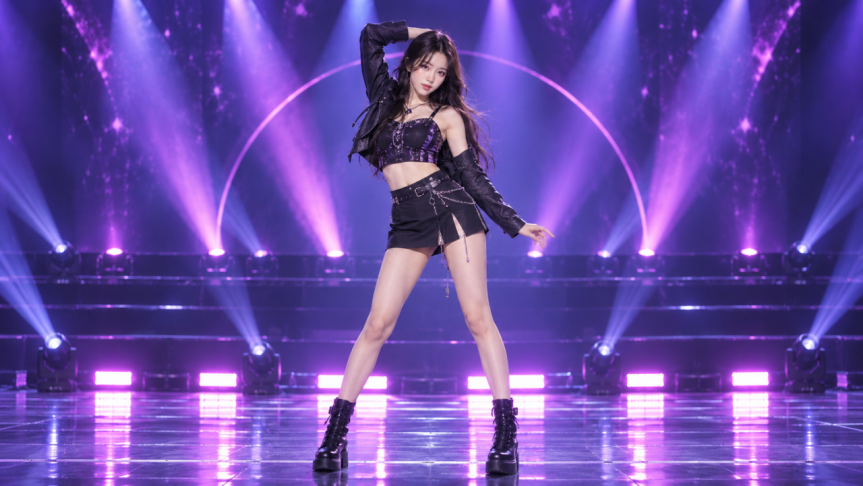
Want to make a picture dance online? Start with a few moves that suit her pose rather than an entire routine. Try these 5 image-to-video girl dancing prompts, from hip-hop to ballet, and bring your favorite to life with Kling AI video generator.
5 Copy-Ready Dancing Prompt Examples
No need to write a dance prompt from scratch. Pick a style you like from the five examples below, then tweak the moves and camera angle to suit your photo.
Contemporary — "Starting from a calm, grounded pose, she moves into a slow contemporary phrase with soft arm sweeps and a gentle turn. Let the movement unfold smoothly, with her upper body following naturally through the motion before she comes to rest in a graceful final pose. A subtle eye-level orbit works well here, with a calm, expressive feel throughout."
Hip-hop — "Give the dance a strong hip-hop feel with a side-to-side groove, sharp shoulder pops, and clean arm hits. The energy should stay tight and controlled, ending in a confident freeze. Keep her full body visible and add a slight push-in to make the performance feel more dynamic."
K-pop — "For a polished K-pop vibe, have her move through quick side steps, coordinated arm motions, and a catchy point gesture toward the camera. She can finish with a playful head turn and a confident pose. A steady front-facing shot with a light push-in helps keep the performance clean and stage-ready."
Ballet — "Begin with a poised ballet-inspired posture, then let her lift her arms softly, lengthen through the body, and move into a controlled turn. She settles into an elegant finishing pose with light, precise movement. Keep her full body in frame while the camera tracks gently from the side."
Salsa — "Set the tone with a lively solo salsa rhythm: quick side steps, natural hip movement, and relaxed shoulder action. From there, she flows into a controlled turn and finishes facing the camera with a confident pose. A mostly steady shot with a soft circular camera movement helps bring out the warm, upbeat energy."
How to Adapt Dancing Prompts to Your Photo
Found a dance you like in the examples above? You can use the prompt as written or personalize it before generating. A few thoughtful changes to the choreography and camera direction can help you get closer to the result you have in mind.
Change Moves That Don't Fit
You don't have to follow every step in the original prompt. If you're working with a waist-up portrait, for instance, detailed footwork won't be visible.
For the hip-hop example, swap the footwork for "a rhythmic shoulder bounce followed by two sharp arm hits." The dance retains its hip-hop feel, but the action now suits what's in the frame. If you're creating a new starting image instead, Kling's image prompt formula guide can help you describe the dancer's pose and framing before animating it.
Give the Dance a Clear Flow
A short clip doesn't need an elaborate routine. Pick a few distinct actions and arrange them in a sequence that feels natural, leaving room for each one to play out.
Something like "Start with a side-to-side groove, add two shoulder pops, then finish with a relaxed pose" creates a simple progression without squeezing too much choreography into the video.
Set the Camera Direction
Decide how you want the dance to be filmed. A steady shot works well when the choreography itself is the focus, while a gentle camera movement can add a different feel.
Rather than asking for an orbit, zoom, and tracking shot all at once, stick to one clear direction, such as "steady shot with the dancer centered in the frame."
How to Make a Photo Dance With Kling VIDEO 3.0
With your dancing prompt ready, it's time to bring your photo to life. Kling VIDEO 3.0 works as an AI dance generator from a photo, letting you guide the action through a text prompt. Follow these three steps to create your first clip.
1. Upload Your Photo
Open Kling's Image-to-Video tool and upload a clear picture of your dancer. A full-body shot with some space around the subject works well for footwork and turns, while a waist-up portrait can bring out arm gestures and shoulder movements. Check that the subject is clearly visible, without heavy blur or overlapping objects that might interfere with the action.
2.Add Your Dance Prompt
Paste your chosen or adapted prompt into the text field. It should describe the dance style and a short sequence of actions in order, such as "a hip-hop groove, two sharp arm hits, then a final pose." Add a timing or camera cue only if it matters to the choreography. There's no need to repeat the girl's appearance or background unless you want to change them.
3. Generate and Review Your Video
In Kling's AI video generator, set your clip length between 3 and 15 seconds. A short duration works for a simple move, while a longer one gives several connected steps more time to unfold. Hit Generate, then watch the result from start to finish. Pay attention to how the dance flows, whether the subject stays in frame, and if her appearance remains consistent. If the first take isn't quite right, adjust a move or camera cue and generate another version. If the motion already works but the finished clip still needs visual refinement, you can also use Kling's video enhancer to improve the overall presentation.
Image |
.png?x-oss-process=image/resize,w_1872) |
Prompt: A young female idol performs a 10-second solo K-pop dance on stage, preserving the character appearance, outfit style, and stage atmosphere from the reference image. She begins confidently under the spotlight, looking toward the camera, then transitions into smooth and powerful K-pop choreography with hip sways, shoulder rolls, arm waves, sharp hand gestures, small turns, and rhythmic footwork, ending with a memorable signature pose. Add an energetic modern K-pop electronic dance track with punchy drums, electronic bass, and bright synth melodies at around 120–125 BPM. Synchronize the choreography naturally with the beat, with key gestures and body movements landing clearly on the stronger beats. The music should enter the main rhythm quickly and finish with a clean beat accent matching the final pose. Include subtle live-stage ambience such as light room reverb, stage atmosphere, and very restrained audience cheers without overpowering the music. No dialogue and no vocals; focus on an instrumental K-pop dance track. Keep the stage filled with purple and pink lighting, dynamic light beams, soft haze, and reflections on the glossy floor. Use mostly full-body framing, starting with a slight camera push-in, followed by subtle side tracking, then settling on the final pose. The dance, music, and camera movement should feel naturally synchronized, like a polished K-pop music-show stage performance or high-quality fancam. |
Output |
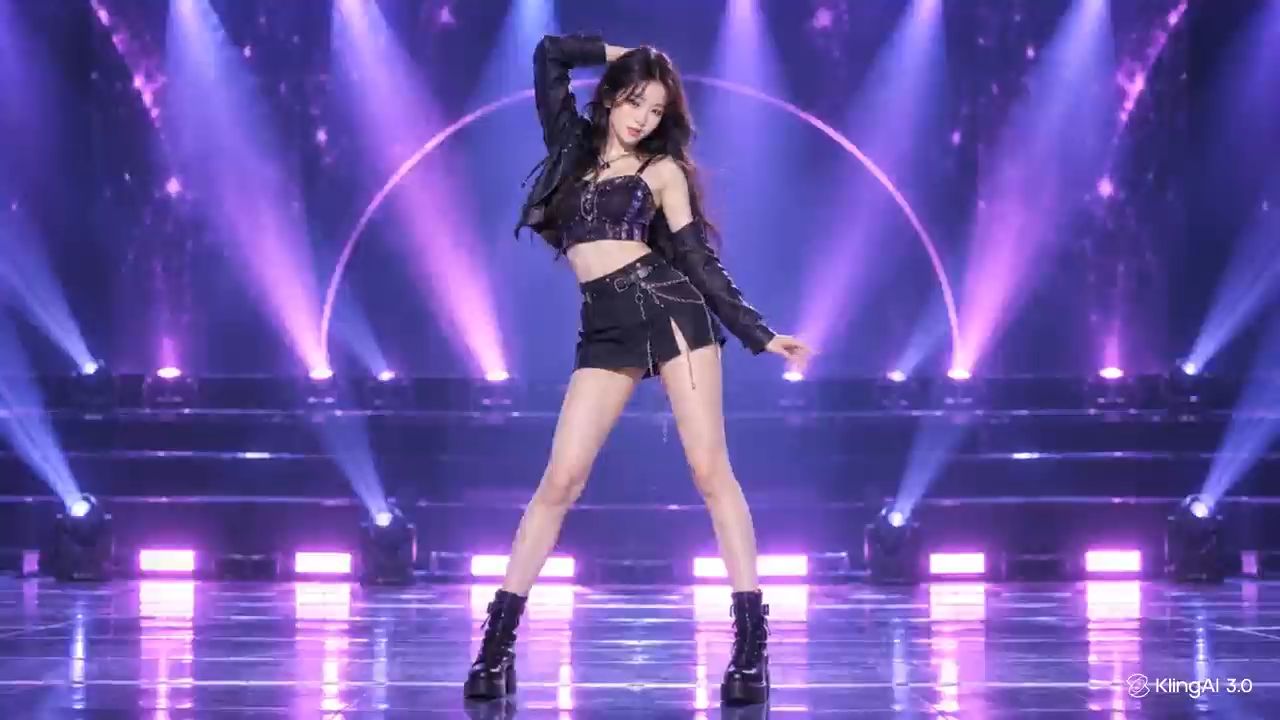  |
Want to Recreate a Specific Dance? Try Motion Control
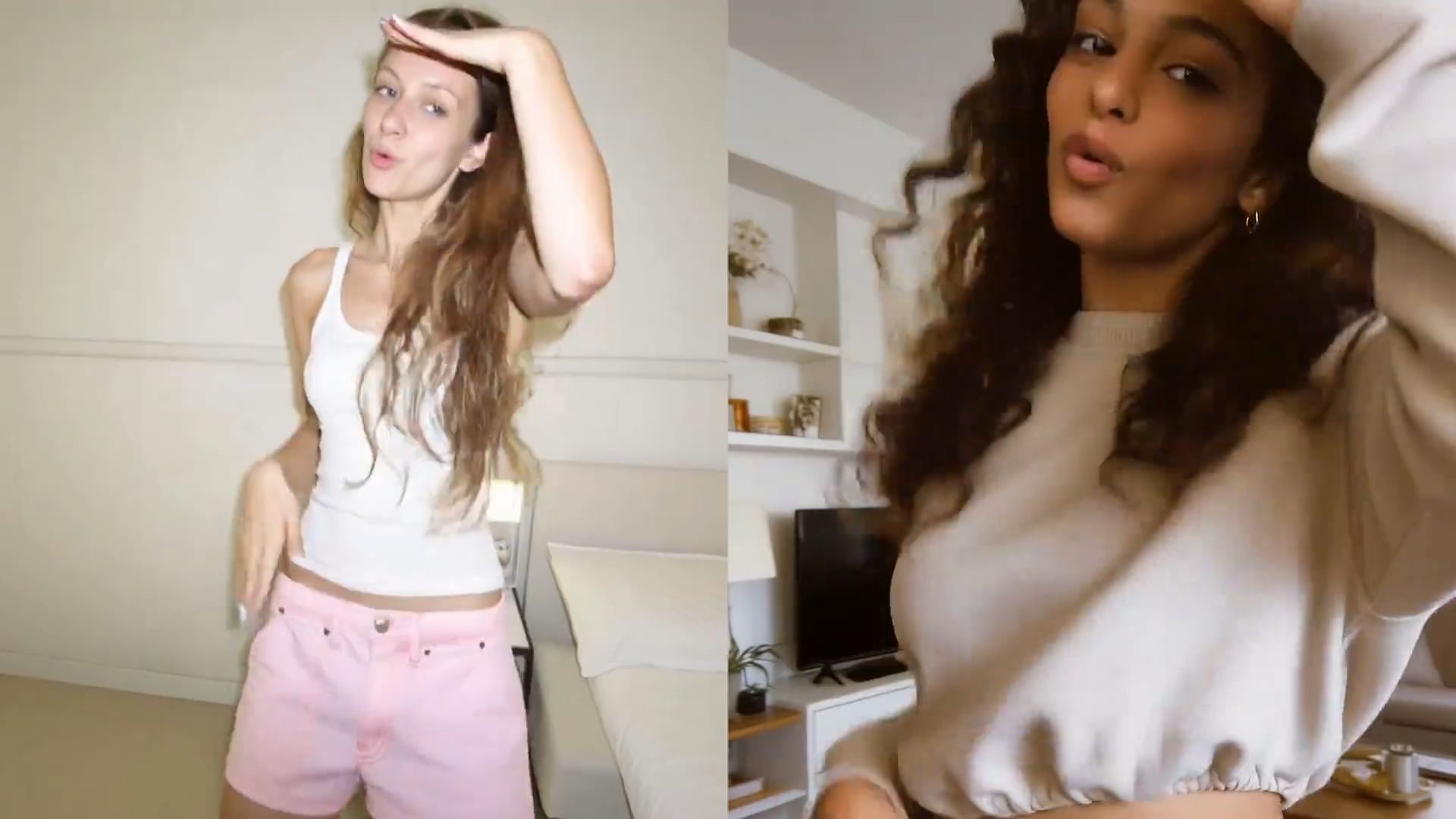
If you want the dancer to follow a specific routine more closely instead of describing every move through text, Kling VIDEO 3.0 Motion Control offers an additional way to guide the performance. Upload a reference action video together with your photo or character image, and Kling can use that reference to guide the dancer’s movements and expressions more closely.
This approach is especially useful for dance challenges, recognizable choreography, or movement sequences that are difficult to describe precisely in a prompt. It can also help maintain clearer facial appearance and more stable performance during larger movements, changing angles, and longer dance sequences.
The End
Whether you're after playful K-pop moves or a graceful ballet turn, it's fun to see your photo come to life. Pick a style from these image-to-video girl dancing prompts and bring it to life with Kling's AI video creator. With VIDEO 3.0, you can guide the dance moves and camera through your prompt, then see how your first clip turns out. Tweak a step or two and give it another go until you're happy with the result. If you need a higher-resolution version for publishing or a larger display, you can finish with a video upscaler.
FAQs
What Is the Best Prompt for a Dancing Video?
A good dancing prompt names the dance style, describes one or two specific moves, and explains how they should flow. Add tempo and camera directions when needed. Your photo already establishes the girl's appearance and setting, so you don't have to describe them again unless you want changes. Avoid vague instructions like "just dance." Instead, pick an example above and adjust the choreography to suit your photo.
Can I Turn Any Photo Into a Dance Video?
Not every photo will produce a good result. Clear, front-facing images are a useful starting point. Full-body shots work well for footwork and turns, while half-body portraits are better suited to arm and shoulder movements. Heavy blur, cropped limbs, or overlapping subjects can make the action harder to generate accurately. For better results, use a photo with a clearly visible pose and enough space for the intended dance.
How Long Can an AI Dance Video Be?
Kling VIDEO 3.0 supports 3–15 seconds per generation. Shorter clips suit quick dance moves and social media posts, while a longer duration gives several connected steps more time to unfold. If you're planning a 15-second routine, focus on a manageable sequence rather than trying to fit in too much choreography.
How Do I Keep the Dancer's Face Consistent?
Start with a sharp photo that clearly shows the girl's facial features. A steady camera and fewer rapid turns may help maintain her appearance throughout the dance. If her face changes noticeably in the generated clip, try simplifying the choreography or camera directions before generating again. These adjustments can help, but they won't guarantee perfect facial consistency.
Do I Need a Reference Video to Make a Photo Dance?
No. You do not need a reference video for standard Image-to-Video. Upload your photo and describe the dance in a text prompt. If you want to follow a specific routine more closely, Kling VIDEO 3.0 Motion Control lets you upload a reference action video to guide the character’s movements and expressions.