AI Headshot Generator

Turn a selfie or everyday portrait into a professional headshot for LinkedIn, company bios, and more. Use your photo as a reference while changing the outfit, lighting, background, and framing to get the look you want.

Professional Headshots That Still Look Like You

A professional headshot should make a good impression without making you look like a different person. Start with your own photos, find a look that suits your role, and adjust the details without arranging another photo shoot.

A New Headshot, Still Recognizably You

A New Headshot, Still Recognizably You

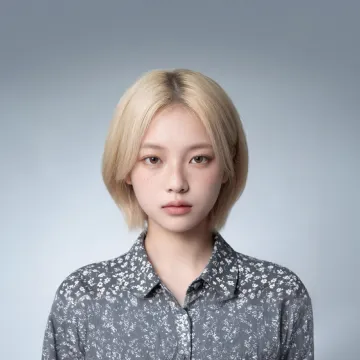
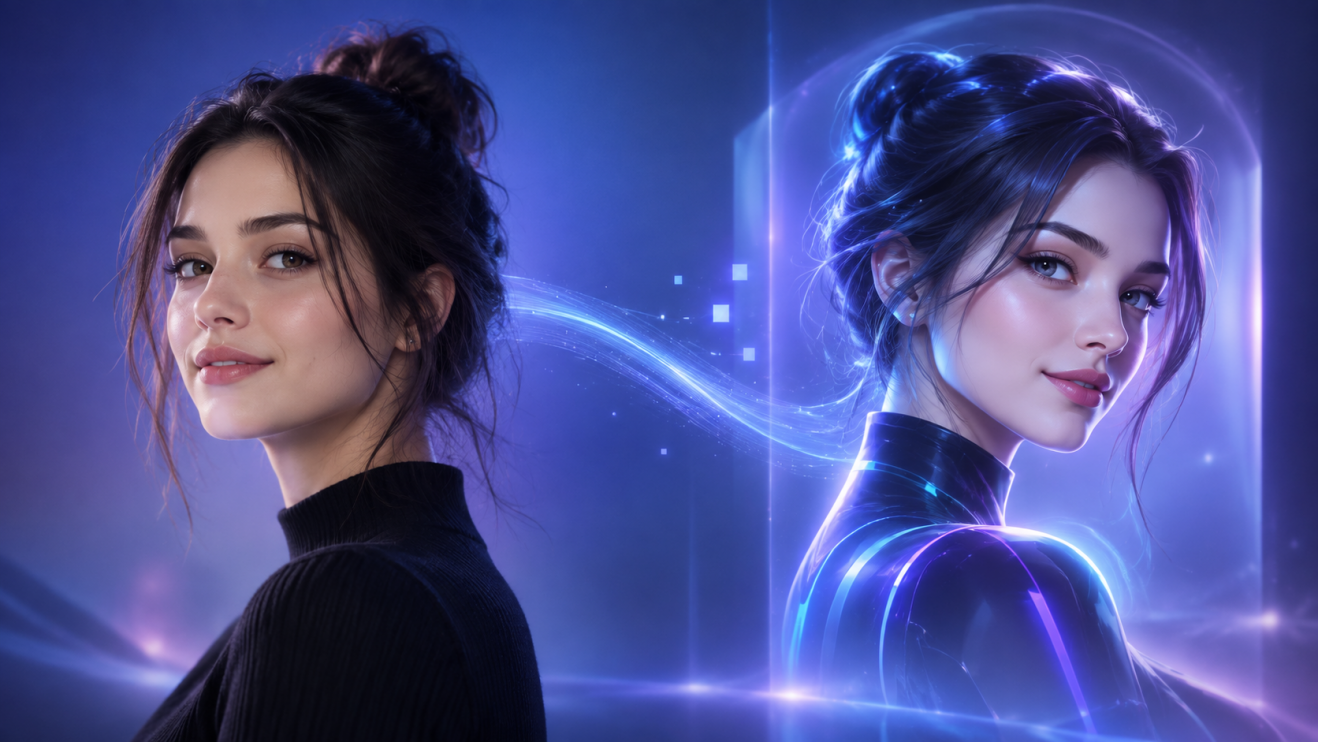
Your professional photo should look like you. Use your portrait as a reference to help keep familiar facial features, hairstyle, and other details recognizable while changing the styling around them. Have photos from different angles? Add them as references to give Kling a fuller view of your appearance. You can explore a different look without losing sight of the person in the original photo.

Find a Professional Look That Fits Your Role

Find a Professional Look That Fits Your Role

Not every professional headshot needs a suit and a studio backdrop. A LinkedIn profile, leadership bio, and creative portfolio may each call for something different. Try business-casual clothing, a more formal jacket, or a relaxed professional look. Change the background and lighting to suit your industry, role, or personal style without taking another photo.

Get the Framing Right for Your Profile

Get the Framing Right for Your Profile

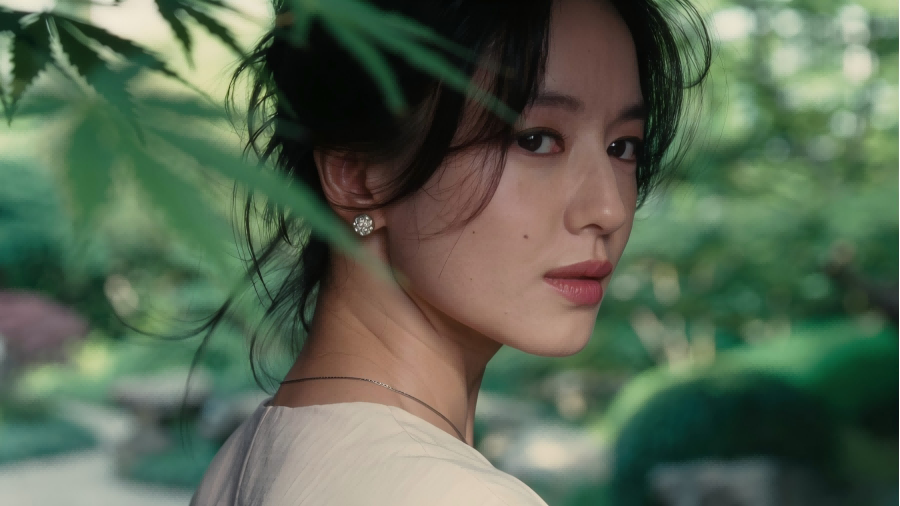
A close-up that works for LinkedIn may not be the best fit for a company bio or speaker page. Try a centered head-and-shoulders portrait, a slightly wider composition, or a different camera angle. Use prompts to guide the framing and leave enough space around your face for the layout where your photo will appear.

Change the Details Without Taking Another Photo

Change the Details Without Taking Another Photo

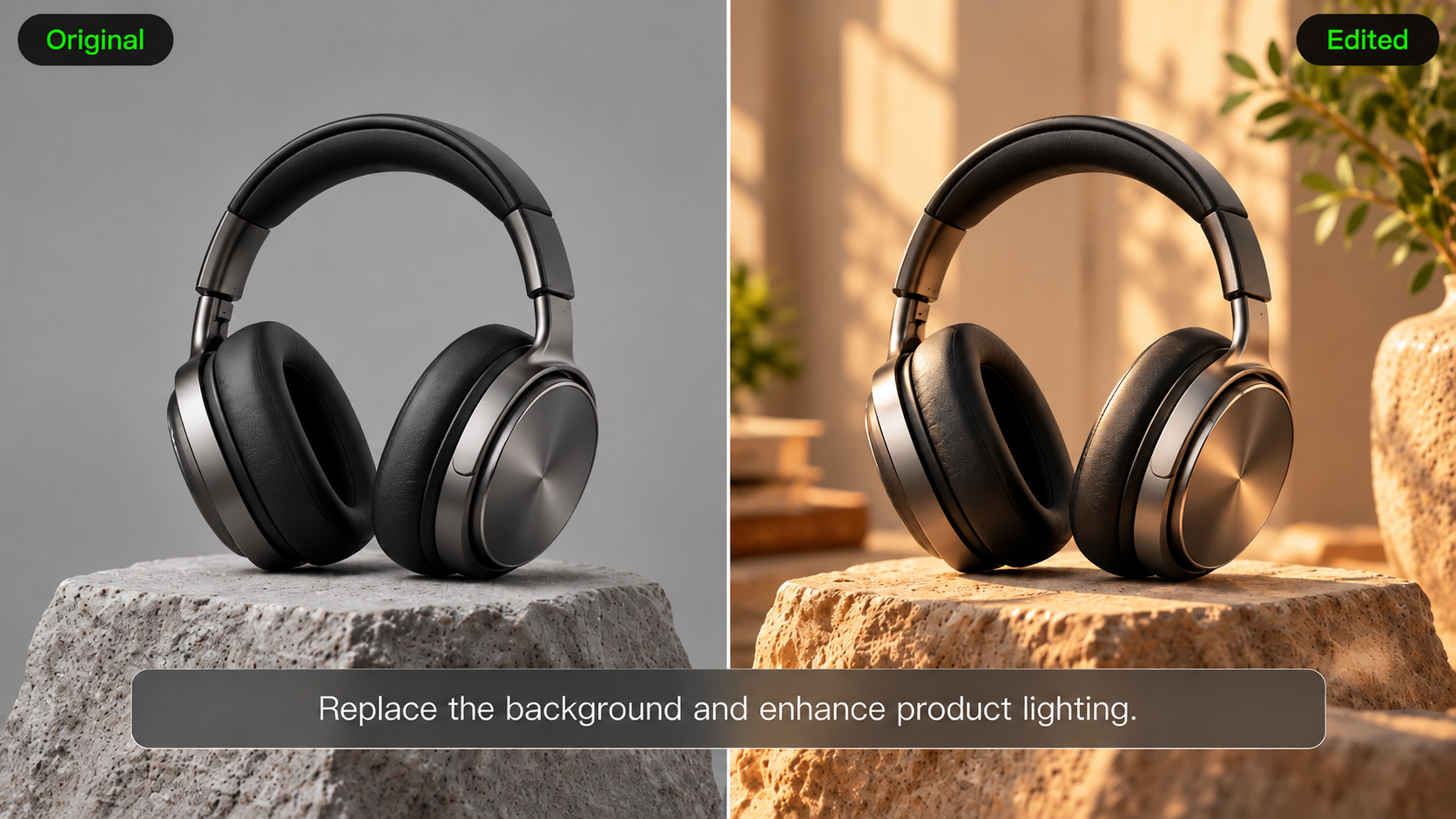
Like your headshot but wish the background were simpler? Want to swap the outfit or soften the lighting? Keep working from the image you prefer. Use a new instruction to adjust the expression, clothing, background, or other details while using the existing headshot as your reference. You don't need to restart the entire process for every change.

How to Make a Professional Headshot

Upload a Clear Photo of Yourself

Upload a Clear Photo of Yourself

Start with a selfie or portrait that clearly shows your face and hairstyle. You can also add photos from different angles to give Kling more information about your appearance. Kling IMAGE 3.0 supports up to 10 reference images.

Describe the Headshot You Want

Describe the Headshot You Want

Tell Kling how you'd like your headshot to look. Choose a business-casual or formal outfit, a clean studio or office background, and the lighting, expression, and framing you prefer. You can also mention where you'll use the photo, such as LinkedIn or a company website.

Generate and Refine Your Headshot

Generate and Refine Your Headshot

Generate your headshot and check the face, hairstyle, expression, and overall composition. If something isn't quite right, describe what you'd like to change. Try a simpler background, softer lighting, or another outfit until you find a version that works for you.

What Our Creators Say?

Déborah

Déborah

I use Kling AI every day. It's amazing to see the almost daily progress it makes. I used AI for fun at first, and I now find that Kling AI's animations allow me to gain professional visibility, with three times more views on my animated posts than on my static posts.

KakuDrop

KakuDrop

I have successfully collaborated with world-renowned artists and well-known companies that are recognized globally

Jyo John Mulloor

Jyo John Mulloor

Kling AI has been instrumental in transforming my creative workflow, unlocking new dimensions of artistic expression that were once unimaginable. I use Kling AI extensively to develop high-concept visuals, animate surreal dreamscapes, and create AI-assisted films that blur the line between reality and fantasy. Kling AI's deep learning capabilities have not only enhanced my creative efficiency but also inspired me to explore storytelling in ways I never thought possible.

60M+ Users
60M+
Users
600M+ AI Videos Generated
600M+
AI Videos Generated
4.7 star App Store
4.7 ★
App Store
Industry-Leading Cinematic 4K
Industry-Leading
Cinematic 4K

More AI Creation tools

More Features

Learn More about AI Image Generation

FAQ about AI Headshot generator

Q1What is an AI headshot generator?
Q2What kind of photo works best for AI headshots?
Q3Can I create a professional headshot from one selfie?
Q4Do more reference photos improve AI headshot results?
Q5Will AI-generated headshots still look like me?
Q6Can AI change the clothing and background in my headshot?
Q7Can I use an AI headshot for LinkedIn, resumes, or company profiles?

Shape Your Next Professional Portrait

Start with a photo you already have. Find the right outfit, background, and framing for your LinkedIn profile, company website, or personal brand—then refine the details until you're happy with the result.