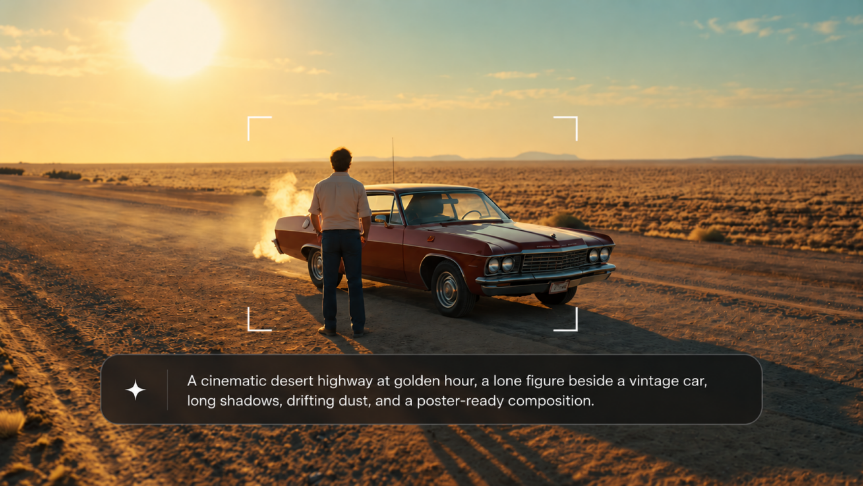
Poster Maker: Create Posters with AI

Turn a simple idea, product photo, or visual reference into a poster for your next event, promotion, or creative project. Try different styles, adjust the layout, and refine the details until you have a design you like.

Make a Poster That Gets Your Message Across

A good poster makes people notice what matters. Bring your own images and ideas into the design, try different layouts, and keep refining until the poster fits what you want to communicate.

Make the Main Message Stand Out

Make the Main Message Stand Out

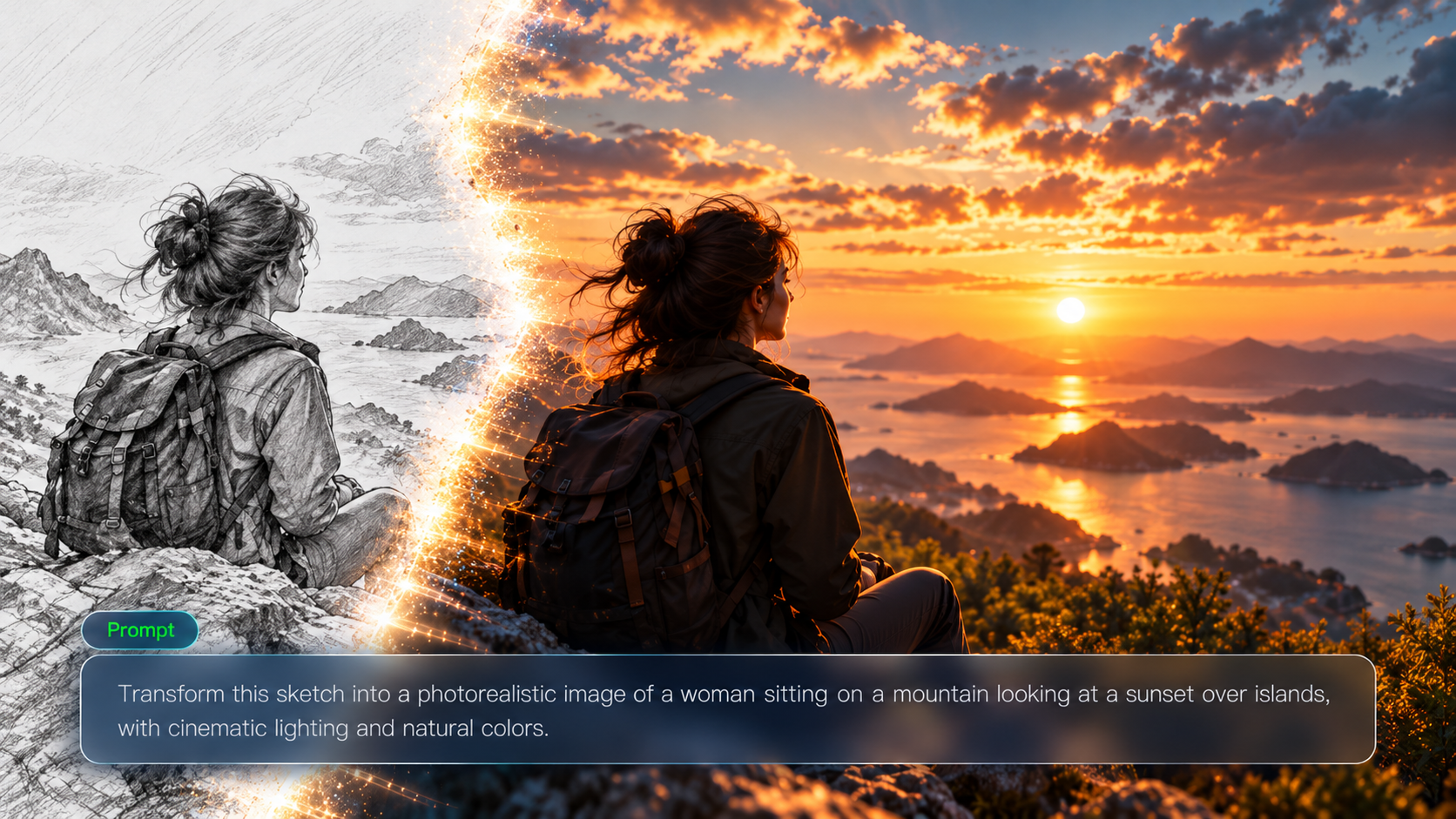
Your poster doesn't need everything competing for attention. Put the product, person, or main image where people will notice it first. Try a closer view, a simpler background, or more open space for the headline. Use prompts to guide the framing and composition so the design has a clear focal point.

Find a Style That Fits the Occasion

Find a Style That Fits the Occasion

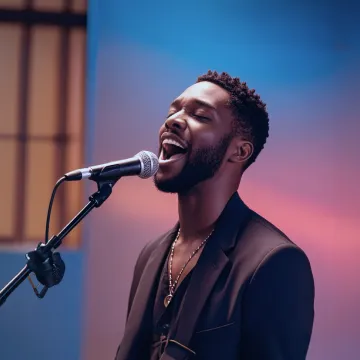
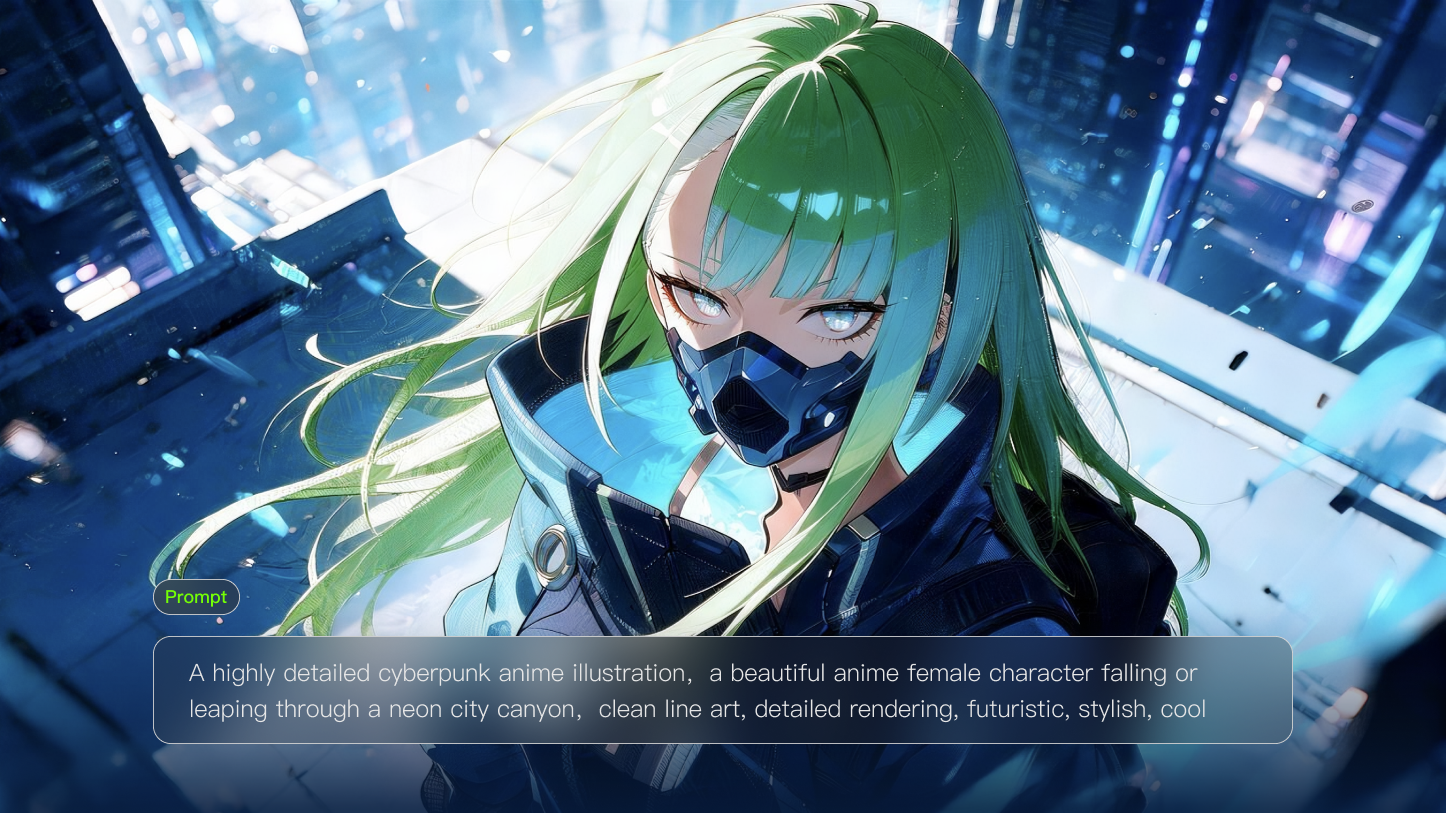
A music event poster and a product launch shouldn't have to look alike. Try bold typography-inspired visuals for a concert, a clean product-focused layout for a promotion, or an illustrated look for a creative event. Change the colors, lighting, background, and overall style to see which direction works best for your poster.

Create More Posters Without Losing the Look

Create More Posters Without Losing the Look

Need more than one poster for the same event or campaign? Use Kling IMAGE 3.0 Omni's Image Series Mode to explore related posters around the same subject, colors, and visual style. Create different scenes or compositions while using shared references to help the designs feel like part of the same set.

Change the Details Without Starting Over

Change the Details Without Starting Over

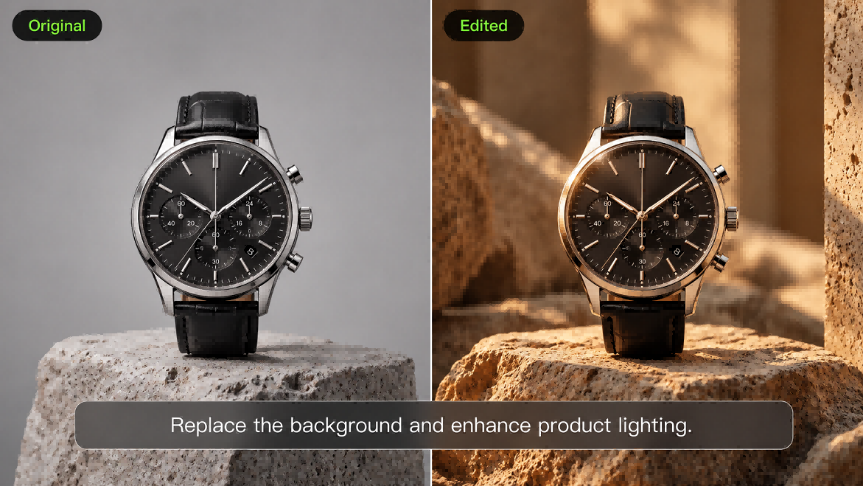
Like the overall design but want to change one thing? Replace a background object, adjust the product size, remove a distracting element, or try another color. With Kling IMAGE 3.0, you can describe what needs to change and use the existing poster as a reference, rather than rebuilding the design from scratch.

How to Make a Poster with Kling AI

Describe Your Poster Idea

Describe Your Poster Idea

Start with what your poster is about. Describe the event, product, promotion, or theme, along with the colors, background, and style you want. Tell Kling what should stand out and where you'd like room for a headline or other important information.

Add References and Choose Layout

Add References and Choose Layout

Have product photos, logos, people, or other images you want to use? Upload them as references to guide the poster design. Choose an available aspect ratio and describe how you want the main subject, background, and supporting elements arranged. You can also create a poster from text alone.

Generate, Refine, and Download

Generate, Refine, and Download

Generate your poster and review the composition, colors, and details. Keep the version you like and use new instructions to change specific elements. Check any generated text, logos, or product details for accuracy, then download your preferred result and finalize essential information before publishing.

What Our Creators Say?

Déborah

Déborah

I use Kling AI every day. It's amazing to see the almost daily progress it makes. I used AI for fun at first, and I now find that Kling AI's animations allow me to gain professional visibility, with three times more views on my animated posts than on my static posts.

KakuDrop

KakuDrop

I have successfully collaborated with world-renowned artists and well-known companies that are recognized globally

Jyo John Mulloor

Jyo John Mulloor

Kling AI has been instrumental in transforming my creative workflow, unlocking new dimensions of artistic expression that were once unimaginable. I use Kling AI extensively to develop high-concept visuals, animate surreal dreamscapes, and create AI-assisted films that blur the line between reality and fantasy. Kling AI's deep learning capabilities have not only enhanced my creative efficiency but also inspired me to explore storytelling in ways I never thought possible.

60M+ Users
60M+
Users
600M+ AI Videos Generated
600M+
AI Videos Generated
4.7 star App Store
4.7 ★
App Store
Industry-Leading Cinematic 4K
Industry-Leading
Cinematic 4K

More AI Creation tools

More Features

Learn More about AI Image Generation

FAQ about Poster Maker

Q1What is an AI poster maker?
Q2How can I make my own poster online?
Q3Can I generate a poster from text alone?
Q4Can I use my own product photos and brand assets?
Q5Can I create a matching series of campaign posters?
Q6Can I adapt a poster to different sizes and layouts?
Q7Can I edit one part of a poster without starting over?
Q8Can I create high-resolution posters with Kling AI?

Make Your Own Poster

Start with an idea, photo, or reference image. Find a style that fits, give the main message room to stand out, and keep refining until you have a poster ready for the next stage of your project.