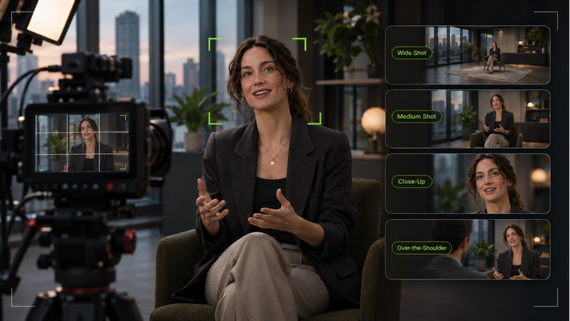
A short form video needs a reason to watch: a useful answer, a surprising action, or a visual payoff. Make that clear in the first few seconds. This guide covers common formats, effective hooks, and how to create social clips with Kling AI.
What Is a Short Form Video?
A short form video is a focused clip built around one idea. You’ll usually see it in vertical social feeds, where visuals, text, and sound share a phone screen. Platforms set their own length limits, so no single duration defines the format.
Many short clips last less than a minute, though platforms permit longer uploads. TikTok, Instagram Reels, and YouTube Shorts commonly use a vertical 9:16 frame.
How to Plan and Structure a Short Form Video
Choose a format that fits your goal, then plan what viewers should see first, learn next, and do at the end.
Choose a Format That Fits Your Goal
Start with one outcome: a product feature, a quick skill, or a striking reveal. A desk-organization video might show the clutter, one change, and then the finished space.
Format | What to Communicate |
Product demonstration | Show one feature or action clearly |
Quick tutorial | Teach one manageable task |
Problem and solution | Connect a recognizable need to a useful response |
Before and after | Show a transformation with accurate context |
Creator-style content | Explain an idea through a conversational presentation |
Announcement or brand story | Introduce one update, launch, or brand message |
For marketers, the benefits of short form videos include testing different hooks and visual approaches around one message.
Build a Clear Hook, Value, Proof, and CTA
A good short video makes its point early and gives viewers a reason to stay for the result.
Hook → Value → Proof → CTA
Beat | What to Show | Why It Matters |
Hook | A question, problem, or striking action | Earn the next second |
Value | One useful idea or benefit | Make the point clear |
Proof | A visible action or example | Show the idea in practice |
CTA | One relevant next step | Help viewers decide what to do |
The hook and proof can appear in the same shot. Leave enough time for viewers to see what changes and understand the final message.
Speed Up Short Video Creation With AI
Even with a clear plan, new versions can require reshoots and repeated edits. AI video tools streamline production, helping you quickly test different hooks, settings, visual styles, and camera moves using text, images, and reference clips. This saves time and effort while letting you explore more creative options without starting over each time.
At Kling AI, we bring video generation and editing into one platform. Our Kling 4.0 model uses Omni Reference to maintain consistent characters and products, supports up to 10 image keyframes to guide important story moments, and lets you adapt a reference video's pacing, shot composition, and camera movements to your own content. With improved motion stability and up to 30 seconds of video generation, you can turn planned ideas into coherent short videos more efficiently.
How Kling 4.0 Helps You Create Engaging Short Form Videos
Once your short video concept and structure are clear, the next step is bringing those ideas to life. Here's how Kling 4.0 can help you turn your creative plan into engaging short-form content.
Guide Products, People, and Motion With References
Kling 4.0's Omni Reference lets you combine images, video clips, and reusable subject Elements in a single task, with up to 15 reference assets in total. Images can establish a recurring person's appearance, product details, or a set's visual style. Video references can guide performance, action timing, and camera movement, helping a sequence stay recognizable as the shots change.
For a short product reveal, a clear image can define the package and its label, while a reference clip guides the camera movement and pacing. You can also adapt the narrative structure, shot composition, and visual style of an authorized reference video to your own products and settings, making it easier to recreate creative concepts for social media without planning every shot from scratch.

Build a Short Story Around Key Moments
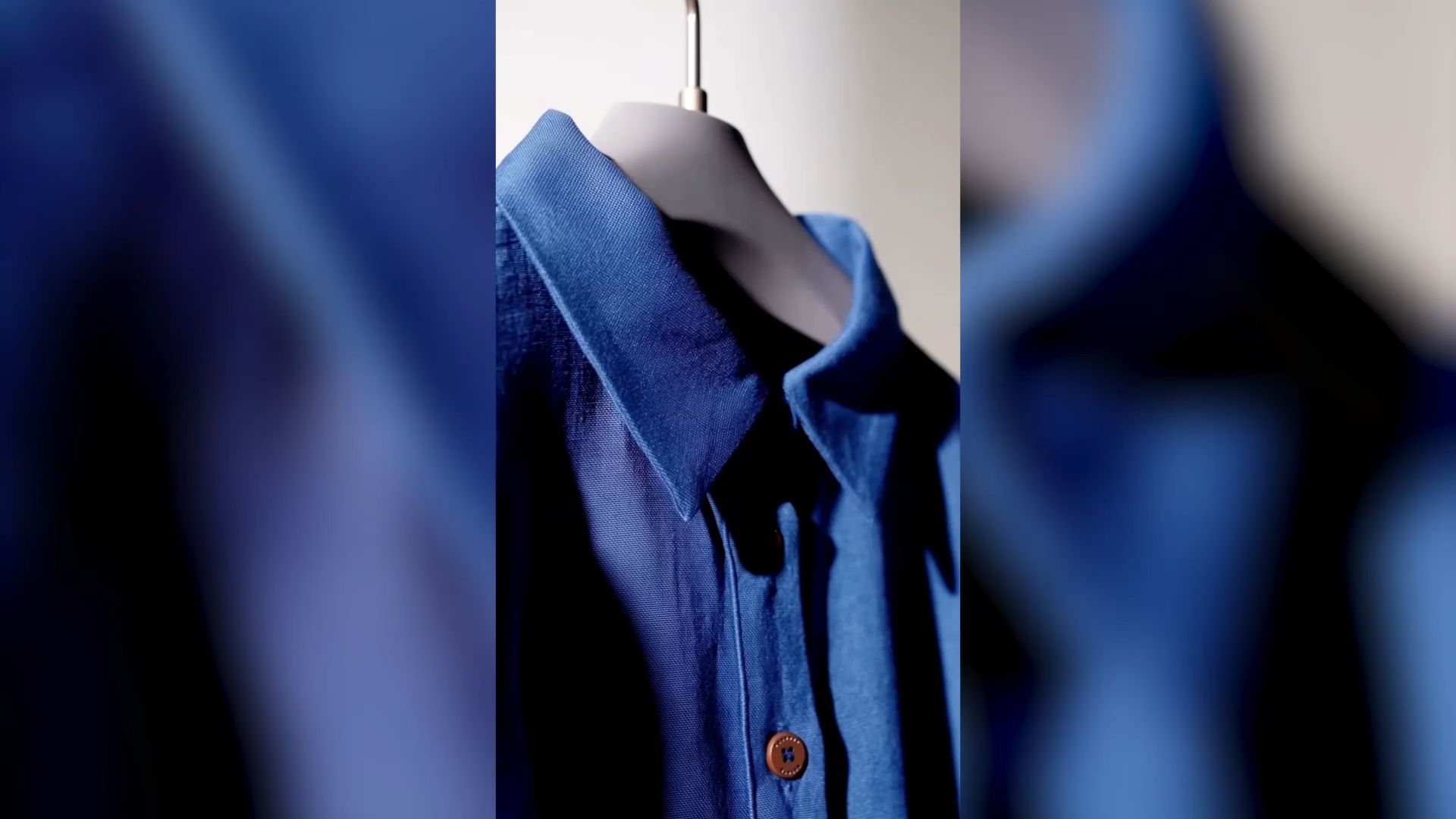
Kling 4.0 can generate up to 30 seconds in a single task, leaving room for a hook, an action that develops the idea, and a closing image. For a short video, you might open on an unusual angle of a product, reveal how someone uses it, and finish with the result viewers came to see. The timing should make that progression easy to grasp on a phone screen.
You can also use up to 10 images as keyframes within Omni Reference to guide important visual moments. A series of references might show a first reaction, a product in use, and a final close-up. With stronger prompt understanding and support for up to 8,000 tokens, Kling 4.0 can help refine shot order, pacing, and camera direction with a director's eye. Give the key action enough screen time to register before the clip ends.

Keep Fast Action and Camera Movement Clear
A short sports promo or product teaser may rely on one quick movement to capture attention. Kling 4.0 improves stability in fast action, continuous movement, and complex camera work, helping viewers follow a moving subject as the angle changes. That matters when the opening shot needs to communicate the action immediately.
A tracking shot can follow a runner through the frame; an orbit can reveal a product from several sides. Clear movement gives each shot a visual purpose, particularly when viewers have only a few seconds to identify the subject. For vertical clips, keep the important action inside the intended crop as the camera moves.

Refine Existing Clips for Different Placements
A promising social clip may need a different background, product color, or framing for another campaign. With Kling 4.0's video editing capabilities, you can make targeted changes to existing footage using text prompts and visual references. Adjust subjects, backgrounds, colors, materials, or camera perspectives while keeping other parts of the original video unchanged.
For a product teaser, that could mean changing a distracting background or shifting the visual treatment to match a new launch. Keep the revision focused on what the next placement actually needs, then review the edited clip for visual continuity before sharing it.
How to Create Short Form Videos With Kling AI
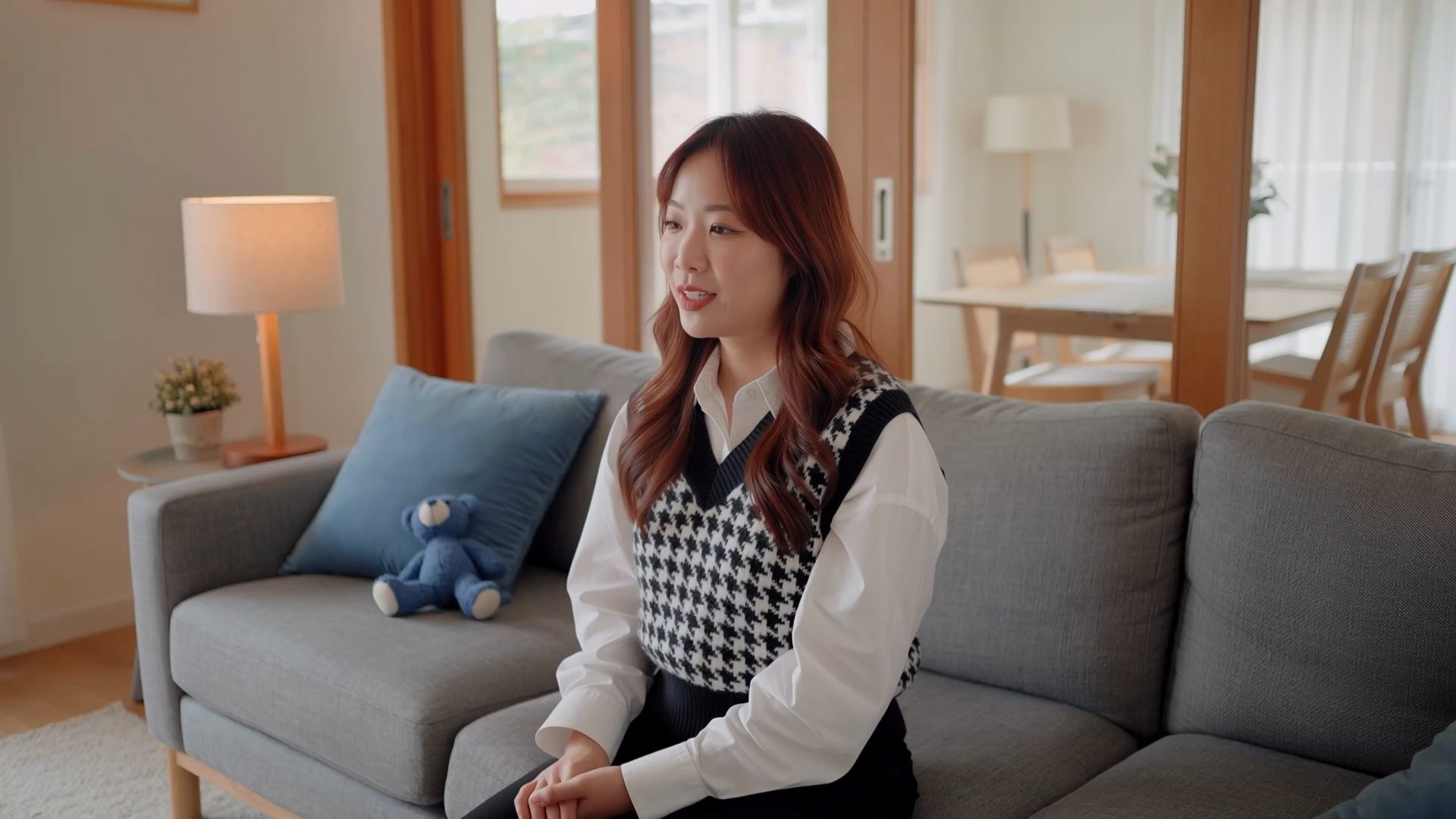
With the hook and visual direction set, you can develop your first version in Kling AI.
Step 1: Choose Your Starting Point
Open Video Generation in Kling AI and select Kling 4.0. In Omni Reference, you can upload product images, character references, Elements, or short video clips to guide your creation. If you don't have any source materials, you can start directly with a text prompt.
Step 2: Write Your Prompt
Use @ to reference your uploaded assets and specify their roles. For example, @Image1 can define the product's appearance, while @Video1 guides camera movement and pacing. Then describe the setting, shot sequence, and important details to preserve. If you're using a reference video, specify which elements to follow and which to exclude.
For a 15-second product teaser, you might write:
Prompt: Create a 15-second product teaser for social media. Use @Image1 as the reference for the headphones' shape, color, and logo, keeping these details consistent. Reference only the camera movements and pacing of @Video1. Do not copy its people, products, or background. 0–3s: Begin with a close-up of the earcup to create a strong visual hook. 3–10s: Use a smooth orbiting camera movement to reveal the headphones from different angles. 10–15s: Finish with a clean hero shot against a minimalist studio background. |
Step 3: Generate and Refine
Choose the duration that fits your idea and a 9:16 aspect ratio for most TikTok, Reels, and Shorts placements. Select an available output setting, such as 1080p or 4K. Generate the clip, then check the full sequence at phone size for clear motion, consistent product details, and room for captions or interface overlays. Refine any weak moments and review the final version before downloading.
How to Adapt Short Form Videos for Social Media
When planning short form video content for social media, consider how viewers interact with each platform's interface. A clip for TikTok, Instagram Reels, or YouTube Shorts may need a different opening, crop, or text placement. Preview each version in its intended feed.
Element | What to Check |
Framing | Keep the subject readable in the intended crop |
Opening | Make the topic clear without depending on a separate introduction |
Text placement | Keep essential text clear of interface overlays |
Captions | Make the message understandable when sound is unavailable |
Pacing | Give viewers enough time to follow the action and read text |
CTA | Match the next step to the placement and campaign goal |
Adapt the cut to the audience and placement. A short form video strategy becomes more useful when you compare what people finish, save, or act on across versions. Check current platform specifications before publishing.
Practical Tips for Better Short Videos
- Give every shot a job. Use it to introduce the subject, explain an action, reveal a detail, or close the message. Remove shots that repeat information without adding value.
- Keep text easy to read. Put the essential wording on screen and leave enough time to understand it. Preview the clip at mobile size.
- Make references specific. When using an AI video generator, distinguish between references for appearance, action, camera movement, and setting. Clear roles make your creative direction easier to follow.
- Change one variable at a time. If the opening feels slow, revise the opening before changing the subject, setting, and ending. You’ll have a clearer basis for comparing results.
- Separate a visual concept from evidence. Generated footage can support creative presentation. Check product details and factual claims against approved information, and use authentic demonstrations when performance needs to be established.
The End
A focused short form video starts with a clear idea and earns attention through the first few seconds. Choose a format that suits your message, make the payoff easy to recognize, and adapt the final cut to the way your audience watches. Kling AI can give you more room to explore creative directions as you develop those choices.
Beyond everyday social clips, you can also use Kling AI to create promotional videos, AI-generated ads, and AI influencer content for different marketing goals. Review each finished video for clarity and accuracy before sharing it.
FAQs
How Long Should a Short Form Video Be?
Most short-form videos run under a minute, though formats and platform upload limits vary. A quick reveal may need only a few seconds; a tutorial needs enough time for viewers to follow the action. Build the clip around one clear idea and remove repeated shots. The right length depends on what the audience needs to understand.
Why Is Short Form Video So Popular?
One reason why short form video is popular is its ability to deliver a useful action, joke, or idea in a short viewing moment. Feeds also introduce creators to people who do not yet follow them. For your own content, give the intended audience a reason to finish the clip and consider what to do next. A strong hook matters most when the rest of the video delivers on it.
What Are the Benefits of Short Form Videos for Marketing?
You can use short clips to introduce an offer, explain a feature, teach a task, or encourage a next step. Their focused scope also lets you compare different openings and visual treatments around the same message. These opportunities depend on execution and distribution. Review audience response and relevant actions to decide which formats deserve a larger role in your content plan.
What Are Short Form Videos Called on Different Platforms?
You may hear people call them short clips, Reels, Shorts, or TikToks. Instagram uses Reels, and YouTube calls its vertical short-video format Shorts. These names describe specific platform experiences; short-form video refers to the broader type of content.
How Can You Measure a Short Form Video's Performance?
Start with the goal of the clip. Review watch time and completion rate to see whether people reach the payoff, then check shares, saves, and clicks for signs of interest. Compare different openings against that goal before repeating the format.