AI UGC Video Generator

Create UGC-style videos for social media, product promotions, and everyday stories with Kling AI. Start with a script, photo, or video reference, then guide your creator's appearance, dialogue, and actions.

AI UGC Video Generator

Create AI UGC Videos for Social Content and Ads

From casual creator introductions to product demos and trending social formats, Kling 4.0 combines natural character performances, flexible references, and video editing tools to help you create and refine UGC-style content.

Create Natural Creator-Style Performances

Create Natural Creator-Style Performances

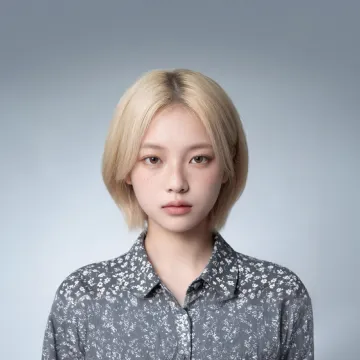
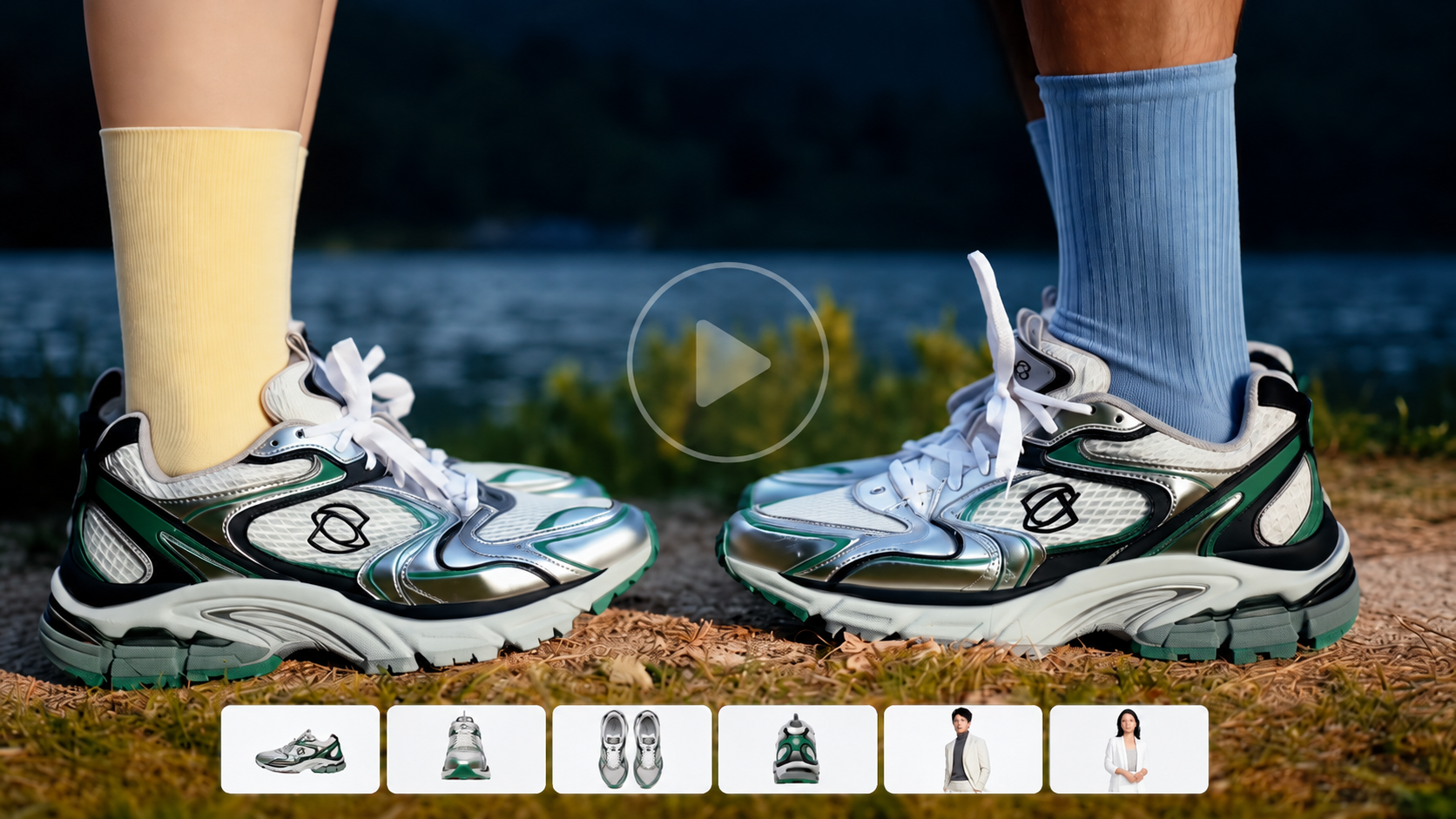
Make creator-style videos with natural gestures, facial reactions, and everyday movements. From product demonstrations to fashion, fitness, and lifestyle content, give your AI presenters more convincing actions and expressions. Kling 4.0 improves stability during large body movements and complex interactions. Stronger camera control supports handheld-style framing, tracking shots, and changing perspectives, helping your videos capture the casual, personal feel of creator content.

Tell Complete UGC Stories in Up to 30 Seconds

Tell Complete UGC Stories in Up to 30 Seconds

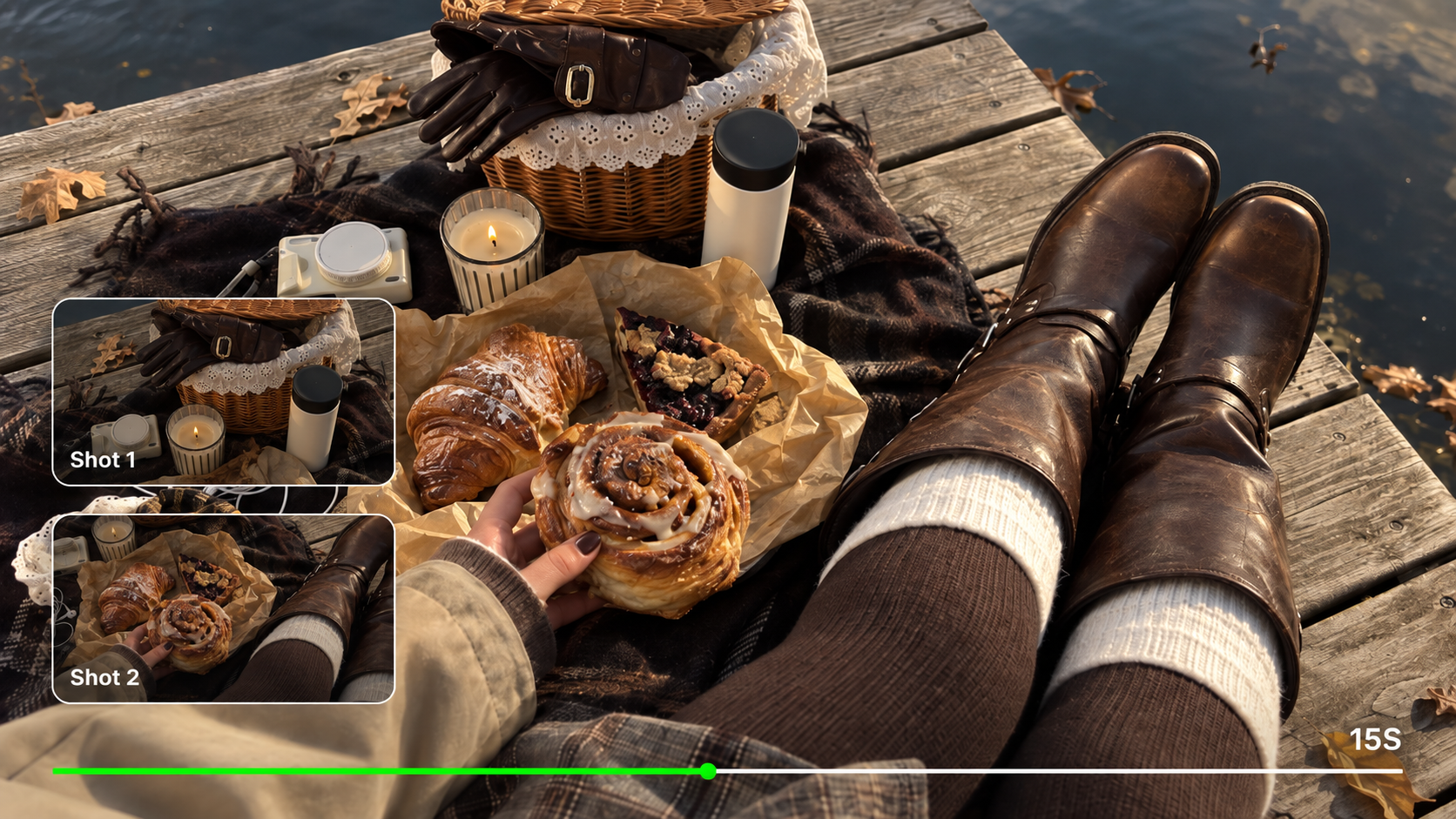
Build creator-style videos with a clear opening, demonstration, and closing reaction. Move between talking-to-camera moments, product close-ups, and everyday actions to communicate your message within a short video. Kling 4.0 supports native video generation from 3 to 30 seconds, with up to 10 flexible keyframes. Guide important scenes, character actions, and transitions to develop more coherent UGC stories without generating every moment separately.

Recreate Viral UGC Video Formats with Your Own Twist

Recreate Viral UGC Video Formats with Your Own Twist

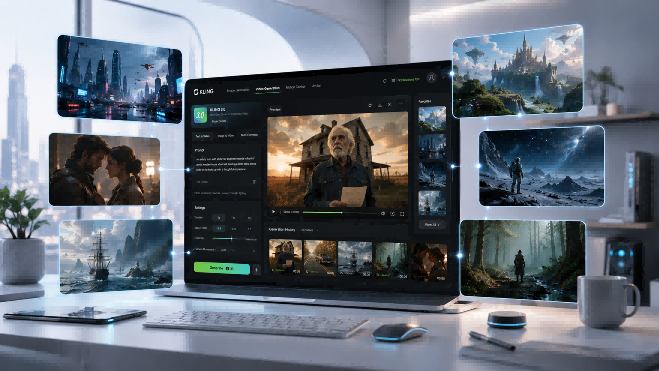
Adapt popular creator-style formats, from product unboxings and beauty routines to lifestyle recommendations and social trends. Use an existing video as inspiration for pacing, camera movement, and shot composition while developing your own creative version. Kling 4.0 works with Omni Reference to combine video references, character images, products, and Elements. With up to 15 combined reference assets, you can explore new subjects and settings while keeping the visual style consistent across your UGC videos.

Create Talking UGC Videos in 9 Languages

Create Talking UGC Videos in 9 Languages

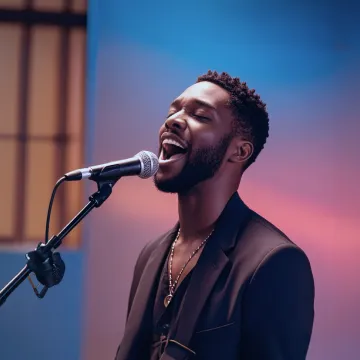
Create talking-head videos, product introductions, and creator-style recommendations for audiences in different markets. Kling 4.0 supports dialogue in nine languages: Chinese, English, Japanese, Korean, Spanish, Portuguese, German, French, and Hindi, with regional accents and dialects. Write your own scripts and guide the presenter's tone, pacing, and delivery. Native audio generation and improved lip sync support more natural dialogue, while voice-bound character elements help guide a recognizable speaking style across videos.

Edit and Test New UGC Video Variations

Edit and Test New UGC Video Variations

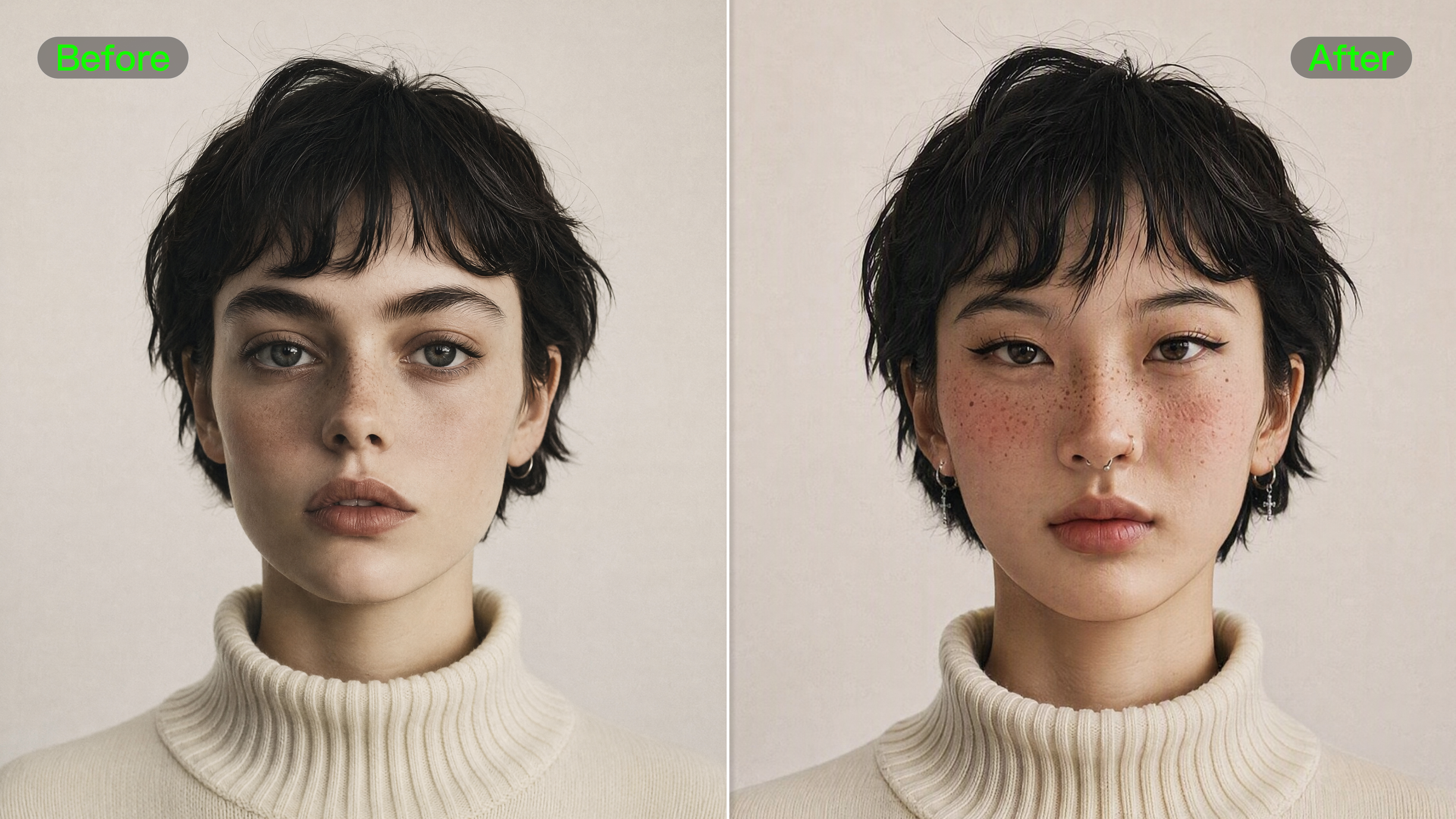
Create different versions of your UGC videos without starting over. Change a product, background, presenter, or camera angle to explore new creative directions for social content and advertising campaigns. Kling 4.0 supports targeted video editing with text prompts and visual references. Replace subjects, adjust expressions, update settings, and refine visual styles while using your original footage as a guide. Test new hooks, product presentations, and campaign concepts with greater flexibility.

How to Make AI UGC Videos

Add Your UGC References

Add Your UGC References

Open Kling AI's Video Generation workspace and select Kling 4.0. Upload a character photo, product image, or reference video to guide your UGC scene.

Describe Your UGC Scene

Describe Your UGC Scene

Describe what the creator says and does, including dialogue, expressions, gestures, and camera movement. Specify how each uploaded reference should guide the appearance, action, or visual style.

Set Your Format and Generate

Set Your Format and Generate

Choose a duration from 3 to 30 seconds and an aspect ratio, such as 9:16 for Reels or Shorts. Generate, review, then refine or download your clip.

What Our Creators Say?

Déborah

Déborah

I use Kling AI every day. It's amazing to see the almost daily progress it makes. I used AI for fun at first, and I now find that Kling AI's animations allow me to gain professional visibility, with three times more views on my animated posts than on my static posts.

KakuDrop

KakuDrop

I have successfully collaborated with world-renowned artists and well-known companies that are recognized globally

Jyo John Mulloor

Jyo John Mulloor

Kling AI has been instrumental in transforming my creative workflow, unlocking new dimensions of artistic expression that were once unimaginable. I use Kling AI extensively to develop high-concept visuals, animate surreal dreamscapes, and create AI-assisted films that blur the line between reality and fantasy. Kling AI's deep learning capabilities have not only enhanced my creative efficiency but also inspired me to explore storytelling in ways I never thought possible.

60M+ Users
60M+
Users
600M+ AI Videos Generated
600M+
AI Videos Generated
4.7 star App Store
4.7 ★
App Store
Industry-Leading Cinematic 4K
Industry-Leading
Cinematic 4K

More AI Creation tools

More Features

Learn More about AI Video Generation

FAQ about AI UGC Video Generator

Q1What is an AI UGC video generator?
Q2Can I create a UGC video from a product image?
Q3Can I use my own script in an AI UGC video?
Q4Can I create UGC videos in multiple languages?
Q5How can I make an AI UGC video feel more natural?
Q6 Can I create a consistent AI UGC presenter or avatar?
Q7Can I use AI UGC videos for social media advertising?
Q8Do AI UGC ads need to be disclosed as AI-generated content?

Turn an Everyday Idea Into Your Next UGC Video

Turn scripts, product images, and social video ideas into creator-style content with Kling AI. Generate natural-looking performances, add multilingual dialogue, recreate trending formats, and refine your videos with Kling 4.0.