Create Facebook Video Ads That Show Your Product in Action

Show your product, explain the benefit, and give people a reason to act. Create Facebook video ads from product photos, existing footage, or a written idea, then make different versions for audiences, offers, and placements.

Create Facebook Video Ads That Support Real Campaign Goals

A strong Facebook video ad needs more than a nice-looking shot. It needs a clear message, a recognizable brand, and a format that works across placements and audiences. Kling 4.0 helps you build ad creative with more control and more room to test.

Keep Your Brand Consistent Across Every Ad Version

Keep Your Brand Consistent Across Every Ad Version

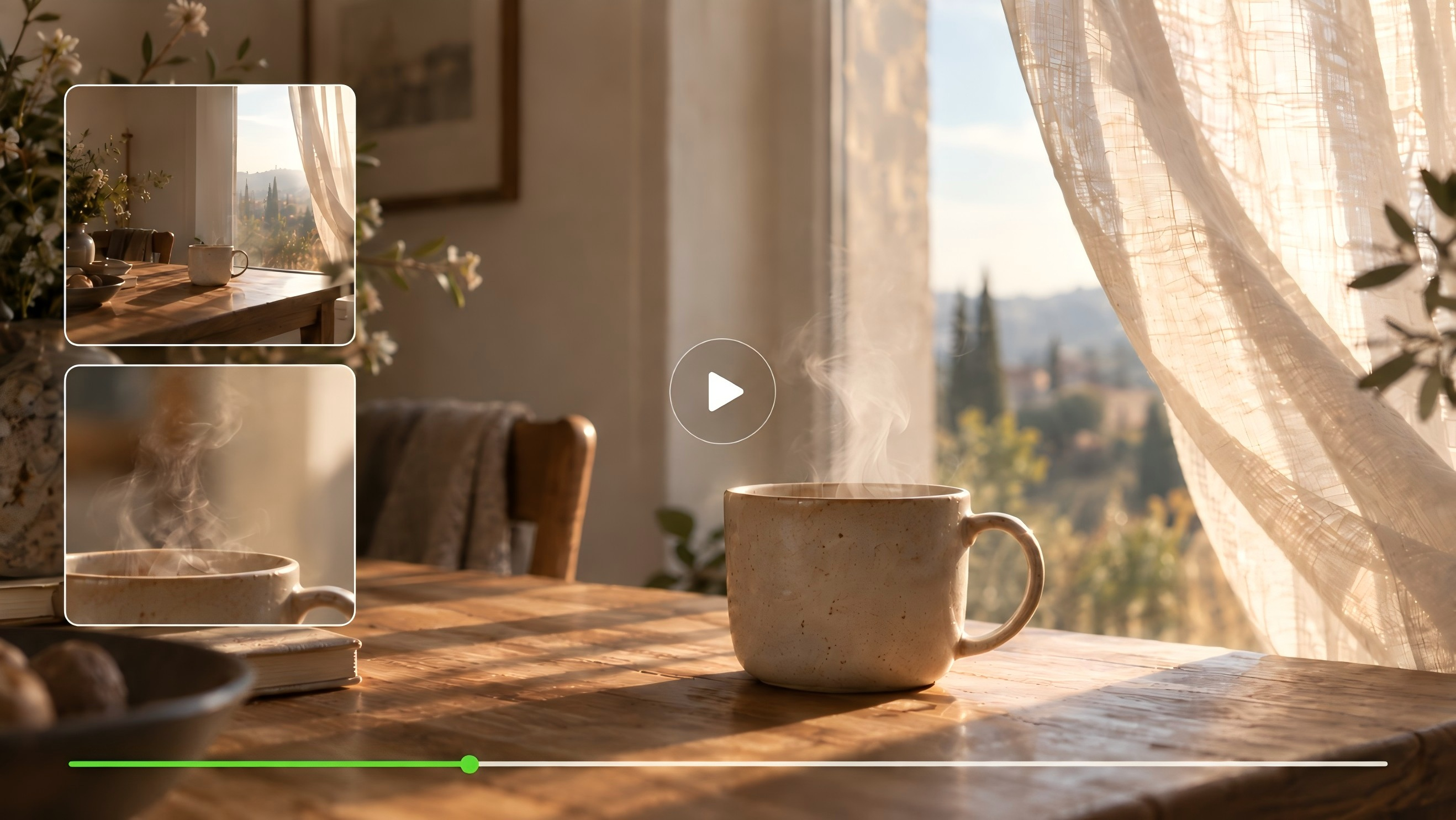
Your ad should still feel like your brand, whether you are showing a product demo, a lifestyle scene, or a new campaign angle. Colors, packaging, brand style, and recognizable visual cues need to carry through from one version to the next. Omni Reference supports up to 15 combined reference assets, including images, videos, Elements, and voice references, subject to individual input limits. Use brand visuals, product shots, and campaign references to guide appearance, composition, and overall style while keeping your ads more consistent.

Show Products, People, and Actions More Naturally

Show Products, People, and Actions More Naturally

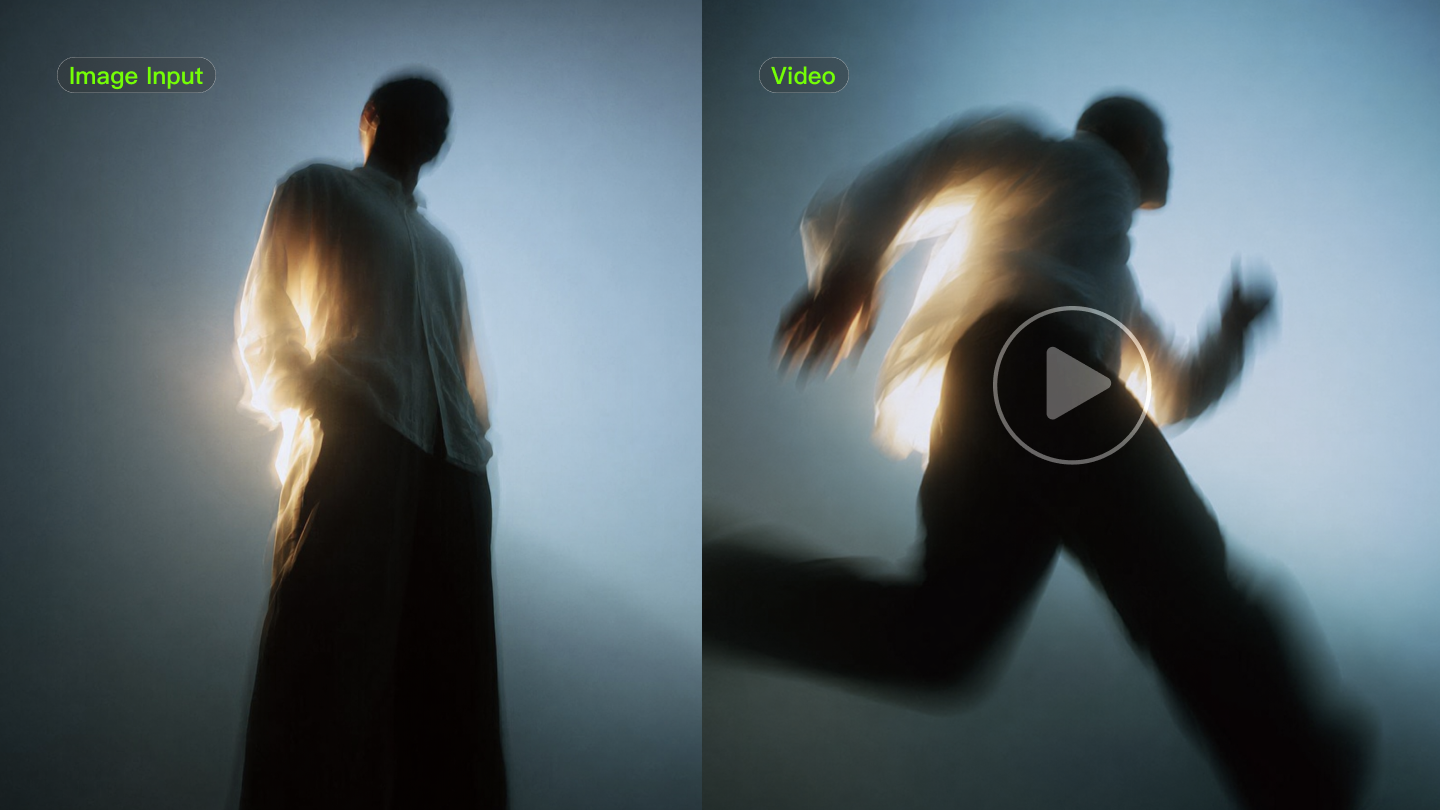
Some ads need more than a static reveal. A fitness product, fashion piece, beauty routine, or daily-use item often works better when people can see it in motion and in context. Kling 4.0 improves stability during larger movements and more complex camera work. That makes it easier to create footage with more natural action, clearer demonstrations, and a more polished sense of movement, whether you are showing a quick demo or a more energetic lifestyle scene.

Speak to Each Market in Its Own Voice

Speak to Each Market in Its Own Voice

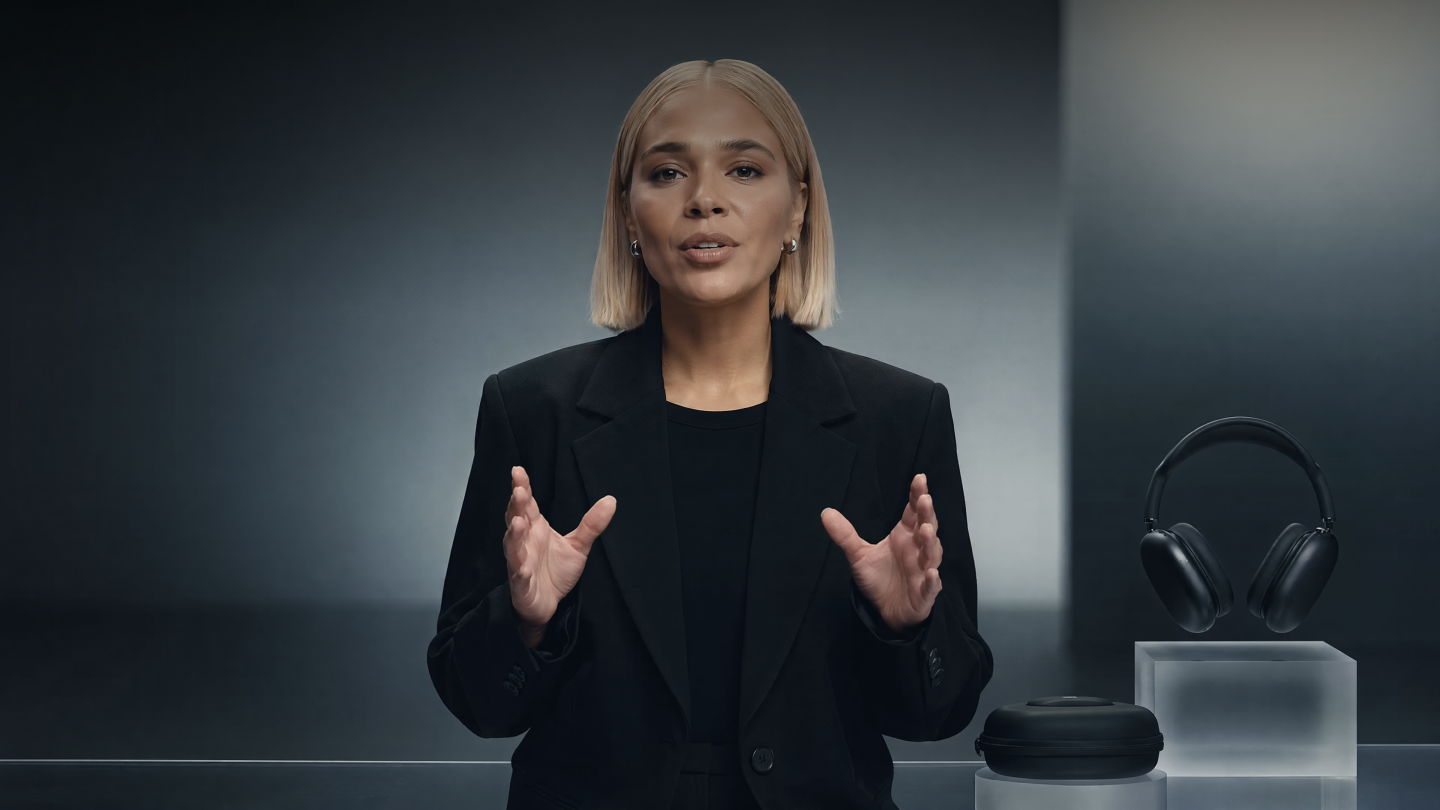
Make your Facebook video ads feel familiar to audiences in different markets. Kling 4.0 supports dialogue in 9 languages: Chinese, English, Japanese, Korean, Spanish, Portuguese, German, French, and Hindi, with regional accents and dialects for more natural, localized communication. Adapt product demonstrations, creator-style recommendations, and promotional messages with audience-specific scripts. Guide the speaker's tone, pacing, and delivery, while native audio generation, lip sync, and two-channel stereo bring dialogue and scene sounds together. For recurring presenters, use Element-based voice references to help maintain a consistent vocal identity across ad versions.


Refresh Your Ad Without Starting from Scratch

Refresh Your Ad Without Starting from Scratch

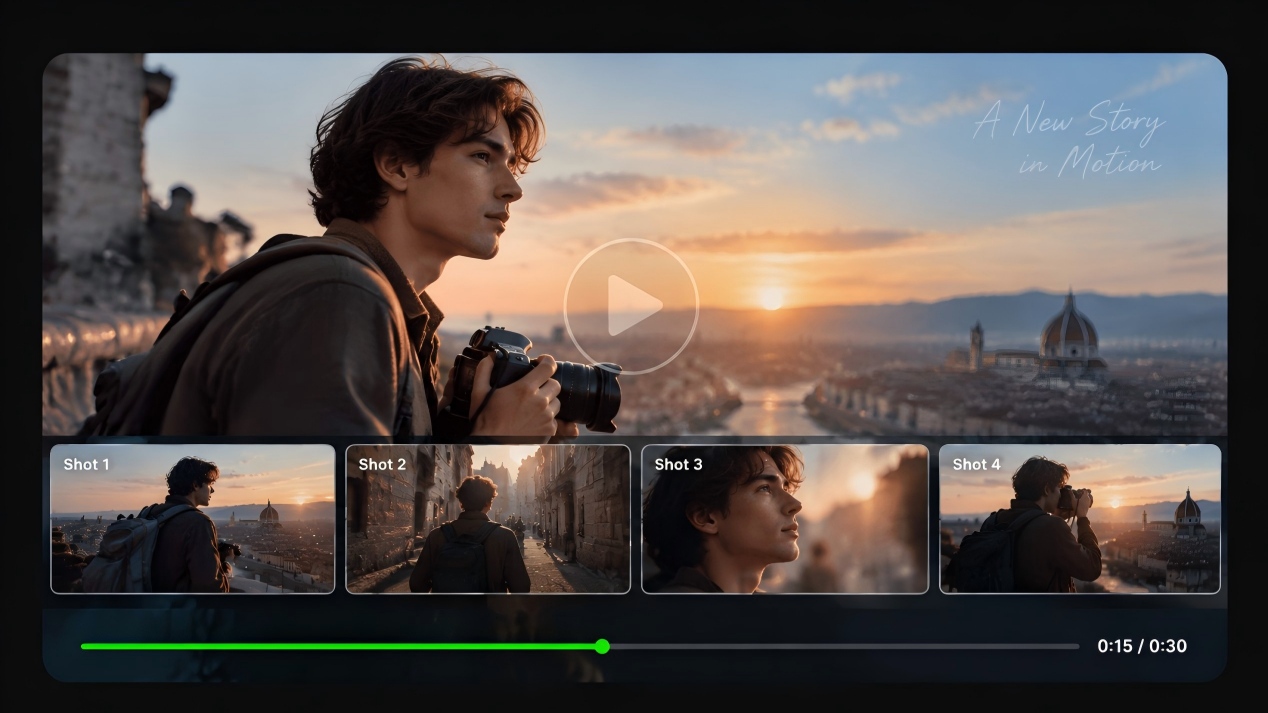
Not every campaign needs a completely new production. Sometimes you already have a solid ad, but want a new background, a different spokesperson, a revised message, or another visual angle for testing. Kling 4.0 supports targeted editing for existing footage. Adjust backgrounds, objects, expressions, camera direction, and style while keeping the parts of the ad that already work. It is a practical way to create refreshes and variations without rebuilding the whole concept from scratch.

How to Create Facebook Video Ads with Kling AI

Add Your Creative References

Add Your Creative References

Upload product photos, brand assets, existing ad footage, or other references to guide the look of your ad. You can also start from a prompt alone.

Describe the Hook, Benefit, and Message

Describe the Hook, Benefit, and Message

Write a prompt that explains what the ad should show and what it should communicate. Describe the opening hook, product use case, main benefit, and CTA. You can also add dialogue, on-screen wording, and direction for camera movement.

Set Your Format and Generate

Set Your Format and Generate

Select a duration from 3 to 30 seconds and choose the aspect ratio that fits your placement, such as 9:16, 1:1, or 16:9. Generate the ad, review the visuals and wording, then download or create additional versions.

What Our Creators Say?

Déborah

Déborah

I use Kling AI every day. It's amazing to see the almost daily progress it makes. I used AI for fun at first, and I now find that Kling AI's animations allow me to gain professional visibility, with three times more views on my animated posts than on my static posts.

KakuDrop

KakuDrop

I have successfully collaborated with world-renowned artists and well-known companies that are recognized globally

Jyo John Mulloor

Jyo John Mulloor

Kling AI has been instrumental in transforming my creative workflow, unlocking new dimensions of artistic expression that were once unimaginable. I use Kling AI extensively to develop high-concept visuals, animate surreal dreamscapes, and create AI-assisted films that blur the line between reality and fantasy. Kling AI's deep learning capabilities have not only enhanced my creative efficiency but also inspired me to explore storytelling in ways I never thought possible.

60M+ Users
60M+
Users
600M+ AI Videos Generated
600M+
AI Videos Generated
4.7 star App Store
4.7 ★
App Store
Industry-Leading Cinematic 4K
Industry-Leading
Cinematic 4K

More AI Creation tools

More Features

Learn More about AI Video Generation

FAQ about Facebook Video Ads

Q1What is a Facebook video ad maker?
Q2Can you do video ads on Facebook?
Q3How much does it cost to run a video ad on Facebook?
Q4Is $1 a day enough for Facebook ads?
Q5Can I create an ad from text or product photos?
Q6Can I keep my product consistent across different ad versions?
Q7Can I try making a video ad for free?

Give Your Next Offer a Story Customers Can Follow

Start with your product and one benefit you want to communicate. Use Kling AI to create the opening, develop the demonstration, and explore new versions for your next campaign.

Omni Reference | Up to 30 Seconds | Multiple Keyframes | Native Audio