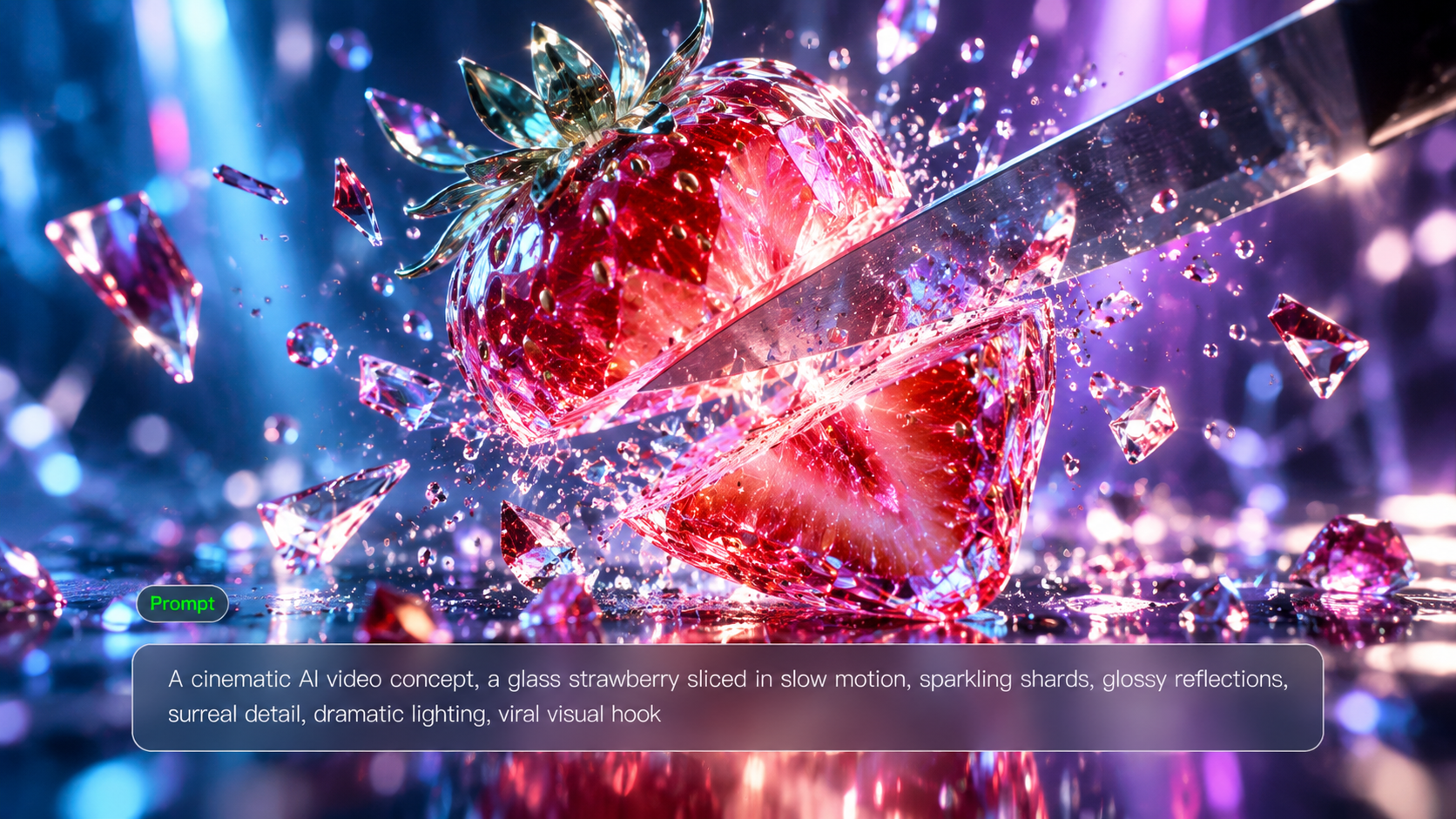
AI Reel Maker

Create original Reels for Instagram and Facebook with Kling AI. Start with a prompt, photo, or video reference, then build short videos with dynamic motion, creative transitions, and natural dialogue. Kling 4.0 helps you shape every key moment and turn individual clips into a complete Reel.

Create Reels with More Motion and Creative Control

Recreate trending concepts, build eye-catching transitions, and develop original scenes with Kling 4.0. Control how your Reel looks, moves, and unfolds, from the opening shot to the final reveal.

Recreate Trending Reels with Your Own Style

Recreate Trending Reels with Your Own Style

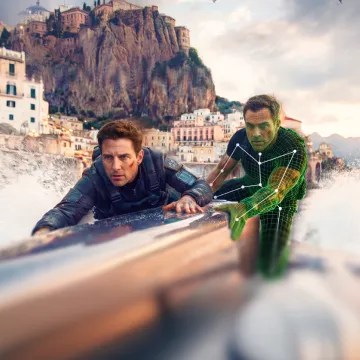
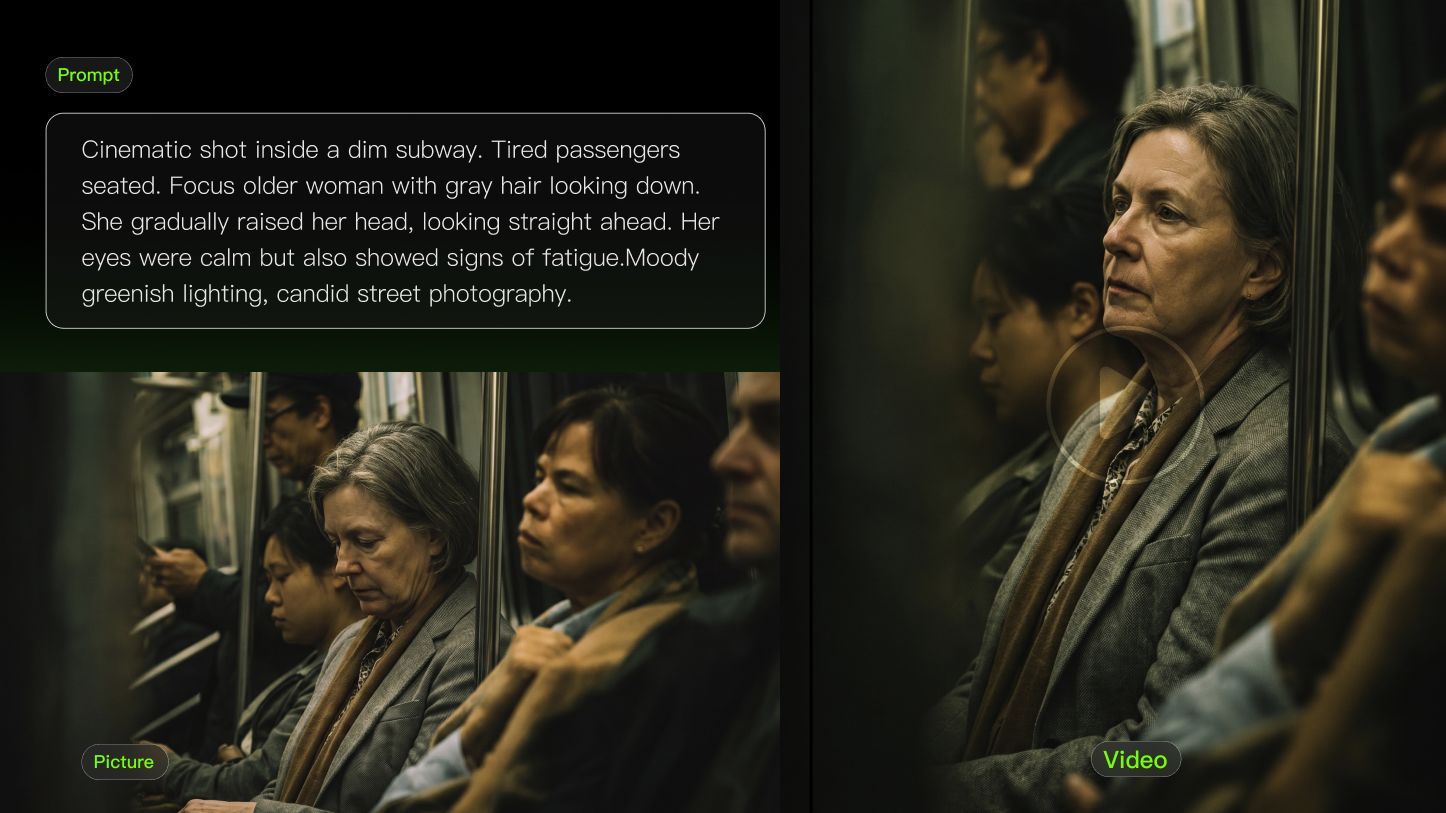
Use trending video concepts as inspiration for your own Reels. Recreate a camera move, transformation, or visual sequence with different characters, products, and settings. Kling 4.0 draws on reference footage for pacing, movement, and shot composition. Omni Reference supports up to 15 combined assets, including images, videos, voice references, and Elements, subject to individual input limits. Mix references to develop original variations while maintaining a consistent visual style.

Create Transitions and Reveals with Keyframes

Create Transitions and Reveals with Keyframes

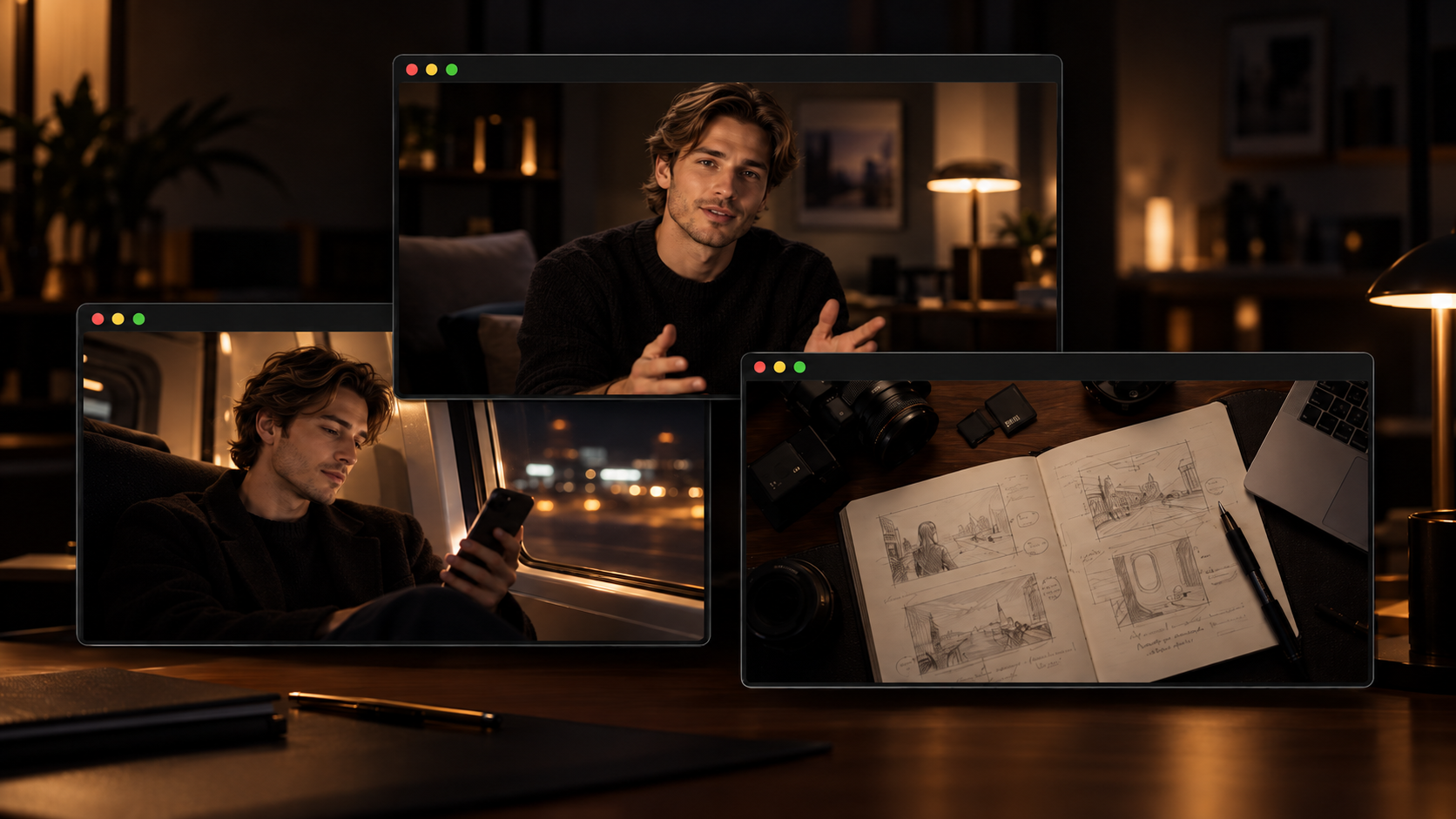
Make outfit changes, before-and-after reveals, and scene transformations part of your Reel. Control how one visual moment develops into the next instead of relying on a single starting image. Kling 4.0 supports up to 10 flexible keyframe images in one generation. Define important visual stages, from the opening composition to the final reveal, and guide the actions, camera movement, and transitions between them.

Give Your Reels More Energy

Give Your Reels More Energy

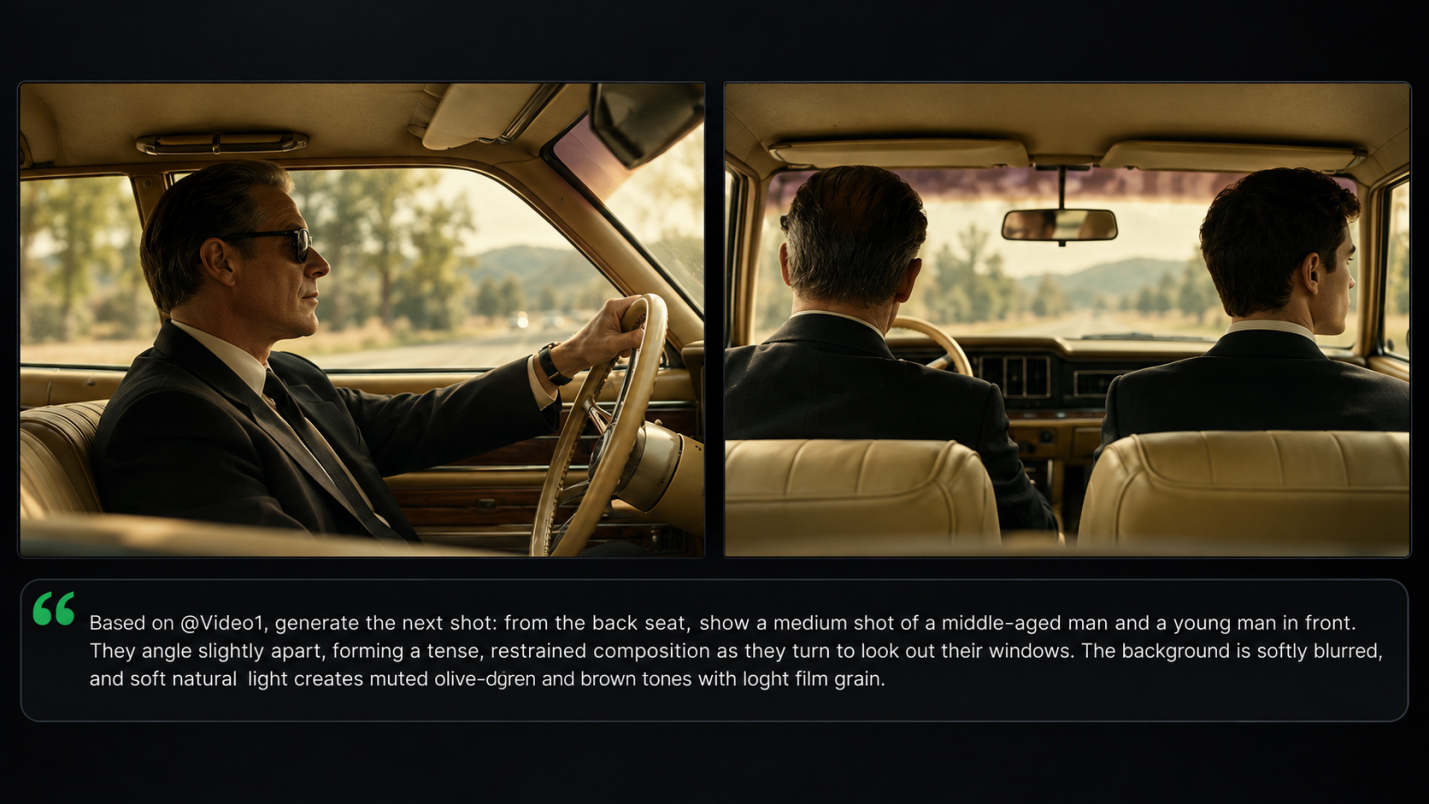
Create dance, fitness, action, and lifestyle Reels with more stable movement and cinematic camera work. Capture fast turns, continuous gestures, and moving subjects without limiting your ideas to static shots. Kling 4.0 improves stability during complex actions and large camera movements. Guide tracking shots, camera orbits, and push-ins through prompts to give your Reel smoother motion and more engaging visual perspectives.

Give Your Reel a Voice and Personality

Give Your Reel a Voice and Personality

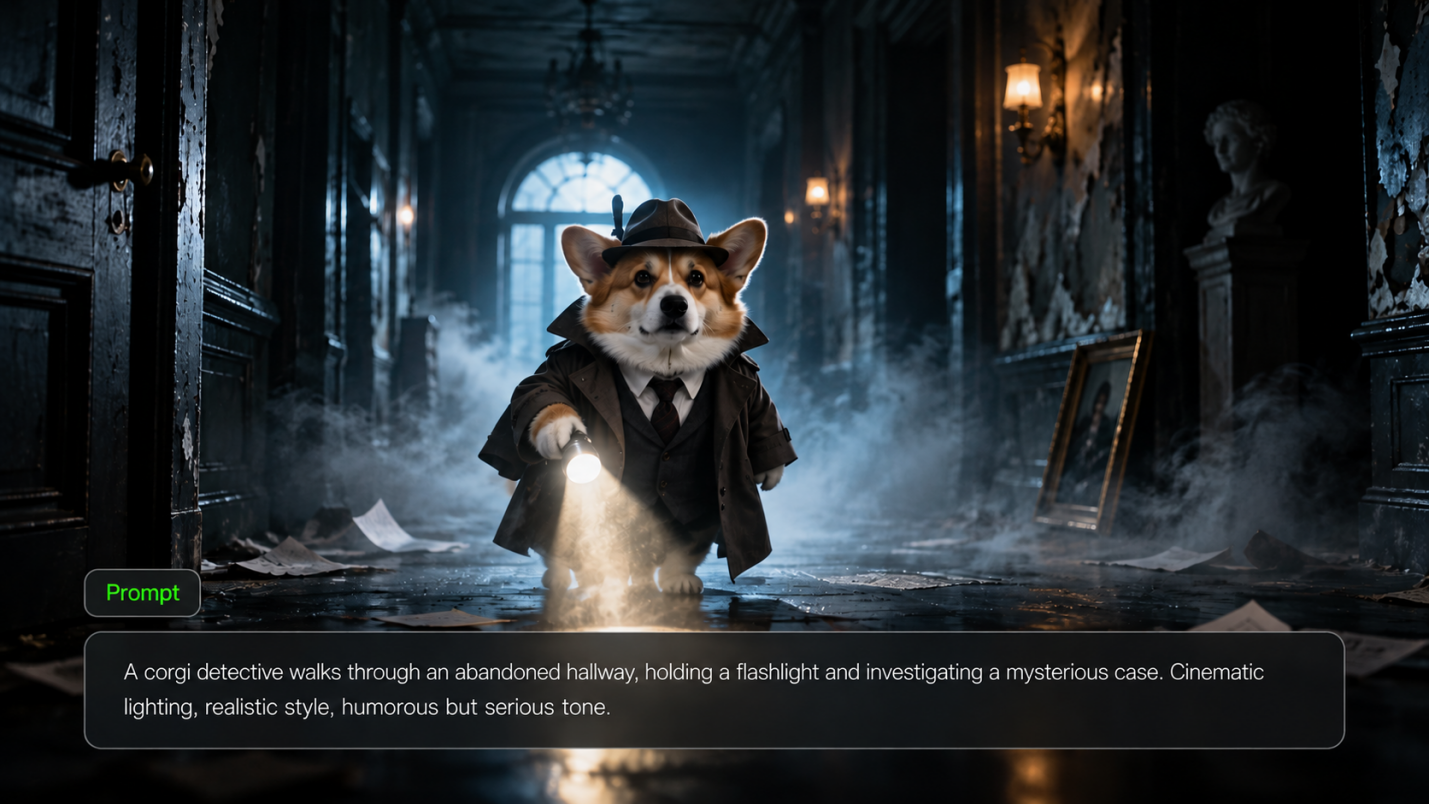
Create talking-character Reels, POV skits, product introductions, and short conversations with natural expressions and dialogue. Adapt scripts, speaking styles, and character performances to match your audience. Kling 4.0 supports native dialogue in 9 languages, improved lip sync, and two-channel stereo audio. Guide a character's delivery through prompts, or use a Character Element with a bound voice to help maintain the same speaker across different Reels.

How to Make a Reel with Kling AI

Start Your Reel

Start Your Reel

Open the Video Generation workspace and select Kling 4.0. Start with a prompt or upload up to 15 reference assets in total, including images, videos, voice profiles, and elements.

Describe Your Reel

Describe Your Reel

Describe what happens in your Reel, including character actions, camera movements, transitions, and dialogue. Add keyframes if you want to guide specific visual moments.

Generate, Review, and Download

Generate, Review, and Download

Choose a suitable aspect ratio, such as 9:16 for vertical Reels, and generate your video. Check the visuals, motion, and sound, refine as needed, then download your Reel to share.

What Our Creators Say?

Déborah

Déborah

I use Kling AI every day. It's amazing to see the almost daily progress it makes. I used AI for fun at first, and I now find that Kling AI's animations allow me to gain professional visibility, with three times more views on my animated posts than on my static posts.

KakuDrop

KakuDrop

I have successfully collaborated with world-renowned artists and well-known companies that are recognized globally

Jyo John Mulloor

Jyo John Mulloor

Kling AI has been instrumental in transforming my creative workflow, unlocking new dimensions of artistic expression that were once unimaginable. I use Kling AI extensively to develop high-concept visuals, animate surreal dreamscapes, and create AI-assisted films that blur the line between reality and fantasy. Kling AI's deep learning capabilities have not only enhanced my creative efficiency but also inspired me to explore storytelling in ways I never thought possible.

60M+ Users
60M+
Users
600M+ AI Videos Generated
600M+
AI Videos Generated
4.7 star App Store
4.7 ★
App Store
Industry-Leading Cinematic 4K
Industry-Leading
Cinematic 4K

More AI Creation tools

More Features

Learn More about AI Video Generation

FAQ about Reel Maker

Q1Is there an AI tool to make reels?
Q2What is the best reel maker?
Q3Can I create a reel from photos?
Q4How to make an Instagram Reel?
Q5How do I make a reel on Facebook?
Q6How long should a social media Reel be?
Q7Can I edit a reel after AI generates it?
Q8What are some useful video editing tips for reels?

Create Reels Your Way

Start with an idea, a photo, a voice or video reference, or a mix of these. Use Kling’s AI reel generator to create outfit videos, POV skits, or fast-paced action scenes, then shape your clips into a reel that feels like your own.

Omni Reference | Up to 30s Generation | Up to 10 Keyframes