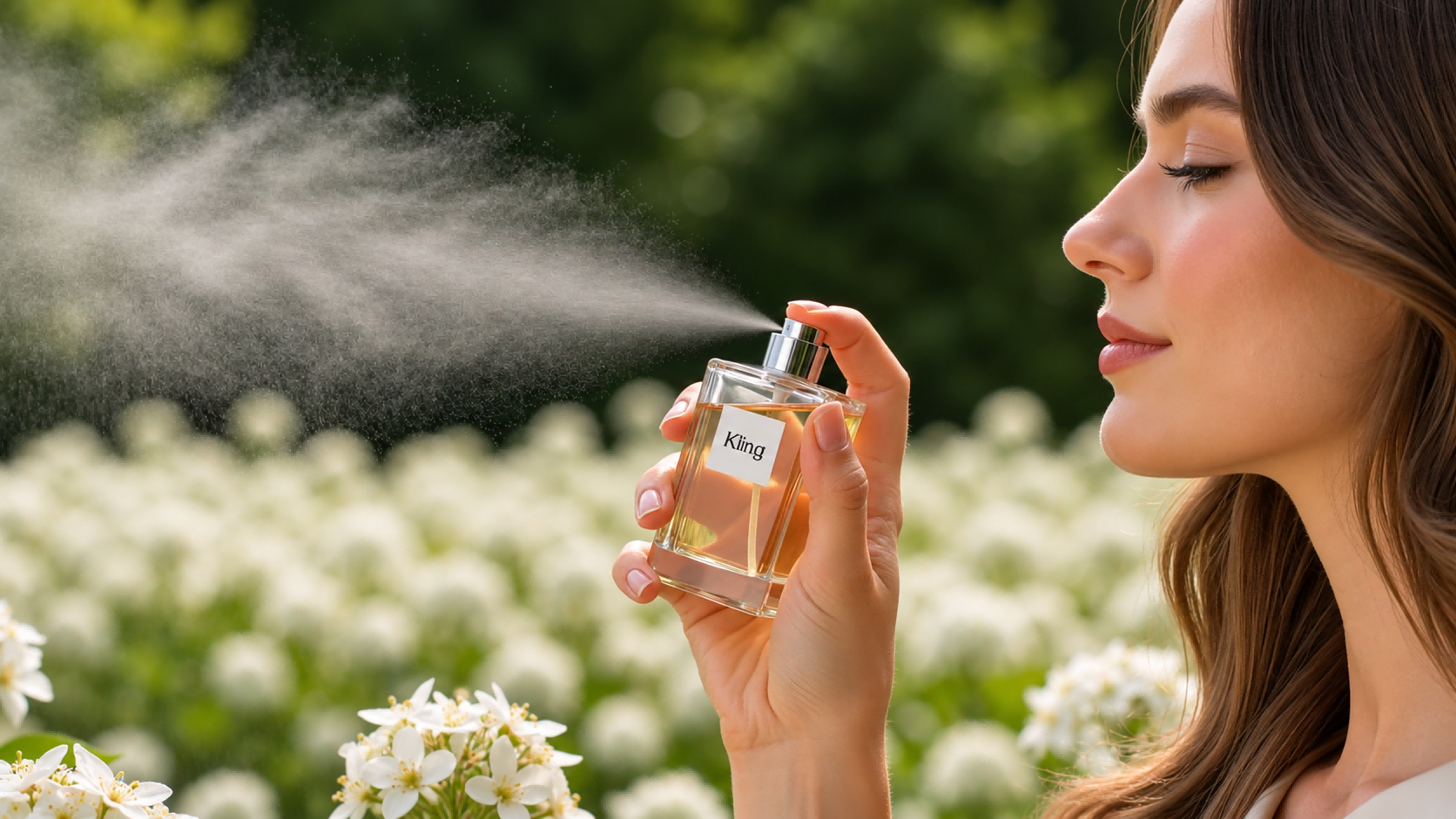
Creating video ads for different campaigns doesn't necessarily require a full new shoot. AI video ads enable you to go down new creative paths using your existing assets. This guide walks you through how to create an ad using Kling AI and then test out various creative options.
What Are AI Video Ads?
AI generated video ads are video ads that have been created or adapted using AI. They can start life as text, product photography or indeed existing video. You could create a new product demo, animate a still image or even rework the opening of an approved video using an AI ad generator. The format will be dictated by the product, the audience and the claim you're trying to make.
6 AI Video Ad Formats and Examples
Different AI video ad formats are suited to different objectives. These six AI video ad examples demonstrate how a single product can be used for a range of different purposes, from introduction through to demonstration and adaptation for new audiences.
Ad Format | Example | Best Use |
Product demonstration | Show an anti-fog lens spray being applied to glasses | Explain how a product works |
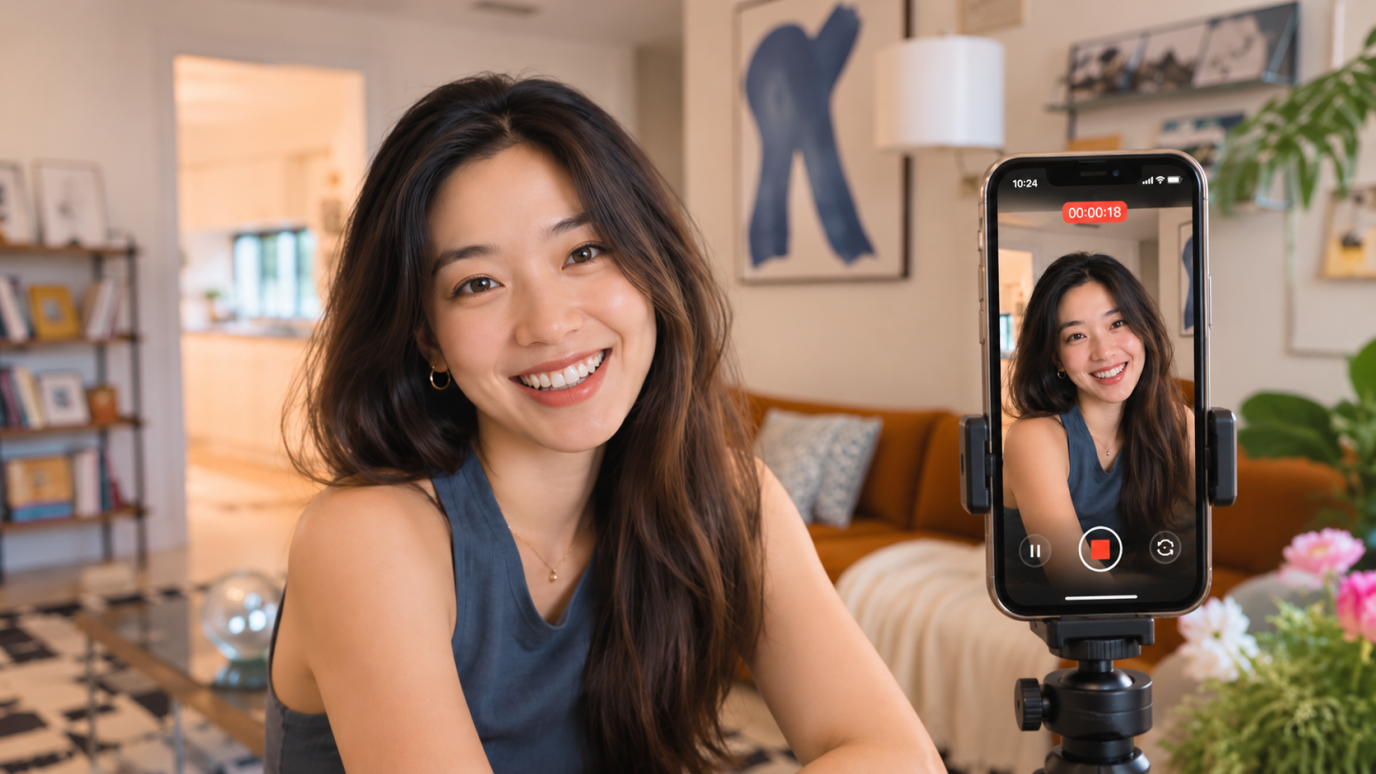
UGC-style ad | A creator-style speaker introduces the spray | Give a social ad a conversational feel |
Before-and-after ad | Fogged lenses followed by a clearer view | Illustrate a product result backed by verified evidence |
Brand story | A commuter encounters fogged glasses on a rainy morning | Connect the product to an everyday problem |
Localized variation | Adapt the same creative for French-speaking viewers | Adjust a message for a new audience |
Product-image animation | Turn an approved bottle photo into a tabletop reveal | Build moving imagery from existing assets |
Choosing the right format is just the beginning of creating a compelling AI video advertisement. With AI, you can develop original ad concepts from text prompts or build on existing product images and footage, reducing the need for new shoots and repeated production work.
At Kling AI, we bring image and video generation and editing together in one platform. Our latest video generation model, Kling 4.0, combines multimodal references, enhanced motion stability, stronger storytelling capabilities, director-level creative control, and precise video editing to help you bring your advertising ideas to life more efficiently.
How Kling 4.0 Helps You Create High-Quality AI Video Ads
Successful AI video advertising requires recognizable products, natural motion, clear storytelling, and consistent brand visuals, while keeping production time and costs manageable. Here's how Kling 4.0 helps you address these challenges and gain greater creative control and efficiency throughout commercial video production.
Keep Product Details Consistent With Omni Reference
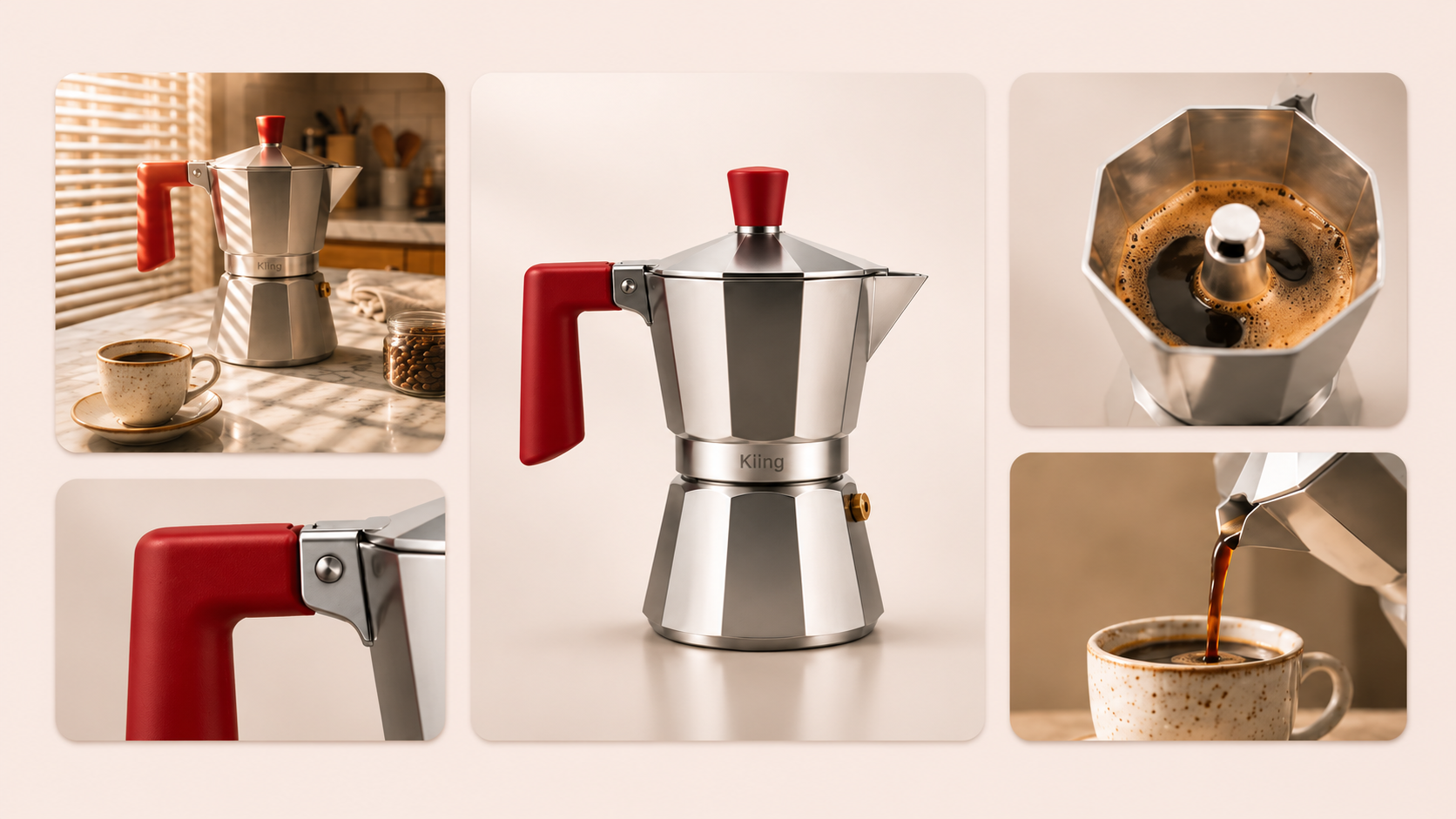
An AI video ad may begin with a product close-up, move into a demonstration, and finish with a branded closing shot. Kling 4.0's Omni Reference supports up to 15 combined reference assets, including images, videos, Elements, and voice references. You can use them to guide product appearance, packaging, brand colors, character identity, and scene details across different shots.
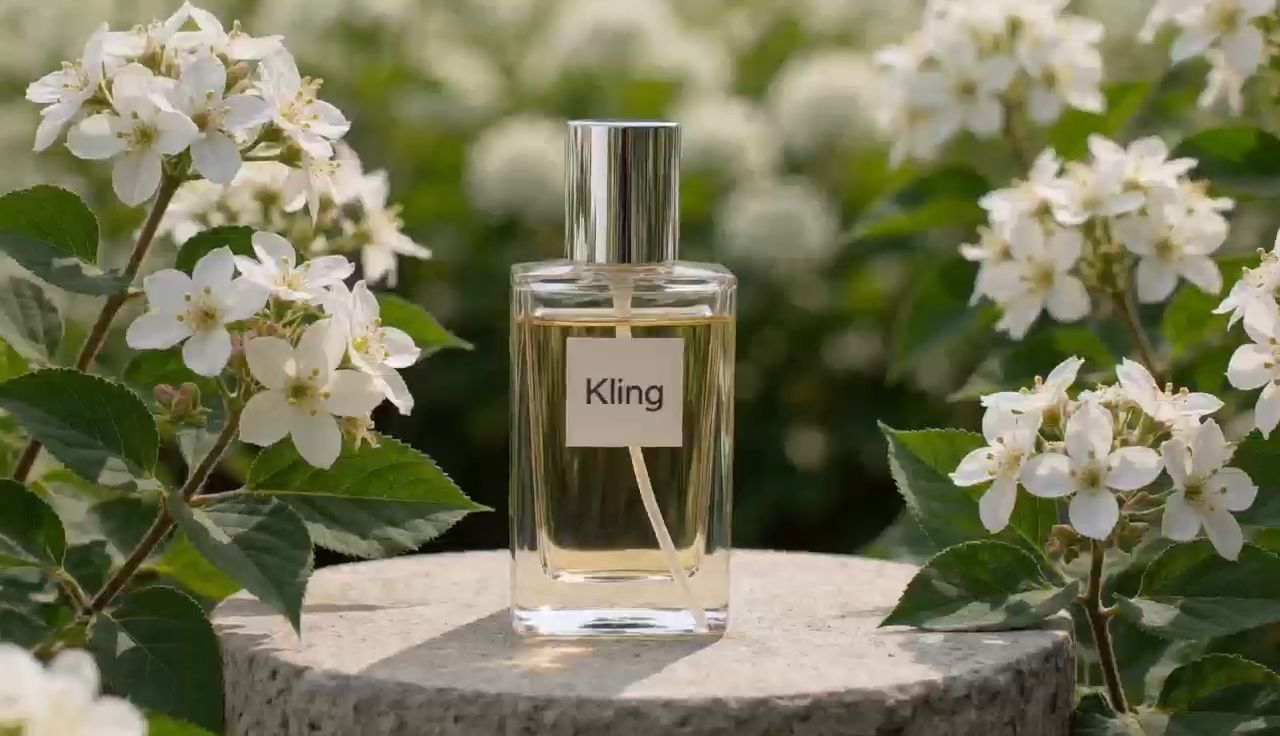
Take a perfume ad, for example. Product photos can define the bottle's shape, color, and packaging design, while character references help maintain a consistent model across scenes. You can also turn a product photo into a video to showcase the perfume in an elegant setting, from a close-up of the glass bottle to a model spraying the fragrance in a flower garden. Reuse the same references across different ad variations to help maintain a consistent brand identity.

Create Smooth Action and Complex Camera Movement
Fast-moving subjects, continuous actions, and complex camera movements can be challenging in AI-generated advertising. Kling 4.0 delivers greater motion stability, helping you create dynamic sportswear ads, high-speed automotive commercials, and energetic product reveals with more natural movement and smoother camera transitions.
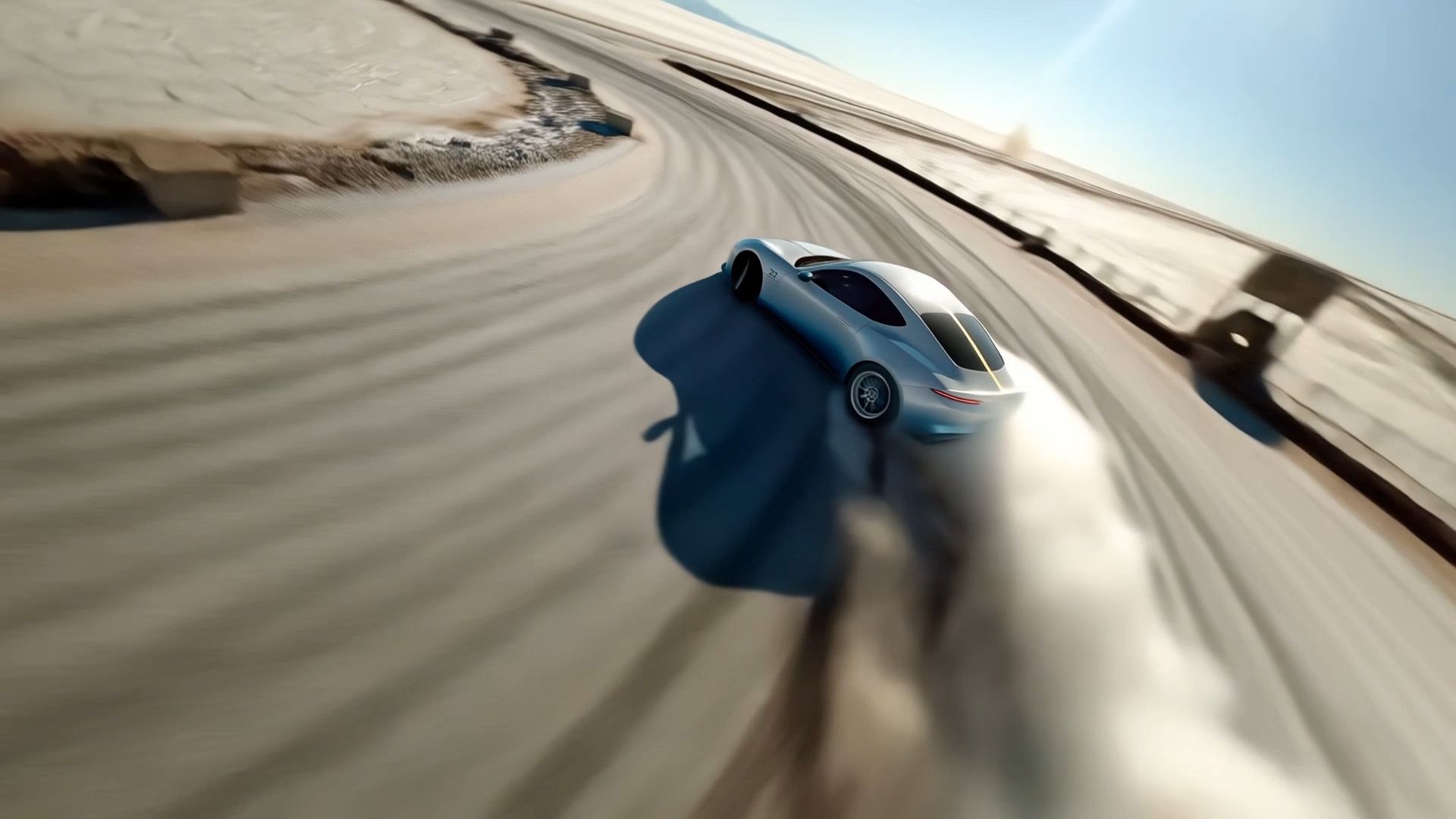
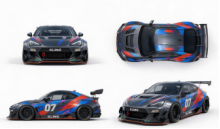
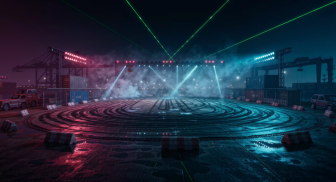
With an AI video ad generator, you can also use reference footage to guide complex tracking shots and camera movements. For example, a racing car reference video can help create a more continuous sense of speed and direction in an automotive ad.
Reference Image 1 | Reference Image 2 | Reference Video |
|
|  |
Generated Video | ||
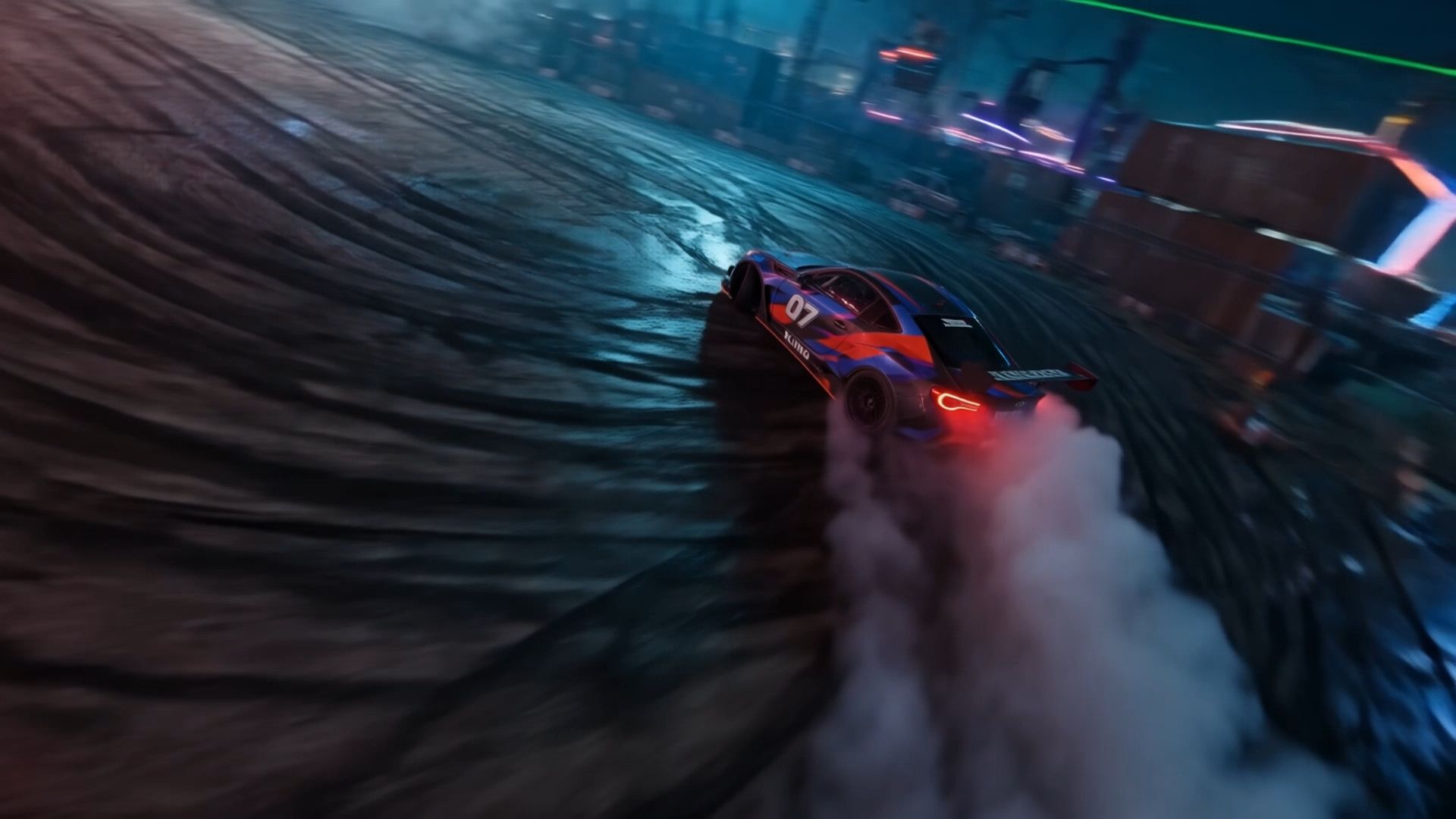 | ||
| Prompt: Use @Video 1 as the reference for camera movements and shot pacing. Replace the Element with the car from @Image 1 and the background with @Image 2. | ||
Bring Product Details to Life With 4K and 10-Bit HDR
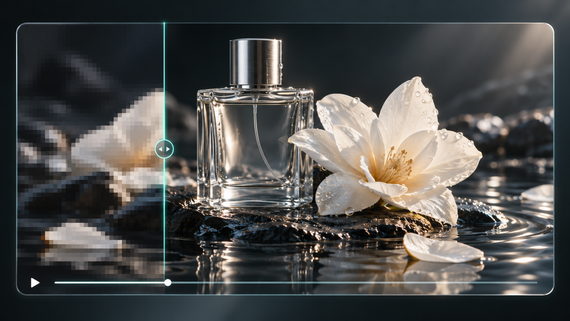
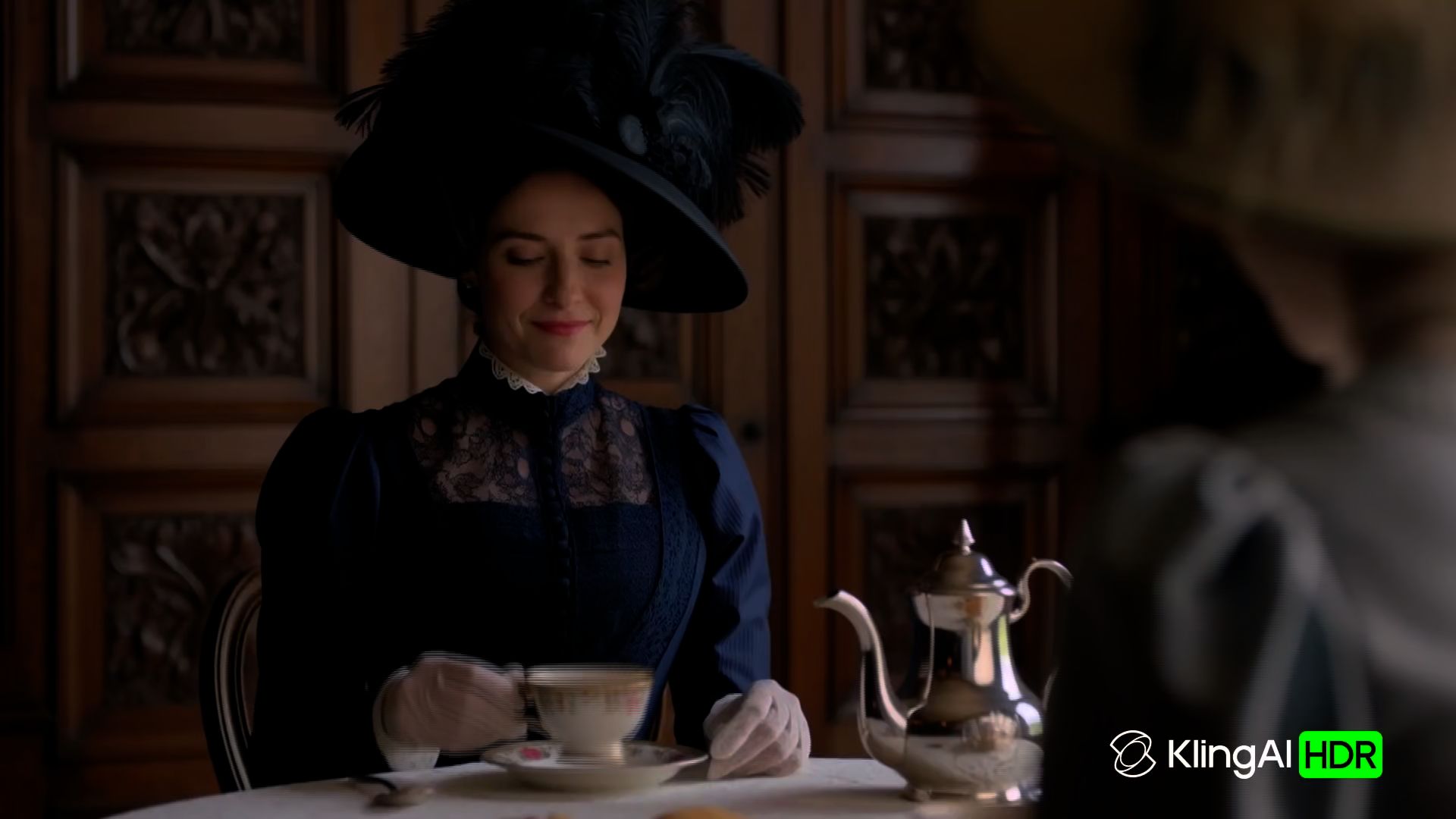
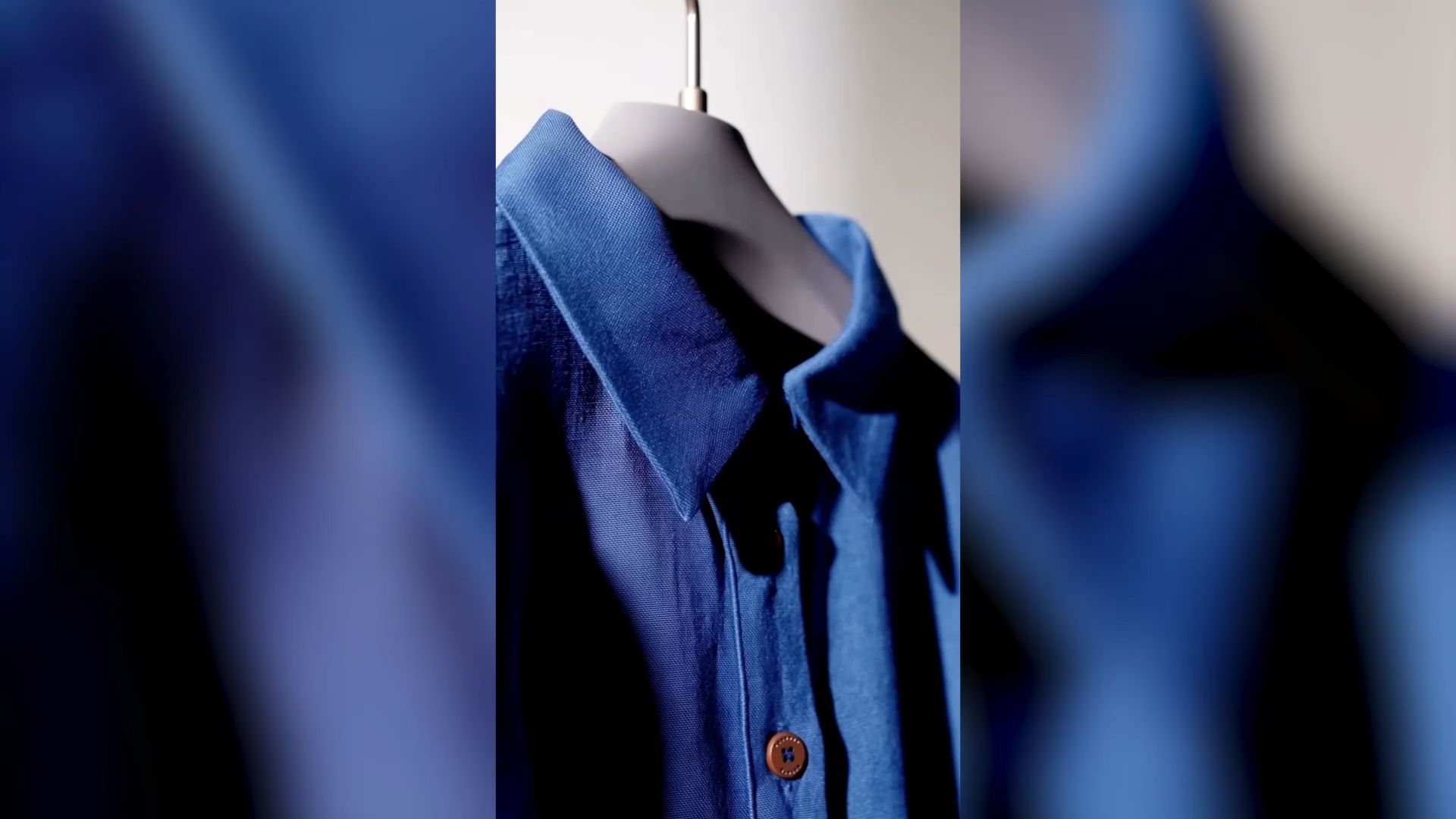
High-quality visuals are essential for video advertising, especially when showcasing product textures, materials, and intricate design details. Kling 4.0 supports native 4K resolution and 10-bit HDR output at both 1080p and 4K, delivering sharper details, richer colors, smoother tonal transitions, and greater detail in highlights and shadows.
Whether you're highlighting delicate fabric textures in a fashion ad, glass reflections in a perfume commercial, or metallic finishes in a consumer electronics promotion, you can select your preferred resolution and dynamic range in the output settings to create more refined, professional-quality advertising visuals.
Turn Creative Ideas Into Complete Ad Stories
An effective video ad needs to connect its opening hook, product demonstration, key selling points, and final call to action into a coherent story. Kling 4.0 supports native video generation of up to 30 seconds and up to 10 keyframe images, giving you more control over product reveals, scene transitions, and important storytelling moments.
With enhanced prompt understanding and support for up to 8,000 tokens, Kling 4.0 can interpret detailed creative briefs and refine your ideas with a director's perspective. From shot composition and camera direction to scene pacing and visual transitions, you can develop a more complete advertising narrative rather than generating disconnected product shots.
Recreate Proven Ad Concepts With Video References
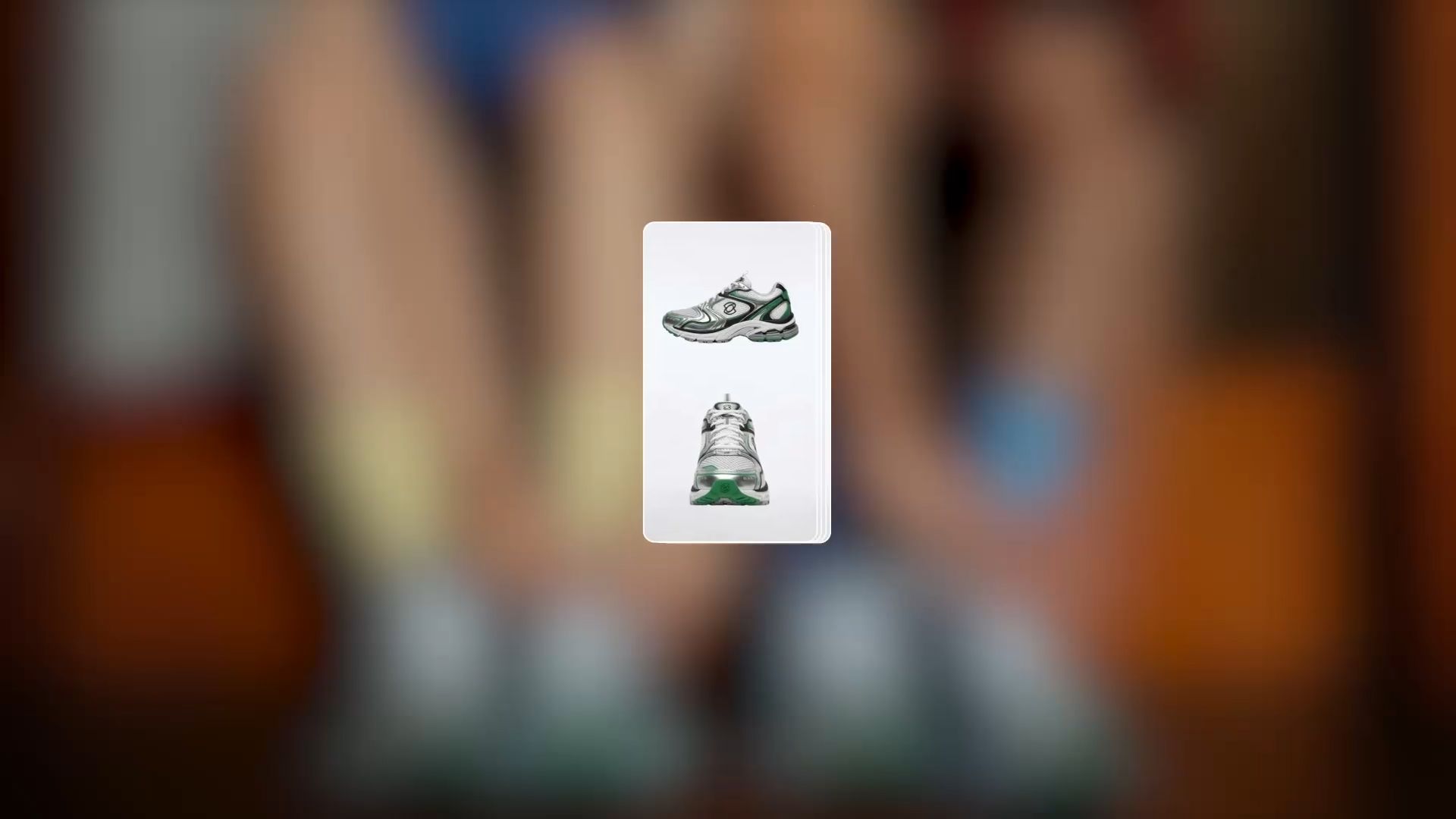
When you find an advertising concept that works, you don't always need to plan a new production from scratch. With Kling 4.0's Omni Reference, you can use existing videos to guide performances, actions, camera movements, shot composition, and narrative pacing while introducing your own products, characters, and brand visuals.
This creative recreation capability helps you efficiently adapt proven concepts for social media ads, product commercials, fashion and beauty campaigns, and consumer electronics promotions. For example, a fashion brand can use an existing clothing showcase video as a creative reference, featuring its own apparel while following the original video's product presentation, camera movements, and visual rhythm. By reusing the creative direction of reference videos, you can explore more advertising variations with less planning and repetitive production work.
Edit Specific Details Without Recreating the Ad
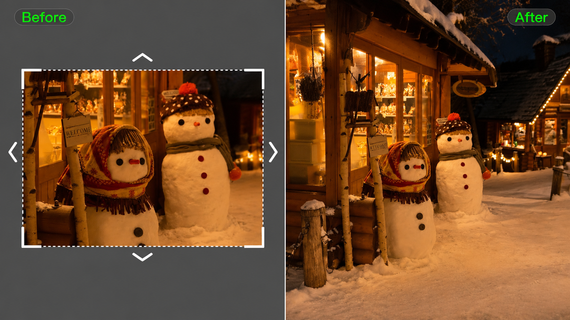
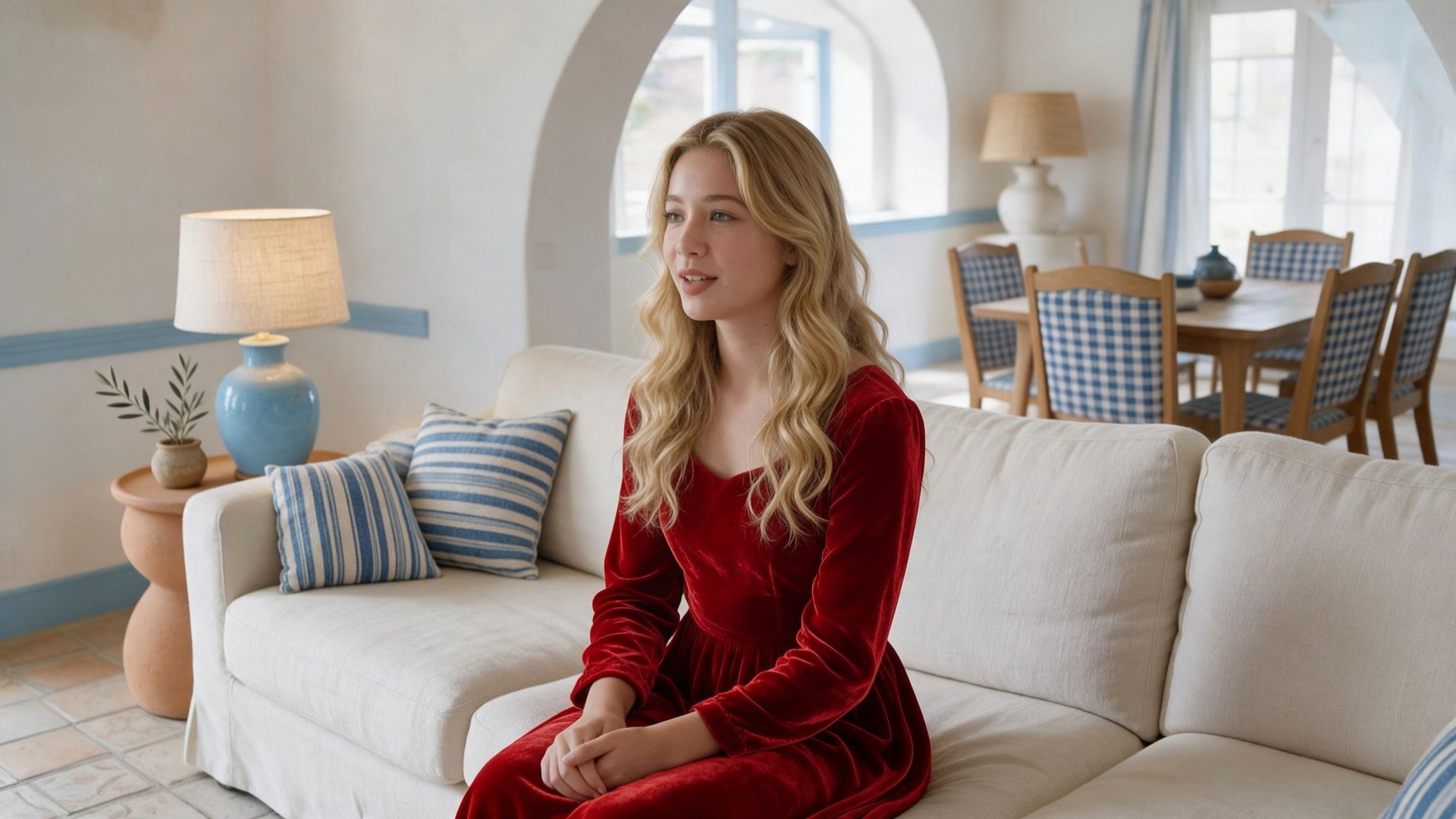
Sometimes an ad already has the right product, action, and camera movement but needs a visual update. With Kling 4.0's precise AI video editing capabilities, you can modify specific details in existing footage, such as replacing a background, adjusting a visual style, or changing selected objects while aiming to preserve the original product demonstration and shot sequence.
This makes it easier to refresh existing ad creatives for seasonal promotions, different audiences, or new campaign concepts without recreating the entire video from scratch.
How to Create AI Video Ads With Kling AI
Whether you're developing an original advertising concept or building on existing product images and video references, Kling 4.0 helps you streamline the creative process. Follow these three simple steps to create and refine your AI video ads.
Step 1: Upload Your Reference Assets
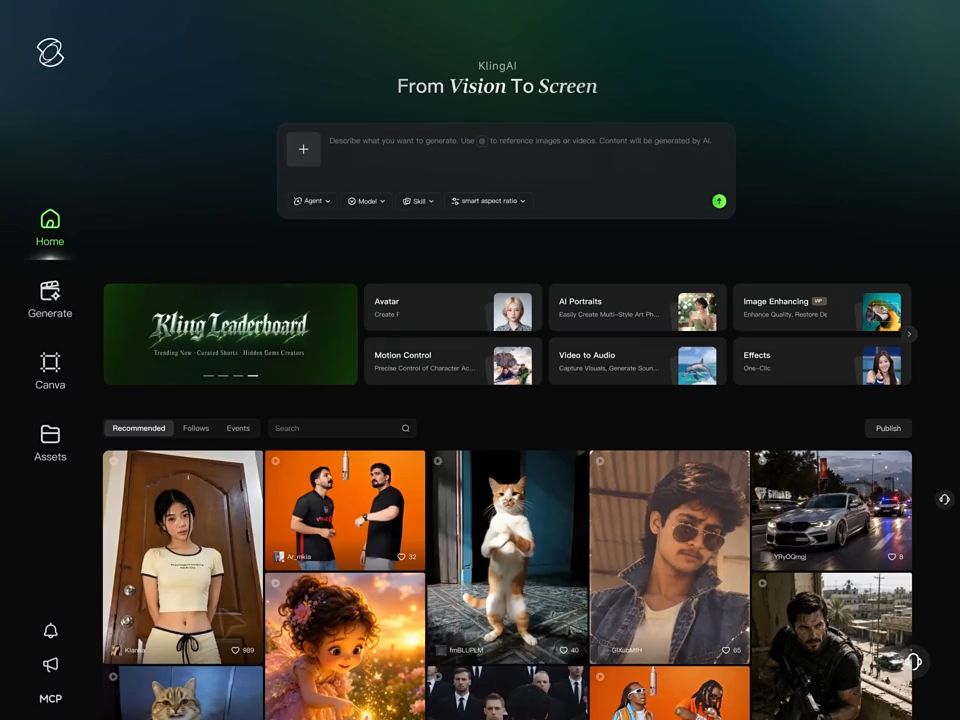
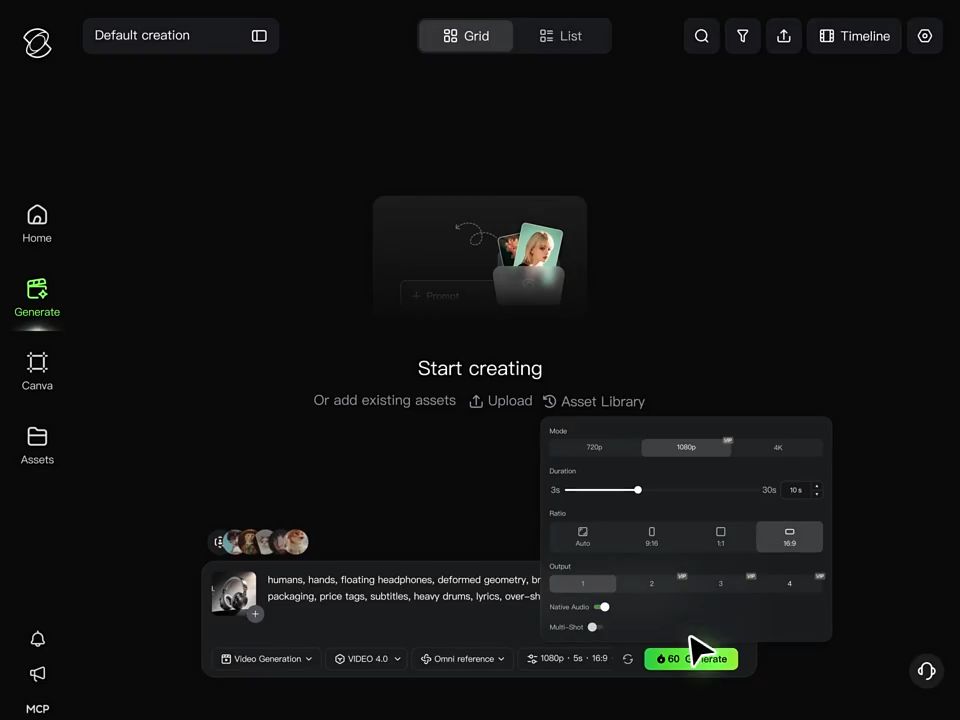
Open our Video Generation workspace and select Kling 4.0. In Omni Reference, add product photos, character images, Elements, or reference videos to guide your ad. If you don't have reference assets, you can also start with a text prompt.
Step 2: Write Your Ad Prompt
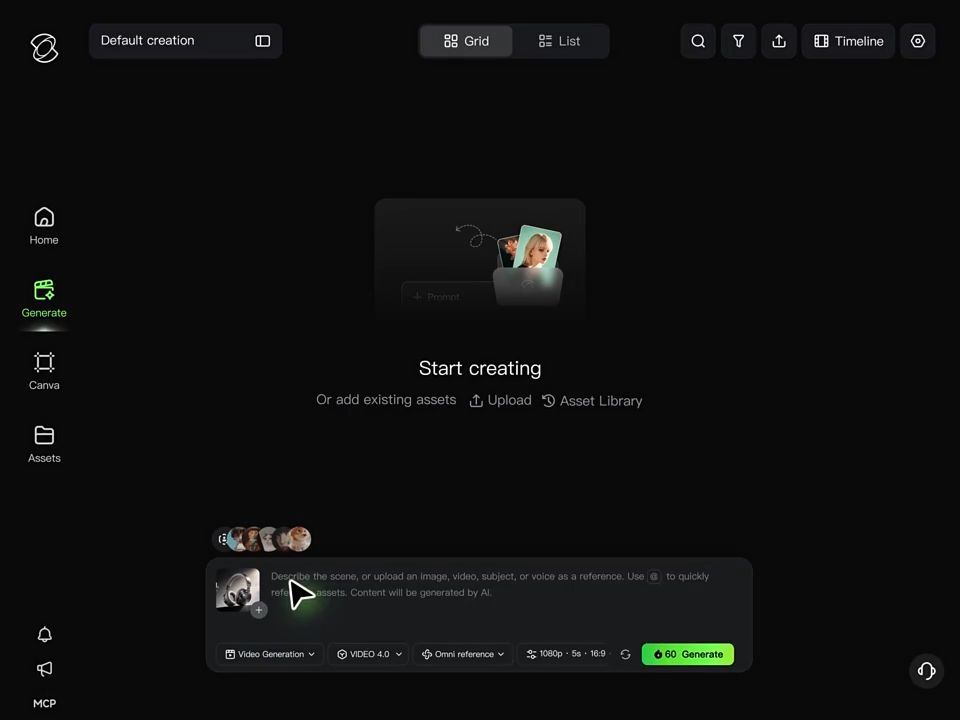
Describe your opening hook, product demonstration, selling points, camera movements, and closing shot. Use @ to specify how each reference asset should guide the video. For localized ads, include your approved dialogue and target language in the prompt.
Step 3: Generate, Review and Polish Your Ad
Select your preferred aspect ratio, video duration, and output resolution, then generate your ad. Review the product details, character consistency, motion, dialogue, and overall pacing. Refine the prompt or apply targeted edits if needed before downloading your video.
How to Test and Measure AI Video Ads
Once your AI video ads are ready, the next step is finding out which creative performs best. Compare each version against the same campaign objective and a suitable control ad, using the metrics below to assess engagement, conversions, and production efficiency.
Campaign Question | Metric | What It Tells You |
Does the hook hold attention? | Early retention / hook rate | Share of viewers staying past an opening interval |
Do viewers keep watching? | Watch time / completion rate | How far the audience gets |
Does the ad prompt action? | Click-through rate (CTR) | Clicks relative to impressions |
Does the traffic convert? | Conversion rate | Conversions relative to the defined denominator |
What does a result cost? | Cost per acquisition (CPA) | Spend per attributed acquisition |
Does spending return revenue? | Return on ad spend (ROAS) | Attributed revenue divided by spend |
Is production more efficient? | Time and approved variations | Effort per usable creative |
For an A/B test, keep the offer, audience, placement, landing page, and test period comparable. Change only the opening: Hook A could begin with fogged glasses, whereas Hook B opens on the bottle. Use the platform’s experiment tools where available and avoid calling a winner from very small samples.
Track production efficiency as well. Record the reference assets, prompt versions, revisions, review time, and approved outputs. Faster generation has value when the finished creative also meets the campaign's brand and performance requirements.
Common AI Video Ad Mistakes to Avoid
Performance testing can reveal weak hooks or unclear messaging, but some problems are easier to catch before launch. Use this checklist to review your creative before publishing.
Mistake | Practical Fix |
Weak opening | Lead with the product benefit |
Too many messages | Focus on one offer and CTA |
Inconsistent product details | Check against approved images |
Exaggerated claims | Match claims to evidence |
Too many test variables | Change one element at a time |
Skipping final review | Verify rights and platform rules |
One crop for every platform | Check framing and text-safe areas |
The End
AI video ads offer more ways to develop promotional content from product photos, scripts, and existing footage. With Kling 4.0, you can turn those assets into compelling ads, refine the details, and test different creative approaches. Start with a clear message and build on what works for your audience.
FAQs
Can AI Create Video Ads From Product Images?
Yes. With Kling 4.0, you can use product images as visual references to generate product demonstrations, lifestyle scenes, and cinematic advertising footage. Describe the product details you want to preserve, along with the desired actions, environment, and camera movements. Review the generated video against your original product images before publishing.
How Long Should an AI Video Ad Be?
Match the length to the placement and the message rather than to some rule of thumb. A very short product demo will work if you can clearly show one problem and one outcome. Some products just require more time. Kling 4.0 can generate clips up to 30 seconds. That's the technical limit, not a target duration. A longer ad doesn't necessarily perform better.
Can AI Video Ads Include Different Languages?
Yes. Kling 4.0 supports multilingual dialogue and on-screen text, making it easier to adapt advertising concepts for different markets. You can specify your target language, dialogue, and voice requirements in the prompt. Native audio generation and improved lip sync also help create more natural localized advertising content. Review the pronunciation, wording, and product claims before publishing.
How Much Do AI Video Ads Cost to Make?
It's dependent on the platform, the generation settings, how many retries you end up with, how much editing you do, how much review you need, etc. You can't just price one render and call it a day. You need to work out the full cost per approved ad. That's the creative briefing, the asset prep, the number of revisions, the brand checks, any voice work, any caption work. Once you have that full cost, you can then compare it to your current production model. Don't just assume that every AI variation is going to be cheaper.
What Should I Check Before Publishing AI-Generated Video Ads?
Go through the product, the logo, the label, the hands, the motion, the on-screen text, the audio, and any performance claims. Make sure you have the rights to the reference footage and the music and that you've got all the necessary disclosures. Then go and actually preview it in the environment that it will be placed in and test that the landing page and conversion tracking are all working. That final step will pick up any issues before they end up costing you.