
AI Video Ad Maker

Create AI video ads from text prompts, images, or video references with Kling AI. Keep your brand visuals consistent, direct dynamic camera movements, and develop engaging ad stories for product launches, brand campaigns, and social media promotions.

Create Video Ads That Get Noticed

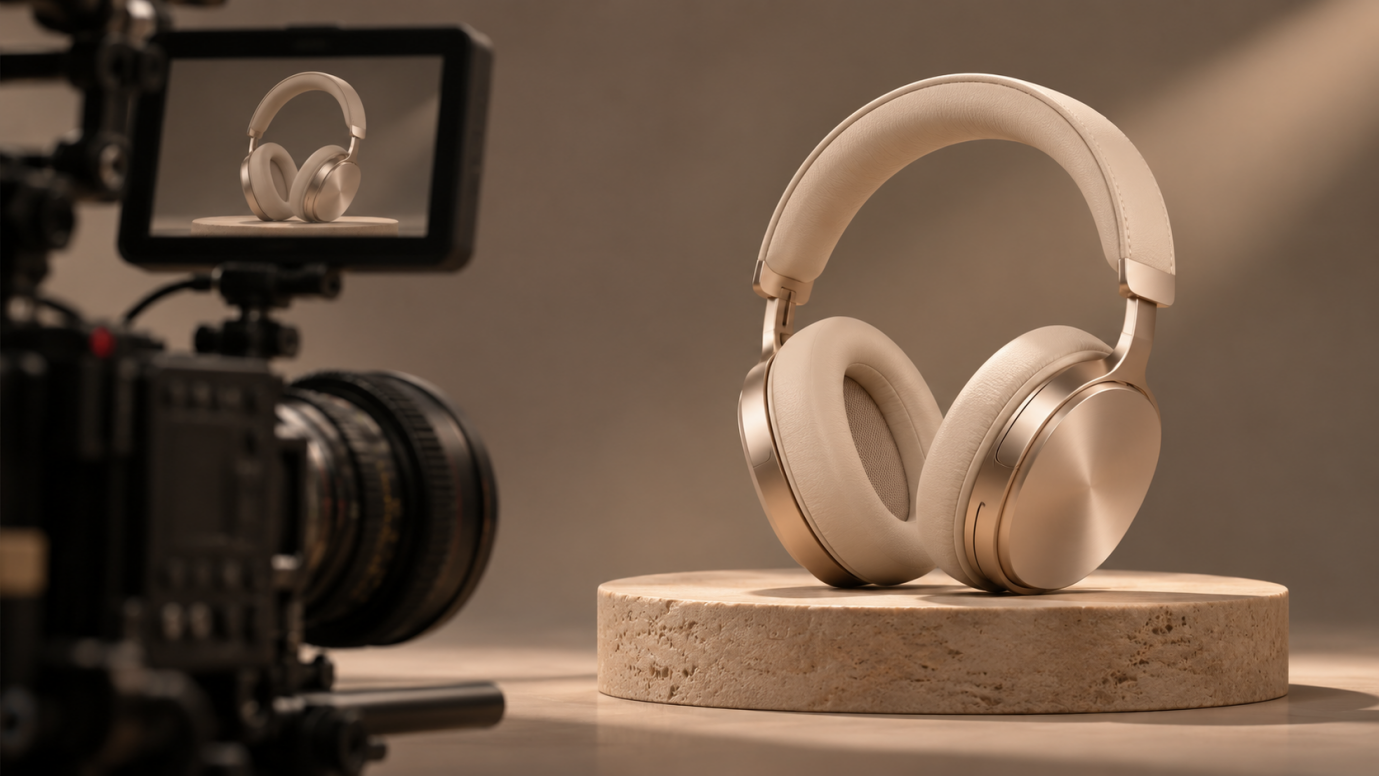
From product launches and e-commerce promotions to social media campaigns, Kling AI helps you create compelling video ads with consistent product visuals, dynamic product motion, and cinematic storytelling. Use image and video references to shape your creative direction, or refine existing footage to explore new ad variations.

Keep Your Products and Branding Consistent

Keep Your Products and Branding Consistent

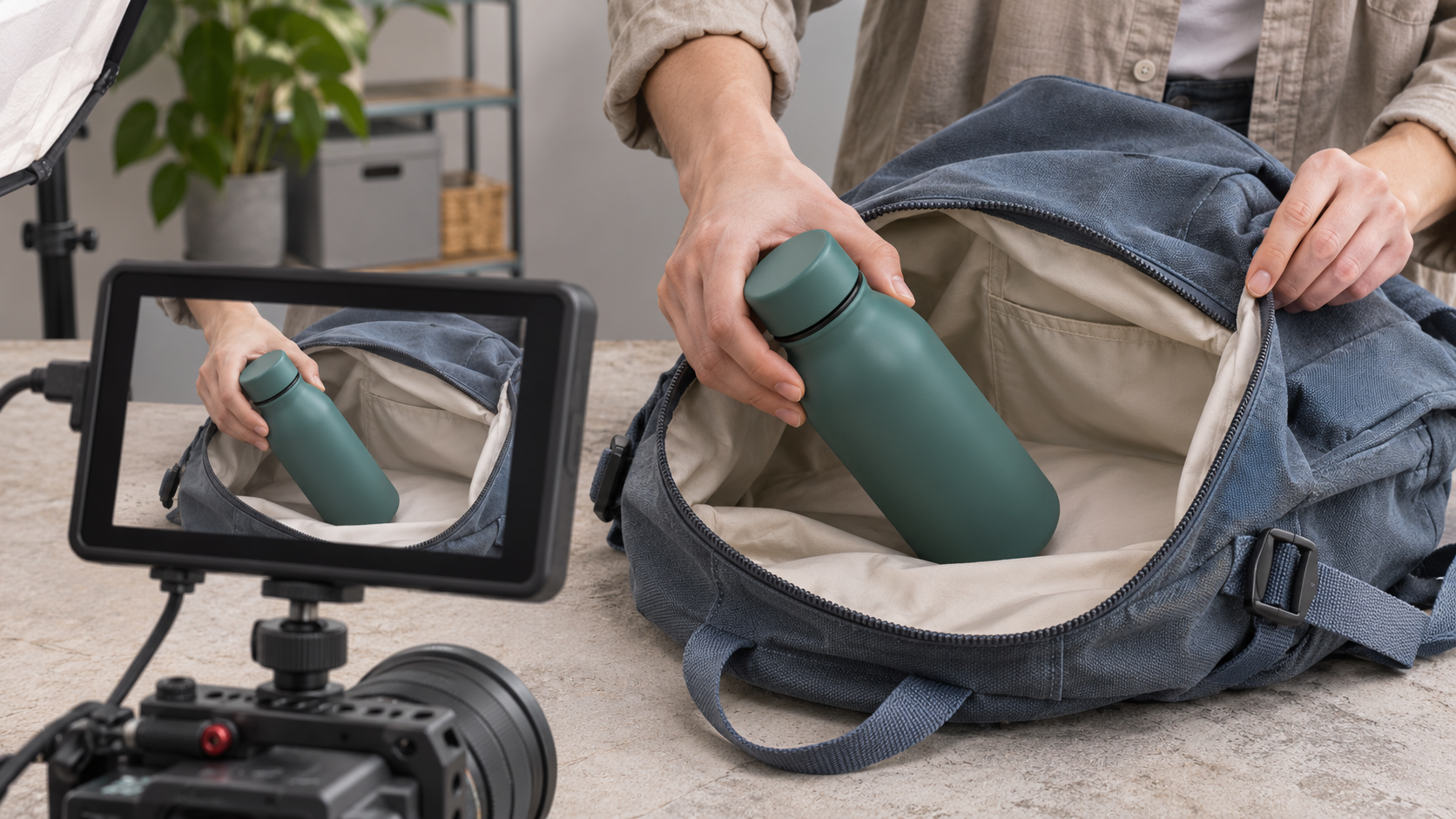
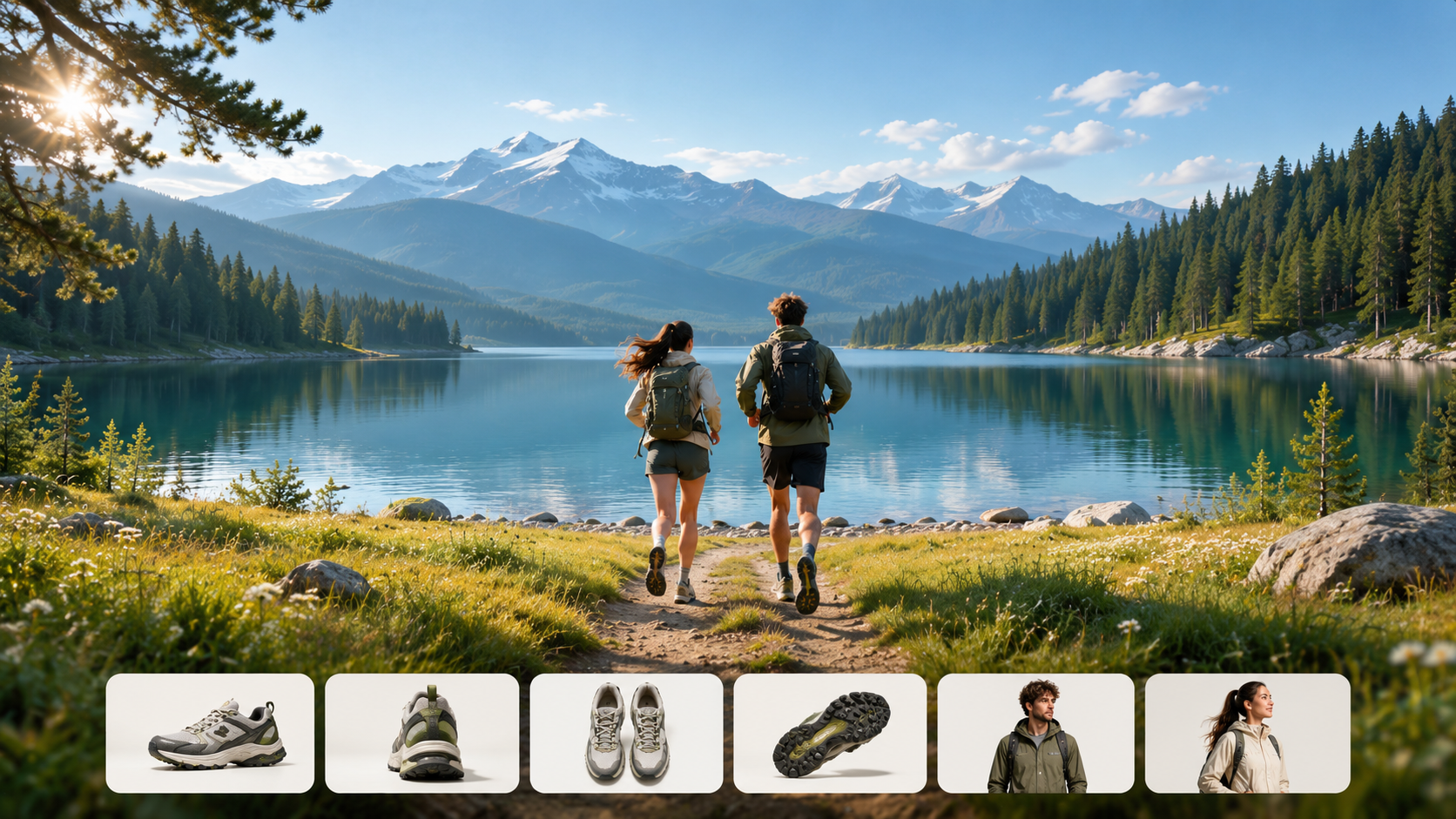
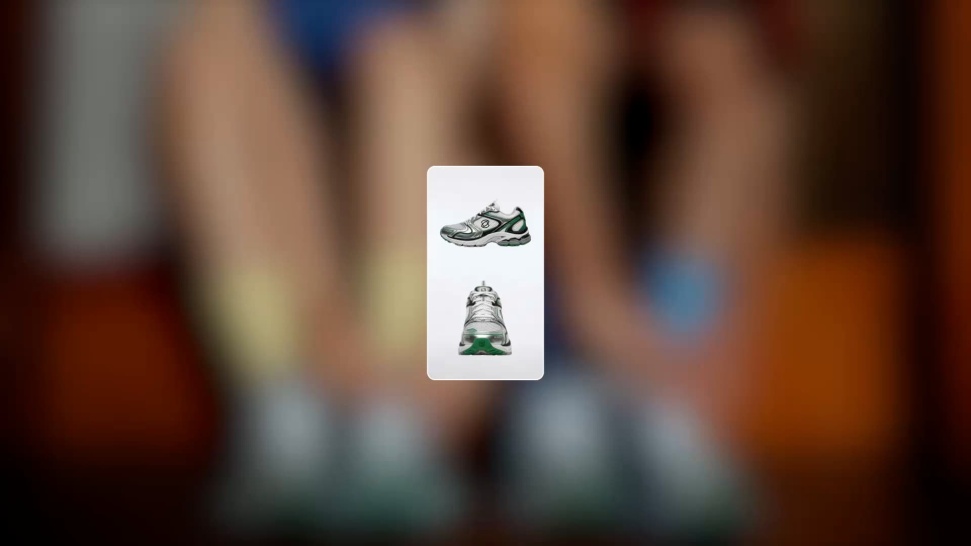
An ad can have a clever concept, but inconsistent product visuals can weaken its impact. Whether you're showcasing sneakers, a perfume bottle, or a new gadget, viewers should recognize the product and brand throughout the video. With Kling 4.0's Omni Reference, you can combine up to 15 supported reference assets in one generation: use product photos to guide product appearance and video clips to reference shot composition, movement, and visual style. This helps keep your product and brand recognizable across different ad concepts.

Showcase Products with Dynamic Motion

Showcase Products with Dynamic Motion

A video ad has only seconds to capture attention, and a static product shot may not be enough. Show a sneaker flexing as a runner lands, liquid swirling into a glass, or the camera pushing in toward a newly launched car. Kling 4.0 combines stronger stability for physical interactions and large movements with more deliberate camera direction. Use tracking shots, push-ins, and orbit shots to capture product action from compelling angles and give your ad a stronger visual hook.

Bring Complete Ad Stories to Life

Bring Complete Ad Stories to Life

A strong video ad needs more than beautiful shots. A portable speaker commercial might open with a quiet rooftop, reveal a gathering of friends, and end with a memorable product close-up. Kling 4.0 supports up to 30 seconds of native video generation and up to 10 keyframes, helping you guide the opening hook, product reveal, key use moment, and final hero shot in one generation.

Create New Ad Variations Without Starting Over

Create New Ad Variations Without Starting Over

When an ad concept works, you may only need a new background, a different product color, or a tighter hero shot. Rebuilding an entire video for every variation can slow down a campaign. Kling 4.0's Precise Video Editing lets you make targeted changes to existing footage, including backgrounds, objects, framing, and visual style. Explore new versions of your ad while aiming to preserve the elements that already work.

Make Ad Headlines and Logos Stand Out

Make Ad Headlines and Logos Stand Out

In a short video ad, viewers have only seconds to notice product names, brand logos, launch dates, and special offers. If letters warp during a camera move, your message can lose its impact. Kling 4.0 improves multilingual text and logo rendering in generated video, including during shot changes. Use clear headlines, brand marks, or promotional details to support the visuals, and check wording, numbers, and logos before an ad goes live.

Create Video Ads for Different Platforms

Create Video Ads for Different Platforms

Facebook video ads, YouTube video ads, and other social placements may call for different aspect ratios and framing. A vertical 9:16 format is common for mobile-first placements, square 1:1 can suit feed placements, and 16:9 works for horizontal video placements. Kling 4.0 supports 9:16, 16:9, 1:1, and 21:9 aspect ratios. Choose the format that fits your intended placement, then adjust product positioning and camera movements to suit the composition rather than simply cropping the original video.

How to Create Engaging Video Ads with Kling AI

Upload Product and Visual References

Upload Product and Visual References (Optional)

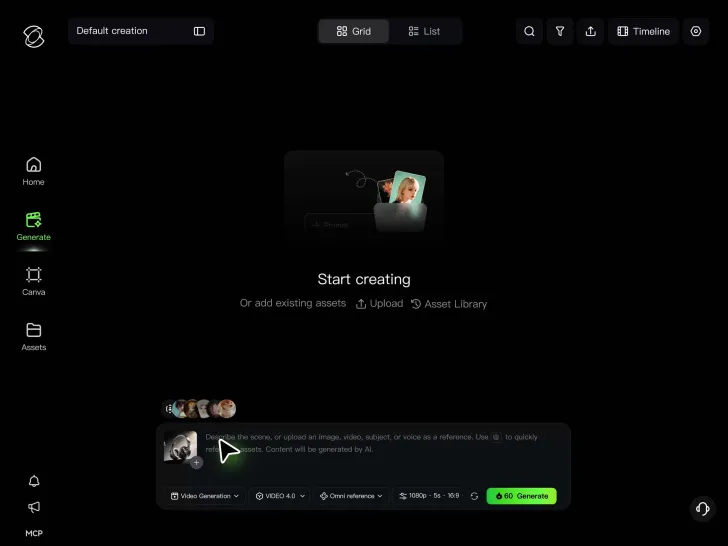
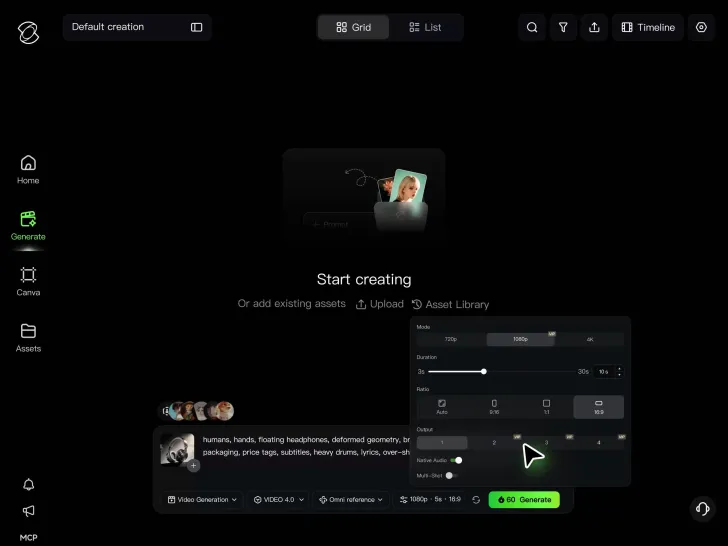
In Kling 4.0's video workspace, use Omni Reference to combine up to 15 supported reference assets in total, including product images, elements, and video clips.

Describe Your Ad Concept

Describe Your Ad Concept

Use natural language to describe the ad scene, product benefits, subject actions, and camera movements. Then use your uploaded references to guide product presentation, interactions between subjects, and the flow between shots, creating a compelling ad story.

Generate Your Video Ad

Generate Your Video Ad

Choose 9:16, 16:9, 1:1, or 21:9 to suit your ad placement, then generate a video up to 30 seconds long. Review product details, motion, camera work, and on-screen text, and refine the result if needed.

What Our Creators Say?

Déborah

Déborah

I use Kling AI every day. It's amazing to see the almost daily progress it makes. I used AI for fun at first, and I now find that Kling AI's animations allow me to gain professional visibility, with three times more views on my animated posts than on my static posts.


KakuDrop

KakuDrop

I have successfully collaborated with world-renowned artists and well-known companies that are recognized globally

Jyo John Mulloor

Jyo John Mulloor

Kling AI has been instrumental in transforming my creative workflow, unlocking new dimensions of artistic expression that were once unimaginable. I use Kling AI extensively to develop high-concept visuals, animate surreal dreamscapes, and create AI-assisted films that blur the line between reality and fantasy. Kling AI's deep learning capabilities have not only enhanced my creative efficiency but also inspired me to explore storytelling in ways I never thought possible.

60M+ Users
60M+
Users
600M+ AI Videos Generated
600M+
AI Videos Generated
4.7 star App Store
4.7 ★
App Store
Industry-Leading Cinematic 4K
Industry-Leading
Cinematic 4K

More AI Creation tools

More Features

Learn More about AI Video Generation

FAQ about Video Ads

Q1What is a video ad?
Q2How can I create a video ad?
Q3What are some popular types of video ads?
Q4Can I make a video ad without video production experience?
Q5Can I use my own video clips and images in a video ad?
Q6Can I add my logo and brand colors to a video ad?
Q7Can I edit a video ad after creating it?

Turn Your Ideas Into Compelling Video Ads

Create product-focused video ads with Kling 4.0. Use visual references to guide product visuals, direct dynamic camera moves, and craft cinematic stories for e-commerce, brand campaigns, and social media promotions.

Omni Reference | Dynamic Camera Control | Precise Video Editing | Up to 30s per Generation