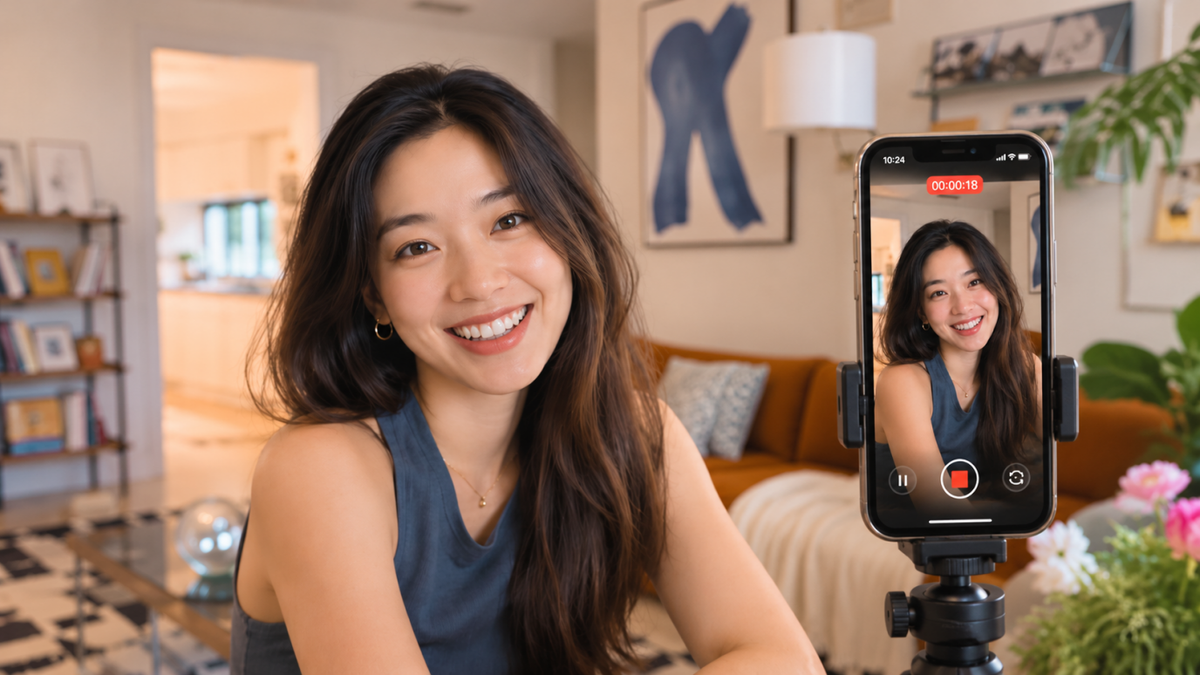
UGC videos often show products in action rather than simply listing their benefits. But what is a UGC video, and how do you choose the right format for your brand or channel? This guide explores seven common types with practical examples and shows how to create engaging UGC-style videos with AI tools like Kling AI.
What Is a UGC Video?
UGC stands for User-Generated Content. When you create a UGC video, you share your firsthand experiences, opinions, or everyday activities.
However, a casual filming style doesn't always reflect an independent customer experience. You can distinguish three main approaches:
- Organic UGC: You share real experiences or opinions. Get permission before reusing someone else's content.
- Paid Creator UGC: You create product videos for brands. Disclose material brand relationships when required, and keep personal claims truthful.
- AI-Generated UGC-Style Videos: You use AI to create product demos, virtual presenters, or everyday scenes. Verify product details and never present fictional experiences as genuine customer reviews.
Choose a format that fits your goals. Explore seven types of UGC videos with practical hooks, shot ideas, and use cases.
Type | Example Hook & Shot Plan | Best Use |
Unboxing & First Impressions | “What's inside this kit?” Unbox the product, show its accessories, and highlight one useful detail. | Product launches, bundles, and first looks. |
Reviews & Testimonials | “After a week, here's what I noticed...” Share pros and cons based on your actual experience. | Products that benefit from firsthand feedback. |
Problem & Solution | “Are cables taking over your desk?” Show the clutter, demonstrate a cable organizer, and reveal the result. | Products with clear, visible benefits. |
Before & After | “Can I get these sneakers clean again?” Show the stains, cleaning process, and actual results. | Products with verifiable visual results. |
Tutorials, How-Tos & Demos | “Set up this phone stand in three steps.” Show the hinge, angle adjustment, and phone placement. | Products that need clear demonstrations. |
Lifestyle, GRWM & Vlogs | “Come get ready with me this morning.” Include skincare or accessories in your daily routine. | Beauty, lifestyle, and everyday products. |
Reactions, Trends & Challenges | “Wait, it folds that flat?” Share your genuine reaction or adapt a relevant social media trend. | Products with surprising or shareable features. |
Whatever format you choose, focus on one question, action, or result that matters most to your audience.
How AI Makes UGC-Style Videos Easier to Create
Whether you're adapting creator footage or starting from scratch, AI can simplify UGC production. It helps you test new hooks and creative directions without repeated shoots, or create videos from prompts and reference assets. Kling AI brings these workflows together through AI generation and editing tools.
At Kling AI, we bring AI image and video generation and editing into one platform. Our latest video model, Kling 4.0, helps you create UGC-style videos from text prompts, product images, and video references. With Omni Reference, you can maintain product and character consistency and recreate proven creative concepts. Improved motion stability and up to 30 seconds of video generation help you create natural performances and more complete product stories. You can also refine existing footage to explore different campaign ideas efficiently. Below is a brief overview of the key advantages of Kling 4.0 for UGC-style video production.
Maintain Product and Character Consistency with Omni Reference
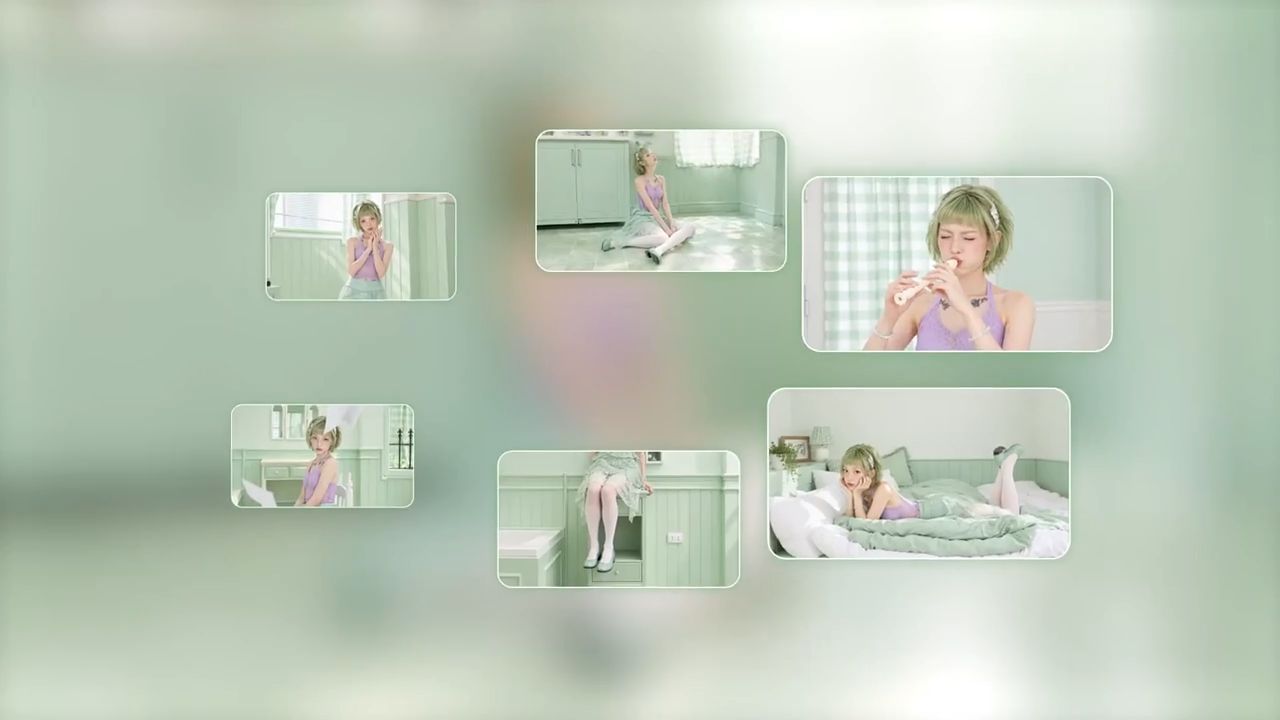
Whether you're creating an unboxing, a beauty routine, or a series of product demos, keeping your products and presenters recognizable is essential. Kling 4.0's Omni Reference supports up to 15 reference assets in a single generation, including images, videos, Elements, and Voice Profiles. Use product images to guide packaging, colors, and design details, and reuse character Elements with assigned voices to maintain a consistent appearance and voice. Combining different reference assets gives you greater creative control across a series of UGC-style videos.

Create Natural Creator-Style Performances
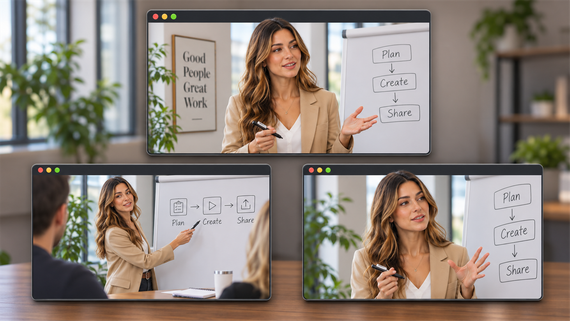
You don't have to film a real creator to produce UGC-style videos. With Kling 4.0, you can create a virtual presenter instead. Use text-to-video generation to describe your presenter's appearance, facial expressions, and everyday actions, such as greeting viewers, picking up a product, or showing its packaging. If you already have a character image, use image-to-video generation to bring your presenter to life.
With Kling 4.0's improved stability during large body movements, continuous actions, and complex camera moves, you can develop an AI influencer with more natural expressions and movements. From trying on clothes and demonstrating fitness equipment to handling products and filming handheld-style lifestyle scenes, you can create more convincing creator-style performances that fit different types of UGC videos.
Prompt | Video |
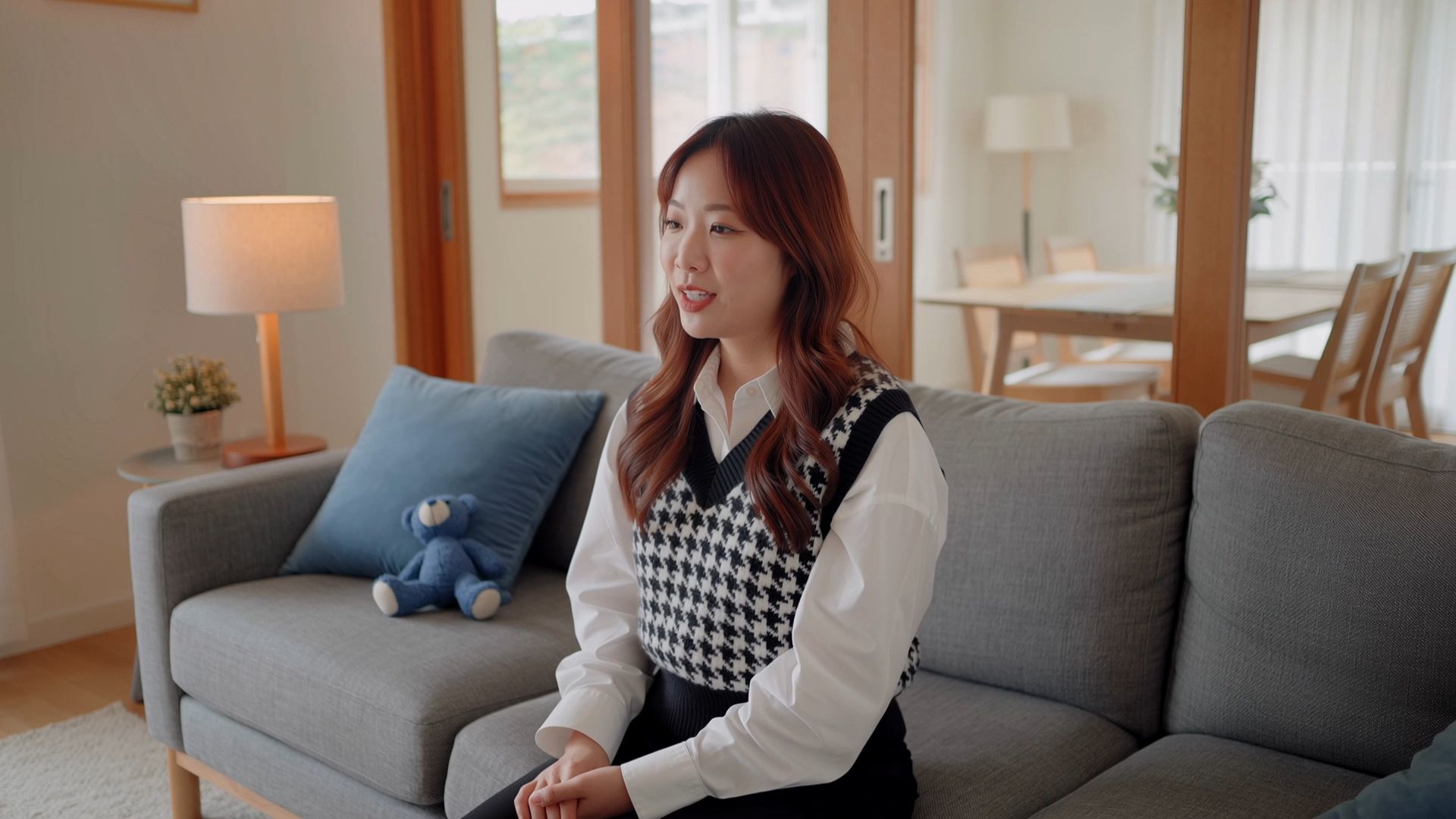
| A video featuring a female content creator. She introduces herself to the audience with a cheerful, natural demeanor. Maintain a realistic appearance and photorealistic image quality. | 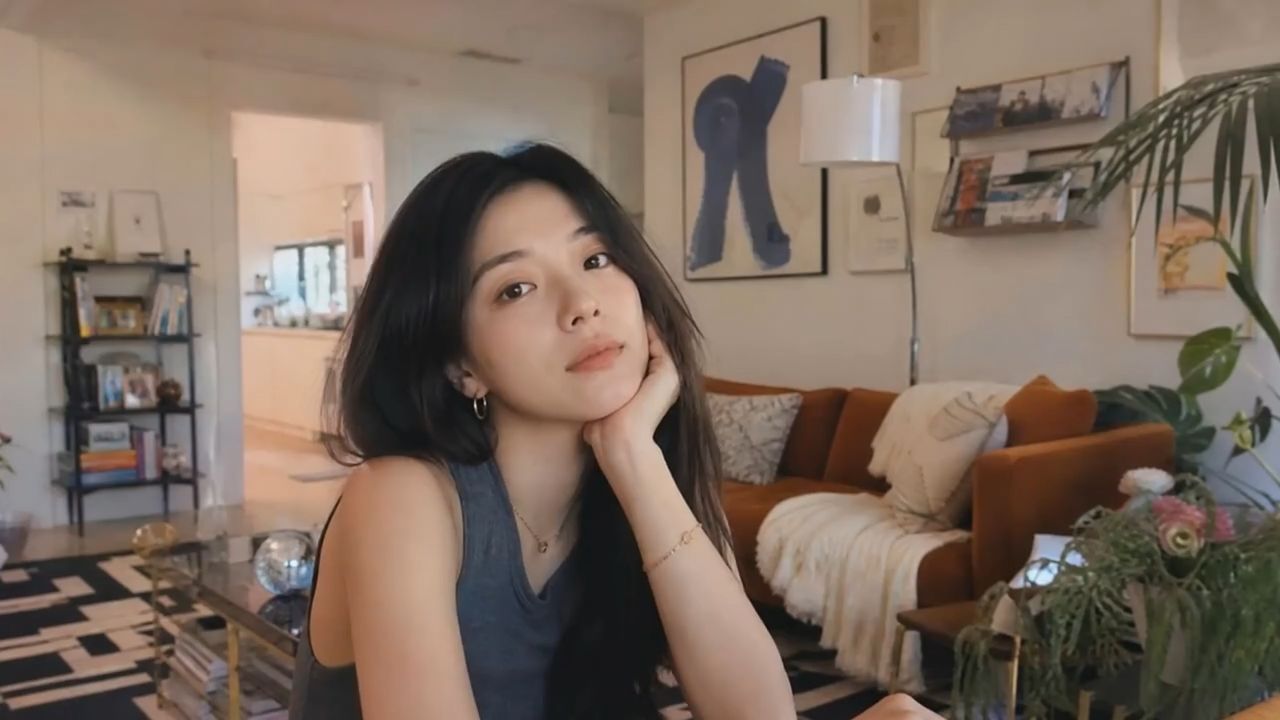 |
Recreate Proven UGC Video Concepts with Your Own Assets
Found an engaging unboxing video, a trending beauty routine, or a compelling tech product demo? With Kling 4.0's Omni Reference, you can use reference videos to guide character performances, shot composition, camera movements, and narrative pacing while introducing your own products, characters, and settings.
Instead of planning every shot from scratch or repeatedly adjusting the same creative concept, you can quickly adapt proven video formats into original UGC video content. This makes it easier to develop social media videos and product ads for fashion, beauty, consumer electronics, and other commercial applications.
Tell a Compelling Product Story in Up to 30 Seconds
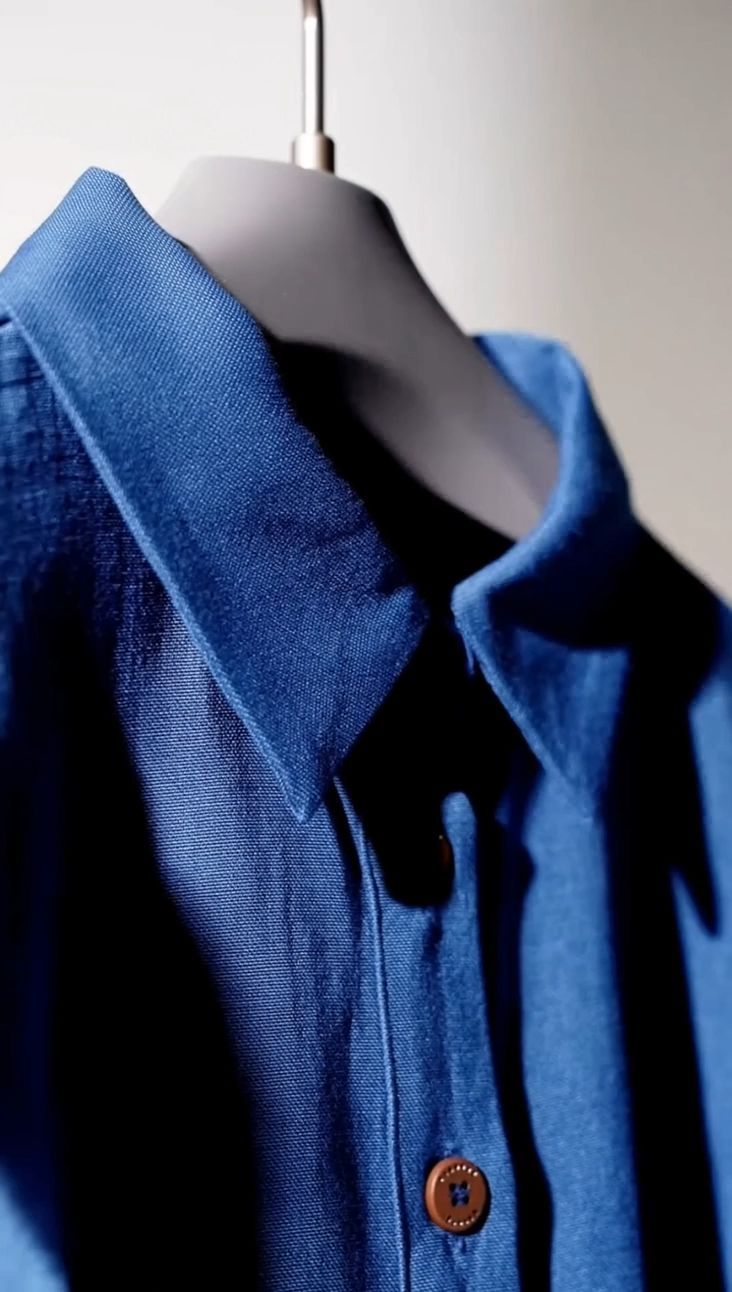
You don't need a complicated plot to tell a compelling story in a UGC-style video. Instead, focus on pacing. Hook your viewers in the first three seconds with a question or an eye-catching visual. Then use product close-ups, hands-on demonstrations, and natural reactions to highlight key benefits. Wrap up with a quick takeaway or a final product shot.
With Kling 4.0, you can generate videos from 3 to 30 seconds long in a single generation. Use text prompts to plan your presenter's dialogue, actions, and camera movements, creating a smooth flow from the opening hook to the product demo and closing scene. For more precise visual control, you can also use up to 10 keyframe images to guide important scenes and transitions, helping you create a more cohesive story.
Create UGC Videos with Dialogue in Nine Languages
If you want to reach audiences who speak different languages, introduce your products in languages they know to make your UGC-style videos easier to understand and more relatable. With Kling 4.0, you can generate dialogue in nine languages: Chinese, English, Japanese, Korean, Spanish, Portuguese, German, French, and Hindi. You can also explore different accents and dialects to create content that resonates with audiences across regions.
Write your presenter's dialogue in your prompt and specify the tone, emotion, and speaking pace. With native audio generation and improved lip sync, your presenter's dialogue and lip movements can align more naturally. Whether you want to introduce products, demonstrate how to use them, or share everyday experiences, you can create UGC-style talking videos for different language audiences.

Edit and Test Different Versions of Your UGC Videos
If you already have a product demo video but want to remove the background, replace it with a new setting, erase unwanted objects, or swap out the on-screen presenter, you don't need to reshoot every new idea. With Kling 4.0, you can upload your footage to the AI Video Editor and use text prompts and visual references to make targeted changes. Specify what you want to change and what you want to preserve, including the original actions, framing, and camera movements.
You can also create different product demo and ad variations from the same footage. Share them on TikTok, Instagram Reels, or YouTube Shorts, or use them in paid ad campaigns. Then compare watch time, engagement rates, and other performance metrics to identify the creative that best connects with your audience while reducing repetitive production work.
What Makes a Good UGC Video?
You don't need the polished look of a traditional commercial to create a great UGC video. Instead, focus on natural delivery, clear product value, and trustworthy content. Whether you film with real creators or use AI to generate UGC-style videos, keep these five essentials in mind:
- Grab Attention and Include a Clear CTA: Hook your viewers with a question, visual contrast, or compelling result, then end with a clear call to action (CTA).
- Keep It Natural and Relatable: Choose everyday settings, use conversational language and natural movements, and avoid stiff scripts or an overly promotional tone.
- Highlight Real Product Value: Show practical benefits through hands-on demonstrations, product close-ups, or everyday use cases. Avoid vague or unsupported claims.
- Optimize for Mobile Viewing: Consider a 9:16 vertical format for short-form platforms. Keep your visuals and audio clear, use readable captions, and maintain a brisk, easy-to-follow pace.
- Stay Authentic and Transparent: Keep your product details accurate and use real customer experiences for reviews and testimonials. Never present fictional AI-generated experiences as authentic customer testimonials.
How to Create UGC-Style Videos with Kling AI
Turn your product idea or reference materials into a UGC-style video in three simple steps.
Step 1: Add Your UGC References
Open Kling AI's Video Generation workspace and select Kling 4.0. In Omni Reference, add product images, character images, Elements, or reference videos to guide your creation. If you have no reference assets, start directly with a text prompt.
Step 2: Describe Your UGC Scene
Describe the opening hook, product demonstration, dialogue, character actions, and camera movements. Use @ to reference uploaded assets and specify how each one should guide the product's appearance, character performance, or video style.
| Example prompt: Create a 15-second vertical UGC-style video. Use @Image1 as the product reference, @Element1 as the presenter, and @Video1 as the reference for camera movements and pacing. Start with a conversational hook, demonstrate the product, and finish with a close-up. |
Step 3: Set Your Format and Generate
Choose your video duration (3–30 seconds), aspect ratio, and output quality. For TikTok, Instagram Reels, or YouTube Shorts, consider a 9:16 format. Generate your video, review the product details and character performance, then refine or download it.
The End
From unboxings to product demos, you can use UGC videos to showcase your products in a natural, relatable way. With Kling 4.0, you can also turn product images, text prompts, and reference assets into engaging UGC-style videos. Whatever your approach, focus on clear product value, keep your claims accurate, and never present fictional AI-generated experiences as genuine customer testimonials.
FAQs
How can I make UGC videos?
Start by choosing a format, such as an unboxing, product demo, or tutorial. Plan an engaging hook, show your product in action, and end with a clear takeaway. You can film with your smartphone or use Kling AI's AI Video Generator to create UGC-style videos from text prompts and reference images. Review your video, check product details, and refine the content before sharing it.
How much does UGC pay per video?
As a rough benchmark, you may see rates around $100–$300 for a short UGC video, although actual fees vary by experience, deliverables, revisions, and usage rights. You can negotiate a fee for one video or offer packages with multiple clips. If you grant paid advertising rights or publish content on your own channels, discuss those terms separately.
Is UGC content legal?
Generally, yes, as long as you have the necessary rights and follow applicable advertising rules. Get permission before reusing third-party footage, music, or images, and disclose paid brand relationships when required. For U.S. campaigns, follow the FTC's influencer disclosure guidance and rules on consumer reviews and testimonials to avoid misleading claims and fake endorsements, including those involving AI-generated content.
Do I need a big social media account to make UGC?
No. You don't need a large audience to create UGC videos for brands. For content-only projects, your portfolio, production skills, and ability to follow a brief can matter more than follower count. Start by creating sample unboxings, product demonstrations, and lifestyle videos to showcase your work.
Do I need professional equipment to create UGC videos?
No. You can start with a smartphone, steady framing, good lighting, and clear audio. Add a tripod or microphone if your setup needs one. Focus on making your product easy to see and your message easy to understand.