AI Tattoo Generator: Design Your Next Tattoo

Have a tattoo idea but haven't found the right look? Start with a few words, a photo, or a sketch. Try different tattoo styles, adjust the design for the spot you have in mind, and bring your favorite concept to your tattoo artist.

Create Tattoo Designs

A meaningful tattoo deserves more than the first design you come across. Start with an idea that's personal to you, see how it looks in different styles, and work through the details before you commit.

Turn Your Photos Into Tattoo Designs

Turn Your Photos Into Tattoo Designs

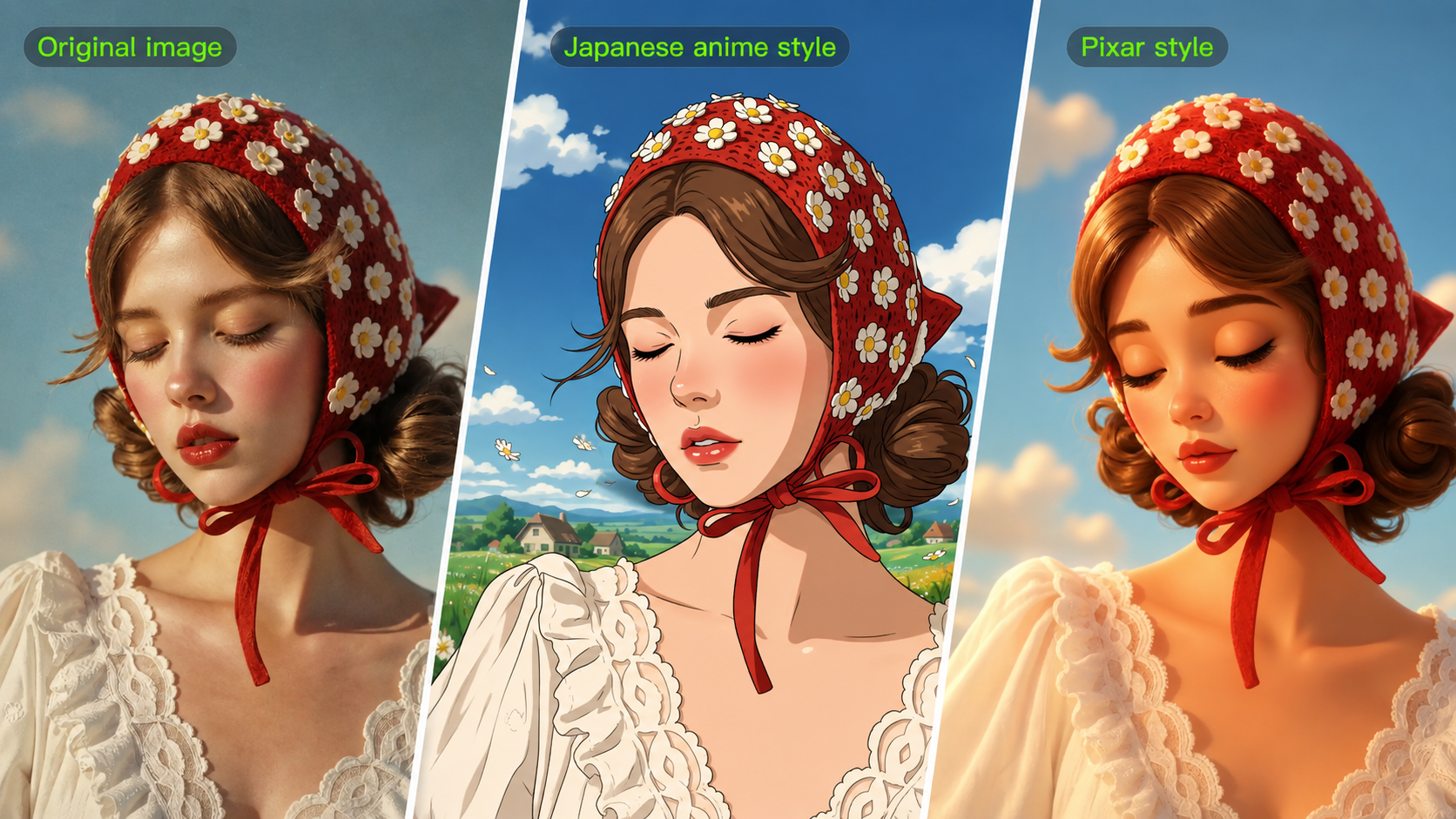
Have a photo of your pet, a favorite flower, a meaningful portrait, or a sketch you've been saving? Use it as a reference for a tattoo design that captures what matters to you. Turn a photo into a fine-line illustration, simplify it into a blackwork design, or try another tattoo style while keeping recognizable details from the original subject.

Find a Tattoo Style That Fits Your Idea

Find a Tattoo Style That Fits Your Idea

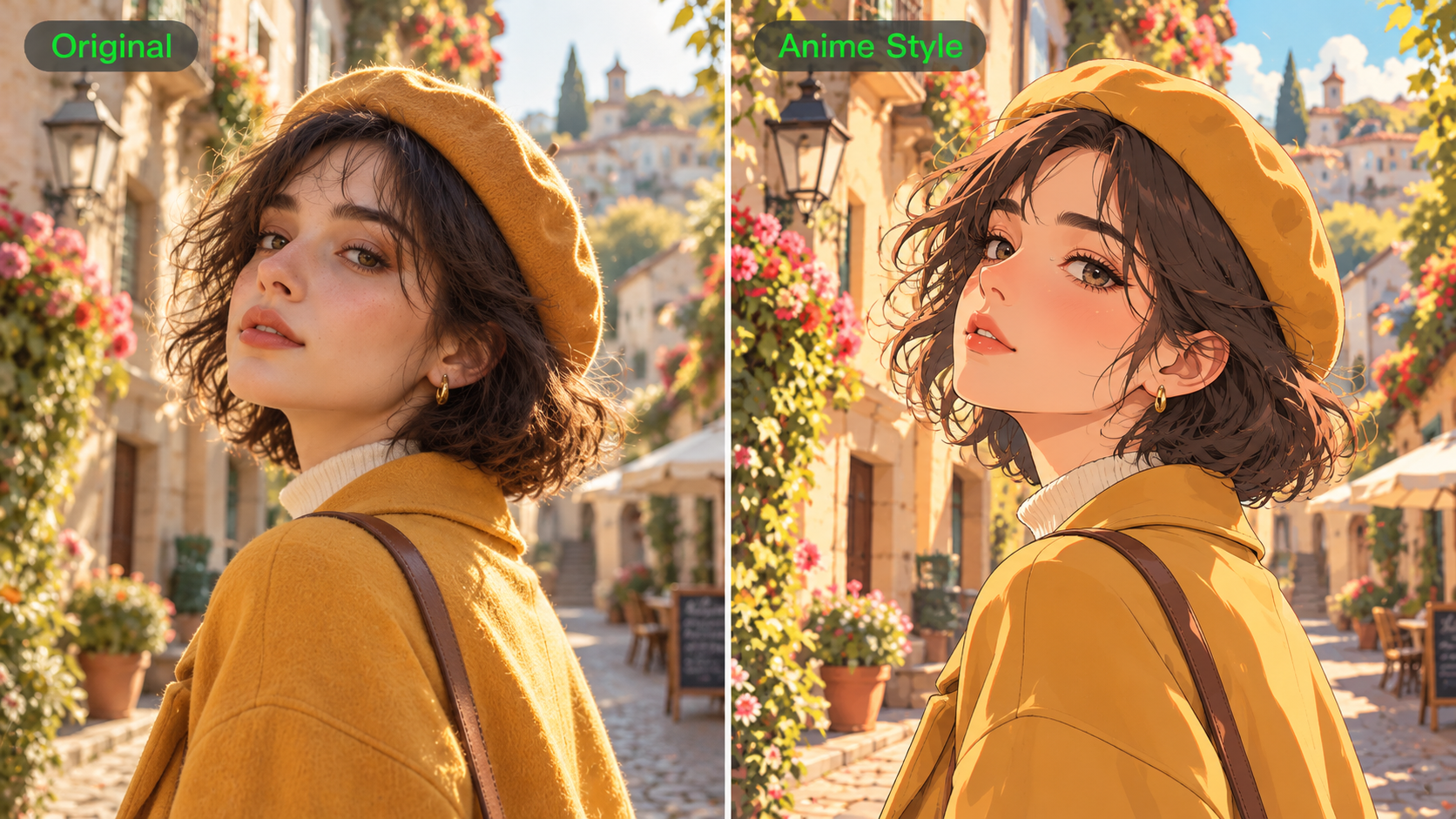
The same design can look completely different in fine-line, blackwork, traditional, geometric, or watercolor styles. Try delicate outlines, bold shading, black-and-grey details, or a more colorful approach. Compare different versions of the same subject before deciding which style you want to take further.

Bring Meaningful Details Together in One Design

Bring Meaningful Details Together in One Design

Sometimes one reference isn't enough to tell the whole story. Combine a flower from one image, a symbol from another, or different elements that represent something important to you. Kling IMAGE 3.0 supports up to 10 reference images, so you can explore how several ideas might work together in a single tattoo composition.

Explore Designs for the Spot You Have in Mind

Explore Designs for the Spot You Have in Mind

A small ankle tattoo calls for a different composition than a forearm sleeve or a larger back piece. Describe where you're thinking of placing your tattoo and try a vertical, curved, compact, or wider design. Compare different arrangements to get a better sense of the look you want before working out the final size and placement with your tattoo artist.

Keep What You Love, Change What You Don't

Keep What You Love, Change What You Don't

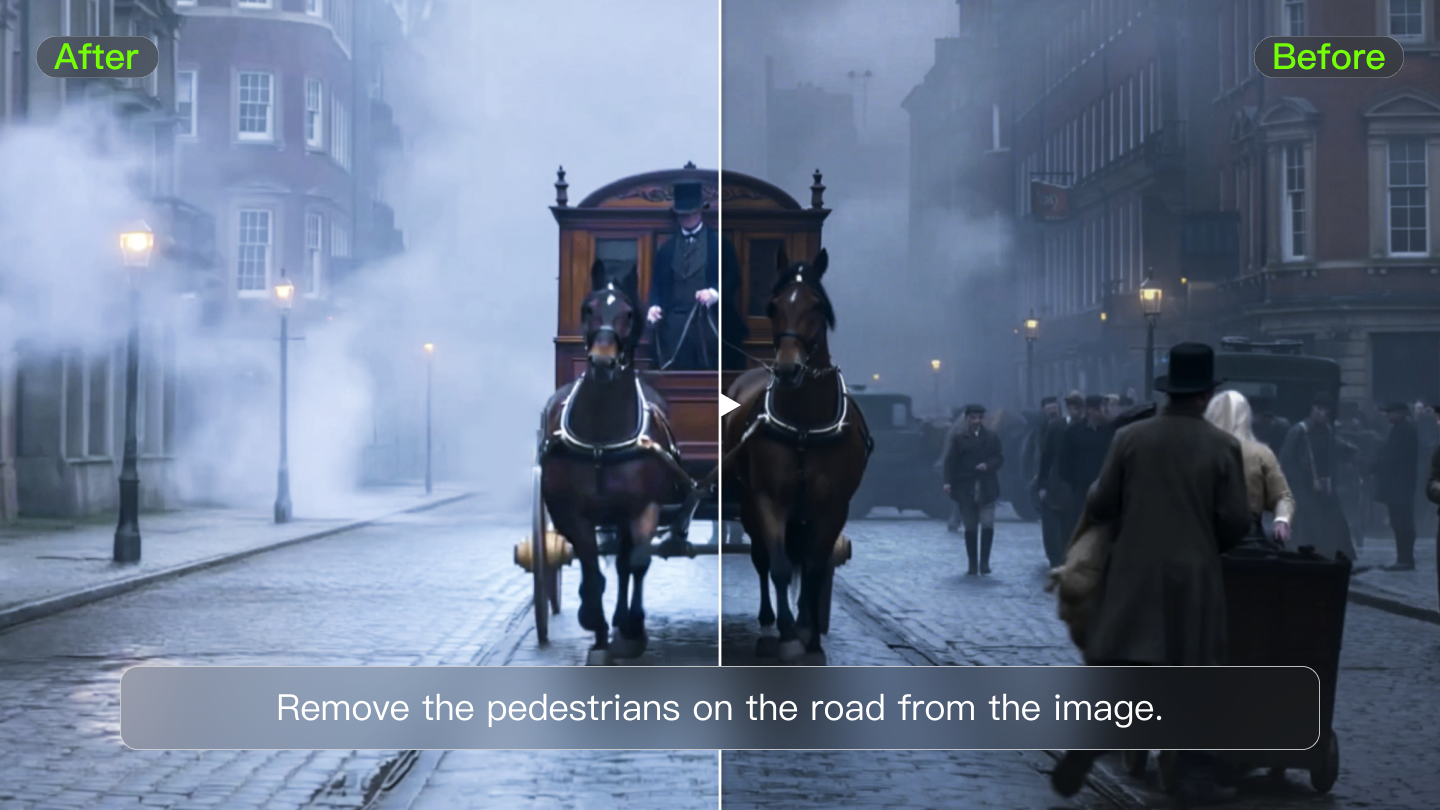
Like the overall design but want fewer details, softer shading, or a different arrangement? Keep working from the version you prefer. Change the linework, colors, composition, or specific elements with new instructions instead of starting with a completely different tattoo idea.

How to Create a Tattoo Design with AI

Describe Your Tattoo Idea

Describe Your Tattoo Idea

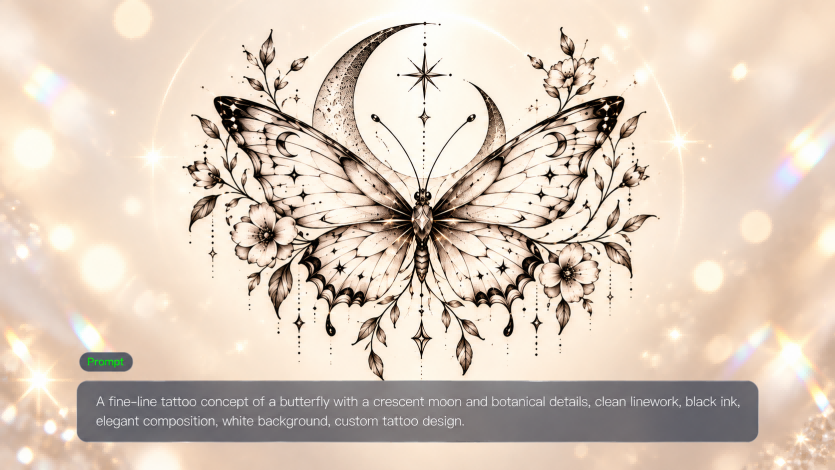
Start with the subject, symbol, or meaning behind your tattoo. Tell Kling AI what you want to create, including the tattoo style, linework, colors, composition, and body area you have in mind. For example, try "a fine-line moth with botanical details, arranged vertically for the inner forearm."

Add Photos or Sketches for Inspiration

Add Photos or Sketches for Inspiration

Have a photo, rough sketch, or artwork that captures part of your idea? Upload it as a reference to guide the subject, style, or details. You can combine multiple references when you want to bring different ideas together, or start from text alone.

Generate and Refine Your Tattoo Design

Generate and Refine Your Tattoo Design

Generate your tattoo design and review the linework, shading, colors, and composition. If something doesn't look right, describe what you'd like to change and create another version. Keep refining until you have a clearer concept to discuss with your tattoo artist.

What Our Creators Say?

Déborah

Déborah

I use Kling AI every day. It's amazing to see the almost daily progress it makes. I used AI for fun at first, and I now find that Kling AI's animations allow me to gain professional visibility, with three times more views on my animated posts than on my static posts.
KakuDrop

KakuDrop

I have successfully collaborated with world-renowned artists and well-known companies that are recognized globally

Jyo John Mulloor

Jyo John Mulloor

Kling AI has been instrumental in transforming my creative workflow, unlocking new dimensions of artistic expression that were once unimaginable. I use Kling AI extensively to develop high-concept visuals, animate surreal dreamscapes, and create AI-assisted films that blur the line between reality and fantasy. Kling AI's deep learning capabilities have not only enhanced my creative efficiency but also inspired me to explore storytelling in ways I never thought possible.

60M+ Users
60M+
Users
600M+ AI Videos Generated
600M+
AI Videos Generated
4.7 star App Store
4.7 ★
App Store
Industry-Leading Cinematic 4K
Industry-Leading
Cinematic 4K

More AI Creation tools

More Features

Learn More about AI Image Generation

FAQ about AI Tattoo Generator

Q1What is an AI tattoo generator?
Q2Can I turn a photo into a tattoo design with AI?
Q3Can I generate a tattoo design from text?
Q4What tattoo styles can I create with Kling AI?
Q5Can I design a tattoo for a specific body placement?
Q6Can I create matching tattoo designs with AI?
Q7Can I take an AI-generated tattoo design to a tattoo artist?

Explore Your Tattoo Idea Before You Commit

Start with a meaningful idea, a photo, or a sketch. Find the style you like, bring your favorite details together, and create a tattoo concept worth discussing with your artist.

Multi-Reference Creation | Style & Placement Control | Refined Variations