AI Image Upscaler: Bigger Images, Sharper Details

Need a sharper image for a poster, campaign, or large display? Use Kling AI to improve visual details, enlarge generated images, or recreate photos and artwork in native 2K or 4K.

AI Image Upscaler: Bigger Images, Sharper Details

Make Small Images Ready for Bigger Formats

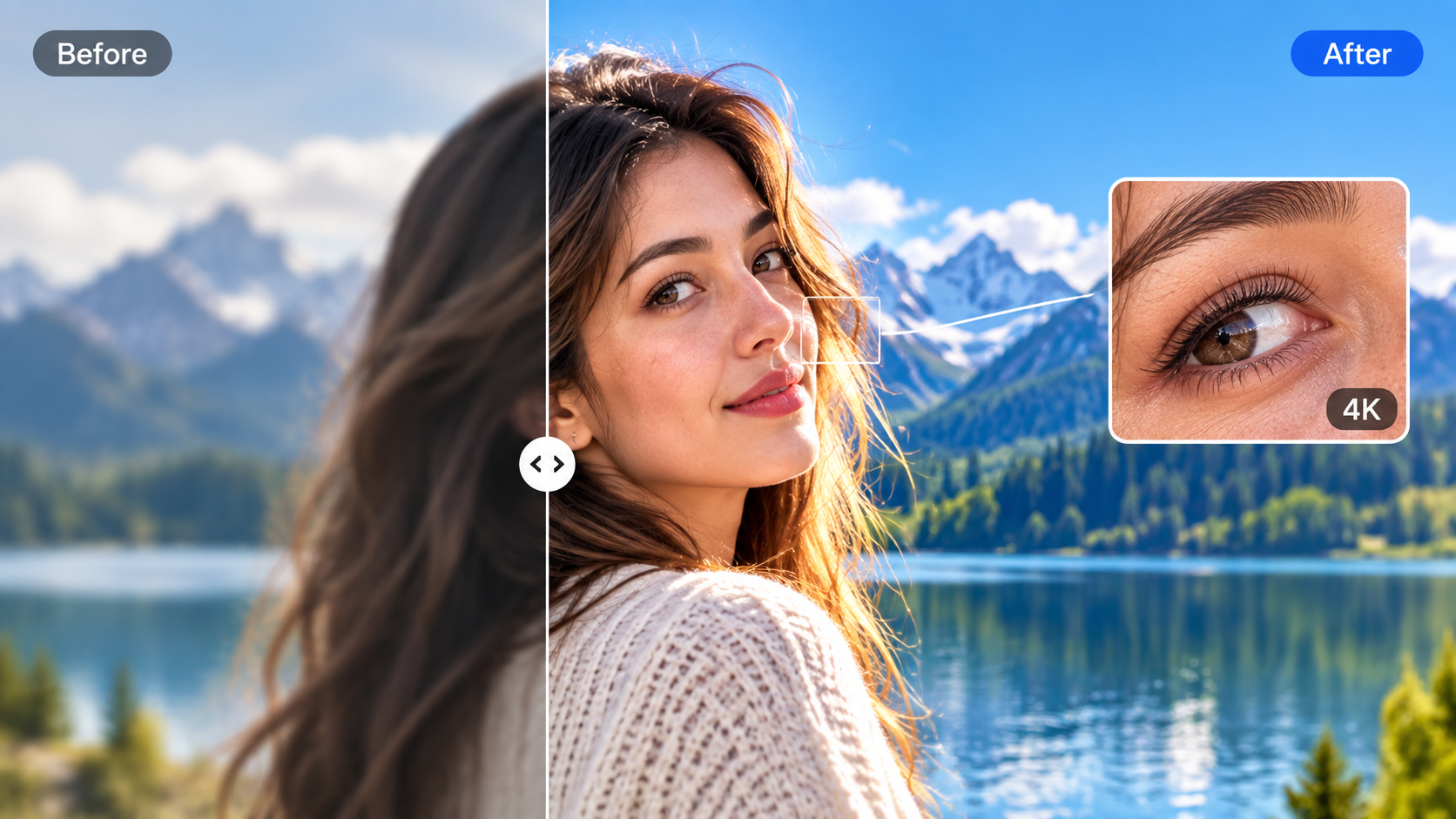
Make smaller images ready for larger formats with Kling AI. Improve image resolution, enhance visual details, and create sharper 2K or 4K visuals for your creative projects.

Create Native 2K or 4K Images

Create Native 2K or 4K Images

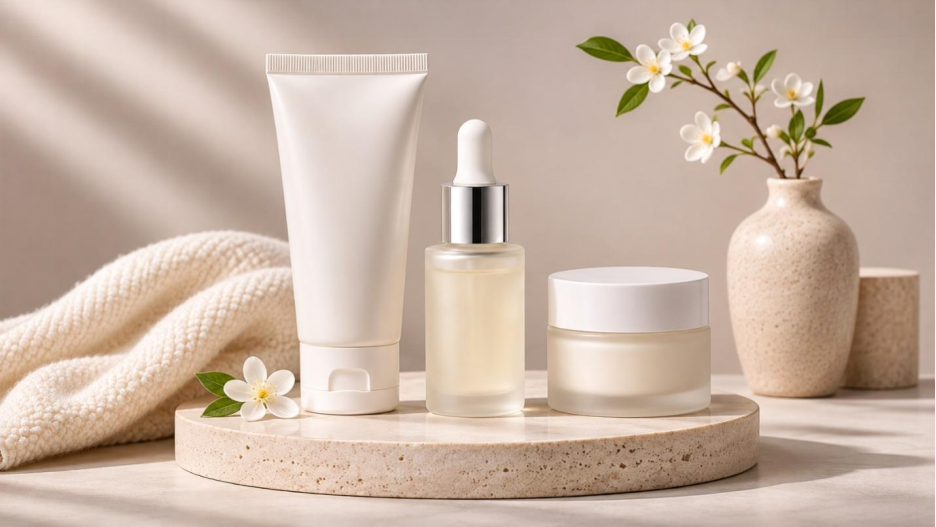
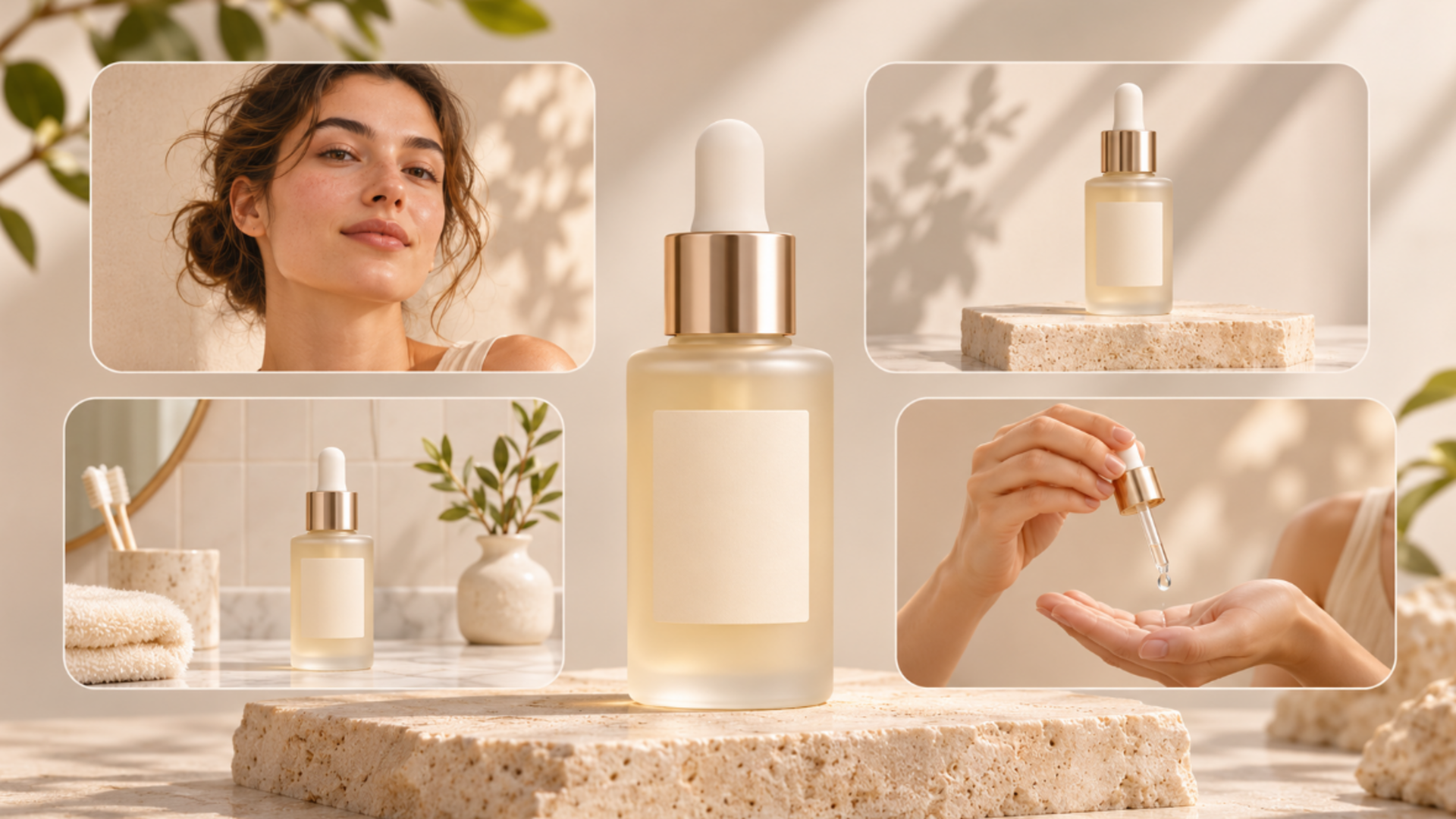
A small product photo can look sharp online but lose definition on a poster or large display. Use Kling IMAGE 3.0 Omni to recreate it from the original reference in native 2K or 4K, with more defined edges, textures, and color transitions for larger creative formats.

Refine Image Details

Refine Image Details

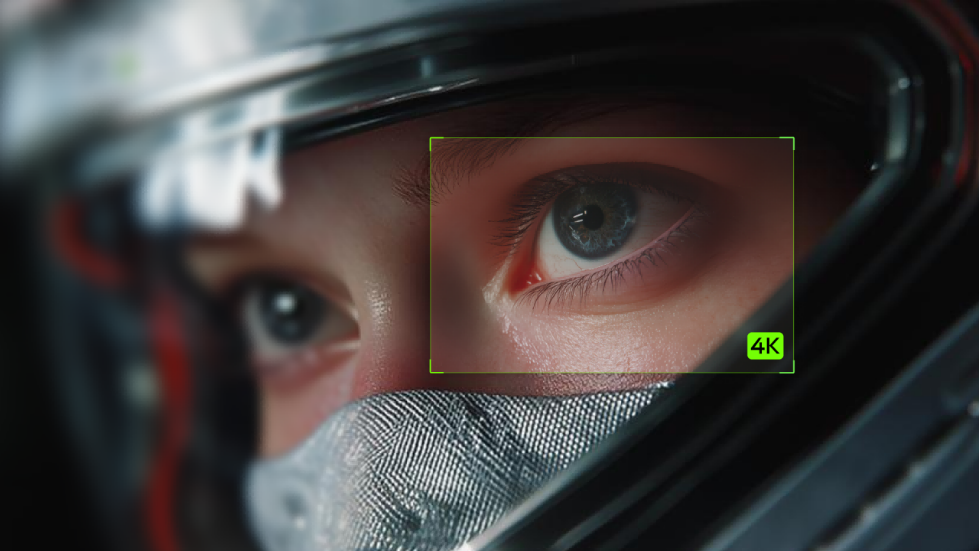
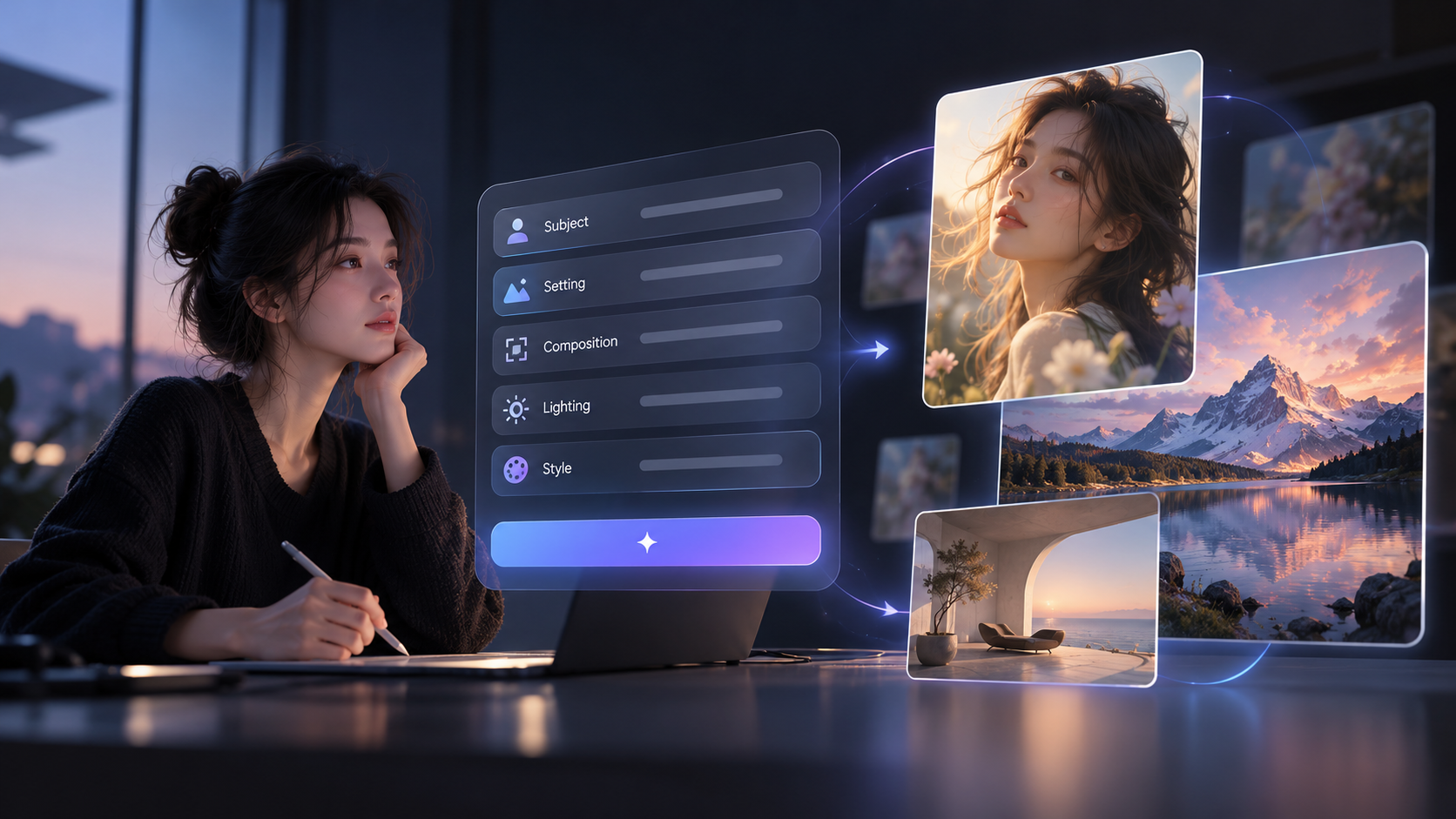
Small flaws become easier to notice when an image is enlarged. With Kling IMAGE 3.0 Omni, describe the textures, lighting, facial features, or background details you want to refine in natural language, while specifying which elements should remain unchanged.

Upscale Generated Images

Upscale Generated Images

Already happy with an AI-generated image but need a larger version? Open a Kling-generated result and click Upscale directly in its action panel to increase resolution without starting a new image-to-image workflow. This feature is available to paid subscribers.

How to Upscale an Image

Upload Your Original Image

Upload Your Original Image

Upload the photo, product visual, or artwork you want to enlarge. Add a supporting reference image if you need to preserve a face, product feature, or material more accurately.

Describe the Details to Preserve

Describe the Details to Preserve

Describe the features you want to retain, such as facial details, product shapes, colors, and composition. Use your prompt to highlight textures or lighting that need refinement while keeping the overall image consistent.

Generate in 2K or 4K

Generate in 2K or 4K

Select native 2K HD or 4K Ultra HD and generate your image. Review and download the result. Subscribers can also open a previously generated Kling image and click Upscale directly in its action panel to further increase its resolution.

Put Higher-Resolution Images to Work

One image often has to work in several places, from a small product listing to a large campaign display. Kling IMAGE 3.0 Omni helps teams and creators develop higher-resolution versions of familiar visuals for new formats and projects.

E-Commerce Sellers and Product Teams

E-Commerce Sellers and Product Teams

Product images often appear across listings, storefront banners, detail pages, and promotional materials, each with different size requirements. With Kling IMAGE 3.0 Omni, e-commerce teams can create a higher-resolution version that brings packaging, materials, and textures into clearer view across online placements.

Designers, Marketers, and Brand Teams

Designers, Marketers, and Brand Teams

A campaign graphic may start as a small website asset, then need to fill a poster or event screen. Designers and marketers can use Kling IMAGE 3.0 Omni to improve image resolution and prepare versions for presentations or larger placements.

Photographers and Image Editors

Photographers and Image Editors

An older photo export may have the perfect composition but lack the resolution for a new project. Kling IMAGE 3.0 Omni lets photographers and image editors develop higher-resolution versions, refine specific visual details, and give existing photos new life in portfolios or client projects.

AI Artists and Generative Content Creators

AI Artists and Generative Content Creators

Early AI artwork may work for concept exploration but look too small in a poster layout or digital display. Kling AI can recreate it at higher resolution, giving artists more room to examine the details and prepare a version for publishing or presentation.

What Our Creators Say?

Déborah

Déborah

I use Kling AI every day. It's amazing to see the almost daily progress it makes. I used AI for fun at first, and I now find that Kling AI's animations allow me to gain professional visibility, with three times more views on my animated posts than on my static posts.

KakuDrop

KakuDrop

I have successfully collaborated with world-renowned artists and well-known companies that are recognized globally

Jyo John Mulloor

Jyo John Mulloor

Kling AI has been instrumental in transforming my creative workflow, unlocking new dimensions of artistic expression that were once unimaginable. I use Kling AI extensively to develop high-concept visuals, animate surreal dreamscapes, and create AI-assisted films that blur the line between reality and fantasy. Kling AI's deep learning capabilities have not only enhanced my creative efficiency but also inspired me to explore storytelling in ways I never thought possible.

60M+ Users
60M+
Users
600M+ AI Videos Generated
600M+
AI Videos Generated
4.7 star App Store
4.7 ★
App Store
Industry-Leading Cinematic 4K
Industry-Leading
Cinematic 4K

More AI Creation tools

More Features

Learn More about AI Image Generation

FAQ about Image Upscaler

Q1What is an AI image upscaler?
Q2What is the difference between AI upscaling and normal resizing?
Q3How to upscale an image without losing quality​?
Q4Can an image upscaler reduce blur and noise?
Q5When should I upscale instead of simply sharpening an image?
Q6What image formats can I upload to an AI upscaler?
Q7Can I upscale an image to 4K resolution?
Q8Is Kling AI a free image upscaler?

Give Your Image More Room to Shine

Bring an older photo, product shot, or AI concept back into play. Use Kling IMAGE 3.0 Omni to create a higher-resolution version and polish the details that make it distinctive.

Native 2K/4K Output | Up to 10 References | Targeted Detail Editing