AI Meme Generator

Create a meme from a joke, reaction, text idea, or photo. Add your own caption, change the character or scene, or turn a still reaction into a video with movement and dialogue.

Make Memes That Say What You Really Mean

Start from something funny, awkward, dramatic, or familiar, then change the parts that make the meme yours.

Turn an Idea or Photo Into Your Own Meme

Turn an Idea or Photo Into Your Own Meme

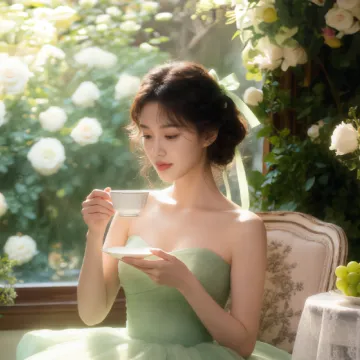
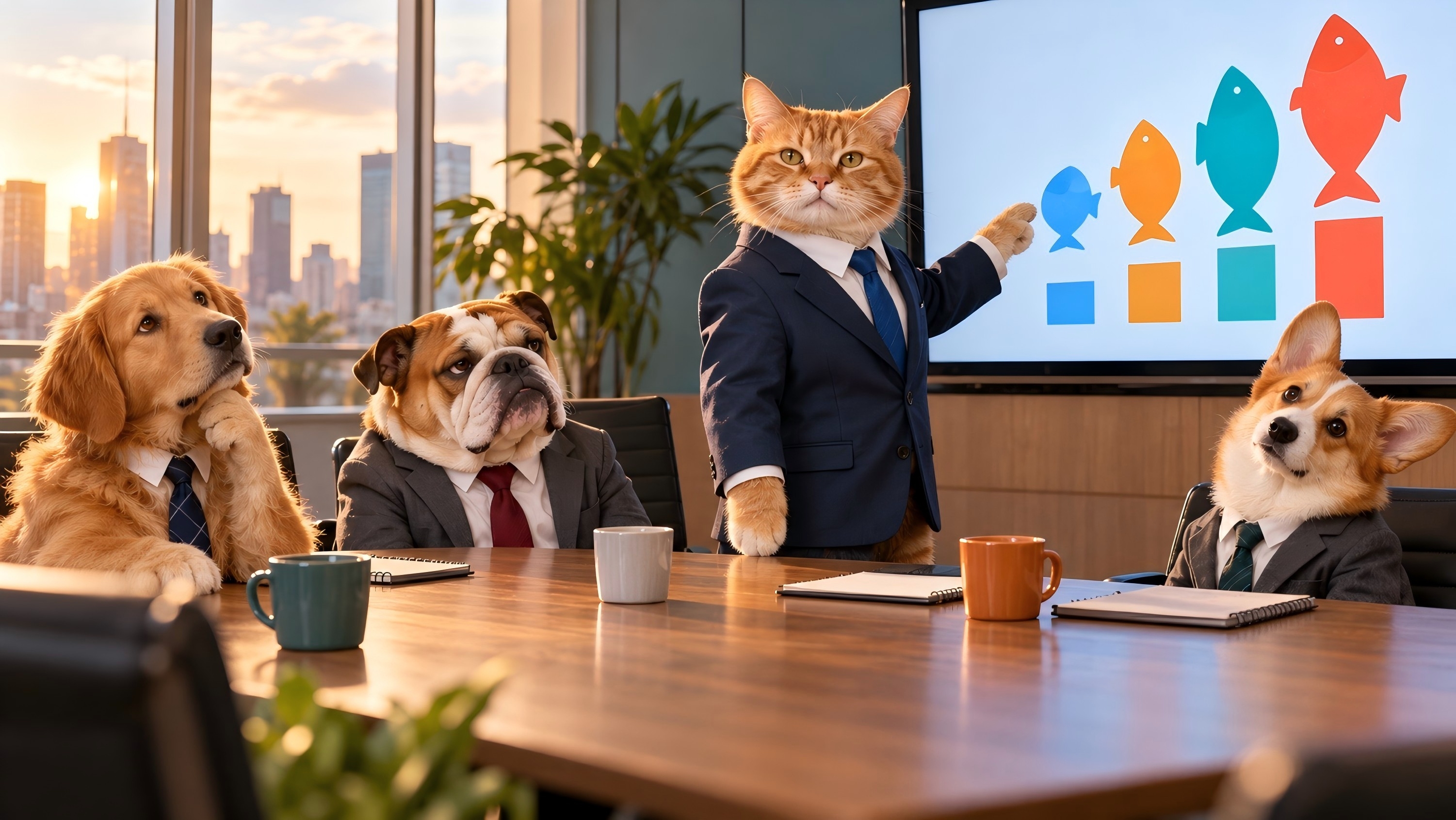
Start with a funny situation, your own photo, or a reaction image you like. Change the expression, setting, character, or visual style while keeping the setup that makes the reaction work. Use yourself, a friend, a pet, a mascot, or an original character when the joke works better with someone your audience knows.

Put the Punchline Right in the Image

Put the Punchline Right in the Image

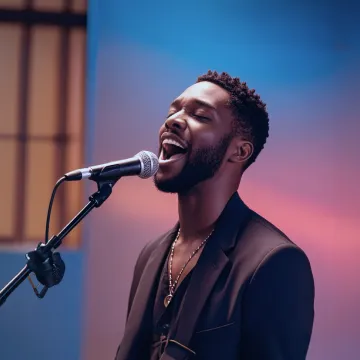
Add a short caption, comeback, reaction line, or punchline as part of the image you generate. Tell Kling what the text should say and where it should appear, then check the spelling, placement, and readability before sharing. Shorter captions usually give you more room to keep the reaction clear.

Turn a Still Reaction Into a Video Meme

Turn a Still Reaction Into a Video Meme

Some jokes need timing. Start from a still reaction and add a delayed double take, exaggerated expression, sudden movement, camera push-in, or another short action. Kling 4.0 lets you turn the image into a moving reaction instead of stopping at a single frame.

Build More Reactions Around the Same Character

Build More Reactions Around the Same Character

Found a character or reaction style that works? Keep using it. IMAGE 3.0 Omni's Image Series Mode can create a related set of images around the same character or visual direction. Try different expressions, situations, and reaction setups so you have more than one meme ready for the next conversation.

Swap in the Person or Character You Want

Swap in the Person or Character You Want

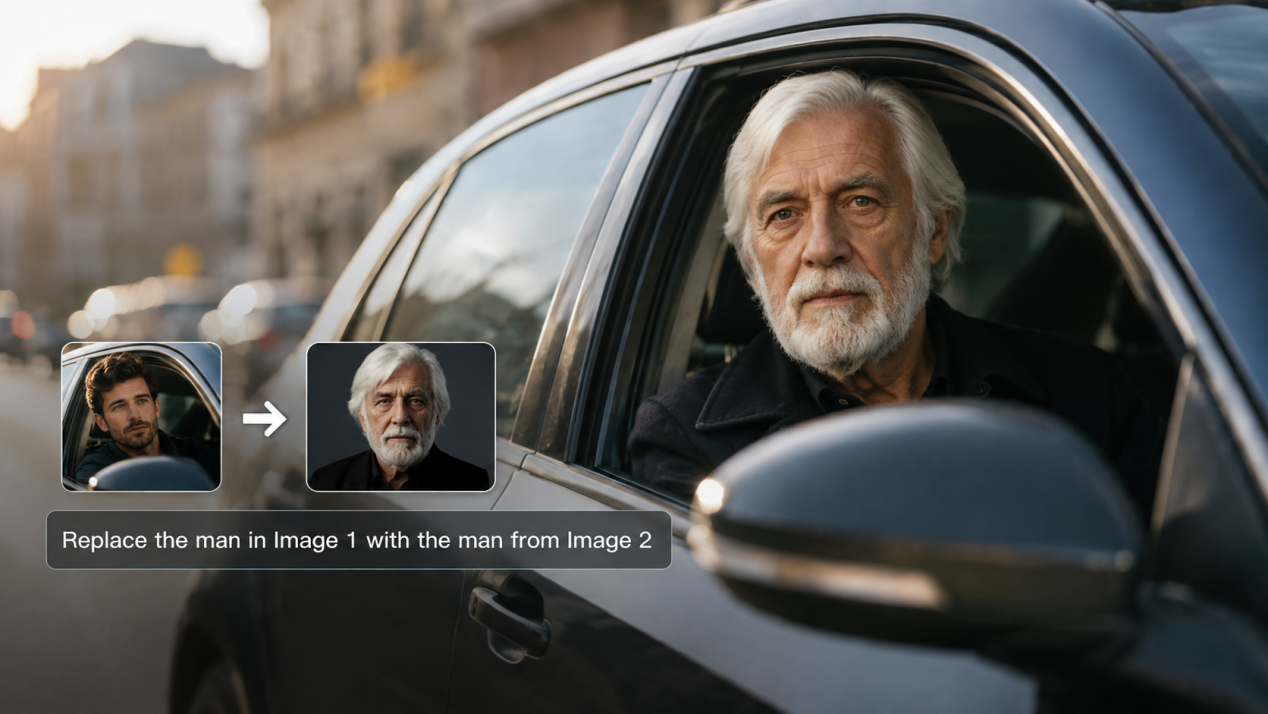
A familiar reaction can feel completely different when the subject changes. Upload a reference of the person, pet, mascot, or character you want to use, then describe what should change and what should stay recognizable. Keep the expression, pose, or setup you like while giving the reaction a new face.

How to Create a Meme with Kling AI

Start With a Joke, Photo, or Reaction

Start With a Joke, Photo, or Reaction

Write the situation you want to turn into a meme, or upload a photo or reaction image to work from. Add another reference when you want to replace the person, pet, mascot, or character with someone else.

Add the Punchline and Changes

Add the Punchline and Changes

Describe the expression, setting, style, and short caption you want in the image. If you are making a video meme, add the action or spoken line that makes the reaction work.

Generate, Review, and Download

Generate, Review, and Download

Generate the meme and make sure the reaction, caption, and timing land the way you intended. Check any generated text for spelling and readability.

What Our Creators Say?

Déborah

Déborah

I use Kling AI every day. It's amazing to see the almost daily progress it makes. I used AI for fun at first, and I now find that Kling AI's animations allow me to gain professional visibility, with three times more views on my animated posts than on my static posts.

KakuDrop

KakuDrop

I have successfully collaborated with world-renowned artists and well-known companies that are recognized globally

Jyo John Mulloor

Jyo John Mulloor

Kling AI has been instrumental in transforming my creative workflow, unlocking new dimensions of artistic expression that were once unimaginable. I use Kling AI extensively to develop high-concept visuals, animate surreal dreamscapes, and create AI-assisted films that blur the line between reality and fantasy. Kling AI's deep learning capabilities have not only enhanced my creative efficiency but also inspired me to explore storytelling in ways I never thought possible.

60M+ Users
60M+
Users
600M+ AI Videos Generated
600M+
AI Videos Generated
4.7 star App Store
4.7 ★
App Store
Industry-Leading Cinematic 4K
Industry-Leading
Cinematic 4K

More AI Creation tools

More Features

Learn More about AI Image Generation

FAQ about Meme Generator

Q1What is an AI meme generator?
Q2How do I make a meme from a photo?
Q3Can I create a meme from text alone?
Q4Can I replace the person or pet in a meme?
Q5Can I make animated or talking memes with Kling AI?
Q6How is an AI meme maker different from a template-based meme creator?
Q7How can I make my meme captions easier to read?
Q8Can I create several memes with the same character?

Create Your Next Image or Video Meme

Start with a joke, photo, or reaction. Add your caption, change the character or scene, and turn the result into a video when the joke needs movement or dialogue.